PluginsFeatures
Introducing multi-environment management in ReadyCMS
Learn how ReadyCMS’ Multi-environment manager separates development, testing, staging, and production so teams can build and test changes...

An abandoned cart does not always mean the customer has decided not to buy.
They may have been interrupted, needed more information, wanted to compare options, or simply decided to finish the purchase later.
An abandoned cart email gives them a direct way back. But sending the same reminder three times is not much of a strategy. Each message should have a different job.
Think of the sequence as: remind → reassure → final follow-up.
If you use the Email abandoned cart notification plugin in ReadyCMS, you can automate sending. Your job is to decide what each email should say and how long ReadyCMS should wait before sending it.
Recovery emails can bring a customer back, but they cannot fix the reason they left.
Before building a sequence, check whether customers are running into problems such as:
If a customer left because the checkout did not support their preferred payment method, sending them back to the same checkout will not solve the problem.
We cover these causes in more detail in our complete abandoned cart recovery guide. This article focuses on the next step: what to send after you detect an abandoned cart.
Each email should move the conversation forward instead of repeating “you forgot something.”
The tone can become slightly more direct as the sequence continues, but the message should remain useful. Artificial scarcity and repeated pressure are not a substitute for good information.
The purpose changes from one message to the next, but a few elements should stay consistent throughout the sequence.
The customer should recognize the cart immediately.
Show useful product information such as:
In ReadyCMS, the products from the abandoned cart can be inserted into the recovery email automatically. The customer sees what they actually selected instead of receiving a generic store reminder.
 Show customers the products they left in their cart.
Make the next step obvious.
Suitable button labels include:
Avoid surrounding the main action with several unrelated links or promotions.
 Give the email one clear primary action.
Do not send the customer back to the homepage and expect them to rebuild the cart.
The main button should return them directly to their saved cart so they can continue from where they stopped.
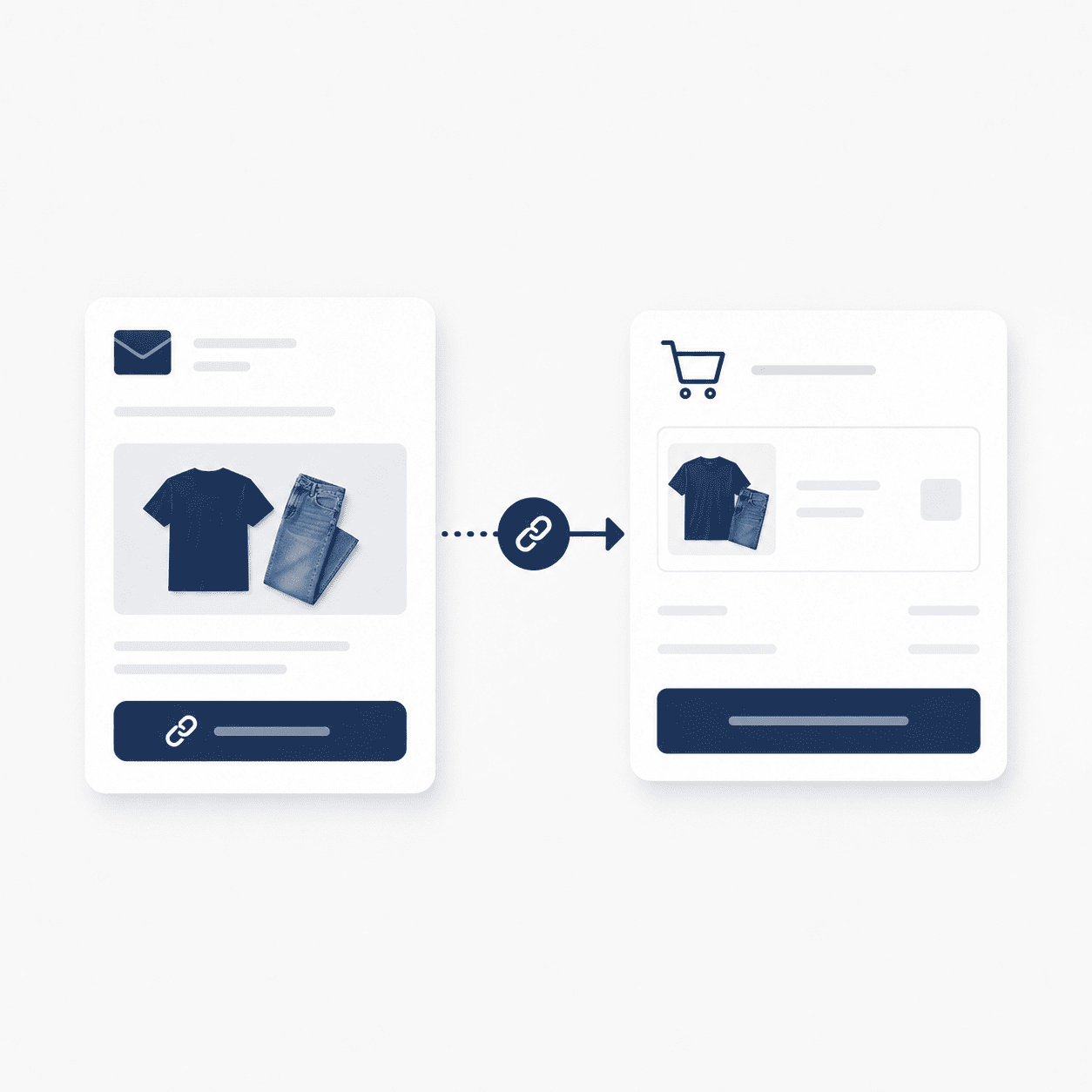 Reduce the number of steps between the email and checkout.
A customer may open the reminder on a phone even if they originally browsed the store on another device.
Use readable text, enough spacing around buttons, and a layout that does not require zooming. The checkout itself should also work properly on smaller screens.
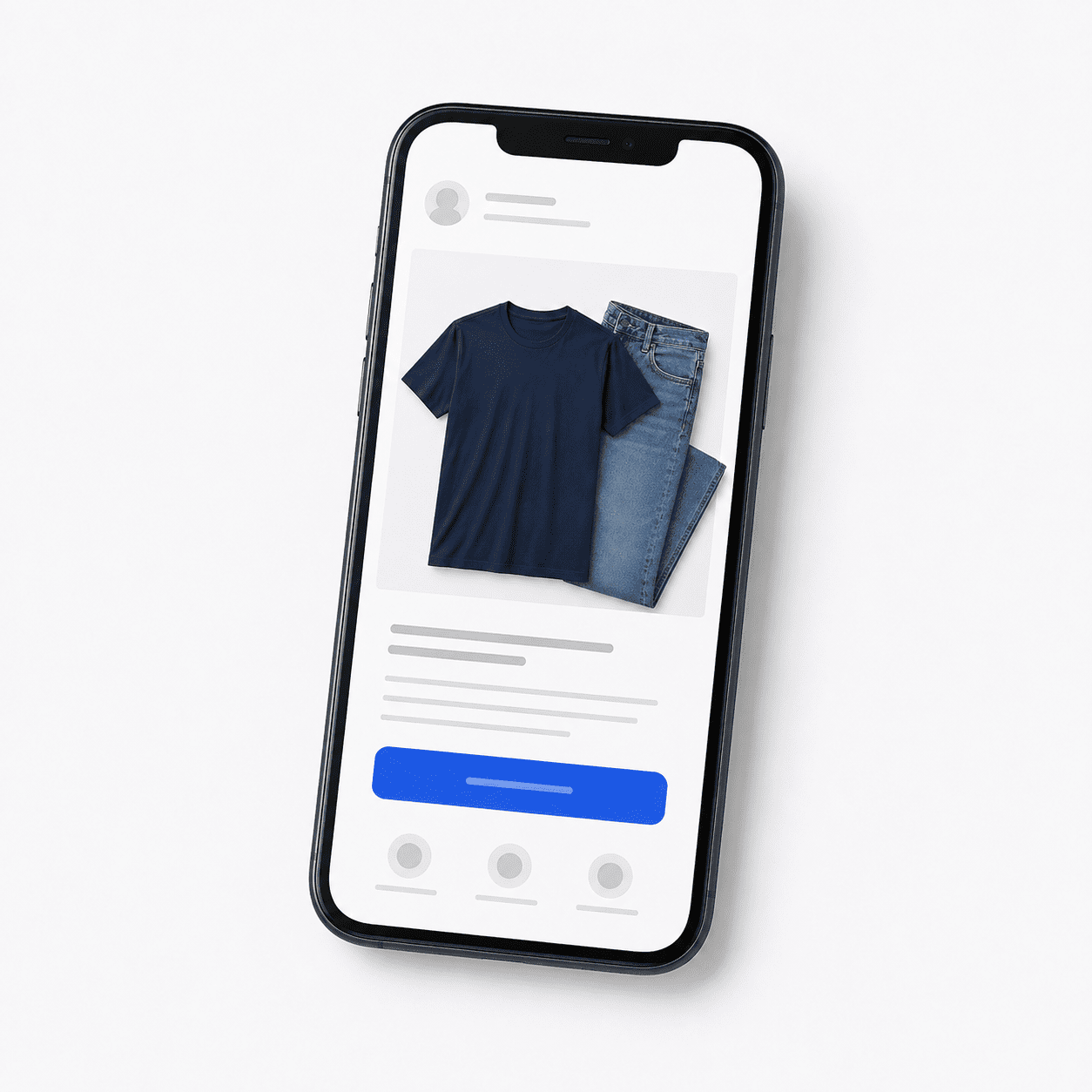 Check the email and the return-to-cart experience on mobile.
An unanswered question may be the only thing stopping the order.
Include a reply address or support link so the customer can ask about delivery, sizing, compatibility, payment, returns, or another issue before completing the purchase.
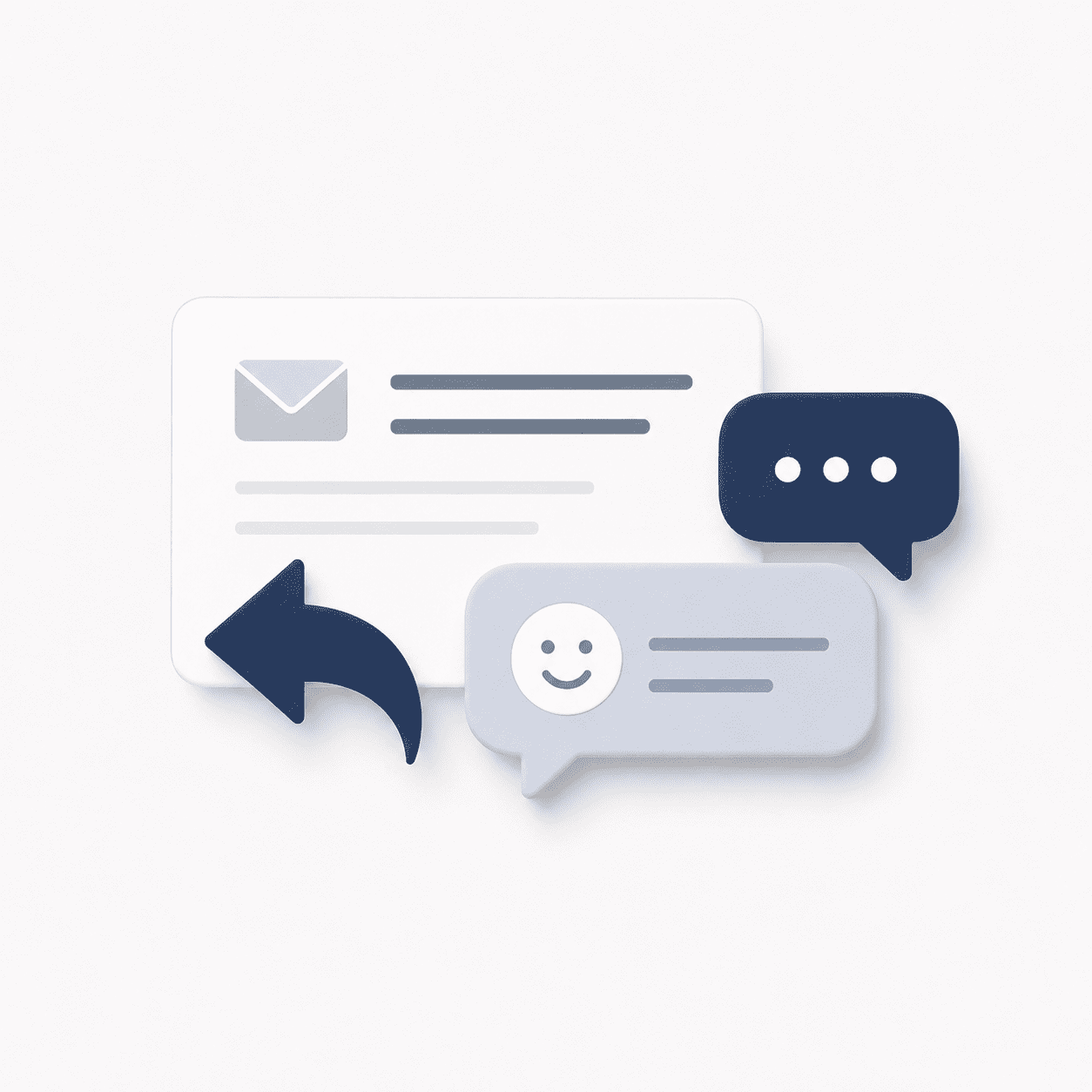 Give customers an easy way to ask a question before returning to checkout.
The first email has one job: help the customer pick up where they left off.
A practical starting point is to send it a few hours after the cart is considered abandoned. Klaviyo currently recommends a 2–4 hour window for its first checkout-abandonment message, but your own products and buying cycle may justify a different delay.
In ReadyCMS, configure timing based on when your store detects the abandoned cart, rather than treating another platform's timing as a fixed rule.
Keep the first email short. The customer already knows your store and has already chosen the products.
Include the saved products, a short reminder, one return-to-cart button, and a way to contact your team if they need help.
Usually, there's no reason to lead with a discount. Some customers only need the reminder, and discounting the first message means lowering the order value before you know whether an incentive was necessary.
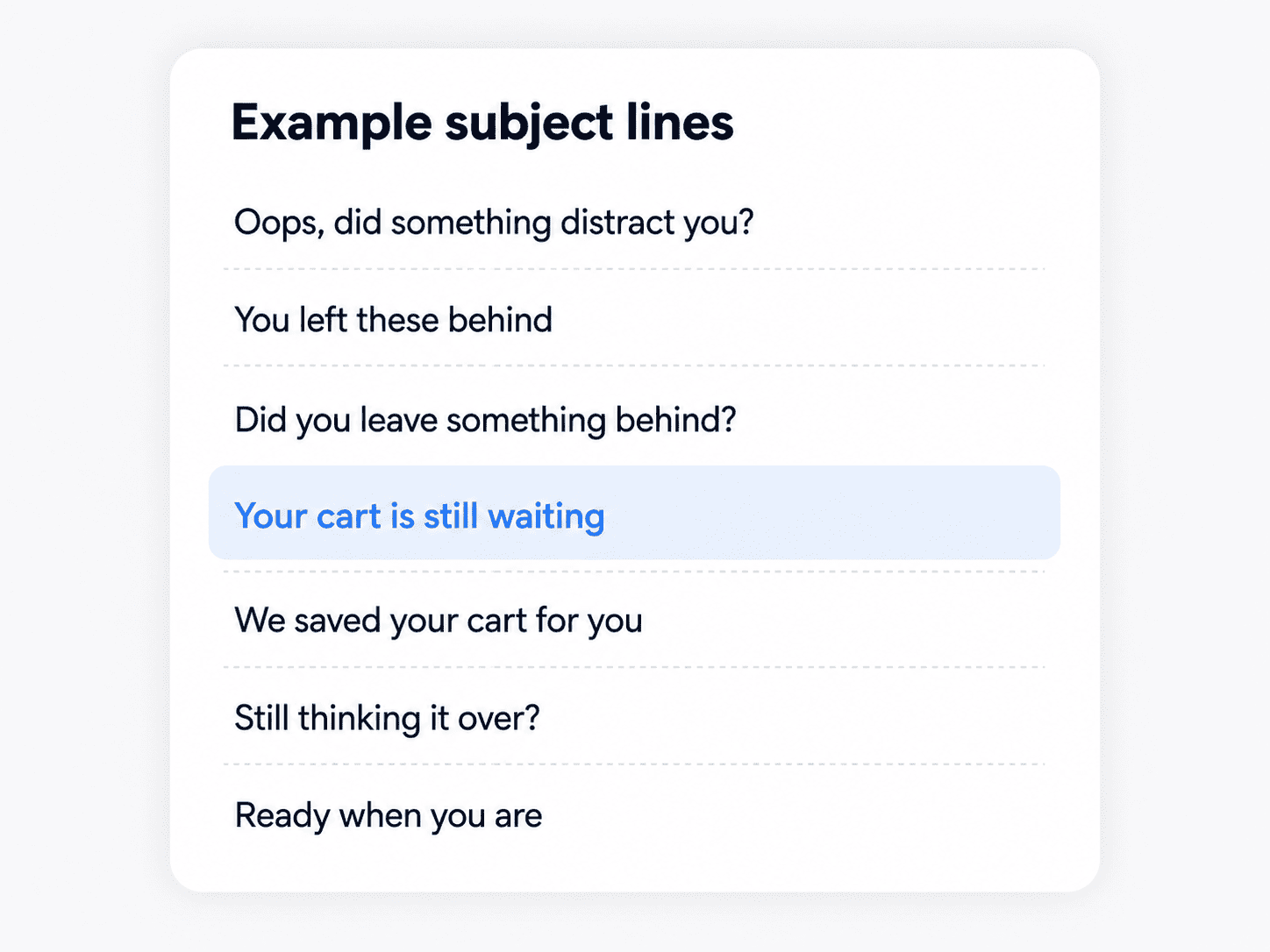 Subject line ideas for the first reminder.
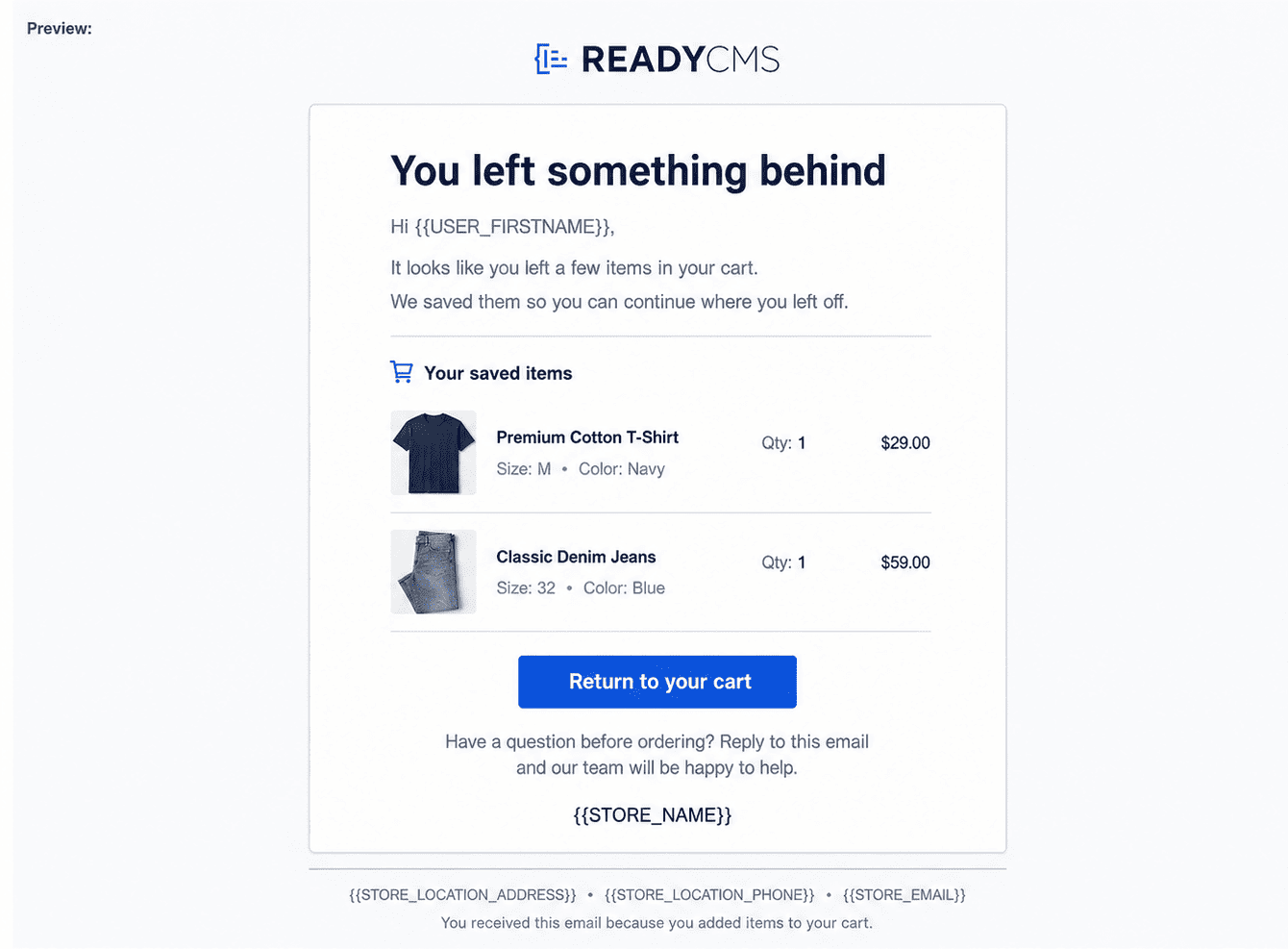 The first message simply reminds the customer and provides a direct path back.
The second email should add something new.
If the first reminder did not lead to a purchase, consider what information may still be missing. Depending on the product, that could be:
A practical starting point is to send the second email roughly 20–48 hours after the first. Treat that as a testing point rather than a rule.
If a promotion genuinely ends soon or stock is genuinely limited, the second email can mention it.
Don't create a fake countdown or claim a product is nearly sold out when inventory doesn't support it. Useful information is a better reason to return than manufactured pressure.
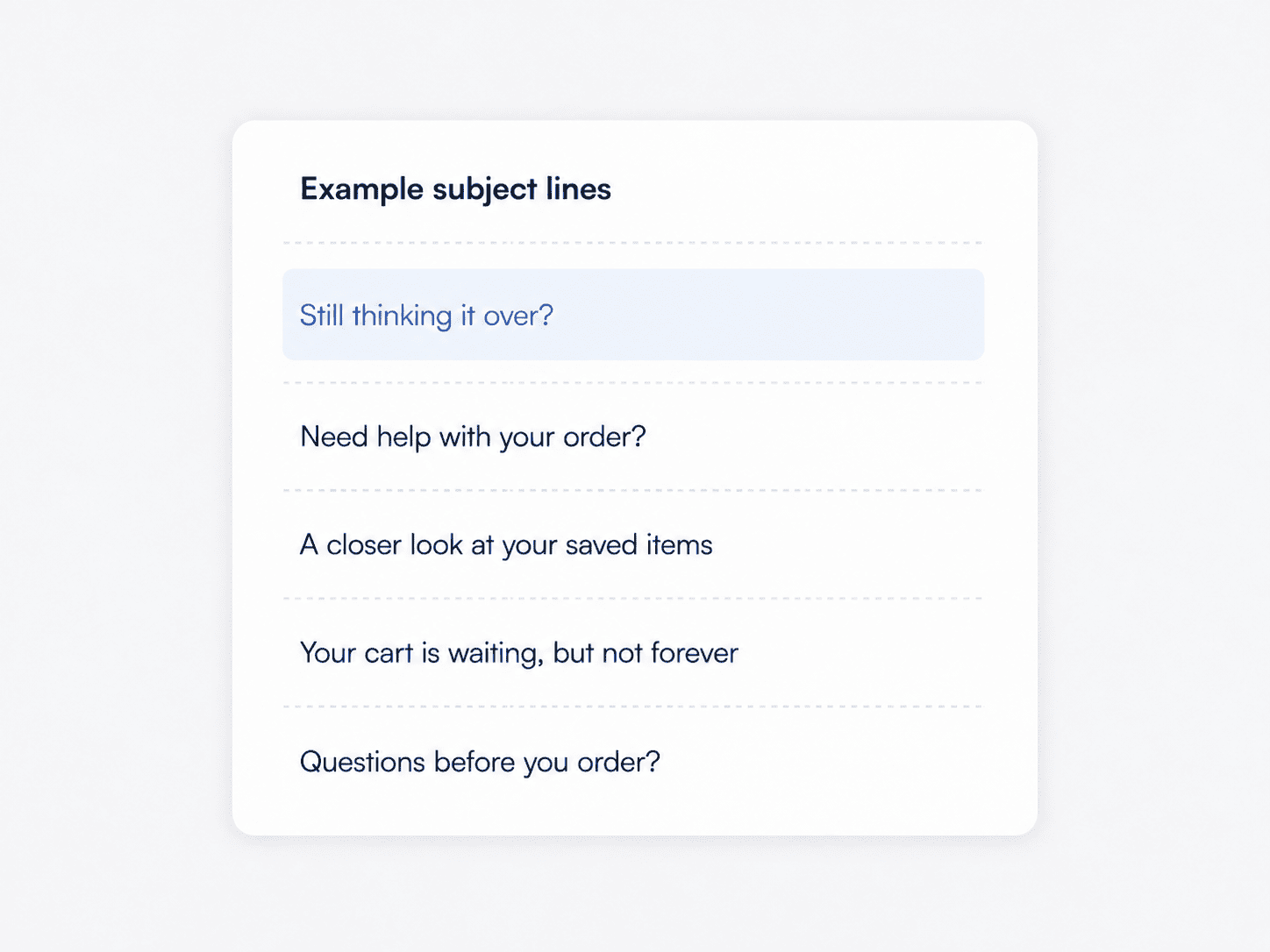 The second subject line can introduce a new reason to reopen the cart.
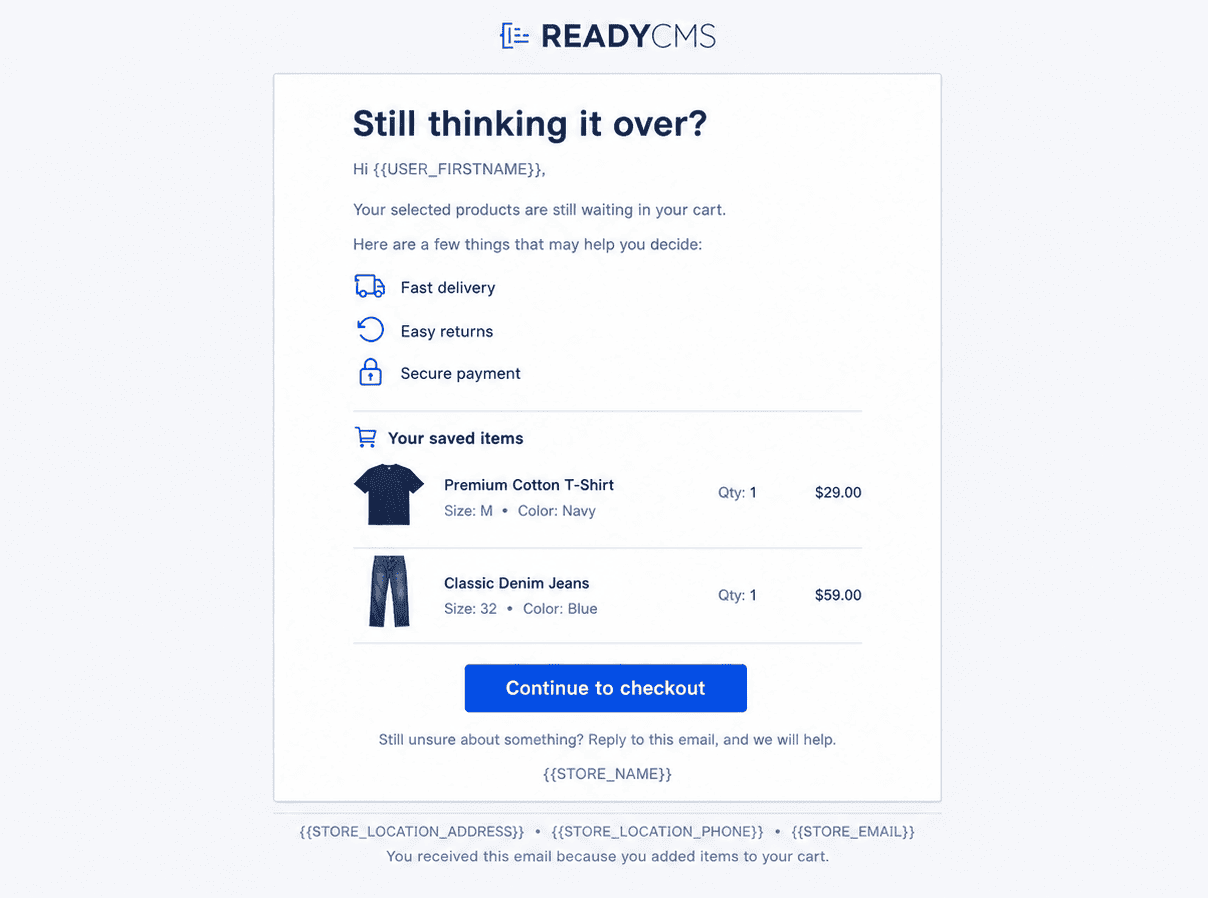 The second email can answer questions that may be delaying the purchase.
The third email is the final planned message in the sequence.
No single delay works for every store. Give the previous messages enough time to do their job, and adjust the timing to how customers normally buy your products.
This is also the point where an incentive may make sense.
Depending on the order, you could consider:
The offer should make commercial sense. Look at both the cart value and margin before deciding how much to give away. Recovering an order is useful only if the economics still work for your store.
If you offer an incentive, tell the customer exactly what it includes and whether there is a real deadline.
Don't hide conditions or create urgency that doesn't exist. Keep the email short, use one main button, and keep your normal unsubscribe or consent controls in place.
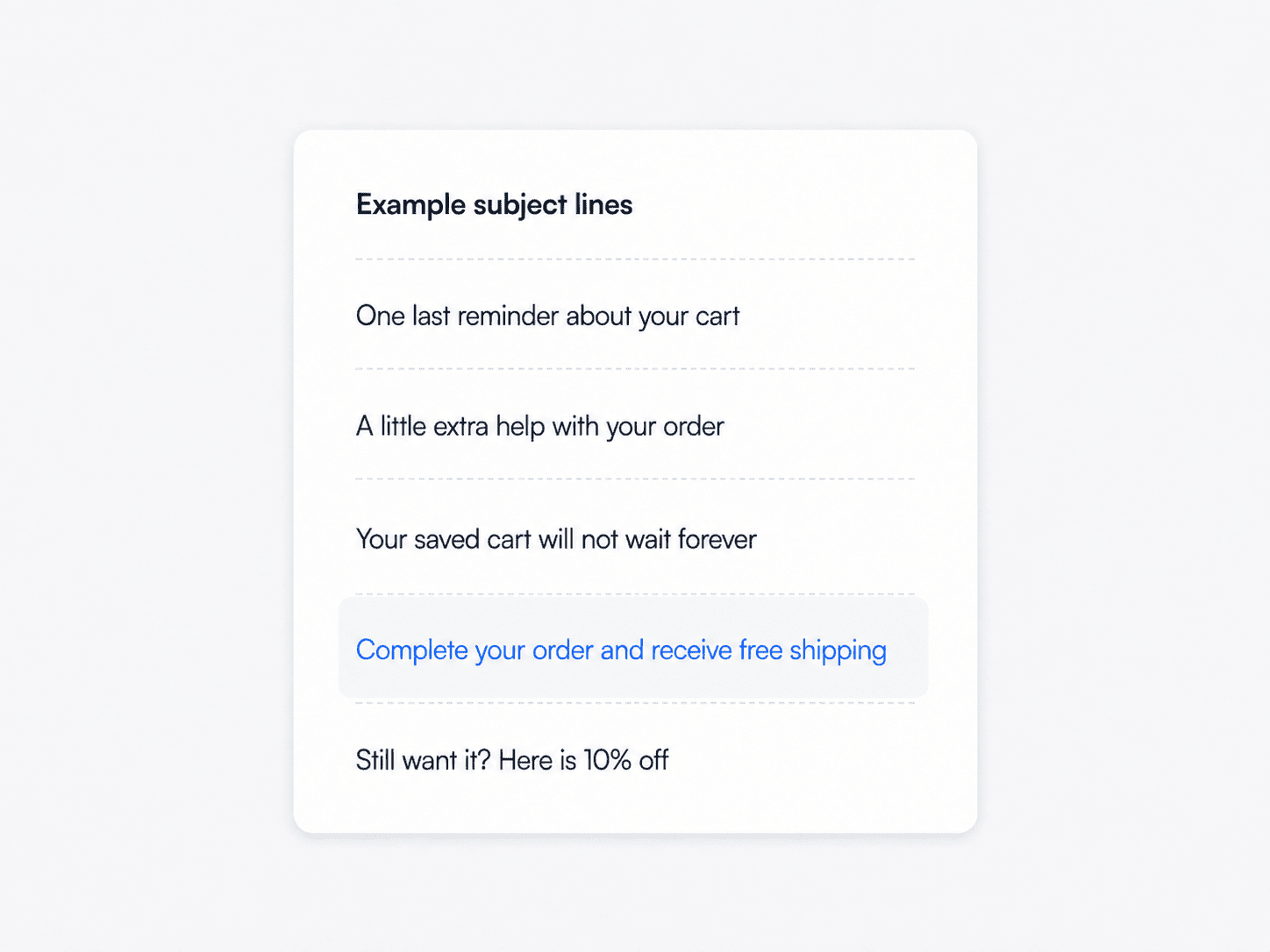 The final subject line can make the last follow-up clear without overstating urgency.
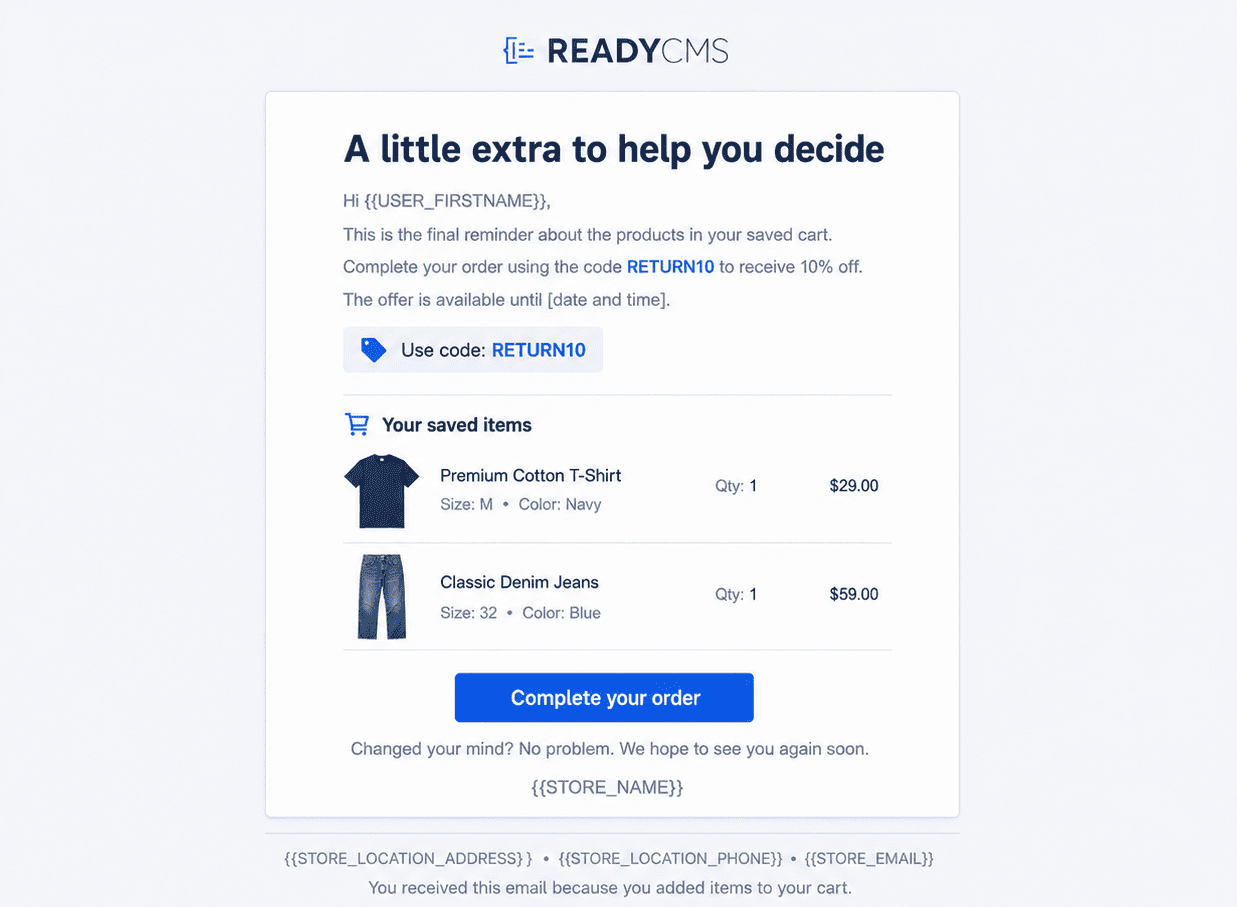 The third email can introduce an incentive when there is a good reason to use one.
Discounts can remove a final price objection, but they also cost margin.
If customers learn that leaving a cart regularly produces a discount code, you may also end up discounting orders that would otherwise have been completed at full price.
A practical approach is to keep incentives out of the first reminder, use the second email to answer questions, and consider an offer only later in the sequence when it is justified.
Price is not the only option. Free shipping, additional product advice, a sample, or clearer return information may address the real objection without lowering the product price.
The goal is to remove the remaining barrier, not automatically discount every abandoned cart.
The Email abandoned cart notification plugin handles the recovery workflow once configured.
ReadyCMS can detect an abandoned cart and send up to three personalized emails according to the schedule you choose.
The basic flow is:
You choose the timing, message, branding, and calls to action. ReadyCMS handles cart detection, product insertion, scheduling, and delivery.
This removes the need for your team to review abandoned carts one by one or manually schedule follow-up emails.
A recovery email becomes more useful when it reflects the actual cart rather than looking like a generic marketing campaign.
ReadyCMS can automatically populate the products left in the cart, including the product information used in the email template. You can also use supported merge fields such as {{USER_FIRSTNAME}} where appropriate.
Keep personalization useful. Showing the actual products and giving the customer a direct route back to the cart usually says more than adding several pieces of customer data simply because they are available.
An open does not mean a recovered order.
Use Mail metrics to review email activity such as opens, clicks, and engagement trends. Use ReadyCMS Insights for abandoned-cart tracking.
Then compare the emails separately.
Useful questions include:
For example, if most recovered orders happen after the first reminder, you may not need to make the later messages more aggressive. If customers return to the cart after the second email but still do not purchase, the problem may be in checkout rather than the email itself.
Use the results to adjust timing, copy, and incentives instead of treating the original setup as permanent.
A useful abandoned cart sequence does not send the same sales message three times.
The first email reminds. The second adds information. The third provides a final reason to return when another follow-up still makes sense.
Write the messages once, choose the delays, and let ReadyCMS handle the follow-up when an eligible cart is abandoned. If the customer completes the order, the sequence stops.
The cart may have been abandoned. Your follow-up does not have to be.
1. How soon should I send the first abandoned cart email?
A few hours after abandonment is a useful starting point. Klaviyo currently recommends 2–4 hours for its first checkout-abandonment message. Test the timing against your own products, customers, and ReadyCMS abandonment settings rather than treating that range as a fixed rule.
2. How many abandoned cart emails should I send?
ReadyCMS supports up to three recovery emails. You do not have to use all three. The right number depends on your buying cycle and whether each additional message adds something useful.
3. Should the first email include a discount?
Usually, start with a reminder rather than an incentive. Some customers only need a direct link back to their cart. You can introduce a discount later if it makes sense for the order and your margins.
4. What should an abandoned cart email contain?
Show the products left in the cart, provide one clear return-to-cart action, make the email easy to use on mobile, and give customers a way to ask for help.
5. When does ReadyCMS stop the sequence?
If the customer completes the purchase, ReadyCMS stops sending the remaining abandoned cart reminders. The sequence also ends after the final configured email.
6. Where can I track abandoned cart email performance?
Use Mail metrics to review email engagement, and ReadyCMS Insights to track abandoned-cart performance. Look at the recovery process as a whole rather than evaluating the sequence only by open rate.
Learn how ReadyCMS’ Multi-environment manager separates development, testing, staging, and production so teams can build and test changes...
Learn how to ask customers for reviews without sounding pushy, including timing tips, email examples, common mistakes, and ReadyCMS...
See how opens, clicks, open rate, and click rate reveal what works—and how ReadyCMS Mail Metrics turns every send into useful feedback.
Learn why customers leave products in their carts, what you can improve during checkout, and how automated ReadyCMS emails can help...
ReadyCMS Assistants can simplify your website tasks, enhance SEO, and improve content quality with expert guidance.
Book a demo or talk with our team about putting these ideas to work.