PluginsFeatures
Introducing multi-environment management in ReadyCMS
Learn how ReadyCMS’ Multi-environment manager separates development, testing, staging, and production so teams can build and test changes...

Cart abandonment is normal in ecommerce, but not every abandoned cart means the same thing.
Baymard Institute currently reports an average documented cart abandonment rate of 70.22% across 50 studies. But its research also shows an important distinction: many customers leave simply because they are browsing, comparing options, or are not ready to buy yet.
Other customers intended to continue but ran into a problem with price, delivery, payment, trust, or the checkout itself.
The first step in cart recovery is figuring out which problem you are trying to solve.
A reminder email can bring an interested customer back. It cannot fix unexpected delivery costs, a missing payment method, or a checkout form that does not work properly.
That is why abandoned cart recovery should start with the checkout and only then move to follow-up emails.
Adding a product to a cart shows interest, but it doesn't promise a purchase.
Some abandonment is simply part of the way people shop online. Baymard's latest quantitative research found that 42% of US online shoppers had abandoned a cart because they were just browsing or were not ready to buy.
Those carts are different from purchases that stop because something gets in the customer's way.
Among Baymard's checkout-related reasons for abandonment, common problems include:
Additional costs remain one of the biggest checkout-related causes in Baymard's research.
This matters because the solution depends on the cause. A customer who became distracted may respond well to a reminder. A customer who stopped because shipping cost more than expected is likely to encounter the same objection when they return.
Recovery starts before the cart is abandoned.
Review your checkout as if you were placing an order for the first time. Check whether:
Forced account creation is a good example. Baymard's research found that 18% of surveyed US shoppers had abandoned an order because the site wanted them to create an account.
An abandoned cart email cannot remove that friction. It can only send the customer back.
Fixing checkout problems helps everyone who reaches checkout, including customers who would never open a recovery email.
Once checkout works properly, recovery focuses on customers who still intend to buy but didn't finish the order.
A useful recovery process usually does a few things.
Customers should not have to find every product again.
A saved cart should preserve the products and other important selections so the customer can return to where they stopped.
A recovery message should return the customer to the cart rather than dropping them on the homepage.
The fewer steps they have to repeat, the easier it is to continue the purchase they already started.
Sometimes customers need information rather than a discount.
Depending on the product, that may include delivery times, returns, sizing, compatibility, payment options, or another detail they need before deciding.
A discount or free-shipping offer can remove a final-price objection, but it shouldn't be the automatic response to every abandoned cart.
If every abandoned cart receives a coupon, you can end up discounting orders that might have returned at full price.
Start with the problem, not the promotion. A reminder may be enough. Introduce an incentive later when the order, customer, and margin justify it.
Opens and clicks show whether customers interact with a recovery message. They do not tell you whether the order was recovered.
The business result happens when the customer returns and completes the purchase.
Manually following every abandoned cart quickly becomes impractical.
Your team would need to find the abandoned cart, determine when to contact the customer, prepare the message, send it, and then check whether the customer purchased before sending anything else.
Automation makes that process repeatable.
A recovery sequence can use up to three emails with different purposes:
The important part is that the messages do different jobs. Sending the same “you forgot something” email three times does not give the customer anything new.
We cover the sequence itself, including timing, subject-line ideas, incentives, and complete email examples, in our guide to abandoned cart emails.
The Email abandoned cart notification plugin handles the recovery workflow inside ReadyCMS.
When ReadyCMS identifies an abandoned cart, the plugin can send up to three personalized emails according to the schedule you configure.
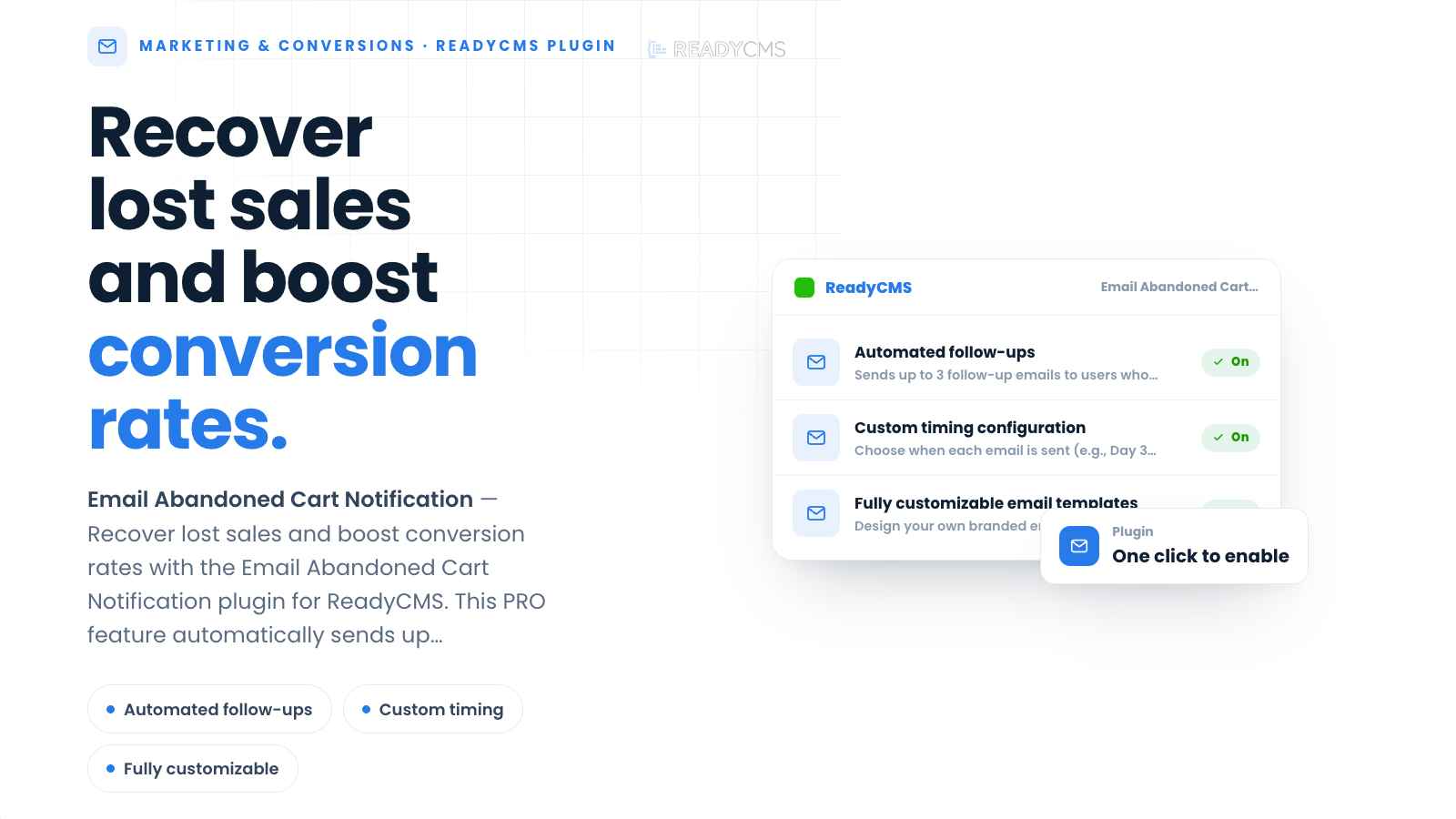 ReadyCMS can automatically follow up after a cart is abandoned.
The recovery emails can include the products the customer left behind, including product images, names, prices, and quantities.
You control the email content, branding, calls to action, and timing. ReadyCMS handles the cart detection and scheduled sending.
The main recovery flow looks like this:
The customer can return directly to the saved cart rather than searching for the products again.
The setup depends on four main decisions: which emails are active, when to send them, what each message says, and where its call to action leads.
You do not have to use all three emails just because the plugin supports them. The number and timing should match your products and buying cycle.
A relatively simple purchase may need a shorter follow-up window. A product that requires comparison, approval, technical research, or a larger financial decision may need more time.
Test the delays against your own results instead of treating one schedule as permanent.
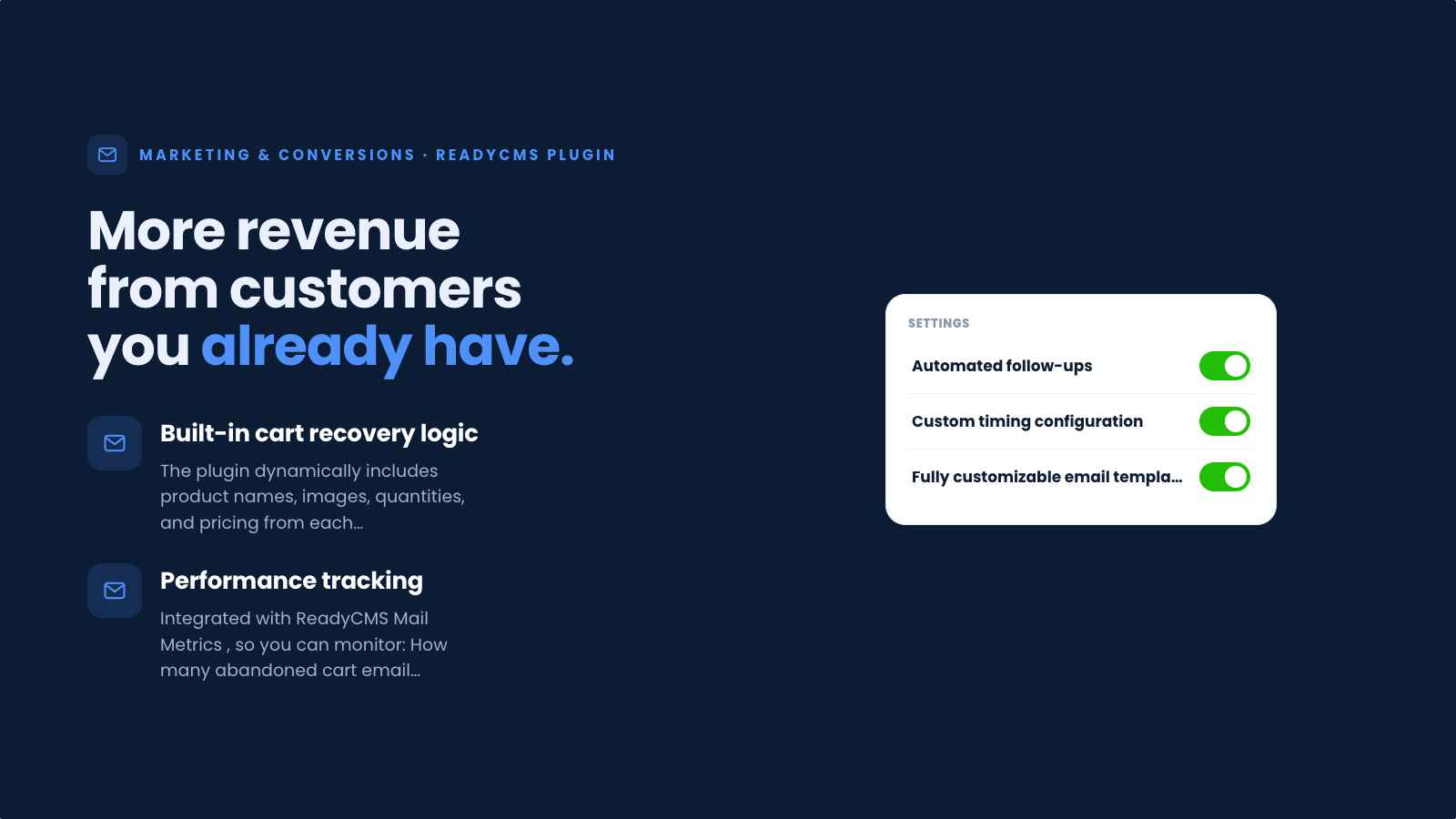 Configure the timing and templates for the recovery emails you want to use.
Recovery performance is bigger than the email open rate.
Mail metrics helps you examine the email side of the sequence, including opens, clicks, delivery trends, and differences between templates.
ReadyCMS Insights provides the abandoned-cart tracking side of the workflow.
Together, those views help answer different questions.
Mail metrics can show whether customers open and click recovery emails. Abandoned-cart data tells you what happens to the carts themselves.
That distinction matters.
If an email gets opened but receives very few clicks, the message or call to action may need work. If customers click back to the cart but still don't purchase, the problem may be in the checkout experience rather than the email.
And if an incentive recovers orders but removes too much margin, a higher recovery rate does not automatically mean a better result.
The point of measuring the sequence is to find out where customers stop and adjust the part of the process that is actually responsible.
Not every abandoned cart is a lost sale, and not every abandoned cart should be treated as a checkout failure.
Some customers were only browsing. Some needed more time. Others reached a real obstacle that your store can fix.
Start by removing unnecessary checkout friction. Then use abandoned cart emails to reconnect with customers who still have a reason to buy.
With the ReadyCMS Email abandoned cart notification plugin, you can configure the recovery emails once and let the system handle the follow-up when eligible carts are abandoned.
The best abandoned cart recovery starts by giving customers fewer reasons to abandon in the first place.
What is an abandoned cart?
An abandoned cart occurs when a customer adds one or more products to their shopping cart but leaves without completing the purchase.
Why do customers abandon their carts?
Some customers are simply browsing or are not ready to buy. Others stop because of additional costs, slow delivery, forced account creation, payment limitations, trust concerns, technical problems, or a complicated checkout.
Can every abandoned cart be recovered?
No. Some visitors never intended to purchase immediately. Recovery is most useful when a customer still intends to buy and needs a reminder, more information, or a direct way back to their saved cart.
Should every abandoned cart receive a discount?
No. Start by determining why the customer may have left. A reminder or useful information may be enough. Use discounts and other incentives selectively when they make sense for the order and your margins.
How many abandoned cart emails can ReadyCMS send?
The Email abandoned cart notification plugin supports up to three personalized recovery emails. You decide which messages to activate and when to send them.
Can abandoned cart emails fix a poor checkout?
No. They can bring the customer back, but the customer will encounter the same checkout problem again. Fix problems with pricing transparency, delivery, payment, forms, account requirements, and technical errors separately.
Where can I track abandoned cart recovery in ReadyCMS?
Use Mail Metrics to review email engagement (opens and clicks), and ReadyCMS Insights to track abandoned-cart behavior. Looking at both helps separate email performance from what happens after the customer returns to the store.
Learn how ReadyCMS’ Multi-environment manager separates development, testing, staging, and production so teams can build and test changes...
Learn how to ask customers for reviews without sounding pushy, including timing tips, email examples, common mistakes, and ReadyCMS...
See how opens, clicks, open rate, and click rate reveal what works—and how ReadyCMS Mail Metrics turns every send into useful feedback.
Build a practical three-email abandoned cart sequence with recommended timings, subject line ideas, message examples, and ReadyCMS...
ReadyCMS Assistants can simplify your website tasks, enhance SEO, and improve content quality with expert guidance.
Book a demo or talk with our team about putting these ideas to work.