

Email abandoned cart notification
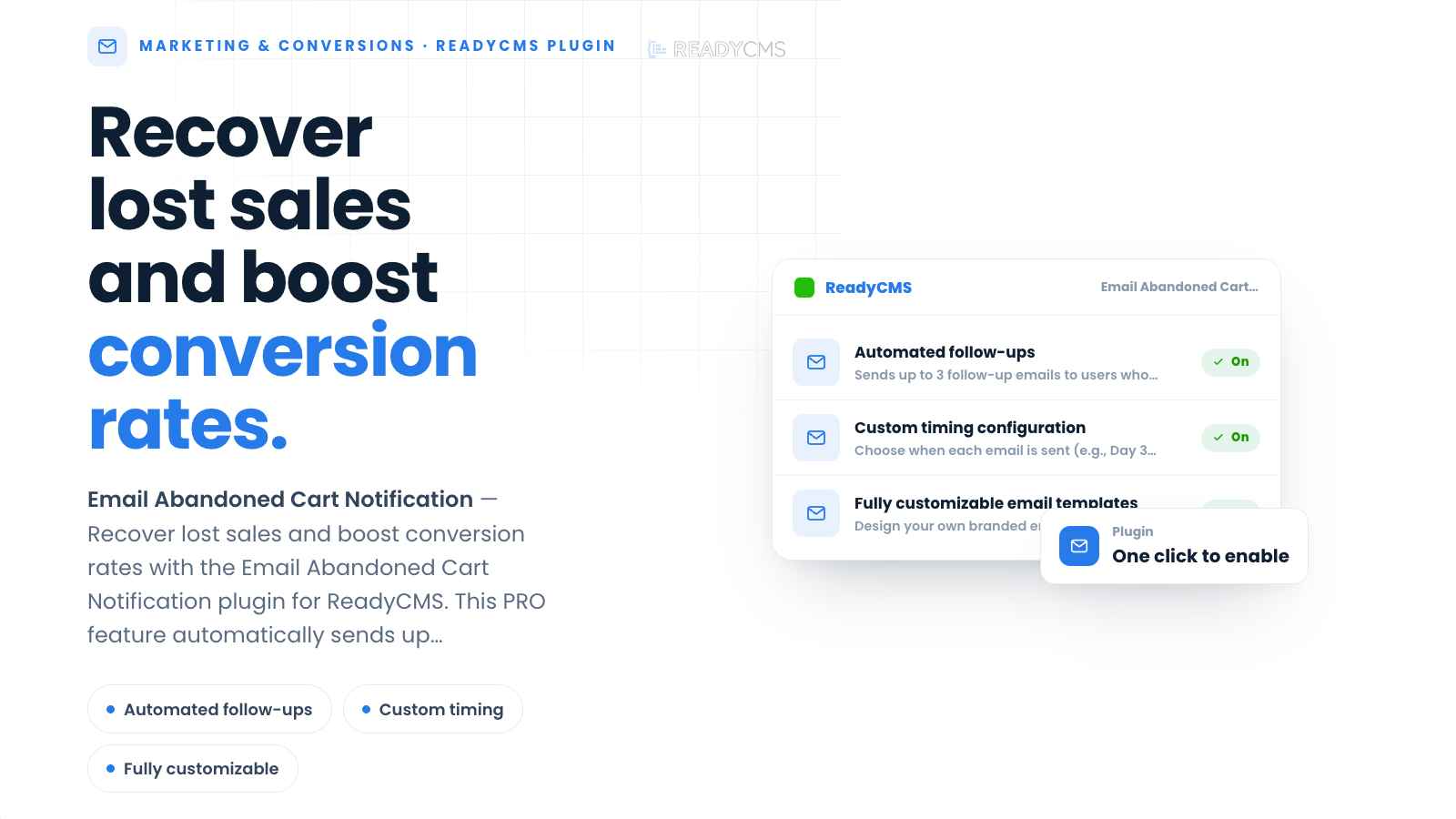
Recover lost sales and improve conversion rates with the 'Email abandoned cart notification' plugin for ReadyCMS. This free feature automatically sends up to three personalized reminder emails to customers who leave items in their cart and provides detailed abandoned-cart tracking through ReadyCMS Insights.
Email abandoned cart notification
The Email abandoned cart notification plugin helps ReadyCMS stores bring back customers who add products to their cart but do not complete their purchase. When an abandoned cart is detected, the plugin automatically sends up to three reminder emails at configurable intervals.
You can fully customize the content, design, and branding of each email template. ReadyCMS handles the rest: it retrieves the abandoned cart data, adds the products left behind to the email, manages the follow-up sequence, and tracks the results.
The plugin also adds dedicated abandoned-cart reporting to the store’s Insights page. This gives your team a clearer view of how many carts were abandoned, how much potential revenue was lost, and how many carts and sales were recovered.
Development required:
The plugin requires development work for storefront implementation and configuration.
It depends on the ReadyCMS ecommerce.js plugin, which manages cart interactions, enables abandoned-cart tracking, triggers ecommerce events, and sends event data to ReadyCMS.
Key features and benefits
- Automated follow-ups
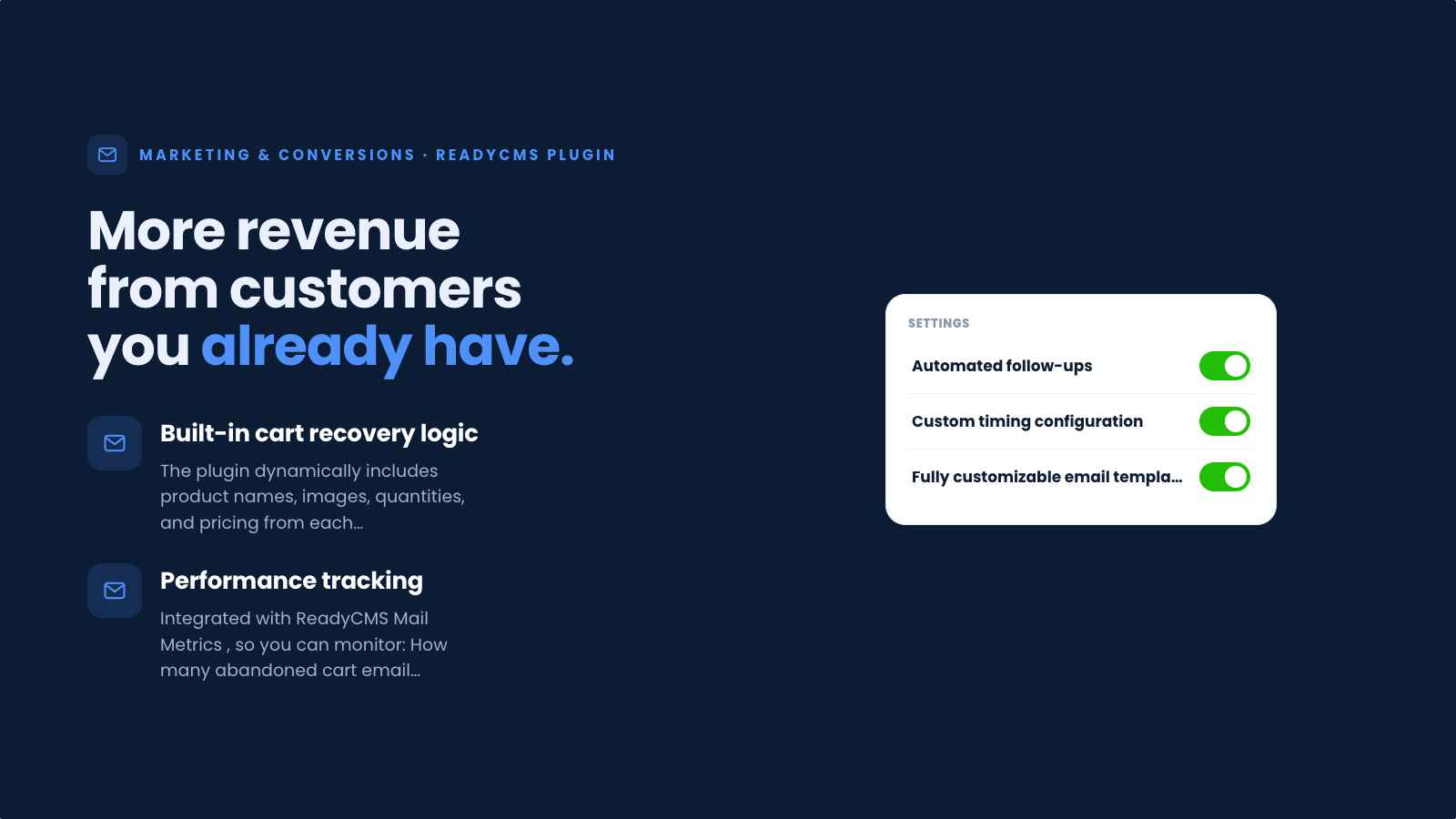
Sends up to 3 follow-up emails to users who abandon their cart (automatically and at the right time). - Custom timing configuration
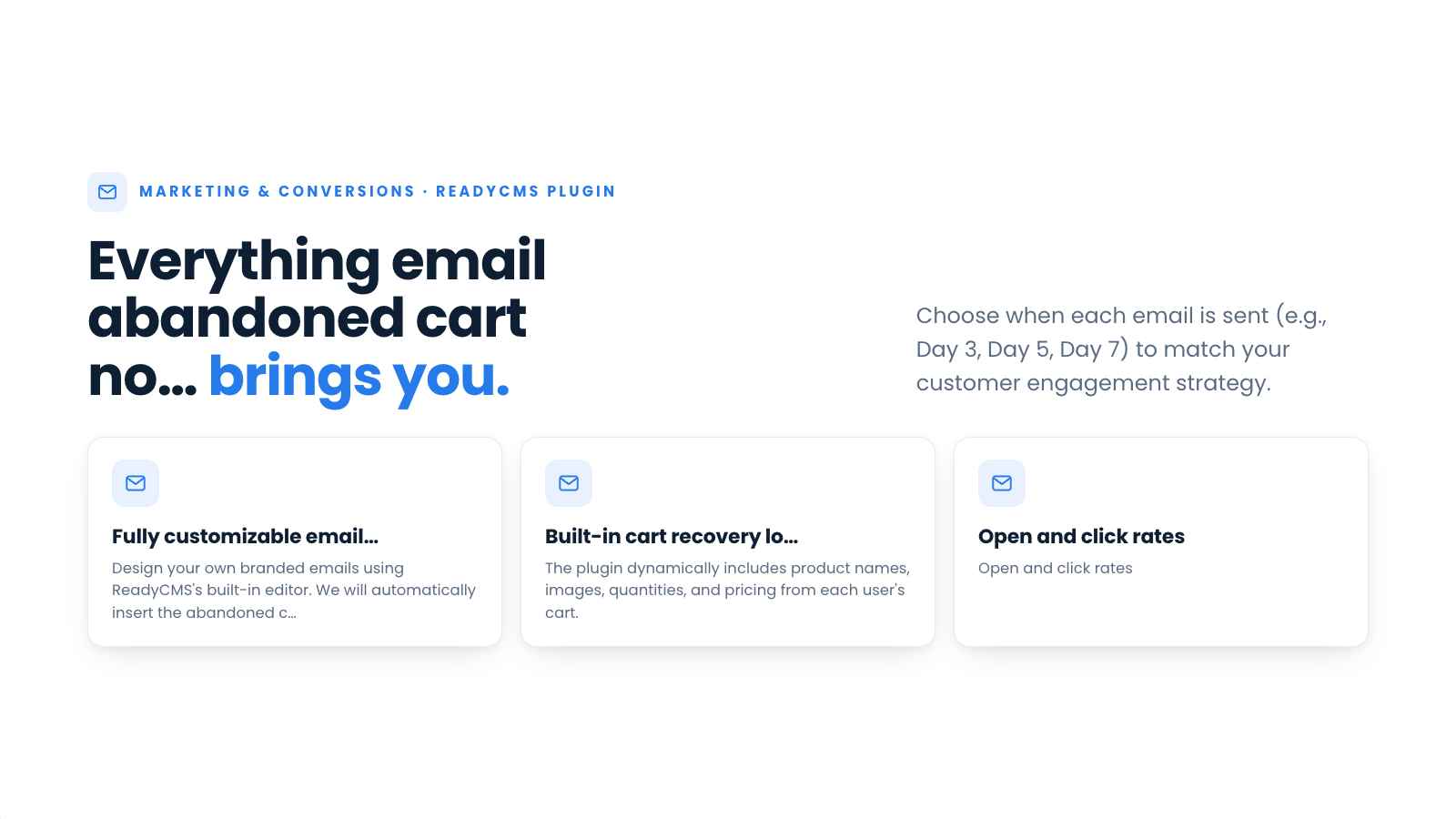
Choose when to send each email (e.g., Day 3, Day 5, Day 7) to align with your customer engagement strategy. - Fully customizable email templates
Design your own branded emails using ReadyCMS's built-in editor. We will automatically insert the abandoned cart content. - Built-in cart recovery logic
The plugin dynamically includes product names, images, quantities, and pricing from each user's cart. -
Dedicated abandoned cart Insights
A new Abandoned Cart tab is added to the store’s Insights page, where you can monitor:- Total abandoned carts
- Total abandoned cart value
- Recovered carts
- Recovered cart value
- Daily abandoned and recovered cart trends
- The number of follow-up emails queued and sent for each step
-
Events and UTM tracking
The newabandoned cartevent is available in the Events and UTM sections of Insights. This helps you analyze abandoned carts alongside other conversion events and understand which campaigns or traffic sources contributed to them. - Performance tracking (COMING SOON)
Integrated with ReadyCMS Mail Metrics (new plugin, soon to be introduced), so you can monitor: - How many abandoned cart emails were sent
- Open and click rates
- Conversion rates from each email
- Automatic sequence cancellation
When the customer completes the purchase, ReadyCMS automatically stops any remaining reminder emails for that cart.
How it works
Once the plugin has been implemented and configured, ReadyCMS begins monitoring customer cart activity through ecommerce.js.
When a customer adds products to their cart but does not complete the checkout, the system records the abandoned cart. On a daily basis, ReadyCMS runs cron scans for eligible orders.
After the first delay (several days of these cron scans), ReadyCMS sends a personalized email containing information about the products left in the cart and invites the customer to return and complete the purchase. If the cart remains incomplete, the second and third follow-up emails are sent according to the configured schedule.
If the customer completes the purchase at any point, the remaining email sequence is stopped automatically.
Abandoned carts, recovered carts, cart values, reminder-email activity, and related conversion events can be monitored through the store’s Insights page. Email opens, clicks, and conversions remain available through Mail Metrics.
Guide
- Confirm ecommerce.js: Make sure that the ReadyCMS ecommerce.js plugin is implemented and correctly configured on the storefront.
- Activate the plugin: Find and activate the plugin from the Plugins page.
- Configure the schedule: Choose when the first, second, and third reminder emails should be sent (from 1 up to 90 days).
- Create email templates: Customize the content and design of your abandoned-cart reminder emails.
Make sure these follow-up emails are activated (on the Email templates page) - Monitor abandoned carts: Open Insights → Abandoned Cart to view abandoned and recovered carts, values, daily trends, and follow-up email activity.
- Analyze events and campaigns: Use the Events and UTM tabs to review the
abandoned cartevent and its associated traffic sources. - (SOON) Review email results: Use Mail Metrics to analyze email opens, clicks, and conversions.
FAQ
Q1: How many reminder emails can I send?
A1: You can send up to three emails for each abandoned cart. You control the schedule, such as sending reminders 3, 5, and 7 days after abandonment.
Q2: Can I write my own message?
A2: Yes. You can create and style your own email templates on the ReadyCMS Email Templates page. ReadyCMS automatically inserts the relevant abandoned-cart content before sending each message.
Q3: What happens if the customer completes the purchase?
A3: Once the purchase is completed, the reminder sequence associated with that cart stops automatically. Any remaining follow-up emails are canceled.
Q4: Where can I see abandoned-cart information?
A4: Go to the Abandoned Cart tab on the store’s Insights page. There you can see abandoned and recovered carts, their values, daily trends, and the number of follow-up emails queued and sent.
Q5: Can I track abandoned carts by event or marketing campaign?
A5: Yes. The abandoned cart event is available in the Events and UTM tabs, helping you connect cart abandonment with conversion activity, campaign parameters, and traffic sources.
Q6: Where can I track email performance?
A6: Go to Mail Metrics to view abandoned-cart email sends, opens, clicks, and conversions.
Q7: Does this plugin require development?
A7: Yes. Development work is required to implement and configure abandoned-cart tracking and recovery on the storefront.
Q8: Does the plugin depend on another ReadyCMS plugin?
A8: Yes. It depends on ecommerce.js, which powers cart functionality, records relevant customer interactions, enables abandoned-cart tracking, and sends event data to ReadyCMS.
Q9: Is this feature free?
A9: Yes
Q6: Why aren't my emails sending?
A6: Make sure that the dev part is incorporated correctly into the storefront. Also, make sure the email templates are configured and activated.
Build more with ReadyCMS
Explore the full plugin marketplace or book a demo to see them in action.