

Apollo for ReadyCMS
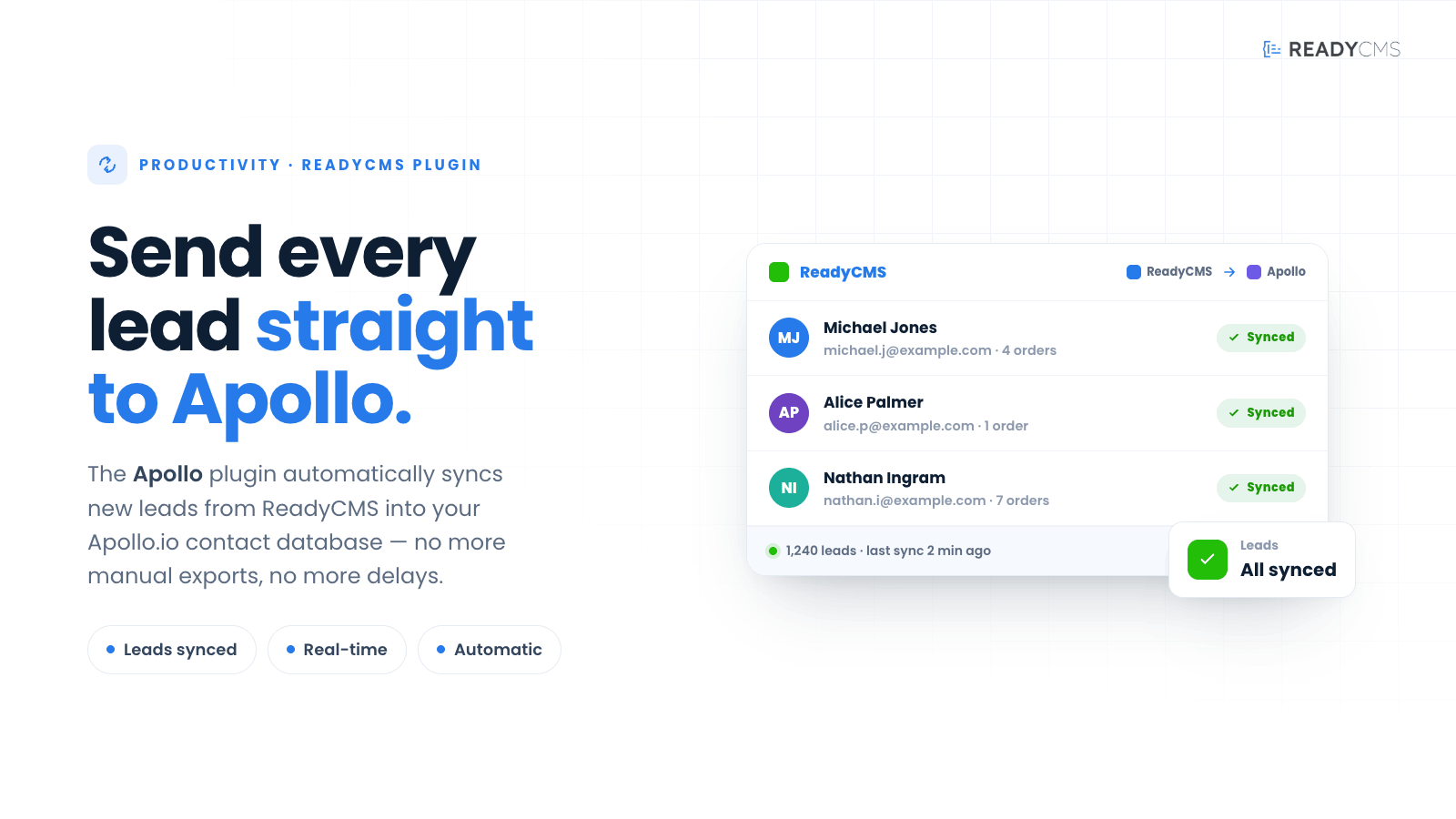
Automatically sync new leads from ReadyCMS into your Apollo.io contact database; there will be no more manual exports and no more delays.
Apollo lead sync plugin for ReadyCMS
Apollo lead sync is a seamless integration plugin that connects your ReadyCMS platform directly with your Apollo.io account. When a lead (Custom content type: Leads) is created in ReadyCMS, this plugin pushes the contact data to Apollo.io in real time. Whether running outbound campaigns or maintaining a CRM, your sales pipeline will always be up to date.
This plugin eliminates the need for manual file exports or tedious data entry. Built on event-driven logic and secured with API token handling, it's the simplest way to keep your lead databases in sync across platforms.
Key features and benefits
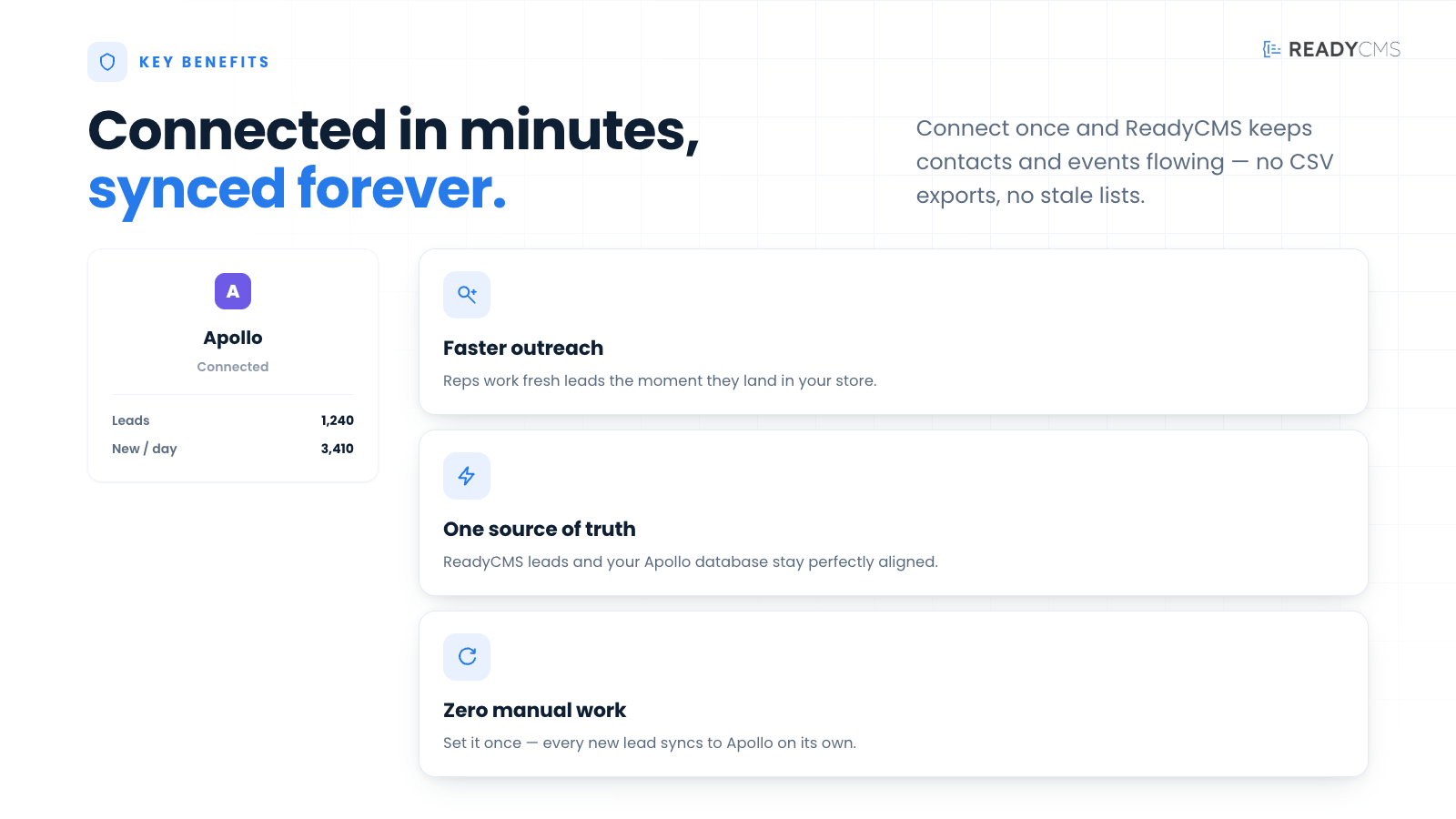
- Real-time lead sync: New leads created in ReadyCMS are instantly and automatically sent to your Apollo.io account.
- No more CSV exports: Forget about manual exports or syncing spreadsheets. Everything is handled natively.
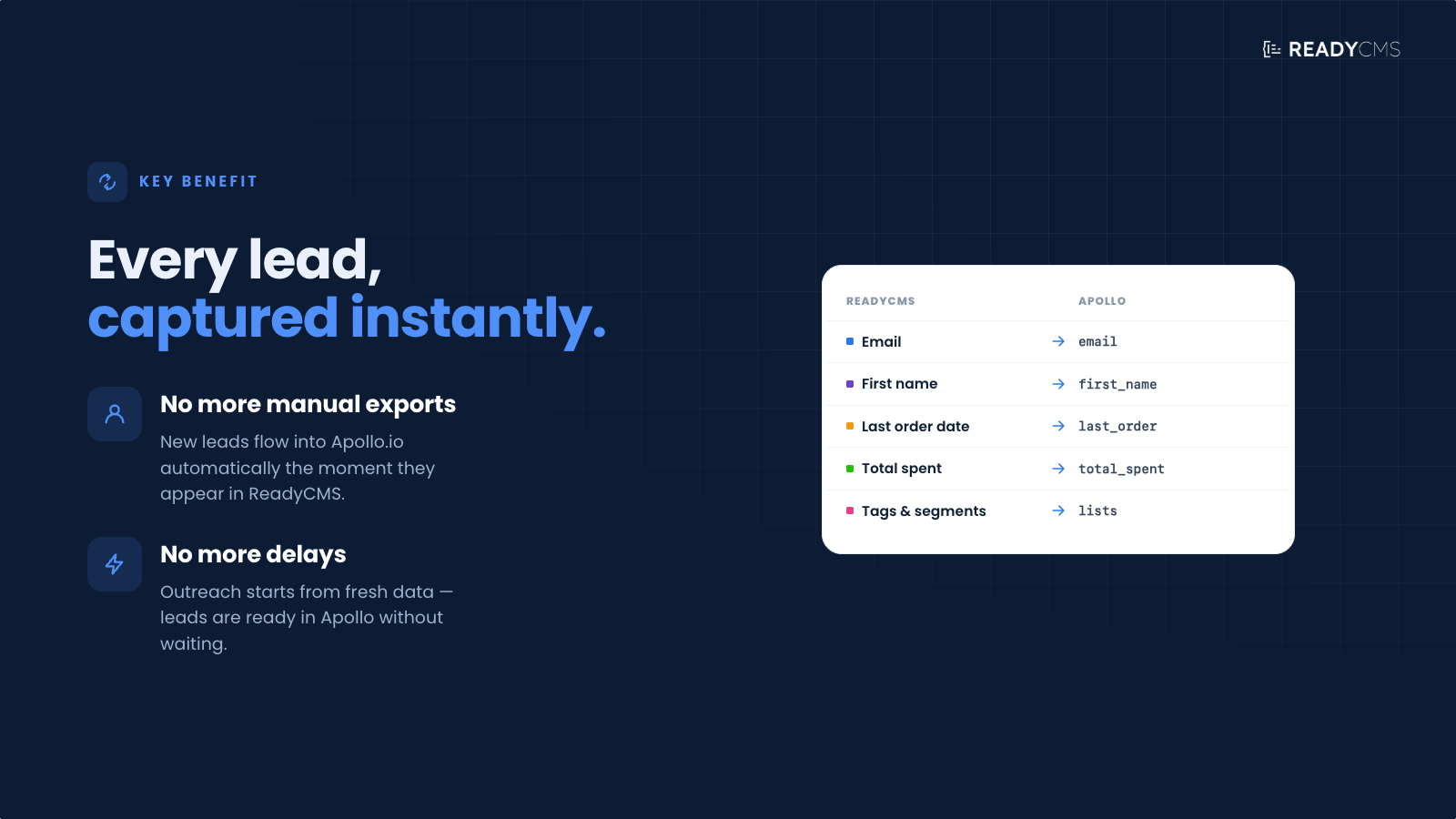
- Custom field mapping: Easily map ReadyCMS fields to Apollo fields (e.g.,
first_name,email,company_name) for precise control over your data. - Built-in logging & retry: Track all API calls and errors from the plugin log.
How it works
Once installed and configured:
- Configure your API token in the plugin settings.
- Map your ReadyCMS contact fields to Apollo.io properties.
- Every time a new lead is created in ReadyCMS, the plugin sends that lead to Apollo.io instantly.
- If the sync fails (e.g., due to a network error or missing data), the error will be logged (and can be seen in the Log tab).
🛠️ Dev note: Sending data to Apollo from the Custom content type "Leads"
To ensure that a custom content type of Leads triggers data synchronization with Apollo, developers must submit the payload using an array structure with optional custom_field parameters.
Here's the correct format with an example:
| Parameter | Value |
|---|---|
custom_field.general.first_name |
Jane |
custom_field.general.last_name |
Doe |
custom_field.general.organization_name |
Acme Corp |
custom_field.general.title |
Senior Research Analyst |
custom_field.general.account_id |
63f53afe4ceeca00016bdd2f |
custom_field.general.email |
jane.doe@example.com |
custom_field.general.website_url |
https://www.acmecorp.com |
custom_field.general.label_names[0] |
2025 Trade Show Attendees |
custom_field.general.label_names[1] |
Inbound Leads |
custom_field.general.contact_stage_id |
6095a710bd01d100a506d4ae |
custom_field.general.present_raw_address |
New York, United States |
custom_field.general.direct_phone |
+1-555-123-4567 |
custom_field.general.corporate_phone |
+1-555-765-4321 |
custom_field.general.mobile_phone |
+1-555-234-5678 |
custom_field.general.home_phone |
+1-555-345-6789 |
custom_field.general.other_phone |
+1-555-456-7890 |
You can then convert the array into a query string using:$query = http_build_query($parameters);
Important:
Thiscustom_field>generalarray must be included in addition to standard form data. This is the only way to ensure Apollo receives and accepts the structured information from ReadyCMS's Lead content type.
How it looks in Apollo:
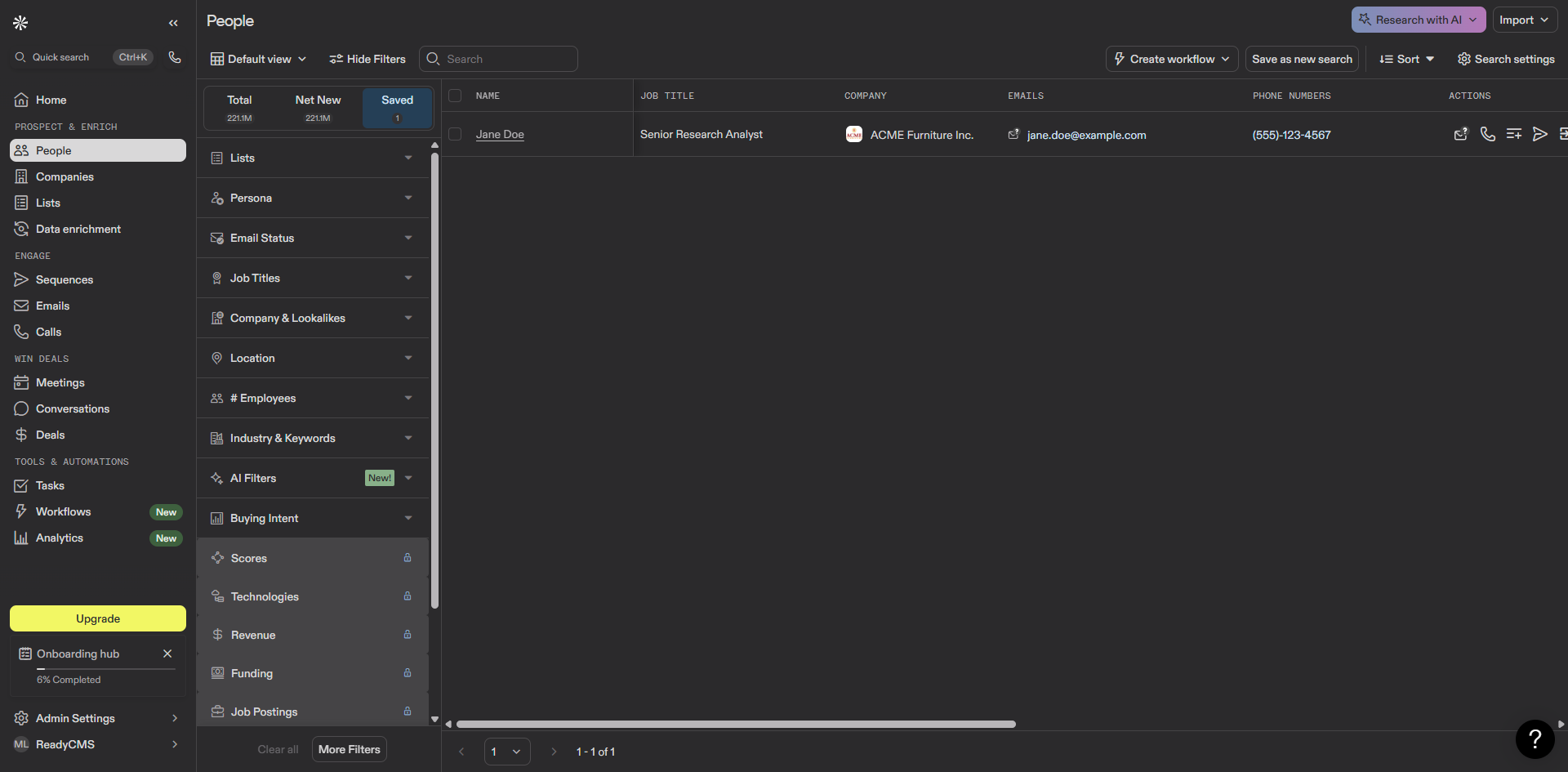
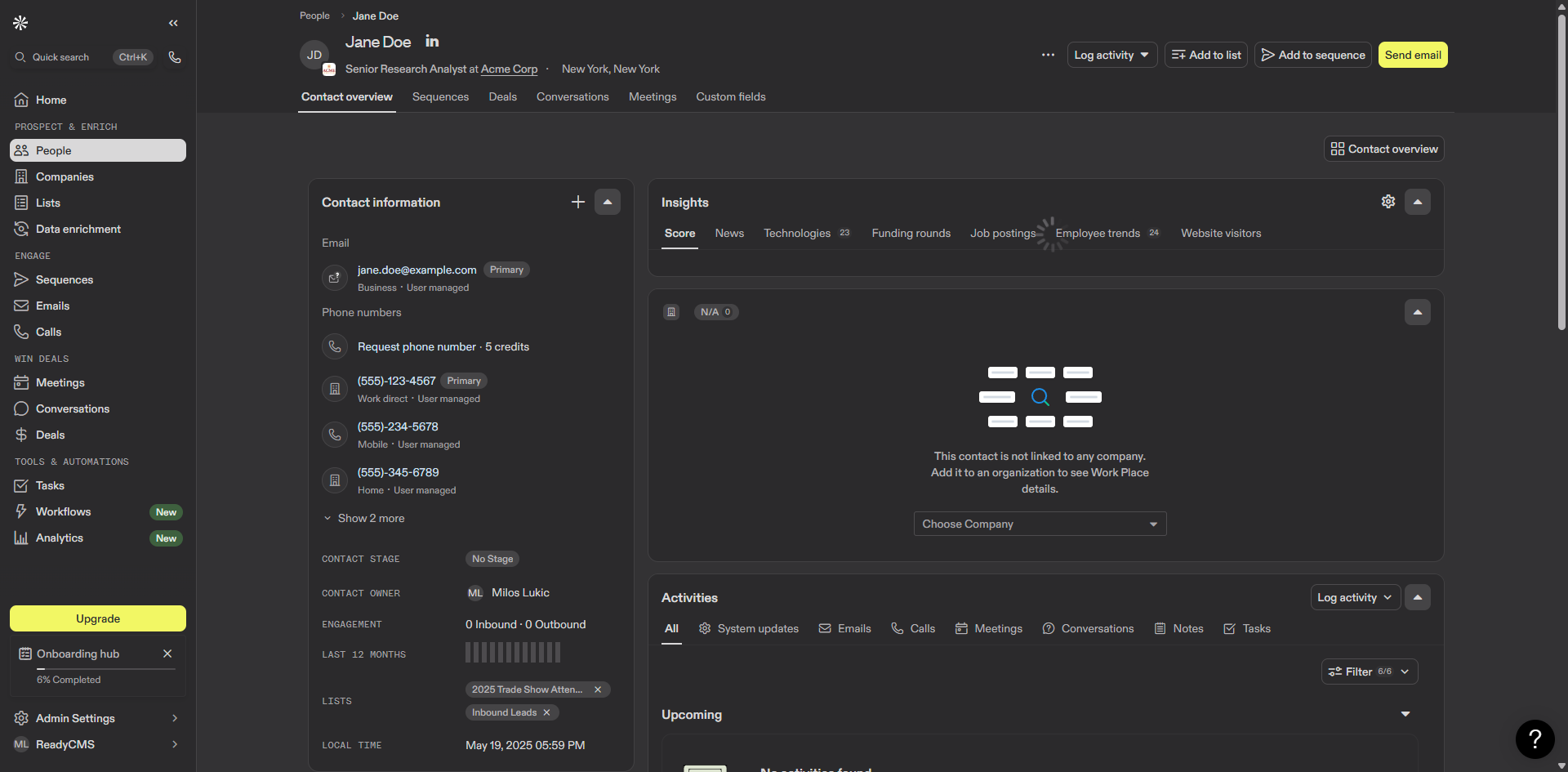
FAQ
Q1: Do I need a developer to set this up?
A1: Yes, if you're adding leads through the API or custom admin forms, a developer will need to ensure the submitted data follows the correct mapping structure for Apollo. This guarantees the lead is successfully pushed into your Apollo account.
Q2: What happens if a lead fails to sync?
A2: ReadyCMS will try to resync the data again. The failure will appear in your ReadyCMS plugin log.
Q3: Can I control which fields are sent to Apollo?
A3: Yes. The dev notes ('How it works' tab) contain instructions on how to define field mappings so that only the data you want is synced.
Build more with ReadyCMS
Explore the full plugin marketplace or book a demo to see them in action.