

Airtable sync for ReadyCMS
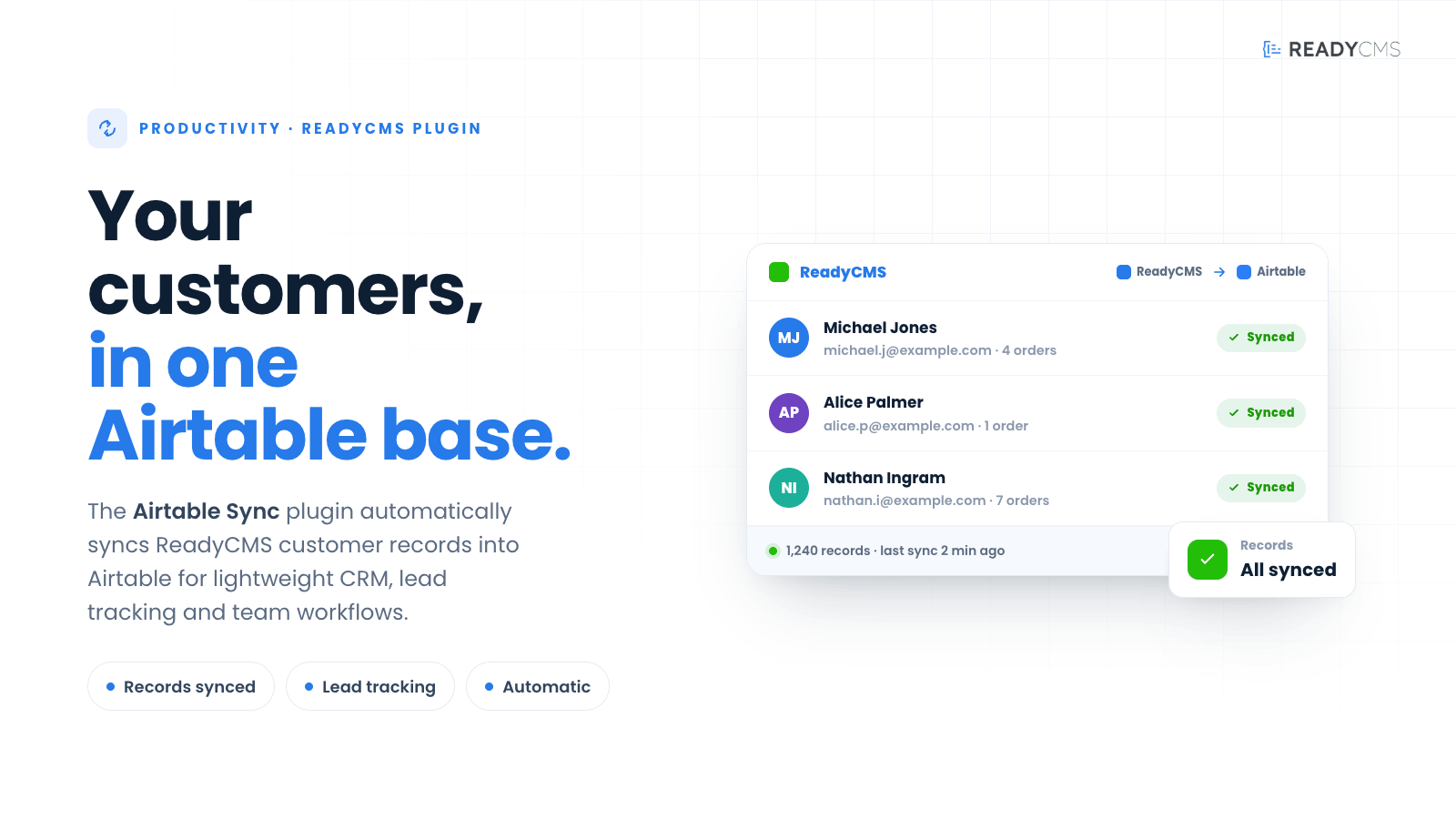
Automatically sync ReadyCMS customer records into Airtable for lightweight CRM, lead tracking, and team workflows.


Airtable sync plugin for ReadyCMS – Sync customer records to Airtable CRM
Airtable sync connects ReadyCMS to Airtable, making it easy to automatically send customer records from your store to an Airtable base.
It is useful for teams that use Airtable as a lightweight CRM, lead tracker, customer overview, or internal workflow tool. Instead of exporting customer data manually or copying details between systems, Airtable Sync helps keep customer information available in a flexible workspace your team already knows.
Key benefits
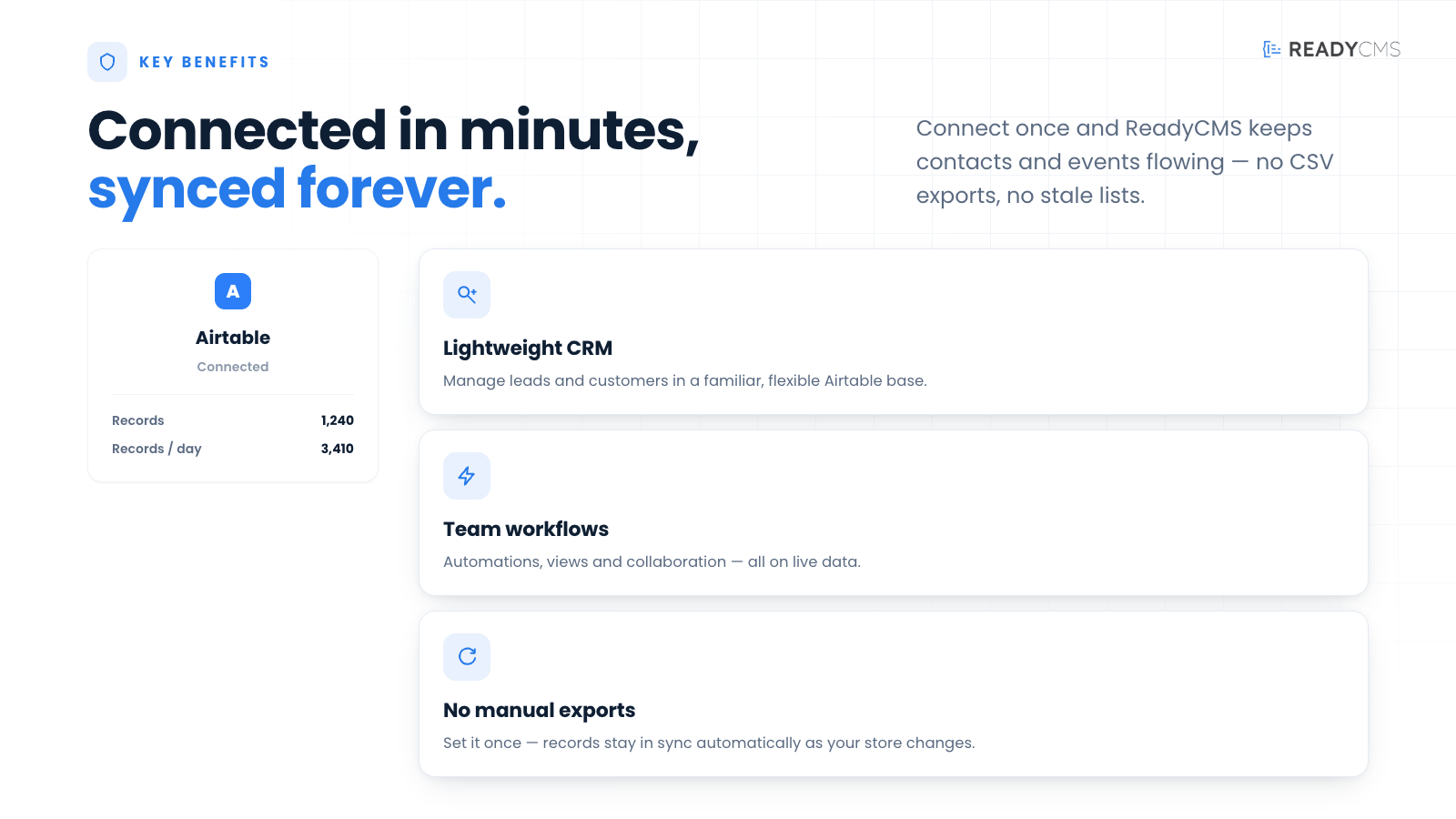
- Sync ReadyCMS customers to Airtable
Keep customer records automatically available in an Airtable base. - Use Airtable as a lightweight CRM
Organize customers, leads, follow-ups, and internal notes in a flexible table view. - Reduce manual data entry
Avoid repeated exports, copy-paste work, and outdated customer lists. - Improve team visibility
Give sales, support, marketing, or operations teams easier access to customer information. - Build custom Airtable workflows
Use Airtable views, filters, tags, automations, and notes around synced ReadyCMS customer data.
How it works
Airtable sync works by connecting ReadyCMS to your Airtable account and sending customer records into a selected Airtable base.
Guide
- Create or prepare your Airtable base
Create an Airtable base to store ReadyCMS customer records. Add a table for customers and prepare the fields you want to use. - Create the required Airtable access credentials
In Airtable, generate the required API access token and make sure it has permission to access the selected base. - Add Airtable details in ReadyCMS
Open the Airtable Sync plugin settings in ReadyCMS and enter the required Airtable connection details, such as API token, base ID, and table name. - Map customer fields
Match ReadyCMS customer fields with Airtable fields. Common fields may include email, first name, last name, phone number, company, country, language, and customer status. - Enable automatic sync
Once configured, activate the sync so ReadyCMS can send customer records to Airtable automatically. - Check synced records
Open Airtable and confirm that customer records are appearing correctly in the selected table. - Use Airtable for your workflow
Create views, filters, lead lists, follow-up boards, or internal notes based on your synced customer data.
FAQ
Q1: What does Airtable Sync do?
A1: Airtable Sync sends ReadyCMS customer records into an Airtable base automatically, so your team can use Airtable as a simple CRM, lead tracker, or customer management workspace.
Q2: Do I need an Airtable account?
A2 Yes. You need an active Airtable account and access to the base where customer records should be synced.
Q3: Can I choose which Airtable base to use?
A3: Yes. The plugin is configured with Airtable connection details, including the base and table where customer records should be sent.
Q4: Which customer fields can be synced?
A4: The exact fields depend on your ReadyCMS setup and plugin configuration. Typical fields include customer name, email, phone number, company, country, language, and other available customer profile details.
Q5: Does the plugin sync orders?
A5: Airtable Sync is focused on customer records. It is not intended to be a full order-sync plugin unless order-related fields are specifically added to the plugin configuration.
Q6: Will Airtable replace ReadyCMS customer management?
A6: No. ReadyCMS remains the source of customer data. Airtable is used as an additional workspace for tracking, organizing, and collaborating around customer records.
Q7: What happens if Airtable is unavailable?
A7: If Airtable cannot be reached or the connection details are incorrect, the sync may fail until the issue is fixed. Check the plugin settings, Airtable permissions, and sync logs if records are not appearing.
Build more with ReadyCMS
Explore the full plugin marketplace or book a demo to see them in action.