

Email templates for ReadyCMS
Enhance your email marketing and communication with ReadyCMS's Email templates plugin. This tool simplifies creating and managing professional, customizable email templates, ensuring your messages are always on-brand and engaging.
ReadyCMS email templates
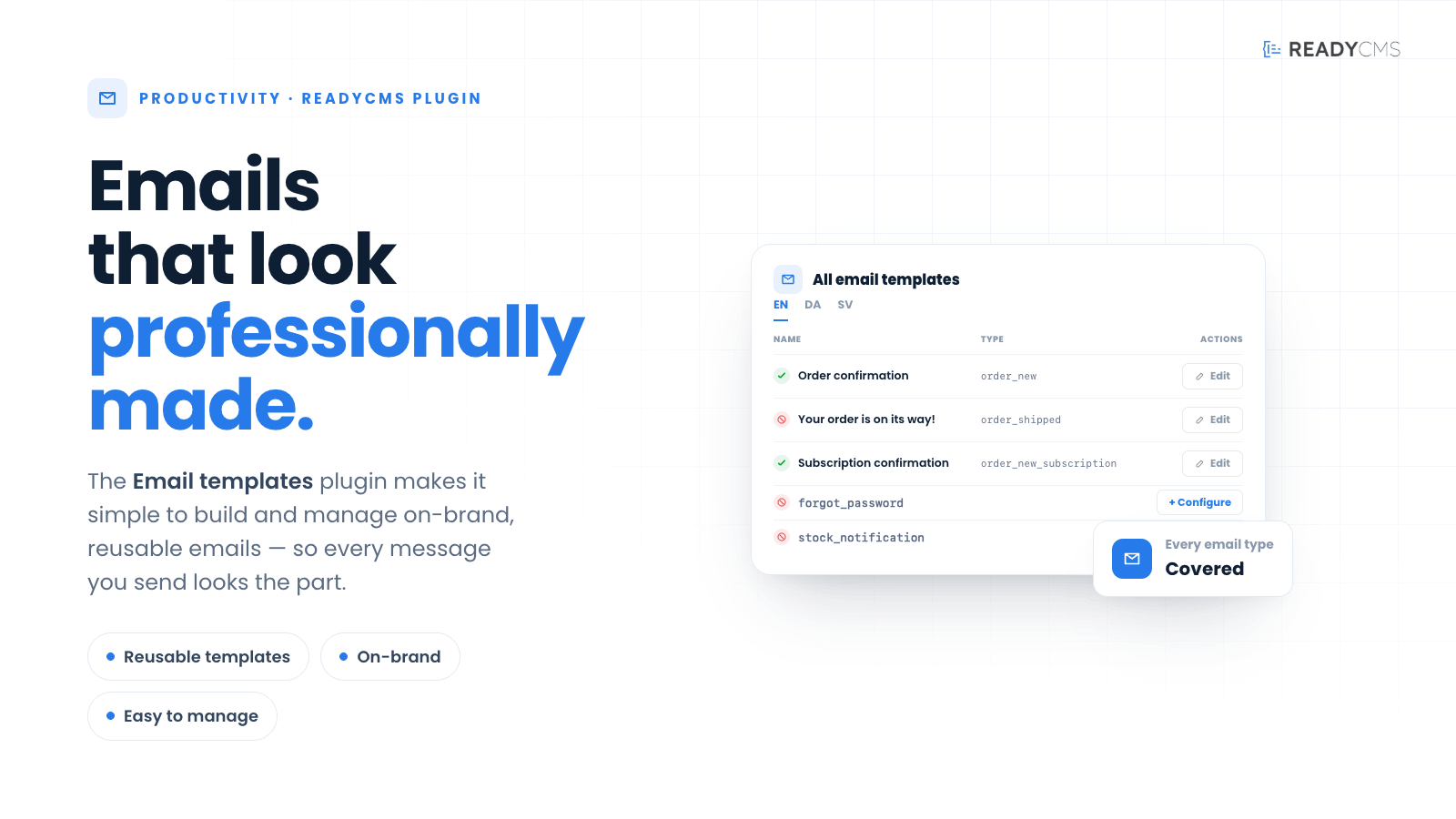
The ReadyCMS email templates feature allows users to create, edit, and manage a variety of email templates tailored for different purposes. Whether you need to send transactional emails, promotional campaigns, or personalized messages, this plugin offers a streamlined way to maintain consistency and professionalism across all your email communications.
Key features and benefits
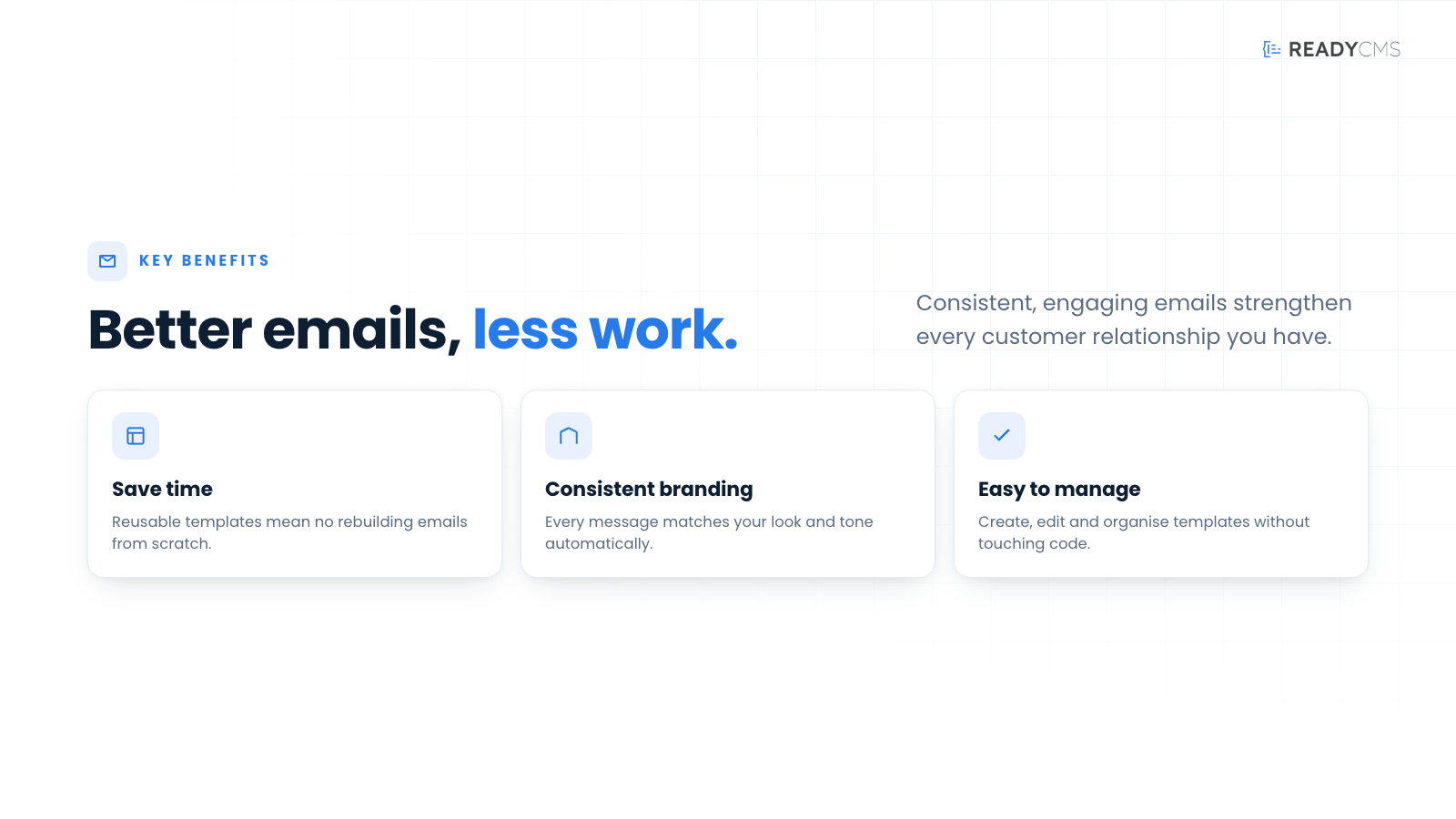
- Fully customizable templates: Users can easily customize their branding, including logos, colors, and styles, ensuring every email reflects the company's identity.
- Responsive design: All email templates are designed to be fully responsive, ensuring they look great on any device, from desktop to mobile.
- User-friendly interface: The plugin provides an intuitive interface allowing users to create and edit templates without technical expertise.
- Versatile use cases: Templates can be used for various scenarios, including marketing campaigns, product launches, event invitations, and customer follow-ups.
- Efficiency and consistency: By using templates, businesses can save time and ensure consistency in their email communications.
How it works
The plugin integrates seamlessly with ReadyCMS, allowing you to manage your email templates directly from your CMS dashboard. You can create new templates from scratch or customize existing ones to fit your needs.
Guide
- Accessing email templates:
- Email templates are always active and pre-integrated into your ReadyCMS instance.
- To access and manage your templates, navigate to the email section on your ReadyCMS dashboard.
- You can choose between general email templates and shop-specific email templates based on your needs.
- Creating a new template:
- Go to the
Shop>Emails>Email templatessection in your dashboard. - Configure the template using the drag-and-drop editor, adding text blocks, images, buttons, and more elements.
- Save your changes and preview the template to ensure it looks correct.
- Go to the
- Editing an existing template:
- Select the template you wish to edit from the list of saved templates.
- Make your desired changes using the editor.
- Save and preview the updated template.
- Using templates:
- Select the desired template from the dropdown menu when sending an email campaign or automated email.
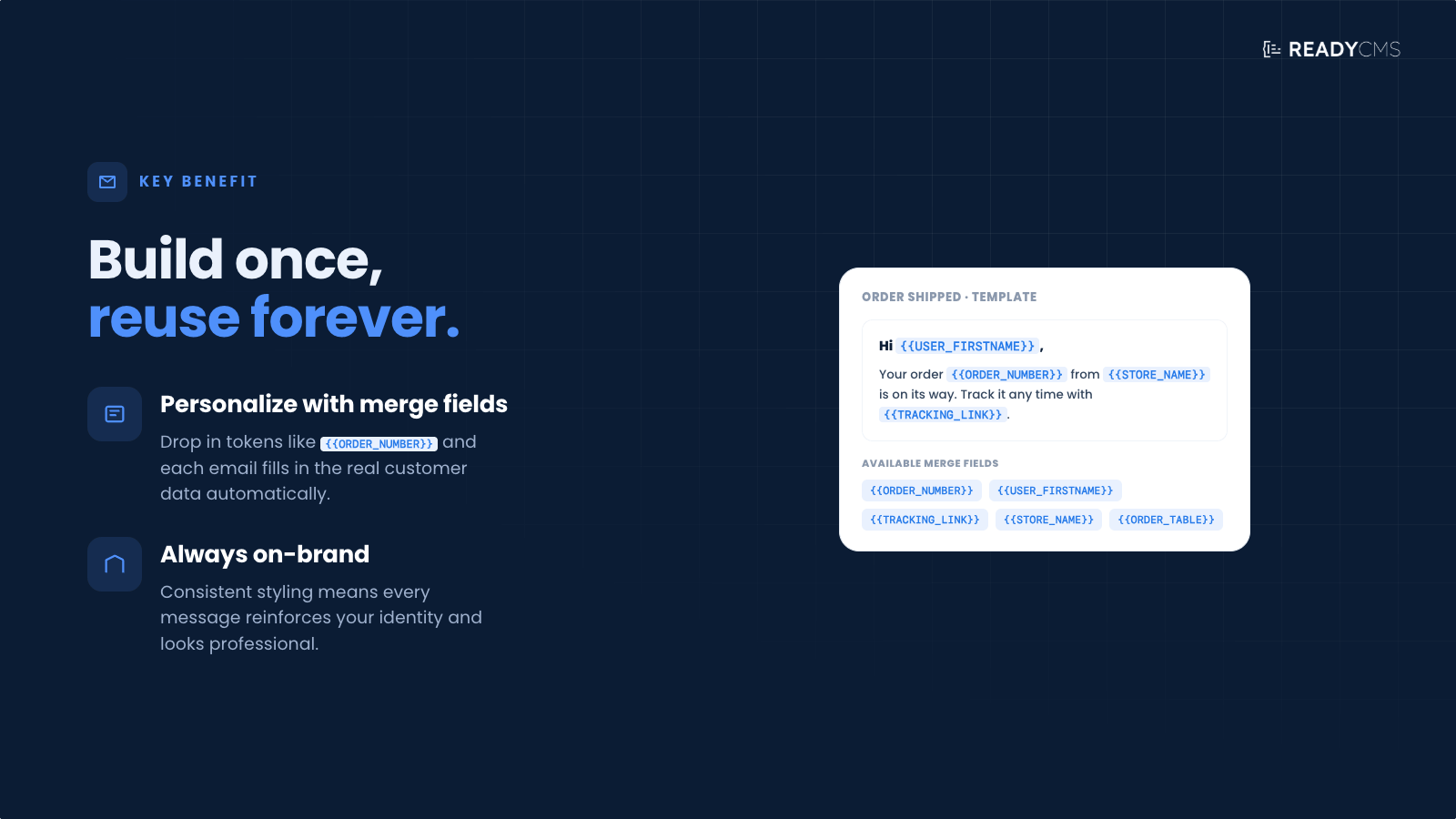
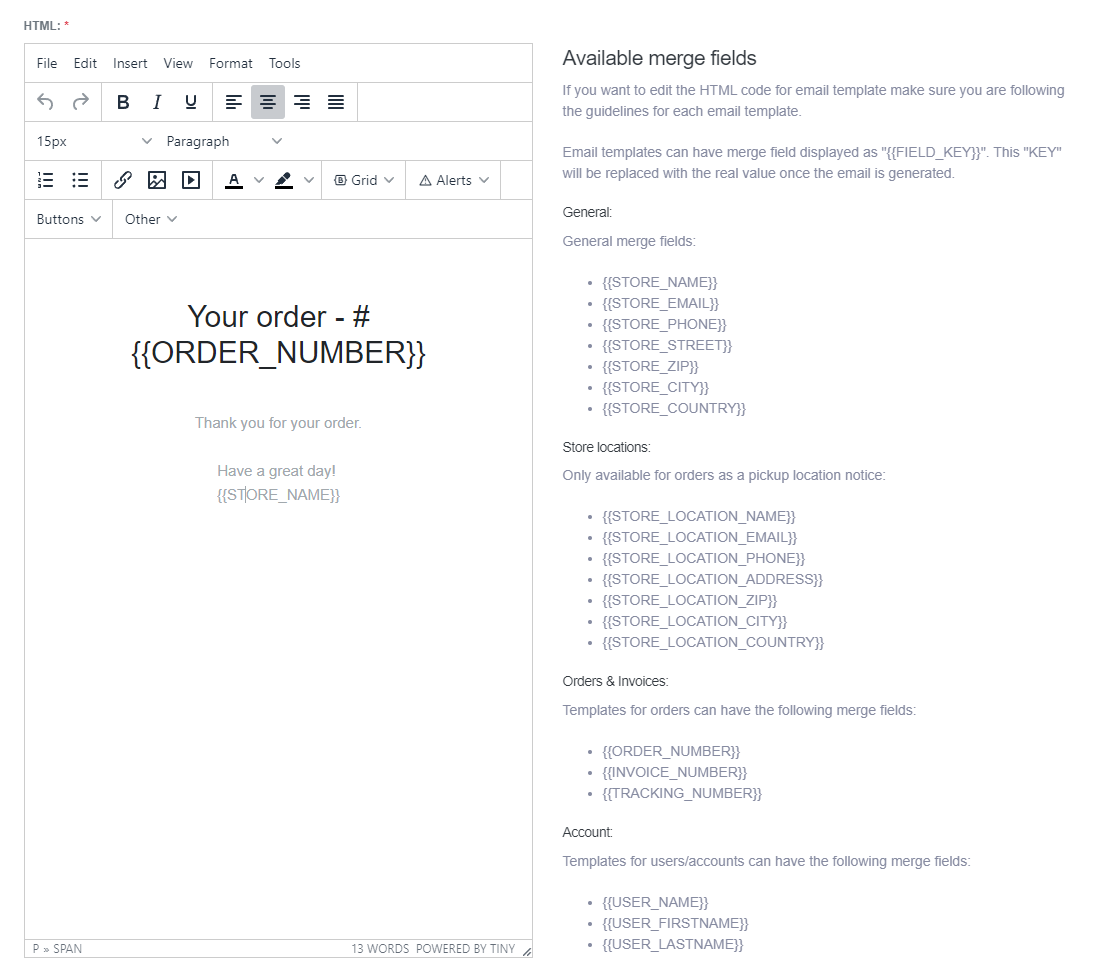
- Personalize the content using merge fields to insert user-specific information dynamically.
Help
ReadyCMS provides a user-friendly drag-and-drop editor that simplifies creating complex templates without technical skills.
For detailed guidance, refer to the official documentation.
FAQ
Q1: How do I ensure my email templates look good on all devices?
A1: ReadyCMS email templates are designed to be fully responsive, meaning they automatically adjust to look great on any device, whether it's a desktop, tablet, or mobile phone.
Q2: Can I add my company's branding to the email templates?
A2: Yes, you can fully customize your email templates with your company's logo, colors, and styles to ensure brand consistency.
Q3: What if I need help creating a complex email template?
A3: ReadyCMS provides a user-friendly drag-and-drop editor that makes creating complex templates without technical skills easy. For detailed guidance, refer to the official documentation.
Q4: Are there pre-made templates available?
A4: Yes, ReadyCMS offers a variety of pre-made templates that you can use as a starting point and customize according to your needs.
Q5: How do I use template merge fields?
A5: Merge fields can be inserted into your templates to dynamically include information such as the recipient's name, purchase details, and other personalized content. This helps make your emails more engaging and relevant to the recipient.
Build more with ReadyCMS
Explore the full plugin marketplace or book a demo to see them in action.