
Brevo sync for ReadyCMS
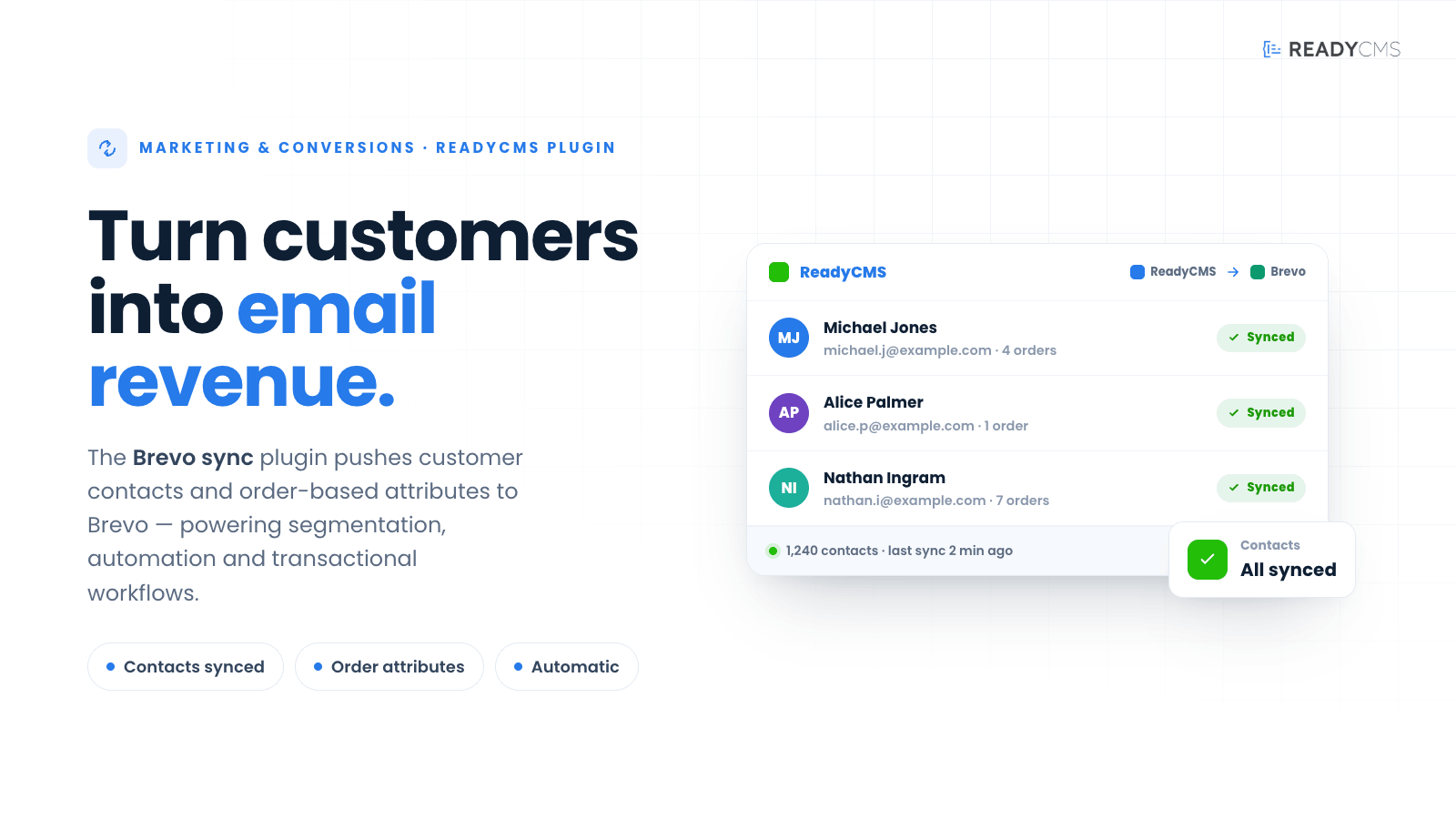
Sync ReadyCMS customer contacts and order-based attributes to Brevo for email marketing, automation, segmentation, and transactional workflows.
Brevo sync for ReadyCMS: Customer contact and order attribute sync for email marketing automation
Brevo sync connects ReadyCMS to Brevo (formerly Sendinblue), helping your customer and order data flow automatically into your email marketing platform.
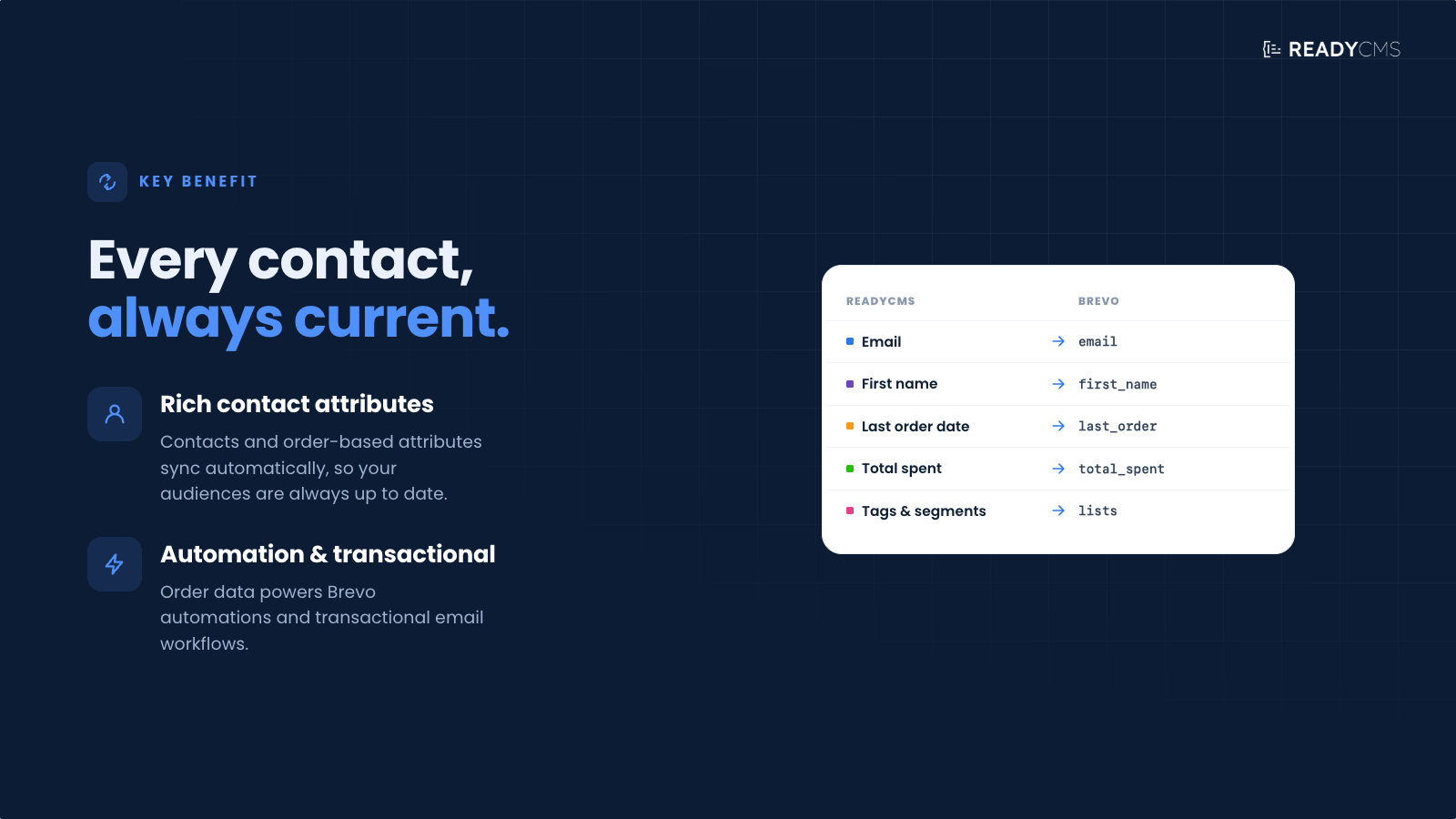
Once enabled, the plugin syncs customer contacts and selected order-based attributes from ReadyCMS to Brevo, where they can be used for segmentation, automation flows, personalized email campaigns, and transactional communication.
Brevo sync supports real-time synchronization when new orders are created, along with hourly cron reconciliation to help keep data consistent over time.
Key benefits
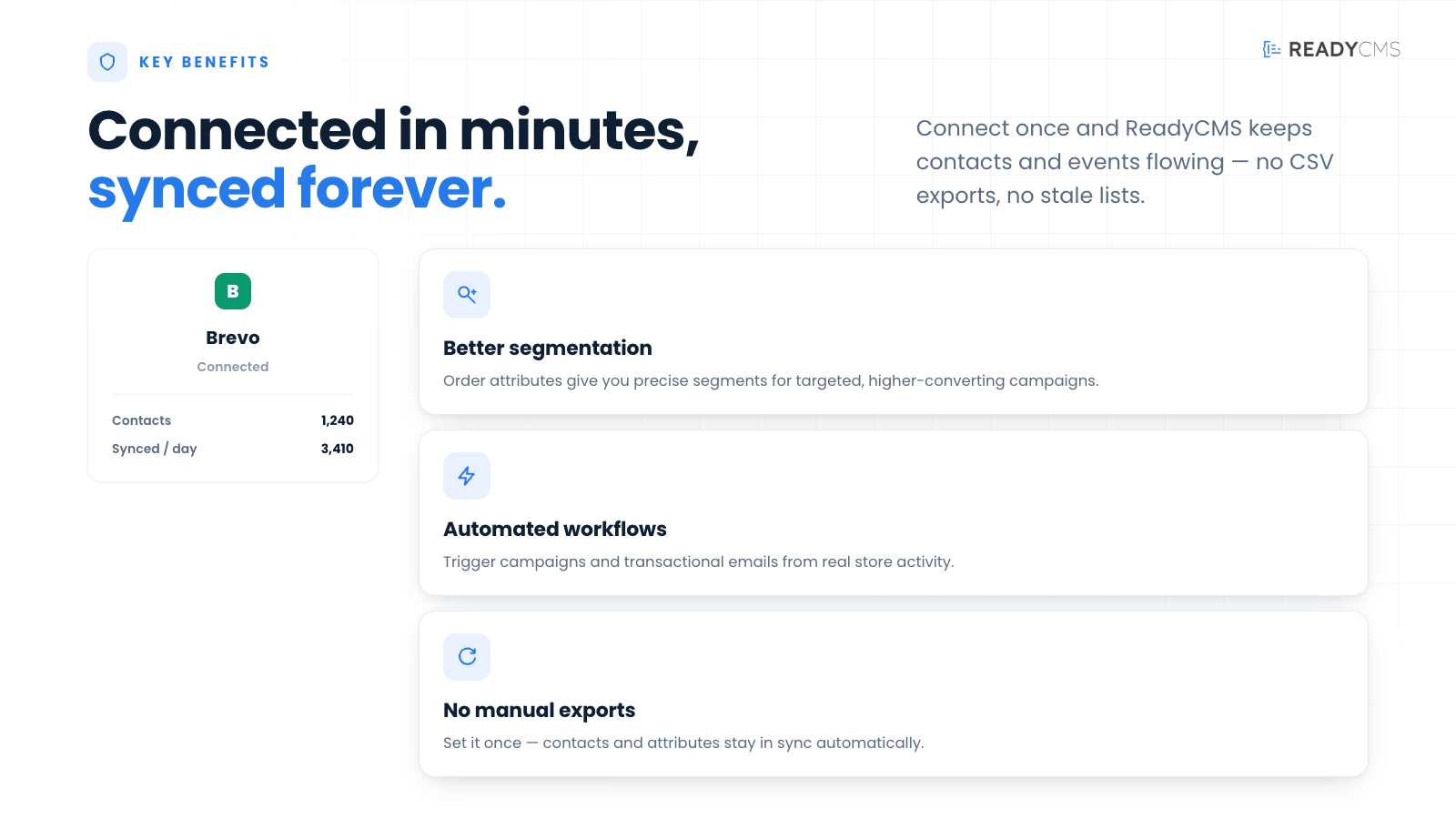
- Keep customer contacts updated
Automatically send customer contact information from ReadyCMS to Brevo. - Use order data for better segmentation
Sync order-based attributes that can help create more relevant customer segments and marketing workflows. - Support email automation
Use ReadyCMS customer and order activity in Brevo automations, lifecycle campaigns, and follow-up messages. - Reduce manual work
Avoid manually copying customer and order data between systems. - Real-time order sync
New order activity can be sent to Brevo when anorder.createdevent is triggered. - Hourly reconciliation
A scheduled cron process helps check and align data regularly, improving reliability.
How it works
Brevo sync acts as a bridge between ReadyCMS and Brevo.
After the connection is configured, ReadyCMS can automatically send customer contacts and selected order-based attributes to Brevo.
Guide
-
Connect your Brevo account
Add the required Brevo API credentials inside the plugin settings. -
Choose what to sync
Configure which customer contact fields and order-based attributes to send from ReadyCMS to Brevo. -
Activate the plugin
Click theActivatebutton after configuring. -
Sync customer contacts
ReadyCMS sends customer contact data to Brevo, helping you keep your audience lists up to date. -
Send order-based attributes
Selected order information can be synced as contact attributes, making it easier to segment customers based on shopping activity. -
Use the data in Brevo
In Brevo, synced data can be used for email campaigns, automation workflows, customer segmentation, and transactional communication. -
Rely on automatic updates
The plugin supports real-time sync onorder.createdevents and hourly cron reconciliation to help keep data aligned.
FAQ
Q1: What does Brevo Sync do?
A1: Brevo Sync sends customer contacts and selected order-based attributes from ReadyCMS to Brevo, where the data can be used for email marketing, automation, segmentation, and transactional communication.
Q2: Is Brevo the same as Sendinblue?
A2: Yes. Brevo is the new name for Sendinblue. This plugin connects ReadyCMS with Brevo.
Q3: What type of data can be synced?
A3: The plugin syncs customer contact data and selected order-based attributes from ReadyCMS to Brevo. The exact fields depend on the plugin configuration.
Q4: When does the sync happen?
A4: Brevo Sync supports real-time sync when an order.created event occurs. It also runs hourly cron reconciliation to help keep data consistent.
Q5: Can I use synced data for segmentation?
A5: Yes. Synced customer and order-based attributes can be used inside Brevo to create segments and support more targeted campaigns.
Q6: Does this replace Brevo?
A6: No. Brevo Sync does not replace Brevo. It connects ReadyCMS with Brevo, so your store data can be used inside your existing Brevo account.
Q7: Do I need a Brevo account?
A7: Yes. You need an active Brevo account and the required API credentials to connect the plugin.
Q8: Does the plugin send emails from ReadyCMS?
A8: The plugin focuses on syncing data from ReadyCMS to Brevo. Email campaigns, automation workflows, and transactional communication are managed inside Brevo.
Build more with ReadyCMS
Explore the full plugin marketplace or book a demo to see them in action.