

Discounts & coupon codes
Maximize your sales and marketing strategies with the "Discounts & coupon codes" plugin for ReadyCMS. This powerful tool enables you to create and manage flexible discount rules and promotional coupon codes. Tailor offers for specific users or product groups and provide special pricing for wholesale clients, no coding required.
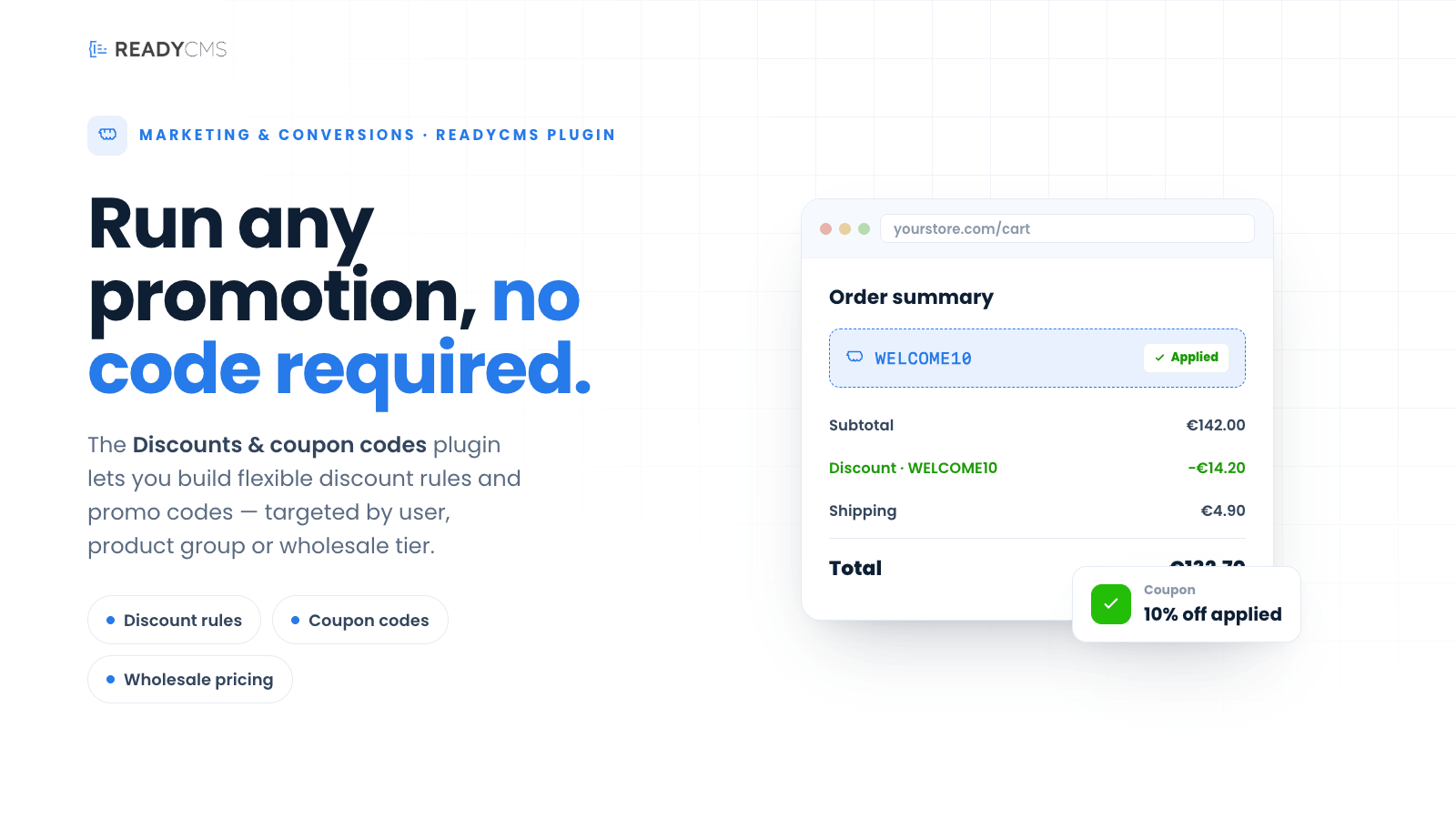
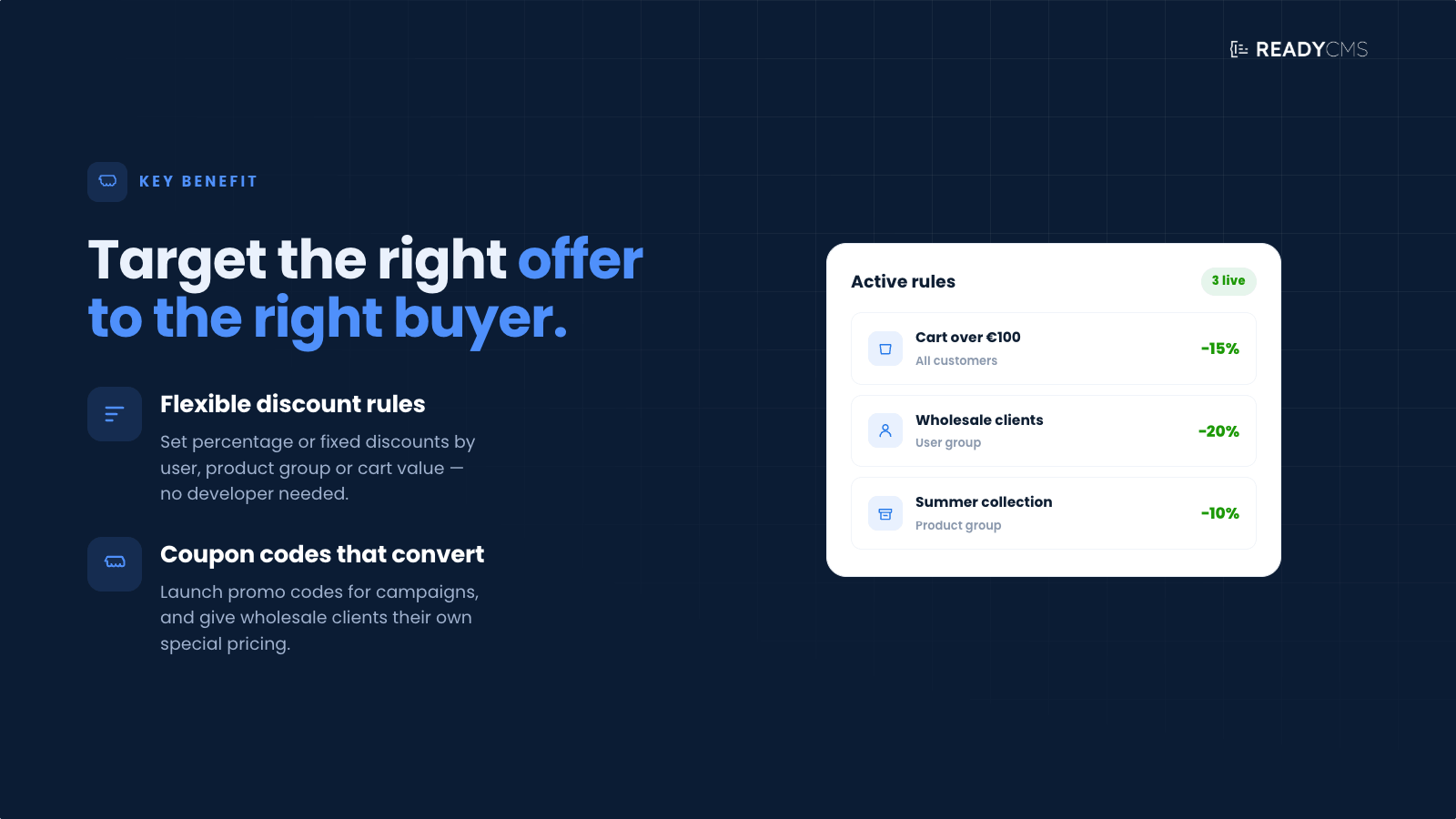
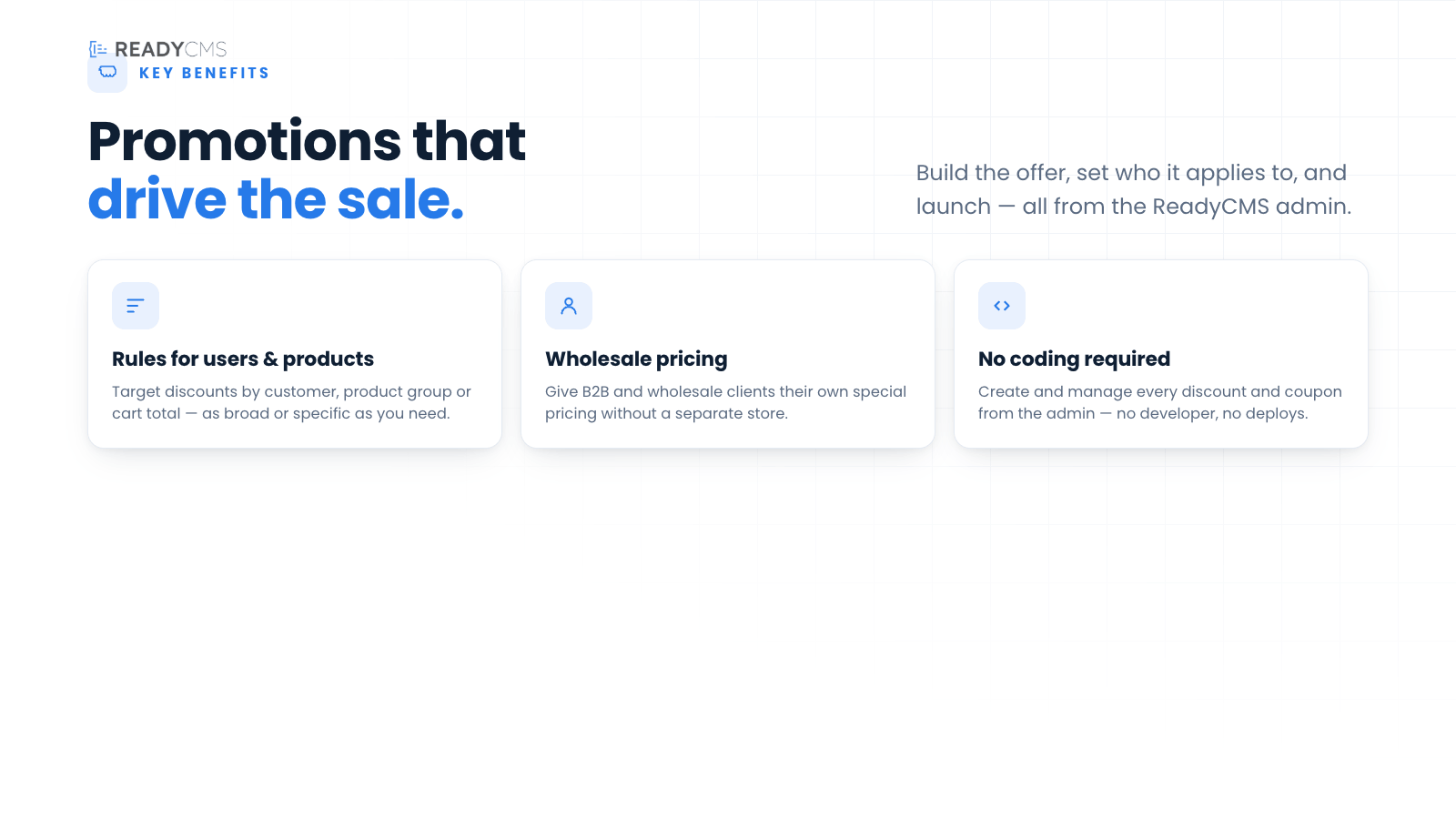
Discounts plugin for ReadyCMS
The Discounts plugin empowers businesses to strategically apply discounts based on various parameters such as user groups, order history, product categories, and purchase amounts. Whether you're offering seasonal promotions, rewarding loyal customers, or optimizing pricing for wholesale buyers, this plugin provides the tools you need to maximize revenue and customer satisfaction.
Key features and benefits
- Comprehensive discount rules
- Configure percentage-based discounts, fixed-amount reductions, and free shipping offers.
- Define multiple discount conditions and stack rules to fine-tune your pricing strategy.
- Coupon codes support
- Create and manage unique coupon codes for one-time promotions, seasonal campaigns, influencer marketing, or exclusive loyalty rewards. Control code expiration, usage limits, and applicability with ease.
- User and order targeting
- Apply discounts to specific user groups (e.g., VIP customers, wholesale buyers).
- Target customers based on purchase history, minimum order amounts, and previous purchases.
- Product-specific discounts
- Choose specific products, categories, or product tags to apply discounts.
- Exclude certain products or categories from discounts to maintain full-price sales when necessary.
- Flexible discount applications
- Set usage limits to control how many times a discount can be used.
- Define validity periods to schedule promotions in advance.
- Adjust discount priorities to determine which rule applies first when multiple discounts are available.
- Easy discount management
- Activate, deactivate, or modify discount rules in a few clicks through the ReadyCMS admin panel.
- Track active discounts and adjust settings based on real-time sales data.
How it works
The Discounts plugin is seamlessly integrated into ReadyCMS, providing a user-friendly dashboard for creating and managing discount rules. Discounts can be tailored to specific audiences, products, and purchase behaviors, ensuring targeted and effective promotions.
Guide
- Create a new discount rule
- Navigate to
Shop>Discountsin the ReadyCMS admin panel. - Click
+ADD NEW DISCOUNT RULEand enter a title for your discount.
- Navigate to
- Define the discount criteria
- Coupon code (Optional): Add a unique code that customers must enter to trigger the discount. Great for promo campaigns and time-limited offers.
- User targeting: Assign discounts to specific user groups or individual users.
- Order targeting: Specify a minimum purchase amount or required number of previous purchases.
- Set product eligibility
- Select which products, categories, or tags the discount applies to.
- Exclude certain products or categories if needed.
- Configure discount type & value
Choose from:- Free shipping
- Percentage-based discount
- Fixed-amount discount
- Manage usage limits & validity
- Define whether the discount has unlimited use or a maximum number of uses.
- Apply code-specific usage limits and expiration dates to control campaign length and redemption frequency.
- Set start and end dates to schedule promotions.
- Adjust additional settings
- Enable or disable the discount.
- Choose whether the discount applies before or after taxes.
- Prevent stacking of multiple discounts if needed.
- Save & activate the discount
- Click
Save, and your discount will be applied according to the configured rules.
- Click
B2B discounts: Tailor pricing for wholesale & business clients
The Discounts plugin in ReadyCMS supports business-to-business (B2B) pricing models, helping merchants offer specialized discounts to wholesale buyers, distributors, and corporate customers.
Whether you need to implement volume-based pricing, user-specific discounts, or exclusive trade deals, this plugin provides the flexibility to meet the demands of B2B e-commerce.
1) User-specific and group discounts
- Apply special pricing for wholesale customers, distributors, or resellers by assigning discounts to specific user groups.
- Ensure only registered B2B clients receive trade discounts, protecting your pricing strategy from retail customers.
2) Tiered pricing and bulk order discounts
- To encourage larger purchases, offer discounts based on order quantity (e.g., 5% off for orders over 50 units, 10% off for 100+ units).
- Apply progressive pricing rules to reward high-volume buyers and long-term partners.
3) Exclusive discounts for business accounts
- Create private discounts that are only visible and applicable to verified B2B customers.
- Use minimum purchase requirements to ensure business clients meet order thresholds before receiving a discount.
4) Automated wholesale promotions
- Apply discounts automatically based on purchase behavior at checkout to ensure a seamless B2B buying experience.
- Integrate with ReadyCMS's user roles to differentiate pricing between B2B and B2C customers.
Example B2B discount use cases
| Scenario | How to set it up in ReadyCMS |
|---|---|
| Wholesale discount for registered B2B customers | Assign a discount rule to the "Wholesale Buyers" user group. |
| Bulk order discounts (Volume-based pricing) | Set a discount for orders exceeding a specific quantity or value. |
| Exclusive distributor pricing | Restrict discounts to users with an "Authorized Distributor" tag. |
| Loyal business customer discounts | Create a discount for businesses that meet a spending threshold over time. |
| Seasonal B2B promotions | Set time-limited discounts for bulk purchases during trade shows or special events. |
Why do B2B discounts matter?
🔹 Encourages higher order values by rewarding bulk purchases.
🔹 Simplifies business pricing management with automated discount applications.
🔹 Protects wholesale margins by restricting discounts to verified B2B clients.
🔹 Enhances B2B customer retention through exclusive, loyalty-driven pricing models.
FAQ
Q1: Can I create a discount only for new customers?
A1: Yes! You can target new customers by setting a discount rule for users without previous purchases.
Q2: Can multiple discount rules be combined?
A2: Yes, but only if stacking is allowed. You can prioritize discounts to determine which ones apply first.
Q3: How do I set up a discount for a specific product category?
A3: Navigate to the Discounts section, create a new rule, and select the specific categories to which the discount will apply.
Q4: How do I exclude certain products from a discount?
A4: While creating a discount rule, select "Excluded Products" or "Excluded Categories" to prevent discounts from being applied to specific items.
Q5: Can I set a discount to apply automatically or with a code?
A5: Yes. You can apply discounts automatically at checkout (by skipping the coupon code) or restrict them to users who enter a specific coupon code during checkout.
Q6: How do I monitor active discounts?
A6: The Discounts Dashboard lists all discount rules, which you can view, edit, and deactivate as needed.
Q7: Is it possible to set a time limit on a discount offer?
A7: Absolutely. Each discount rule can include start and end dates, allowing you to control the duration of the promotion.
Build more with ReadyCMS
Explore the full plugin marketplace or book a demo to see them in action.