

Product recommendations
Show relevant upsells, cross-sells, alternatives, accessories, and trending products using fast recommendation endpoints and automatically refreshed data.
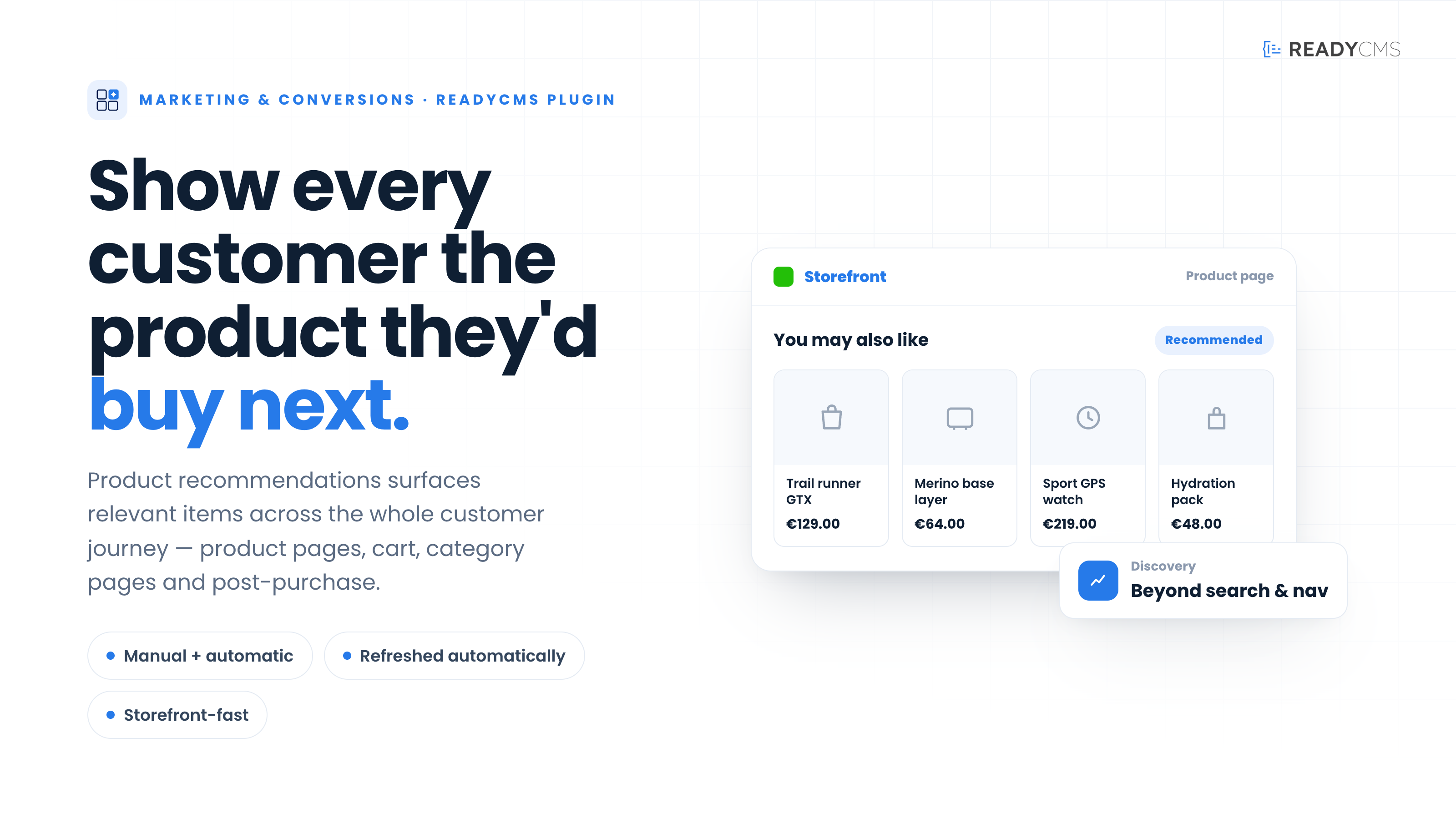


Product recommendations plugin for ReadyCMS
The Product recommendations plugin helps ReadyCMS stores present more relevant products throughout the customer journey.
It supports both manually curated and automatically generated recommendations. Your team can define important upsells, cross-sells, alternatives, and accessories while also using catalog relationships, customer activity, and order data to generate additional suggestions.
Recommendation data is processed in the background and delivered through lightweight API endpoints that return ranked product IDs. Your storefront can use those IDs to display recommendation sections that match its existing design and product presentation.
Key benefits
- Increase product discovery: Help customers find relevant products they may not discover through standard navigation or search.
- Support upselling and cross-selling: Recommend complementary products, higher-value options, accessories, or suitable alternatives.
- Combine manual and automatic recommendations: Retain direct control over important product relationships while using automatically generated suggestions where appropriate.
- Highlight trending products: Surface products experiencing increased customer interest using aggregated recommendation data.
- Maintain storefront performance: Lightweight endpoints return only ranked product IDs, keeping responses small and fast.
- Keep recommendations updated: Scheduled background jobs automatically refresh recommendation relationships and trending-product data.
How it works
The Product recommendations plugin creates and maintains recommendation data for your ReadyCMS storefront.
Recommendations can be generated from several sources:
- Manually defined product relationships
- Catalog and product similarity
- Storefront activity and customer events
- Previous order data
- Aggregated trending-product information
Scheduled background jobs periodically process this information and refresh the recommendation data. Your storefront can then request ranked product IDs through the available endpoints under:
/products/recommendations/*
These IDs can be used to create recommendation sections such as:
- You may also like
- Frequently bought together
- Complete the set
- Similar products
- Alternative products
- Recommended accessories
- Trending products
Because the API returns product IDs rather than complete product objects, your development team retains control over which product information is loaded and how the recommendations are filtered, styled, and displayed.
Guide
- Activate Product recommendations
Open the Plugins page in your ReadyCMS Admin, find Product recommendations, and activate the plugin. - Choose recommendation placements
Decide where recommendations should appear, such as product pages, the shopping cart, category pages, or post-purchase experiences. - Prepare important product relationships
Define any manual upsells, cross-sells, alternatives, or accessories that should take priority in specific situations. - Connect your storefront
Configure the storefront to request ranked product IDs from the appropriate Product Recommendations endpoint. - Load the required product information
Use the returned IDs to retrieve product names, images, prices, availability, and any other information required by your storefront. - Build the recommendation section
Display the recommended products using a carousel, grid, list, or another component that matches your storefront design. - Confirm that scheduled jobs are running
The plugin uses background cron jobs to refresh recommendation relationships and trending-product data. - Test the recommendations
Review different products and recommendation types to confirm that the returned items are relevant, available, and displayed correctly.
FAQ
1) What types of recommendations does the plugin support?
It supports manually curated upsells, cross-sells, alternatives, and accessories. It can also generate recommendations based on catalog similarity, customer events, previous orders, and trending product data.
2) Does the plugin automatically add recommendation blocks to my storefront?
No. The plugin provides the recommendation engine and API endpoints, but your storefront must be configured to request and display the recommended products.
3) Can I control which products are recommended?
Yes. Manual product relationships can be used when you need direct control over upsells, cross-sells, accessories, or alternatives. These relationships can be used alongside automatically generated recommendations.
4) Are recommendations generated in real time?
Recommendation data is precomputed and refreshed through scheduled background jobs. This keeps storefront responses fast by avoiding complex calculations during every customer request.
5) What does the API return?
The recommendation endpoints return ranked product IDs. Your storefront can use those IDs to retrieve the complete product information it needs.
6) Why does the plugin return only product IDs?
IDs-only responses are lightweight and give your storefront full control over which product fields are loaded and how recommendation cards are displayed.
7) Does Product recommendations have a settings screen?
Yes. The settings screen includes scoring-weight controls for factors such as product similarity, frequently bought together, co-view activity, co-purchases, session affinity, category affinity, brand affinity, popularity, and newness.
A reset option restores the default weights. Changes are applied to subsequent API requests without requiring a restart or a new cron run.
8) Is developer work required?
Yes. Storefront integration is required to request recommendation IDs, load the corresponding product information, and display the results.
The implementation can use an existing storefront component or a custom grid, carousel, list, or bundle design.
9) Does the plugin use scheduled jobs?
Yes. Background cron jobs refresh recommendation relationships and trending-product data.
10) Can recommendations use different designs?
Yes. Because the storefront controls the presentation, recommendations can be shown as product grids, carousels, lists, bundles, or other custom components.
11) Does the plugin have any dependencies?
No additional ReadyCMS plugin dependencies are required.
Build more with ReadyCMS
Explore the full plugin marketplace or book a demo to see them in action.