

APL-Line - Stock manager
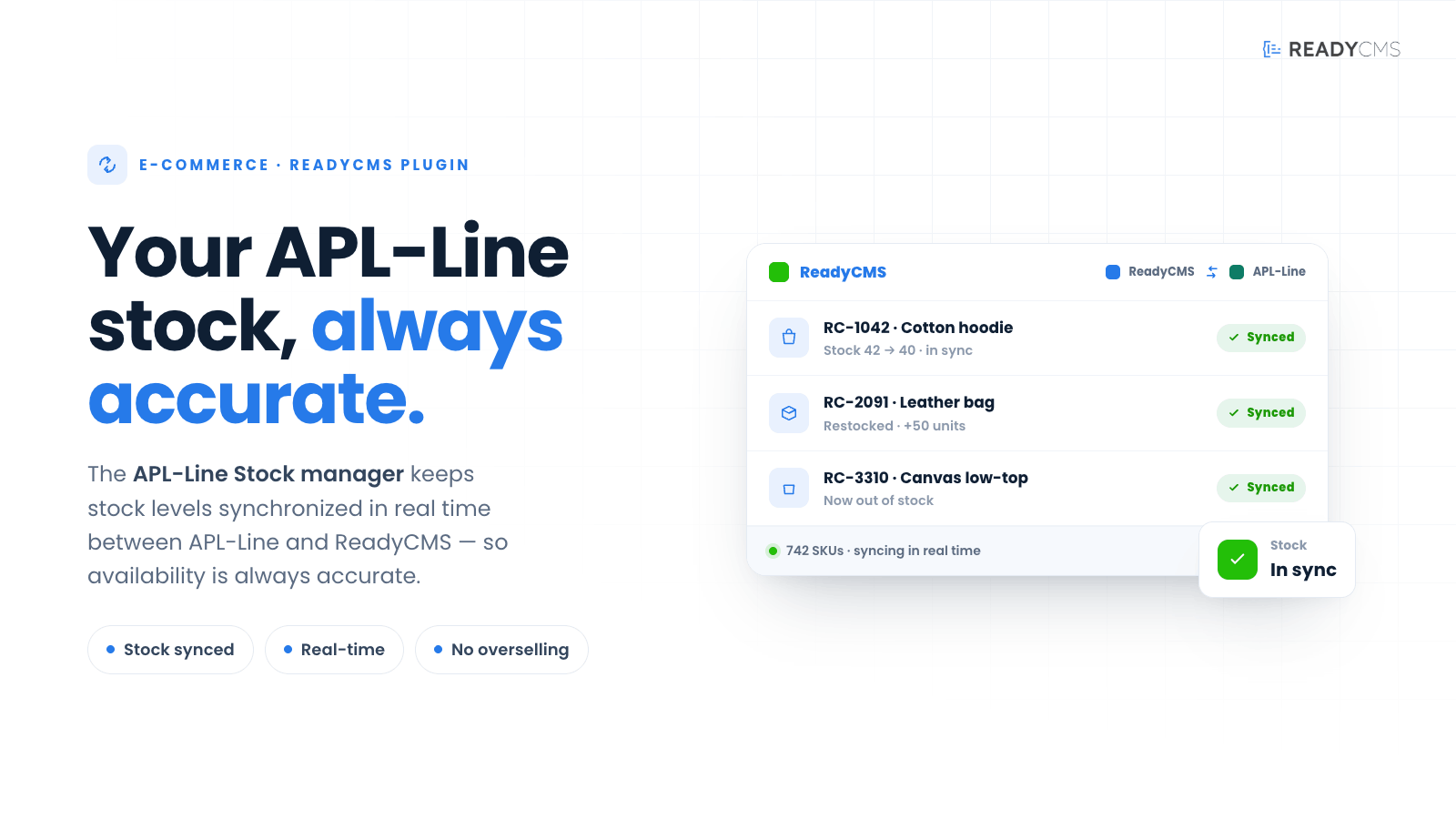
Optimize your inventory control with the APL-Line Stock management plugin for ReadyCMS. This integration ensures real-time tracking and updates of stock levels, providing a seamless inventory management experience.
APL-Line - Stock management plugin for ReadyCMS
The APL-Line Stock Management plugin seamlessly integrates with ReadyCMS to offer advanced inventory tracking and management capabilities. This plugin connects your ReadyCMS platform to APL-Line's sophisticated inventory system, ensuring accurate, up-to-date stock information across all sales channels.
Key features and benefits
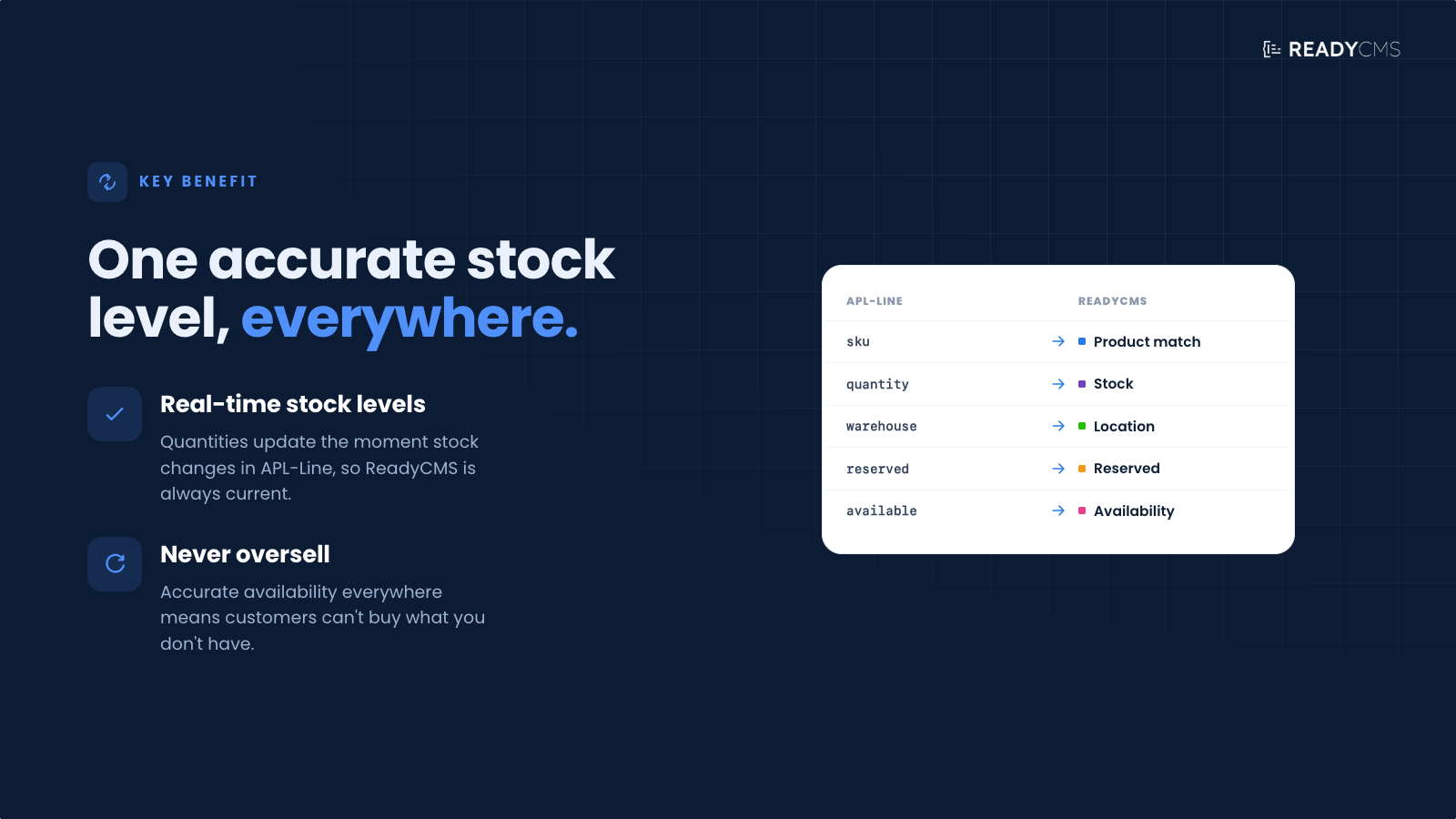
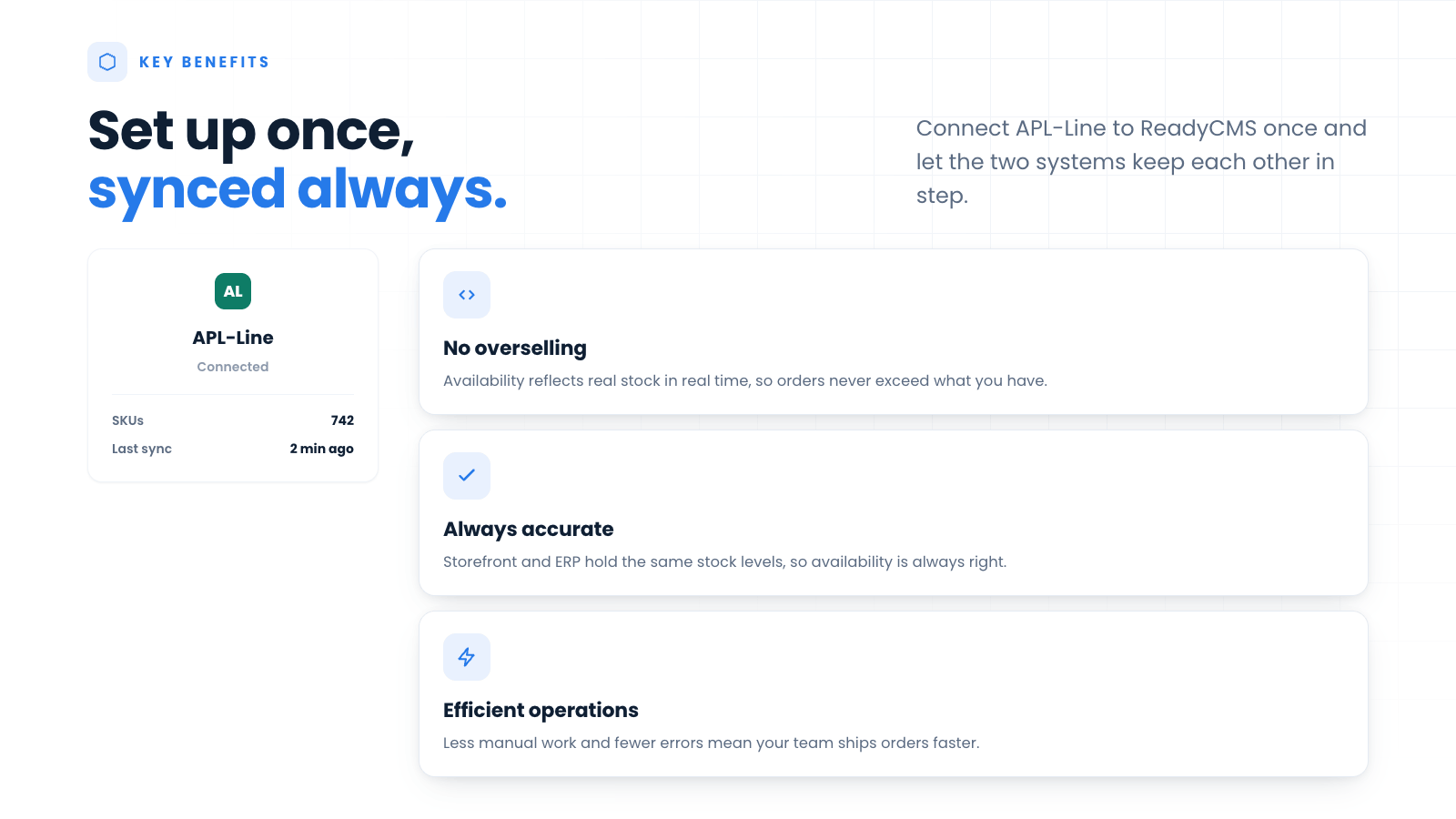
- Real-time inventory updates: Stock levels in ReadyCMS are automatically updated when inventory changes in APL-Line occur, reducing the risk of overselling.
- Reduced stock discrepancies: Minimizes stock count errors and enhances the accuracy of inventory records.
How it works
The plugin creates a direct link between APL-Line’s inventory systems and ReadyCMS, enabling dynamic synchronization of stock levels. Inventory changes, either due to new shipments or sales, are reflected in real time on your ReadyCMS platform.
Guide
- Configure API settings: On the Settings tab, enter your APL-Line API details to link your inventory systems.
- Set up inventory sync: Customize how and when your inventory data syncs—choose from real-time updates or scheduled syncs.
- Activate the plugin: Click the
Save & activatebutton to activate the Stock Manager plugin. - Monitor and manage stock: Use ReadyCMS to track inventory levels, generate reports, and manage stock across multiple locations.
API integration setup
To set up the API integration for this plugin, you need to provide several details:
- Endpoint URL: Enter the specific URL where the API requests will be sent.
- Update Frequency: Choose how often the plugin should send data to the API. Options might include hourly, daily, or other intervals.
- Notification Email: Provide the email address to which API notifications should be sent.
- Error Logging: Select 'Yes' to enable error logging, which helps in troubleshooting issues.
- Account Authentication: Enter the 'Auth Token ', which is a security token that allows the API to authenticate the requests coming from your plugin.
Make sure these fields are filled correctly to ensure the API functions correctly and securely.
Error logging will be displayed in the Log tab.
FAQ
Q1: Does the Stock Management plugin support multiple warehouses?
A1: Yes, the plugin can manage and synchronize inventory across multiple warehouse locations, all integrated within ReadyCMS.
Q2: Can I set alerts for low stock?
A2: Absolutely, the plugin allows you to set customizable alerts for low stock levels to prevent potential stock-outs.
Q3: How does the plugin handle returns and refunds?
A3: Stock levels are automatically adjusted in ReadyCMS to reflect product returns and refunds, ensuring that your inventory records remain accurate.
Build more with ReadyCMS
Explore the full plugin marketplace or book a demo to see them in action.