

APL-Line - Fiscalization
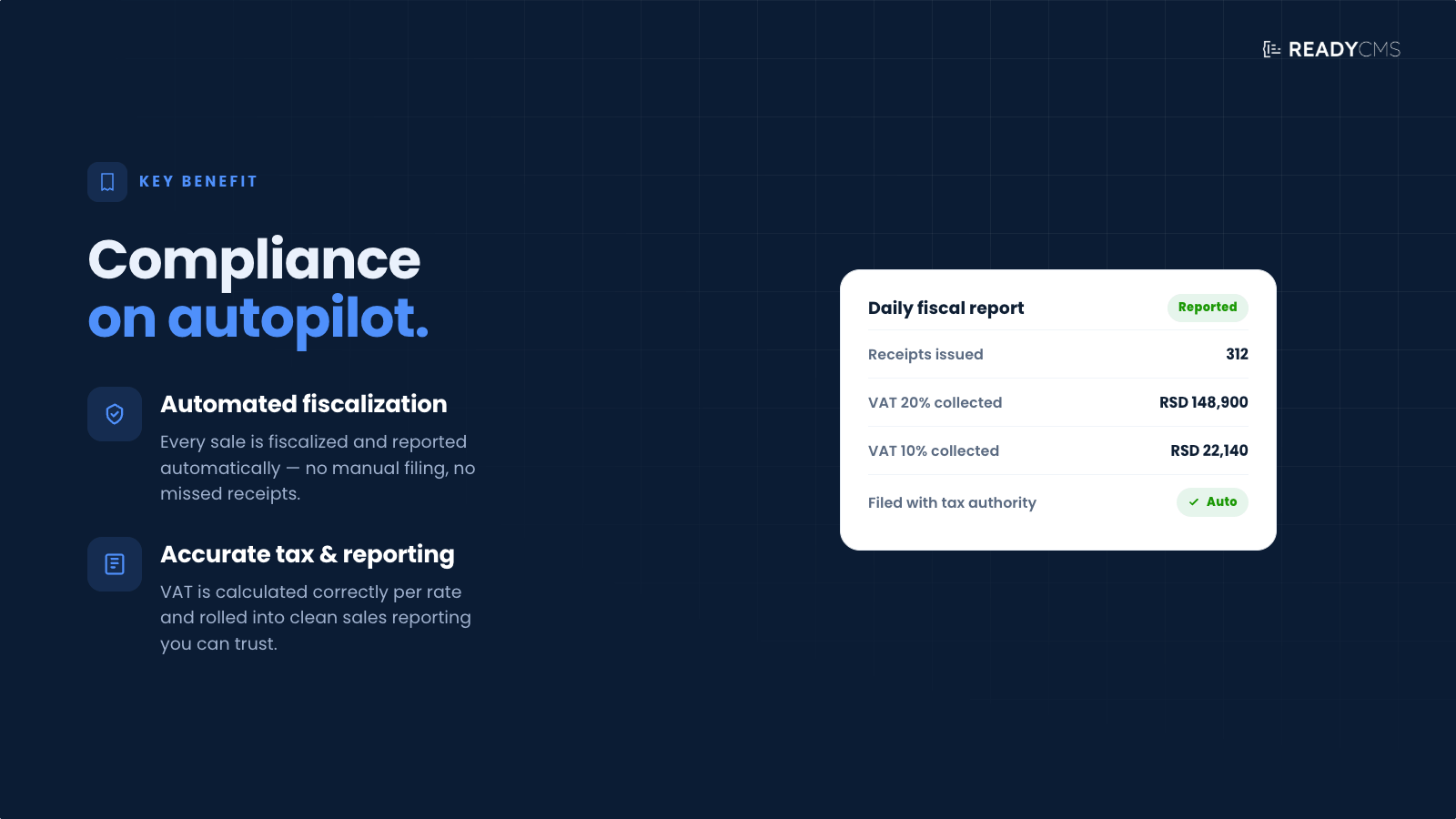
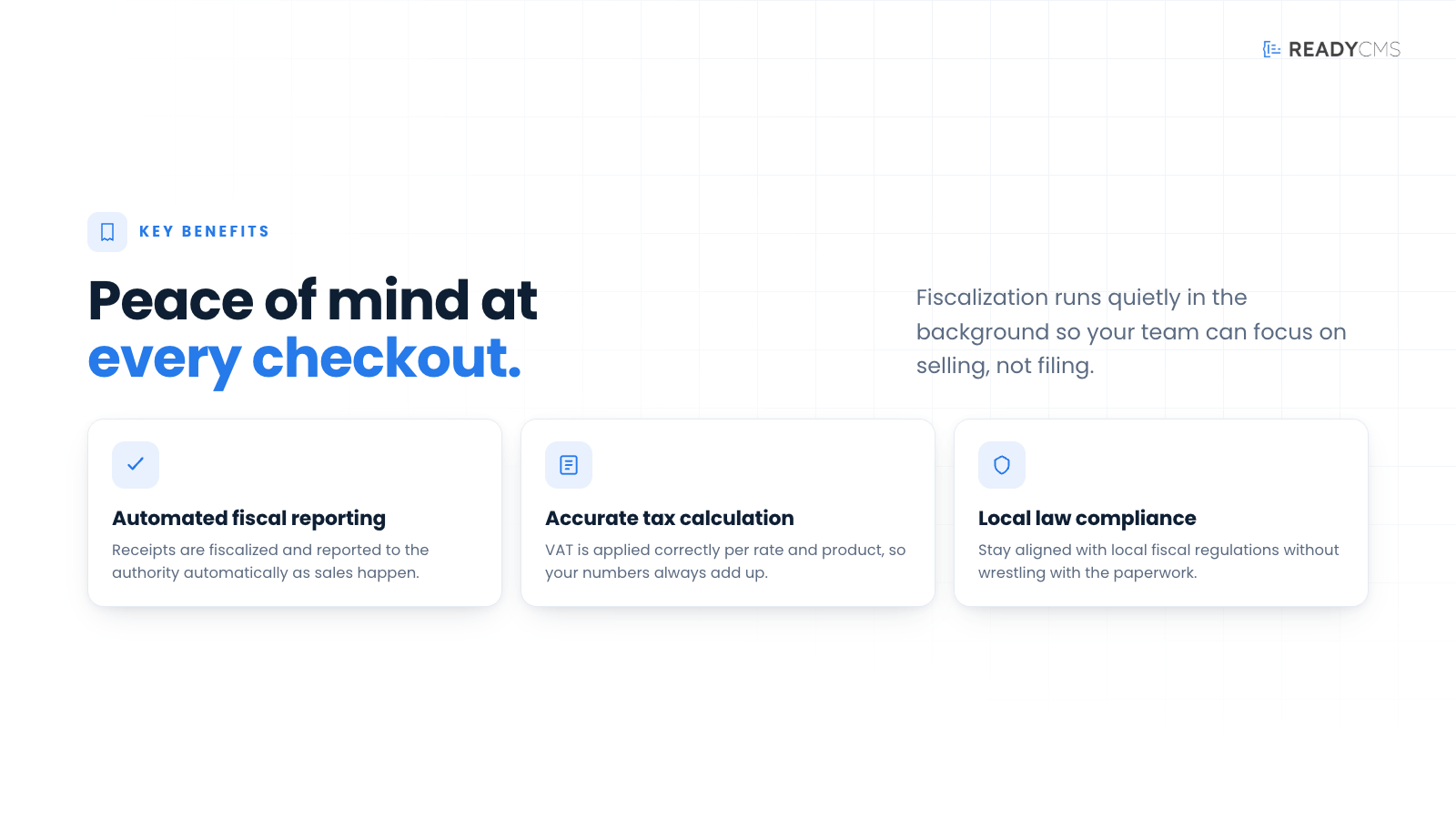
Ensure compliance with local tax laws using the APL-Line Fiscalization plugin for ReadyCMS. This plugin automates the fiscalization process, simplifying sales reporting and tax calculations.

APL-Line - Fiscalization for ReadyCMS
The APL-Line Fiscalization plugin integrates ReadyCMS with APL-Line's fiscalization services, facilitating automatic tax calculations and ensuring compliance with local fiscal regulations. This essential tool simplifies the complexities of fiscal reporting and tax submissions for businesses operating in regulated markets.
Key features and benefits
- Seamless integration with APL-Line software: effortlessly forward all data to ensure the smooth and efficient operation of their system.
- Error reduction: Reduces manual input, minimizing the potential for errors in tax calculations.
How it works
By integrating directly with APL-Line's fiscal systems, this plugin automates the fiscalization process from ReadyCMS, handling everything from calculating taxes to submitting necessary documents to tax authorities.
Guide
- Setup: Activate the Fiscalization plugin from the ReadyCMS plugin page.
- Configuration: Enter the information required to connect ReadyCMS with your APL-Line fiscalization account.
- Endpoint URL: Enter the API endpoint provided by APL-Line. This determines where ReadyCMS sends fiscalization requests.
- Website: Enter the website or store identifier associated with your APL-Line account.
- Website ID: Enter the unique ID assigned to your website or ReadyCMS store.
- Customer Group ID: Enter the APL-Line customer group identifier used for your business account.
- Notification email: Enter the email address that should receive relevant fiscalization notifications or error information.
- Auth Token: Enter the authentication token provided by APL-Line. This token authorizes communication between ReadyCMS and the fiscalization service.
-
Save and activate: Review the entered information and click
Save & activate. The plugin will then connect ReadyCMS with your APL-Line account. - Customize settings: Configure the relevant tax and fiscalization rules according to your company, location, and transaction requirements.
- Automate reporting: Once configured, the plugin can automatically process fiscalization data for transactions completed through ReadyCMS, including tax calculations and submission of the required information to the connected fiscal system.
Contact APL-Line support if you are unsure which endpoint to use, the website details, customer group ID, or authentication token.
FAQ
Q1: What types of taxes can be managed with the Fiscalization plugin?
A1: The plugin manages a variety of taxes, including VAT, sales tax, and other local taxes, according to regional requirements.
Q2: Is the plugin suitable for businesses outside of the fiscal jurisdiction of APL-Line's services?
A2: The plugin is designed to work within the jurisdictions covered by APL-Line's fiscal services. If operating outside these areas, you may need a different solution.
Q3: How secure does the Fiscalization plugin handle the data?
A3: Data security is a priority; the plugin uses encrypted transmissions and complies with GDPR and other data protection regulations to securely handle all fiscal data.
Build more with ReadyCMS
Explore the full plugin marketplace or book a demo to see them in action.