

AKS for ReadyCMS
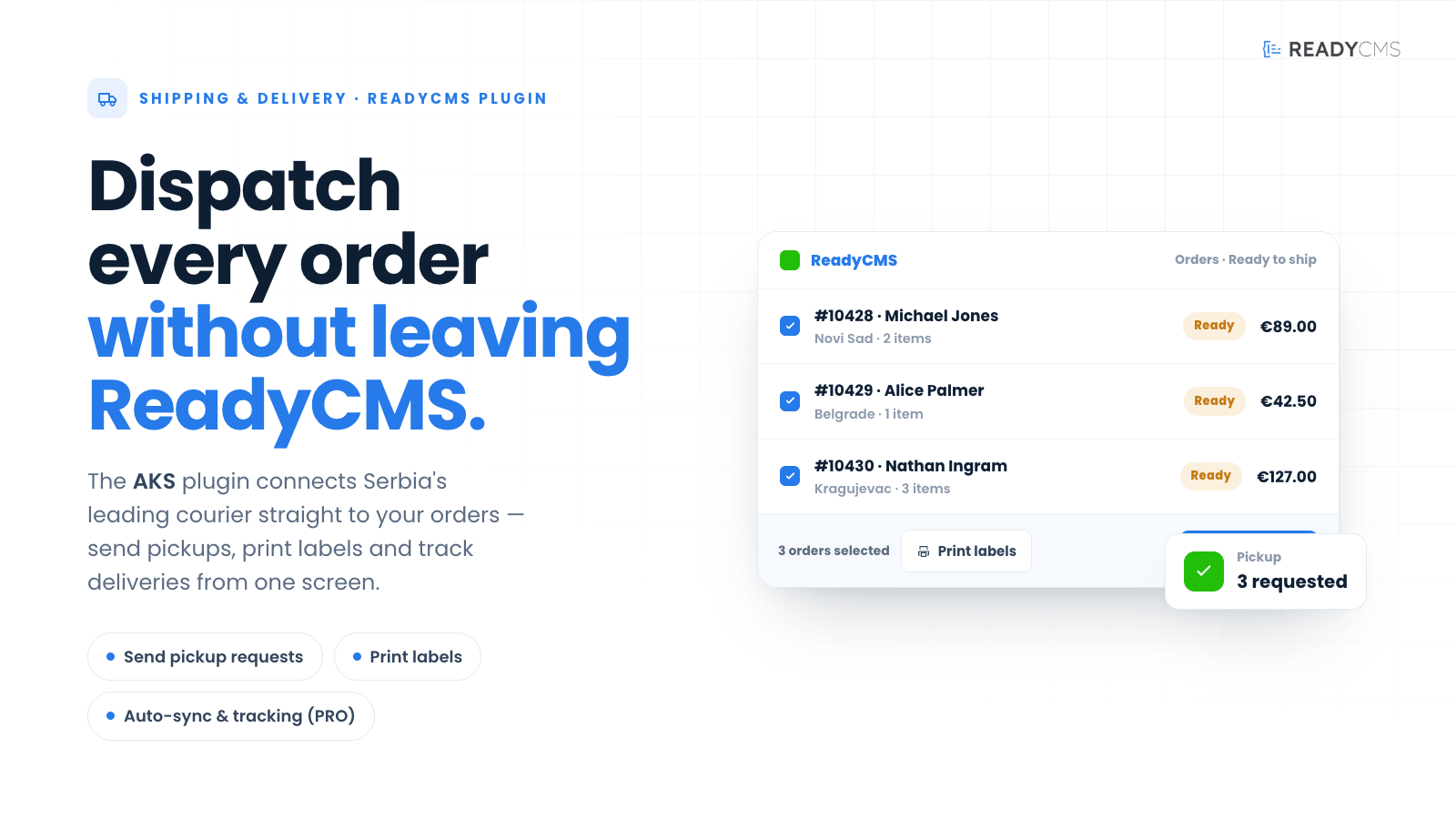
Optimize your shipping processes with the AKS plugin for ReadyCMS, seamlessly integrating AKS courier services to enhance order handling efficiency. Manage your package pickups, cancel requests, and print shipping labels directly from ReadyCMS. Experience advanced features like automatic order syncing and additional management options with the PRO version to save time and improve customer satisfaction.
AKS courier service integration with ReadyCMS
AKS plugin for ReadyCMS integrates seamlessly with the AKS courier service (from Serbia), transforming and simplifying your shipping operations. As a vital component of ReadyCMS, this plugin offers a range of features to streamline your workflow and reduce manual tasks.
Key benefits
- Streamlined operations: Automates dispatch, reducing manual errors and saving time.
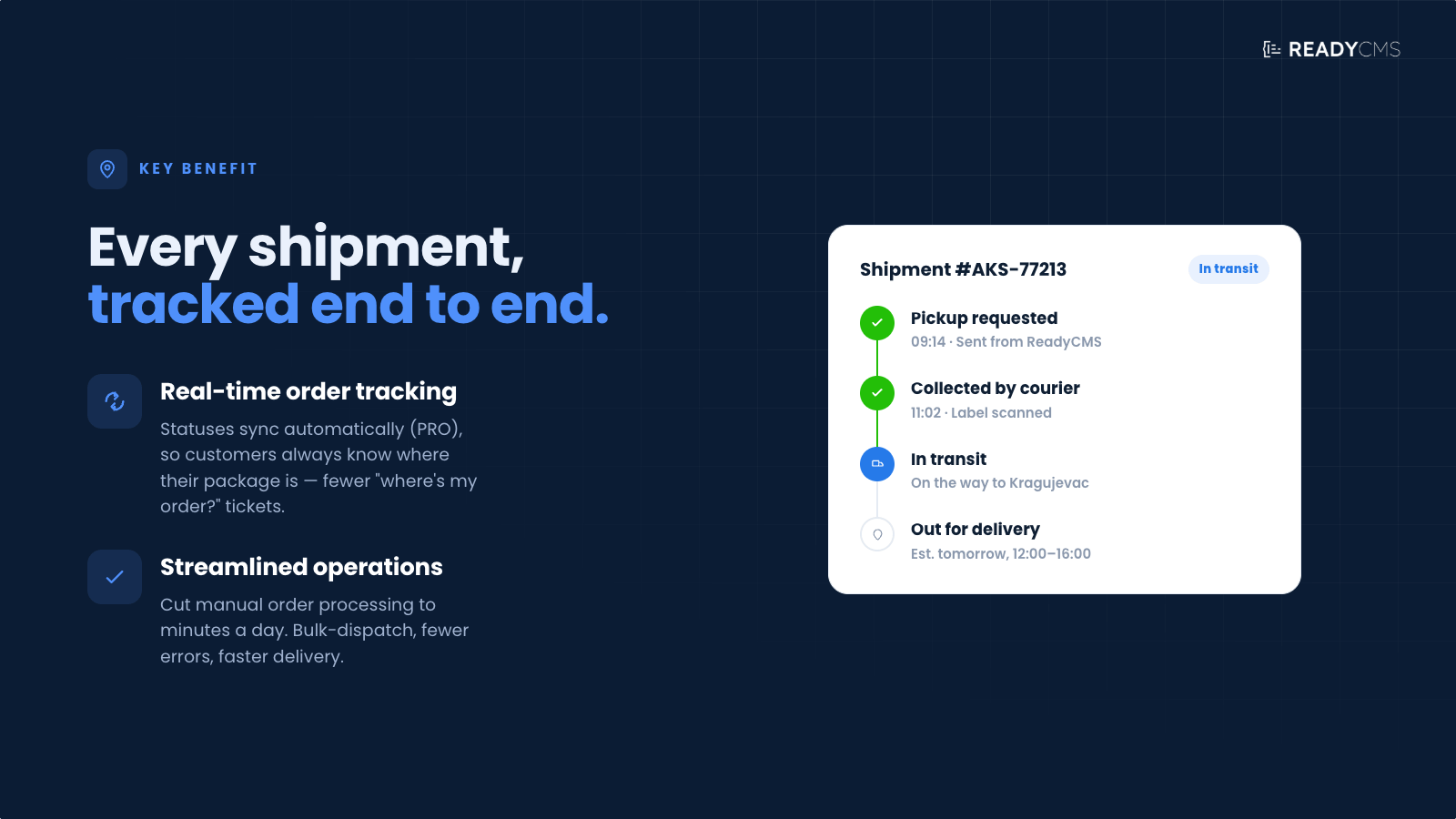
- Enhanced customer experience: Provides real-time order tracking, increasing transparency and boosting customer satisfaction.
- Cost efficiency: Minimizes operational costs by reducing manual labor and optimizing resource use.
- Reduced error rate: Decreases the likelihood of shipping errors, resulting in fewer returns and fewer customer complaints.
- Faster delivery times: Speeds up order processing and shipping, enhancing customer service.
Features
- Send requests: This feature lets users easily submit package pickup requests to the AKS courier service directly from the ReadyCMS interface, streamlining dispatch.
- Cancel requests: This feature allows users to quickly cancel previously sent requests, enhancing the manageability of order processing.
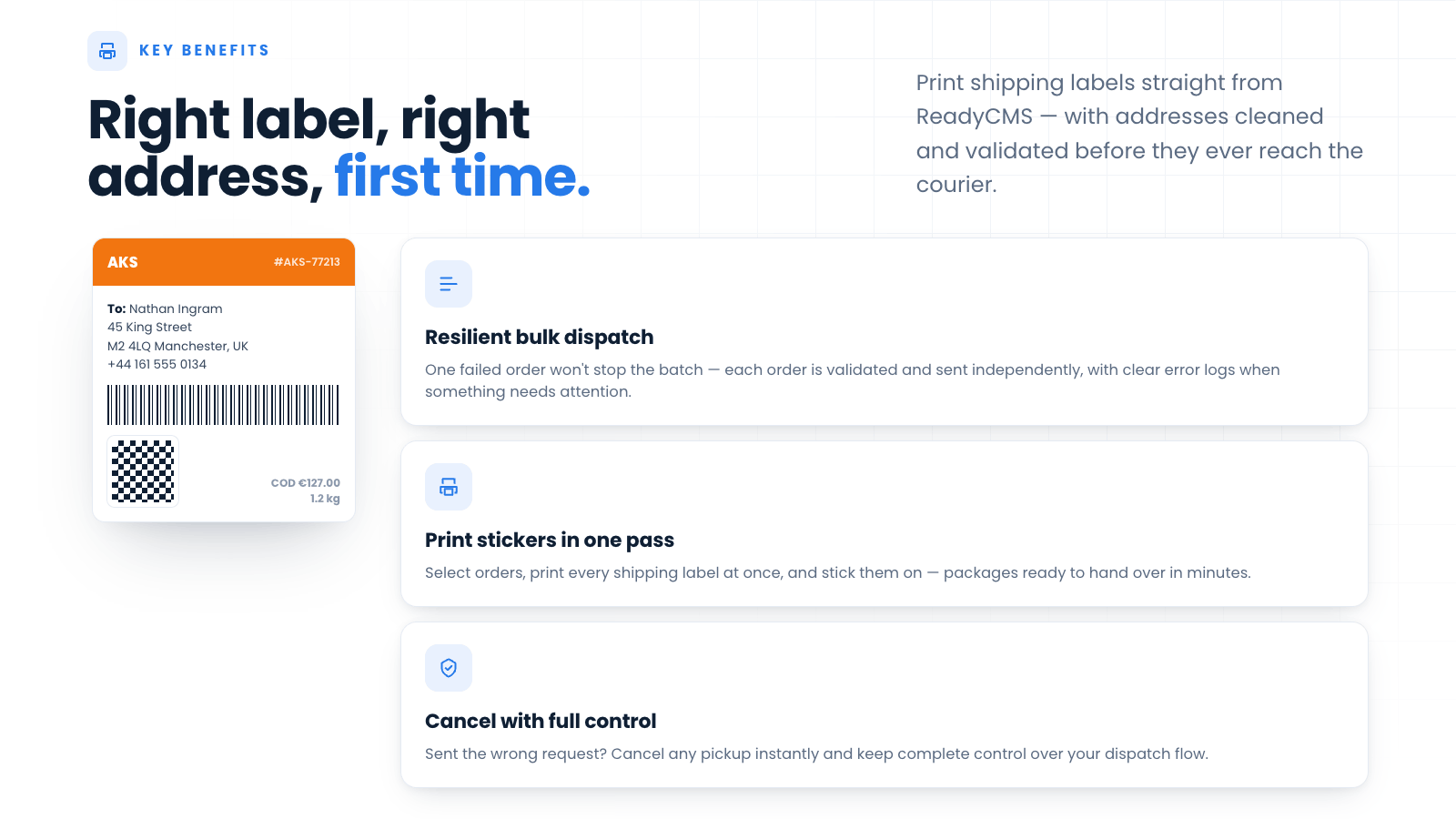
- Print stickers: Users can print shipping labels directly in ReadyCMS, streamlining the packaging process by labeling shipments and having them ready for dispatch.
- Reliable bulk shipment creation: A failure on one order doesn't stop the rest of the batch from being sent to AKS. Each order is validated and processed independently, with clearer error logging when something goes wrong.
- Auto sync of orders (PRO): This feature automatically synchronizes order data and updates statuses in real time, keeping customers informed about their order progress. It is particularly valuable for maintaining high customer satisfaction and operational transparency.
- Additional features (PRO): Includes advanced options such as automatic order closure, which further simplify the management of the e-commerce lifecycle, reducing manual workload and the potential for error.
How it works
The AKS plugin integrates the AKS courier service (a courier service from Serbia) with ReadyCMS. As a classic plugin, it enhances and streamlines workflows by adding crucial functionality.
Leveraging this plugin can drastically reduce the time spent on manual order processing — from about 3 minutes per order to just 10 minutes total per day.
This increase in efficiency not only saves time but also liberates resources, enabling you to redirect staff to more vital tasks by reducing the need for manual labor.
Consistent receiver information
Receiver name and contact person are built in a cleaner, more readable format, aligned with how other carriers are handled.
AKS uses shipping details by default (name, address, zip, city, phone) and falls back to billing data when shipping details are missing. Street numbers are appended intelligently and not duplicated if they already exist in the address.
Guide
-
Find the plugin: Go to the Plugins page in your ReadyCMS instance and find the AKS plugin.
-
Configure the integration: Enter the required information to connect ReadyCMS to your AKS account and define the default shipment settings.
Client information
- Client ID: Enter the unique client ID provided by AKS.
- Client Name: Enter the company, store, or sender name associated with your AKS account.
- Client Contact Name: Enter the name of the person AKS can contact regarding collections and shipments.
- Client Address: Enter the address from which packages will normally be collected.
- Client Phone: Enter the sender’s contact phone number.
- Client ZIP: Enter the postal code assigned to the pickup address. Make sure the postal code is supported by the AKS system.
- Product type: Select the default AKS delivery service or shipment type used for your packages.
Shipment and payment settings
- Electronic payment: Choose whether to enable electronic payment for shipments.
- Delivery note: Choose whether AKS should return a signed delivery note after delivery.
- SMS Notification: Enable this option to send an SMS notification after the package has been delivered successfully.
- Payment method: Select how the transport service will be paid.
- Additional transport service: Select the payment option for any additional transport services included with the shipment.
- Weight: Select the default weight used when creating shipments.
- Weight Price: Enter the shipment price agreed in your AKS contract, including VAT where applicable.
- Number of extra packages: Enter the number of additional packages included in a shipment. Leave this set to
0when the shipment contains only one package.
Technical settings
- Test: Enable testing mode to create future shipments in the AKS test environment. Disable it before processing live shipments.
- Error logging: Enable this option to record technical errors and API responses for troubleshooting.
Your client ID, supported postal codes, product types, payment options, and contractual prices are provided by AKS. Contact AKS support if you are unsure which values apply to your account.
-
Save and activate: Review the entered information and click
Save & activate. - Order management: On the Orders page, filter orders ready for delivery by status. Mark all of them and request that the courier service pick up the packages. This takes about 2 minutes.
- Printing stickers: Mark all orders again, go to Print, print all the stickers, and stick them on the packages.
- Status update: When the courier picks up the packages, mark them all and change the status to Shipped.
- Auto sync: The PRO version syncs data and order status so customers can track their shipments.
Important note:
If a package is returned (e.g., the customer didn't receive it), it's best to mark the original order as returned, then duplicate the order to resend the package.
This is because courier service requests are tied to the original order number. The same order number cannot be reused to generate a new shipment request.
Duplicating the order creates a new order number, allowing a fresh courier request with the exact details.
FAQ
Q1: What is the AKS plugin for ReadyCMS?
A1: The AKS plugin integrates AKS courier services into ReadyCMS, allowing seamless management of shipping processes like package pickups, order cancellations, and printing shipping labels directly from your ReadyCMS dashboard.
Q2: How does the AKS plugin improve shipping operations?
A2: By automating key shipping tasks such as dispatch requests, label printing, and order tracking, the AKS plugin minimizes manual errors, speeds up delivery times, and enhances the overall efficiency of shipping operations.
Q3: What are the key features of the AKS plugin?
A3: The plugin features include sending package pickup requests, canceling requests, printing shipping labels, and with the PRO version, automatic order syncing and additional management options like automatic order closure.
Q4: How does the AKS plugin enhance customer experience?
A4: It provides real-time tracking updates to customers, ensuring transparency and improving satisfaction by keeping them informed about their order status throughout the delivery process.
Q5: Can I cancel a pickup request once it has been sent?
A5: Yes, the AKS plugin allows you to quickly cancel any dispatch request, giving you flexibility and control over the shipping process.
Q6: What should I do if a package is returned and the customer still wants it?
A6: Mark the original order as returned and create a duplicate of the order. This ensures a new order number is generated. Since courier services are linked to order numbers, resending a package using the same order number will not work.
Q7: What additional features does the PRO version offer?
A7: The PRO version includes advanced functionalities such as automatic synchronization of order data, updates on order statuses in real time, and automatic order closure to streamline e-commerce lifecycle management.
Q8: How do I set up the AKS plugin in ReadyCMS?
A8: Enable the plugin through your ReadyCMS plugin settings, configure your preferences, and you can start using the integrated courier options directly from the Orders page on your ReadyCMS dashboard.
Q9: What operational benefits does the AKS plugin offer?
A9: The plugin significantly reduces the time spent on manual order processing and facilitates better resource allocation by automating and streamlining shipping tasks.
Q10: How does the AKS plugin integrate with the Insights dashboard in ReadyCMS?
A10: With the PRO version, the plugin works seamlessly with the Insights dashboard to provide detailed data on order history, allowing for better performance tracking and strategic planning.
Q11: What is the difference between the BASIC and PRO versions of the AKS plugin?
A11: The BASIC version includes essential features such as sending and canceling requests and printing stickers, while the PRO version offers additional advanced features like auto-sync and automatic order closure for enhanced operational efficiency.
Build more with ReadyCMS
Explore the full plugin marketplace or book a demo to see them in action.