
APL-Line - Product manager
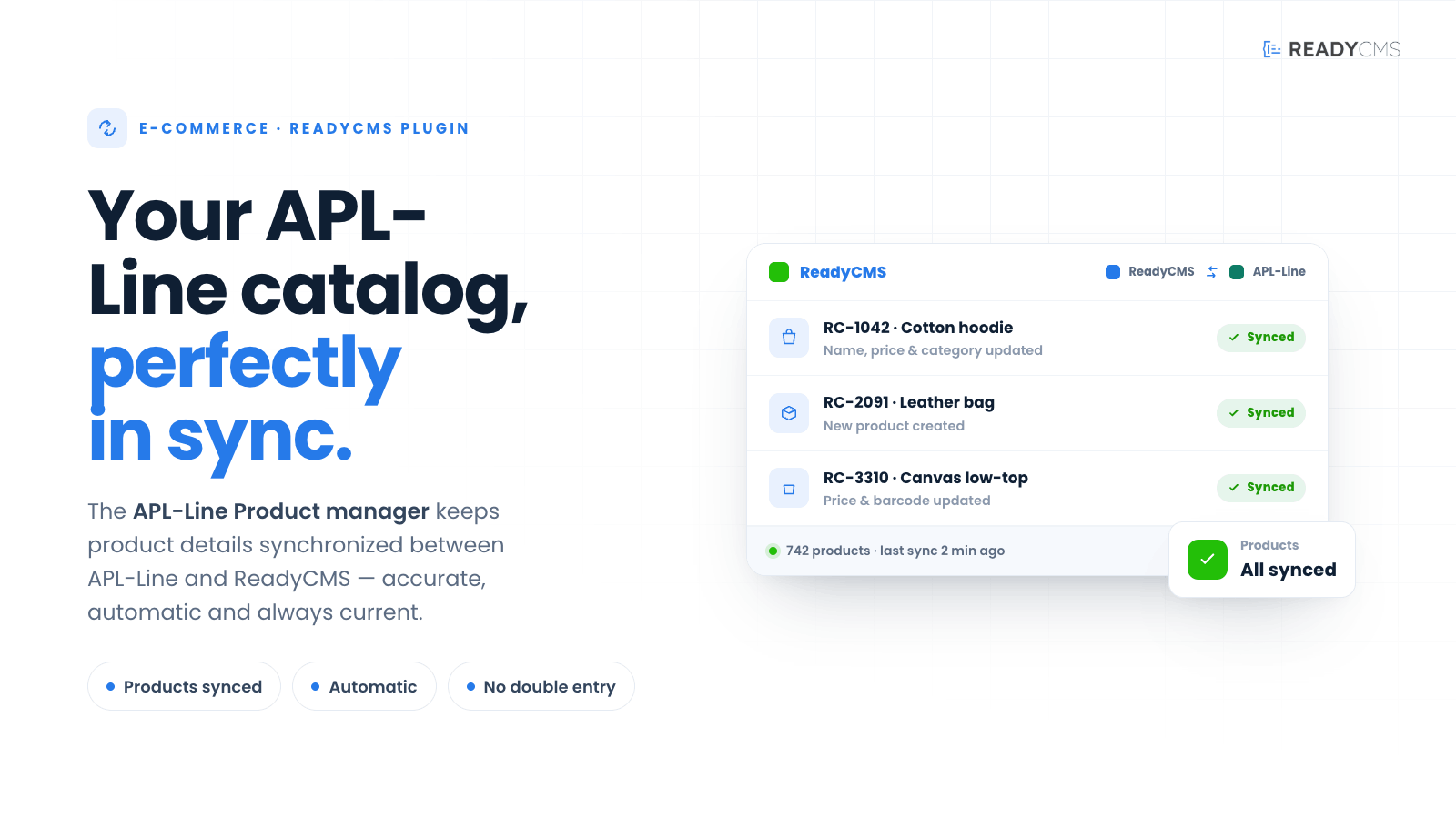
Integrate APL-Line's Product manager with ReadyCMS to streamline your e-commerce operations. This plugin facilitates seamless synchronization of product details between APL-Line and ReadyCMS, ensuring accurate and efficient product handling.
APL-Line Product manager for ReadyCMS
The APL-Line Product manager plugin enhances ReadyCMS by integrating directly with APL.rs, providing a powerful tool for comprehensive product synchronization. This integration allows for the efficient handling of product information, including descriptions, pricing, and inventory levels, directly within ReadyCMS, leveraging APL-Line's advanced functionalities.
Key features and benefits
- Simple import: By activating the plugin, the import process becomes automatic
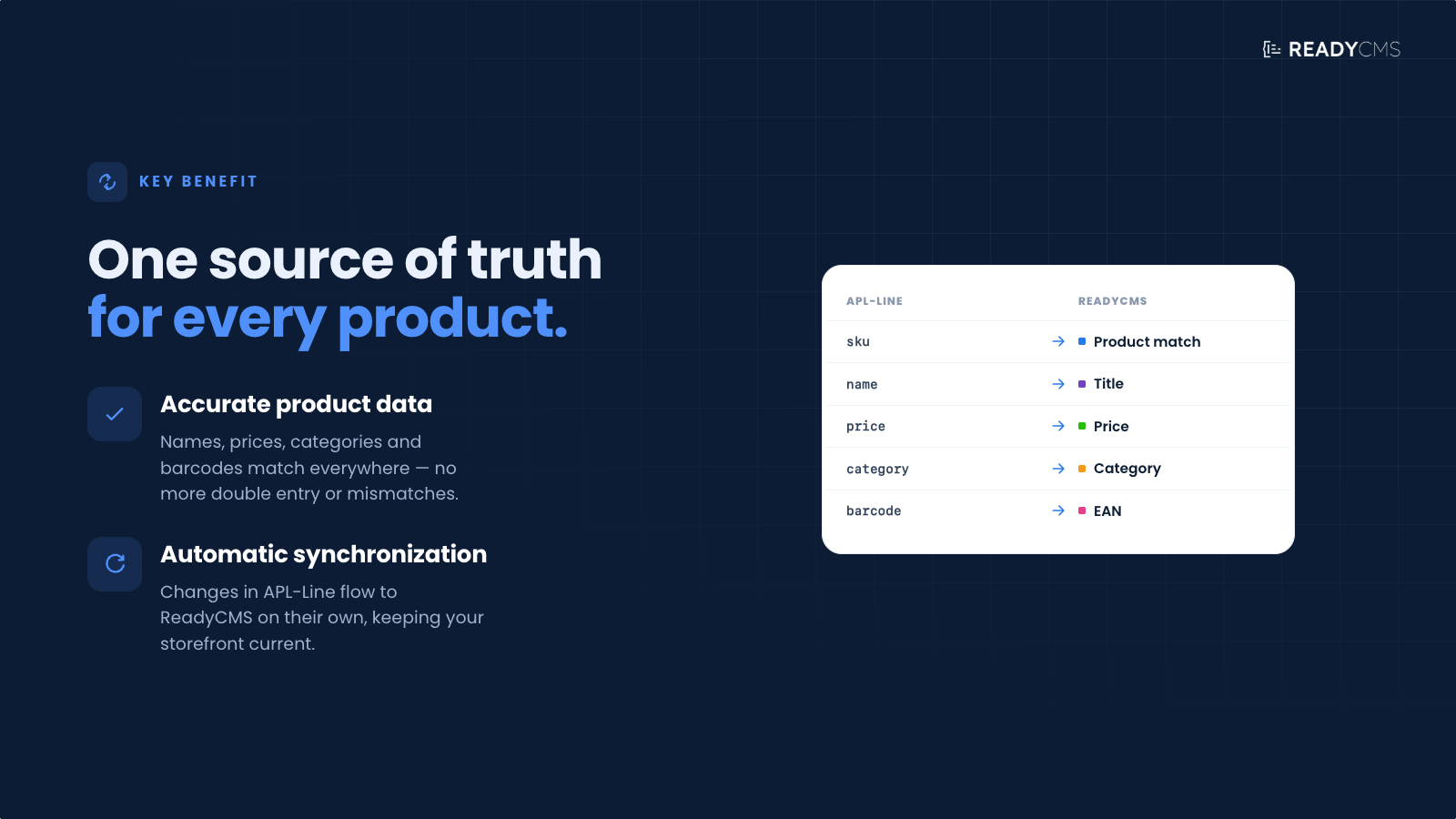
- Automated product synchronization: Automatically sync product information between APL-Line and ReadyCMS, ensuring that all listings are up-to-date with the latest details.
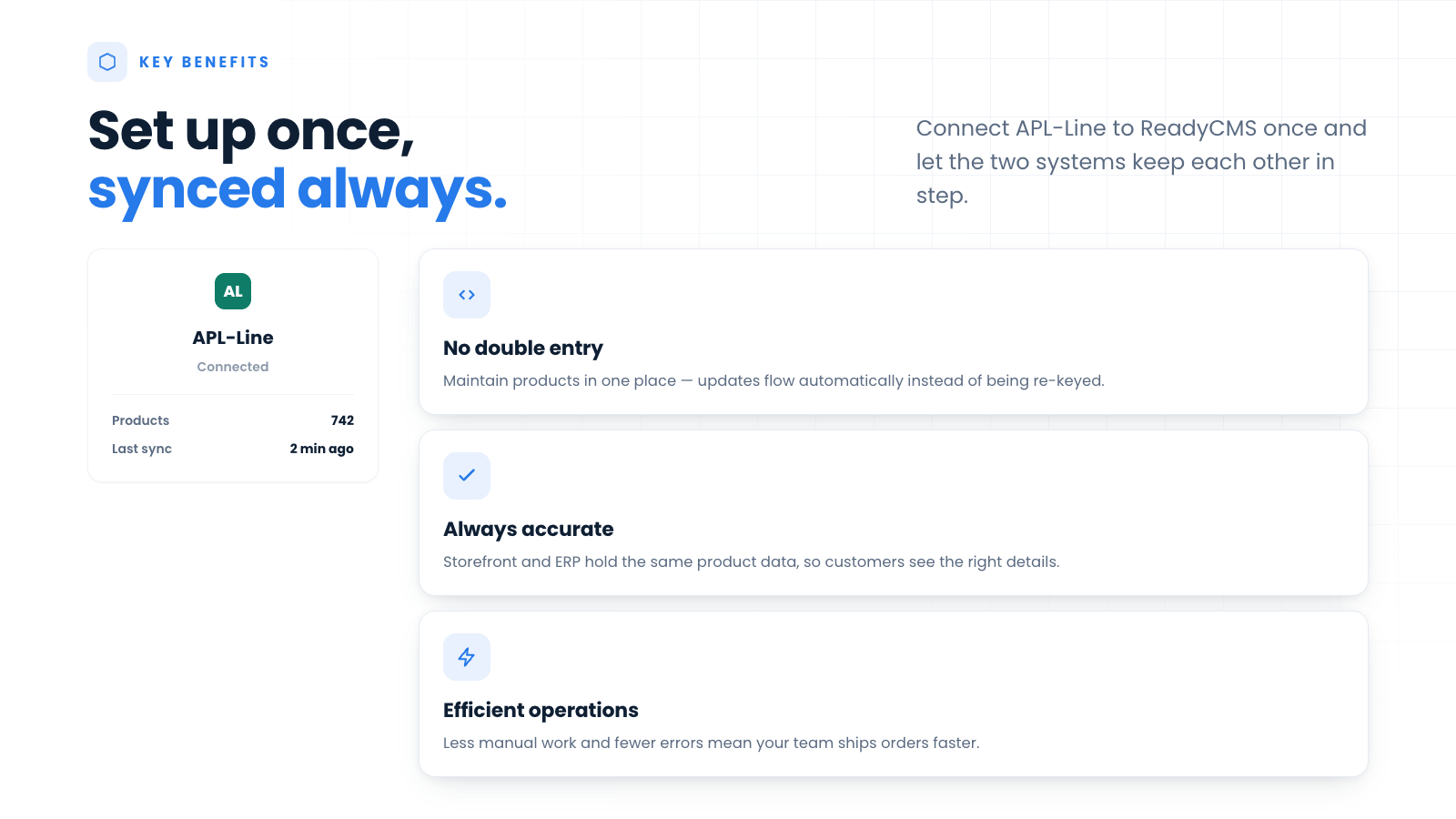
- Error reduction: Minimizes manual data entry and the potential for errors, enhancing data accuracy across your e-commerce platform.
- Efficiency improvement: Streamlines operations by reducing the time and effort needed to manage products, allowing you to focus more on strategic activities.
- Enhanced product visibility: Updates across the platform ensure that product changes are immediately reflected, improving consistency and customer experience.
How it works
This plugin is part of a suite of tools designed to enhance the integration of APL-Line services with ReadyCMS, alongside dedicated plugins for stock management and fiscalization, ensuring a comprehensive solution for e-commerce businesses.
The APL-Line Product Manager plugin establishes a direct API connection between APL-Line and ReadyCMS. This connection facilitates the real-time exchange of product data, ensuring that APL-Line changes are automatically updated in ReadyCMS.
Guide
- Setup: Configure the plugin by entering your APL-Line credentials to establish a secure connection.
- Activation: Click the
Save & activatebutton to activate the plugin. - Product import: Import your existing product catalog from APL-Line into ReadyCMS, mapping fields such as product names, descriptions, and prices.
- Real-time synchronization: Set up synchronization intervals or trigger real-time updates to ensure all product information in ReadyCMS matches that in APL-Line.
- Manage products: Utilize the ReadyCMS interface to manage product details, with all changes automatically synced back to APL-Line.
API integration setup
To set up the API integration for this plugin, you need to provide several details:
- Endpoint URL: Enter the specific URL where the API requests will be sent.
- Update frequency: Choose how often the plugin should send data to the API. Options might include hourly, daily, or other intervals.
- Notification email: Provide the email address to which API notifications should be sent.
- Error logging: Select 'Yes' to enable error logging, which helps in troubleshooting issues.
- Account authentication: Enter the 'Auth Token ', which is a security token that allows the API to authenticate the requests coming from your plugin.
Make sure these fields are filled correctly to ensure the API functions correctly and securely.
Error logging will be displayed in the Log tab.
FAQ
Q1: What is required to integrate APL-Line with ReadyCMS using the Product Manager plugin?
A1: You need valid APL-Line credentials and API access, along with administrative access to your ReadyCMS account to install and configure the plugin.
Q2: Can I filter which products are synced between APL-Line and ReadyCMS?
A2: Yes, the plugin allows you to configure specific criteria for syncing, such as product categories, price ranges, or inventory levels.
Q3: How often does the product information sync between APL-Line and ReadyCMS?
A3: Sync intervals can be customized based on your business needs. You can set up hourly, daily, or real-time syncs to keep your product information up-to-date.
Q4: What happens if there is a discrepancy between product details in APL-Line and ReadyCMS?
A4: The plugin includes error-handling mechanisms to alert you of any discrepancies. You can choose which platform (APL-Line or ReadyCMS) has priority in terms of data accuracy during setup.
Q5: Is there support available for the APL-Line Product Manager plugin?
A5: Yes, support for this plugin is provided through ReadyCMS's support channels, as well as direct support from the APL-Line integration team for more complex issues.
Build more with ReadyCMS
Explore the full plugin marketplace or book a demo to see them in action.