

Auto-currency exchange rate
Ensure your pricing is always accurate with the Auto Currency Exchange Rate plugin. This plugin automatically updates conversion rates for the included currencies, keeping your e-commerce store up-to-date with the latest exchange rates. Automated rate updates help maintain transparent, trustworthy pricing, whether you're selling locally or globally.

Auto-currency exchange rate plugin for ReadyCMS
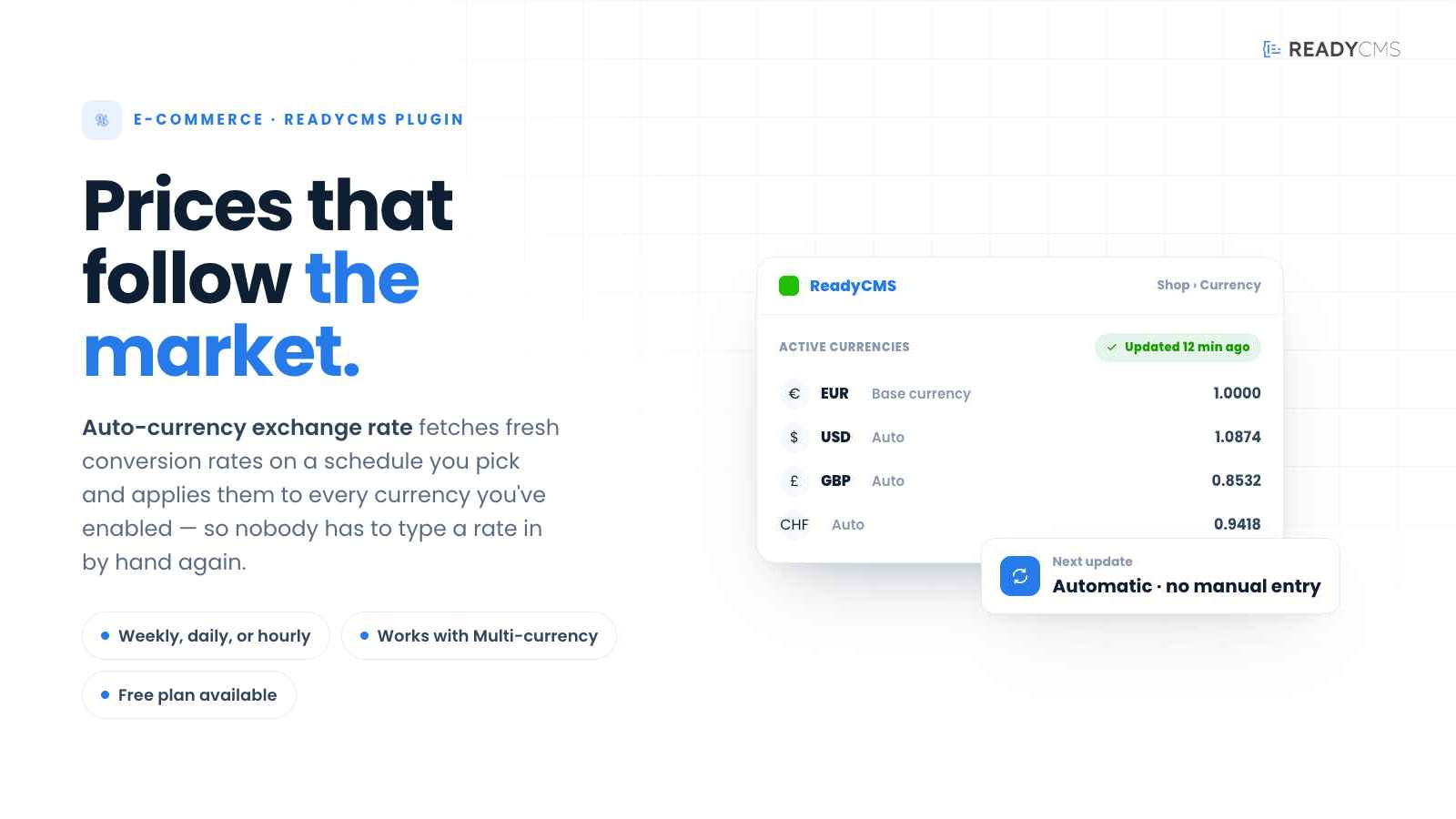
The ReadyCMS Auto-currency exchange rate plugin automatically updates currency conversion rates for your e-commerce store.
With this plugin, you can keep your product prices aligned with current exchange rates, improving the accuracy and reliability of your store's pricing.
Instead of manually entering or adjusting exchange rates, this plugin fetches the latest data on a schedule you select—weekly, daily, or hourly. By offering current exchange rates, you enhance the shopping experience and build trust with customers who expect accurate, real-time currency conversions.
Key features and benefits
- Accurate pricing: Automatically sync your store's prices with the latest exchange rates, eliminating guesswork and outdated conversions.
- Automatic updates: Set it and forget it – the plugin will handle updates automatically, saving you time and effort.
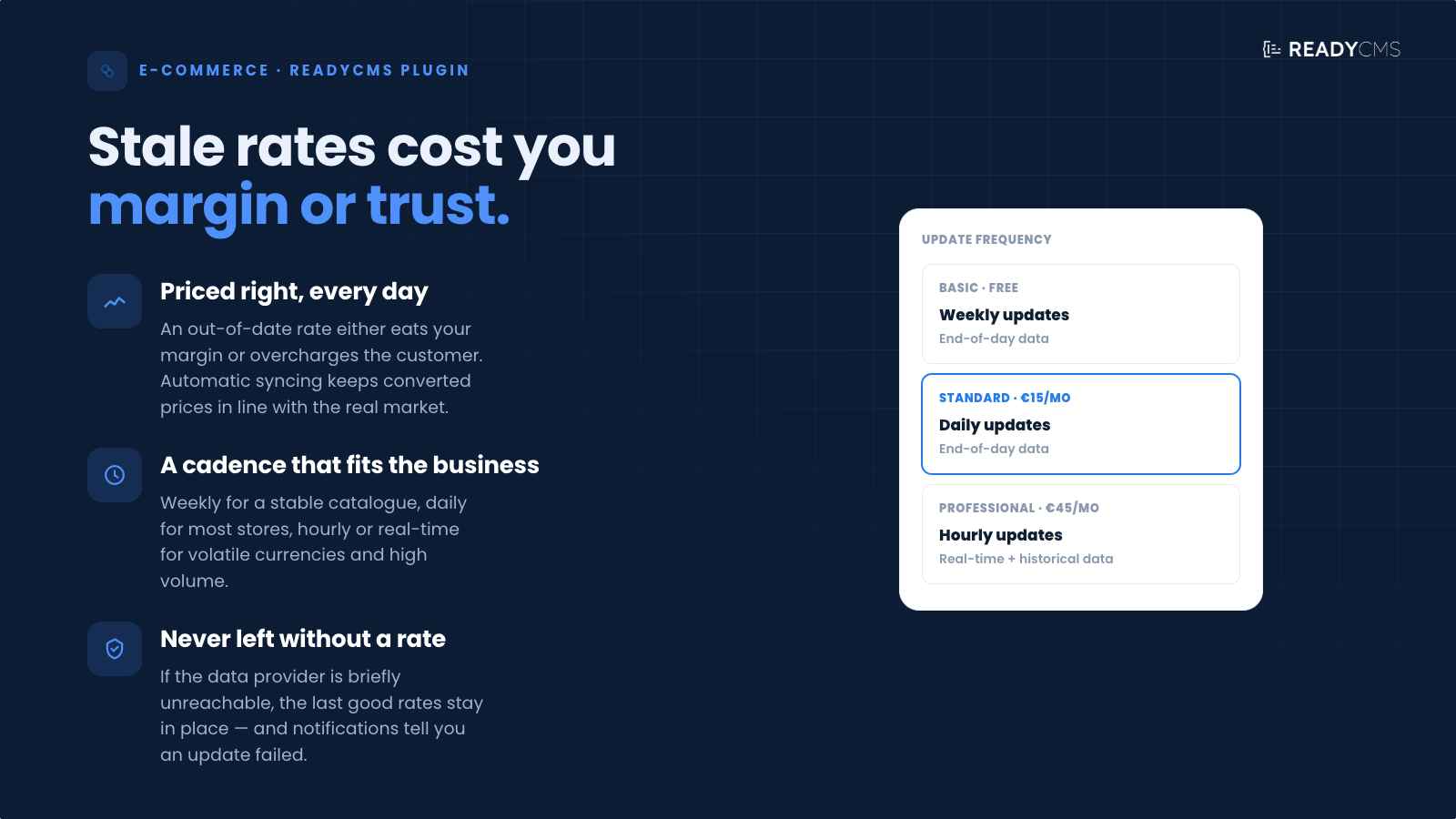
- Flexible plans: Choose from BASIC, STANDARD, or PROFESSIONAL to match your business needs—ranging from weekly updates to real-time data.
- Seamless integration: Designed to work hand-in-hand with ReadyCMS and the Multi-currency plugin, ensuring a smooth, consistent user experience.
How it works
This plugin regularly fetches new exchange rate data based on your chosen plan and applies it to all currencies you've enabled in ReadyCMS.
By automating this process, you stay competitive and avoid incorrect or stale pricing that could otherwise affect conversions or profitability.
Guide
- Find the plugin:
- In your ReadyCMS admin panel, go to
Pluginsand locate the Auto-currency exchange rate. - Ensure you activate the desired currencies in your Multi-currency plugin settings (
Shop > Currencysettings).
- In your ReadyCMS admin panel, go to
- Select your plan:
- You can choose from the available plans—BASIC, STANDARD, or PROFESSIONAL—depending on how frequently you want to update rates and whether you need real-time or historical data.
- Configure update intervals:
- For BASIC: Exchange rates update weekly with end-of-day data.
- For STANDARD: Exchange rates update daily with end-of-day data.
- For PROFESSIONAL: Exchange rates update hourly with an option for real-time data plus access to historical data.
- Save settings:
- After selecting your plan and configuring any optional settings, such as notifications or custom thresholds, click Save & Activate.
- Check currency updates (optional):
- If you want to verify or adjust the latest rates manually, go to
Shop > Currencysettings. The system will display the automatically fetched rates next to each currency.
- If you want to verify or adjust the latest rates manually, go to
Multi-currency and Auto-currency exchange rate
-
Multi-currency: Lets you list and display prices in multiple currencies.
-
Auto-currency exchange rate: Keeps prices up to date by automatically updating conversion rates.
Combining both ensures a globally optimized shopping experience without the hassle of manual currency management.
Pricing
- Weekly updates
- End of day data
- Daily updates
- End of day data
- Hourly updates
- Real-time data
- Historical data
FAQ
Q1: How do I know which plan to choose?
A1: Plans:
- BASIC is ideal for smaller stores that don't see frequent price changes and are okay with weekly updates.
- STANDARD works well for most medium-to-large businesses requiring daily accuracy.
- PROFESSIONAL is designed for enterprises or businesses dealing with highly volatile currencies or large volumes. It offers hourly or real-time updates and historical data.
Q2: Can I manually override the automatically fetched exchange rates?
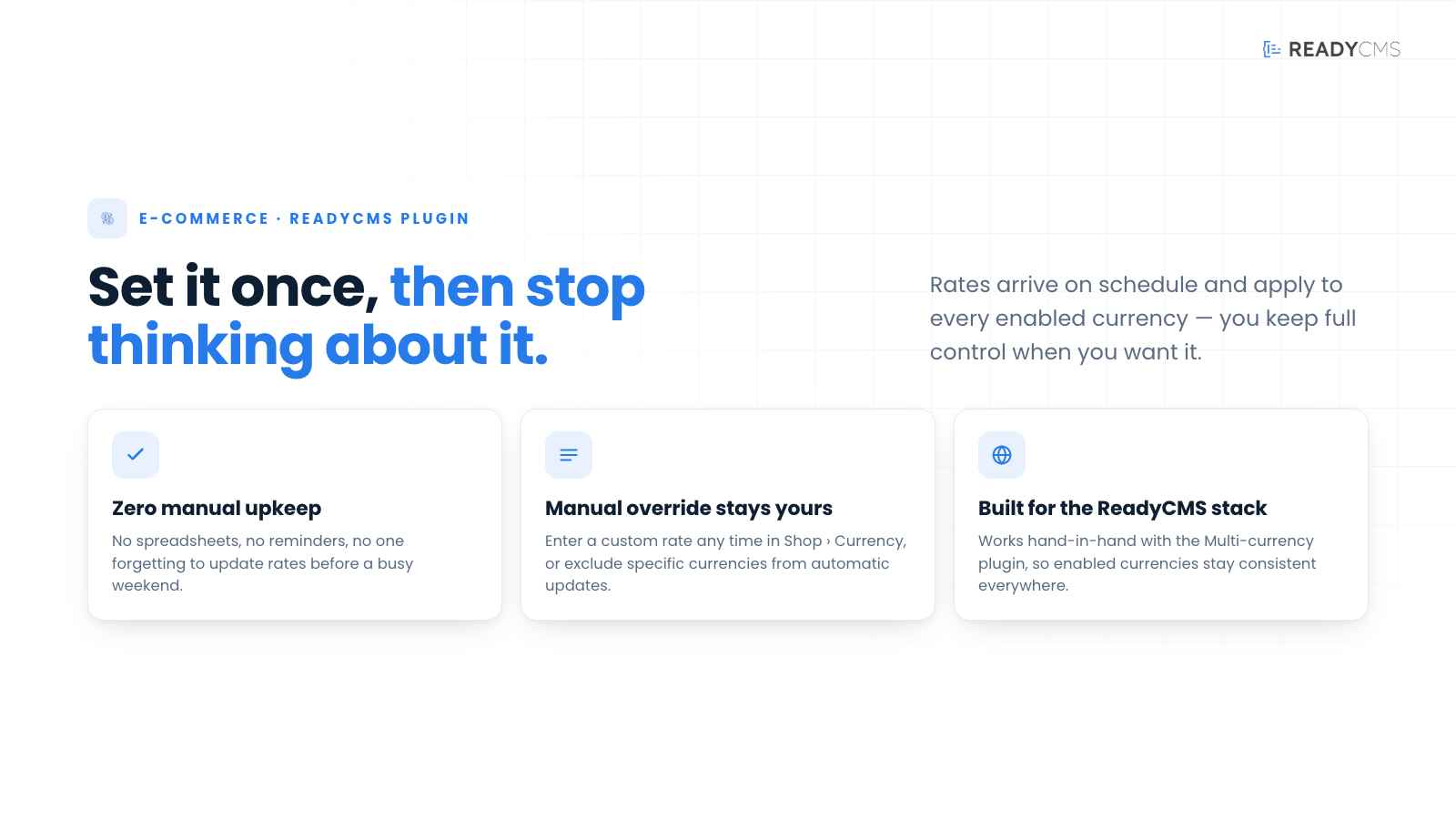
A2: Yes. You can still input custom rates by going to Shop > Currency settings.
However, each scheduled update will overwrite manual entries unless you disable automatic updates for specific currencies.
Q3: What happens if my hosting goes offline or the update service fails?
A3: If your store is temporarily offline or the data provider's service is unreachable, the plugin will retain the last successfully fetched rates until it can update again.
You can also enable email or admin notifications to alert you if an update fails.
Q4: Does this plugin impact site performance if it updates frequently?
A4: Updates typically happen in the background and are lightweight. Even with hourly updates, the performance impact is minimal.
The plugin may briefly contact the exchange rate service with each request for real-time data, but it's optimized to handle this efficiently.
Q5: Is there a limit to how many currencies I can track with this plugin?
A5: No, the plugin itself has no specific limit. However, practical limits may apply based on your ReadyCMS plan or performance considerations.
Q6: Who do I contact if I have issues?
A6: For plugin-related problems, first check your ReadyCMS documentation. If you still need help, contact our support team via the contact form in your admin panel or email.
Build more with ReadyCMS
Explore the full plugin marketplace or book a demo to see them in action.