

Product performance score
Assigns each product a daily performance score with band, percentile, and global rank. Surfaces a Score column on the products list, a Performance tab on the product view page, a Score column in the per-product sales breakdown, and a Performance spotlight dashboard widget. Score weights sales, margin, and stock signals; views, conversion, and returns will be added in a future release.
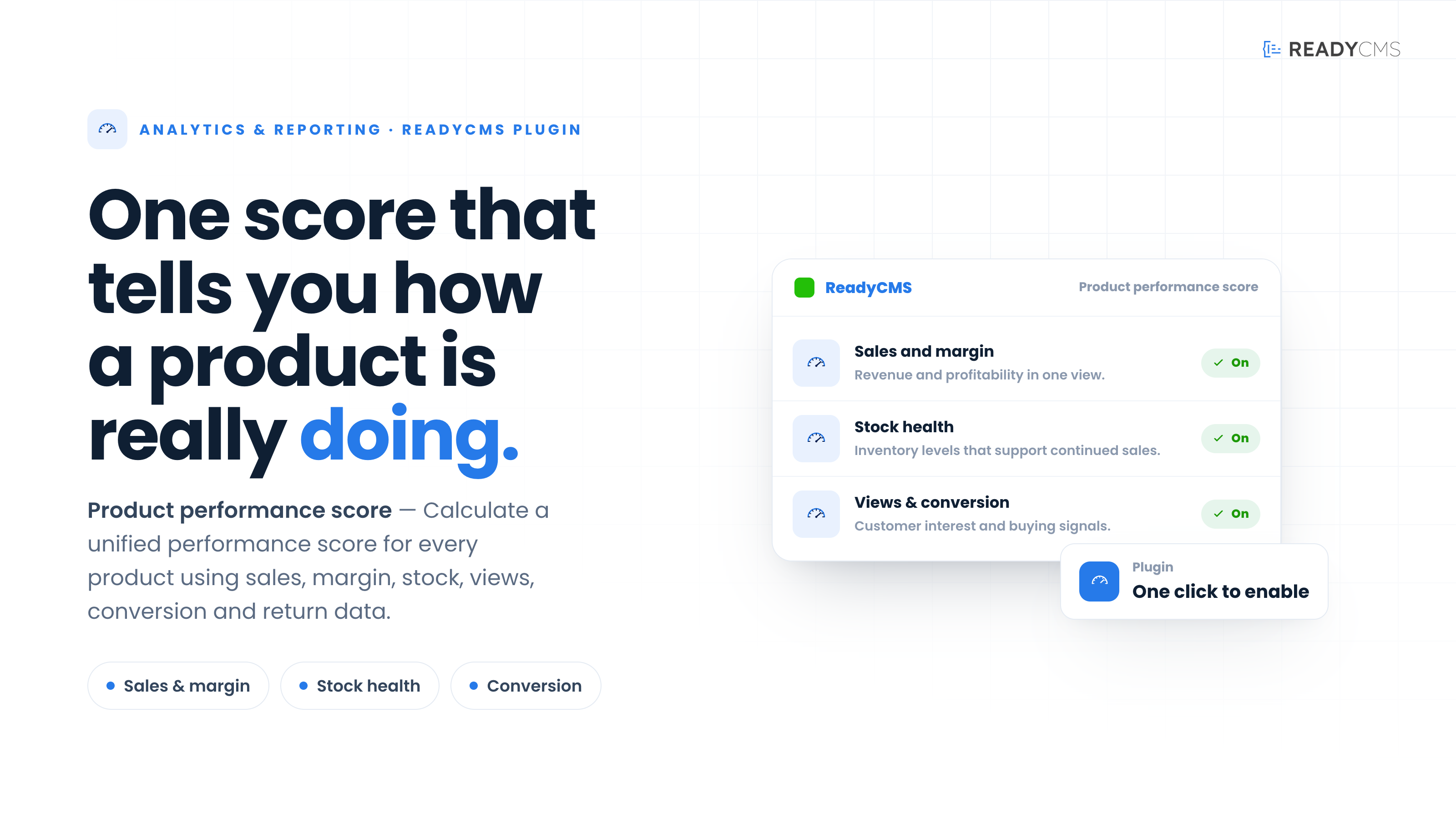
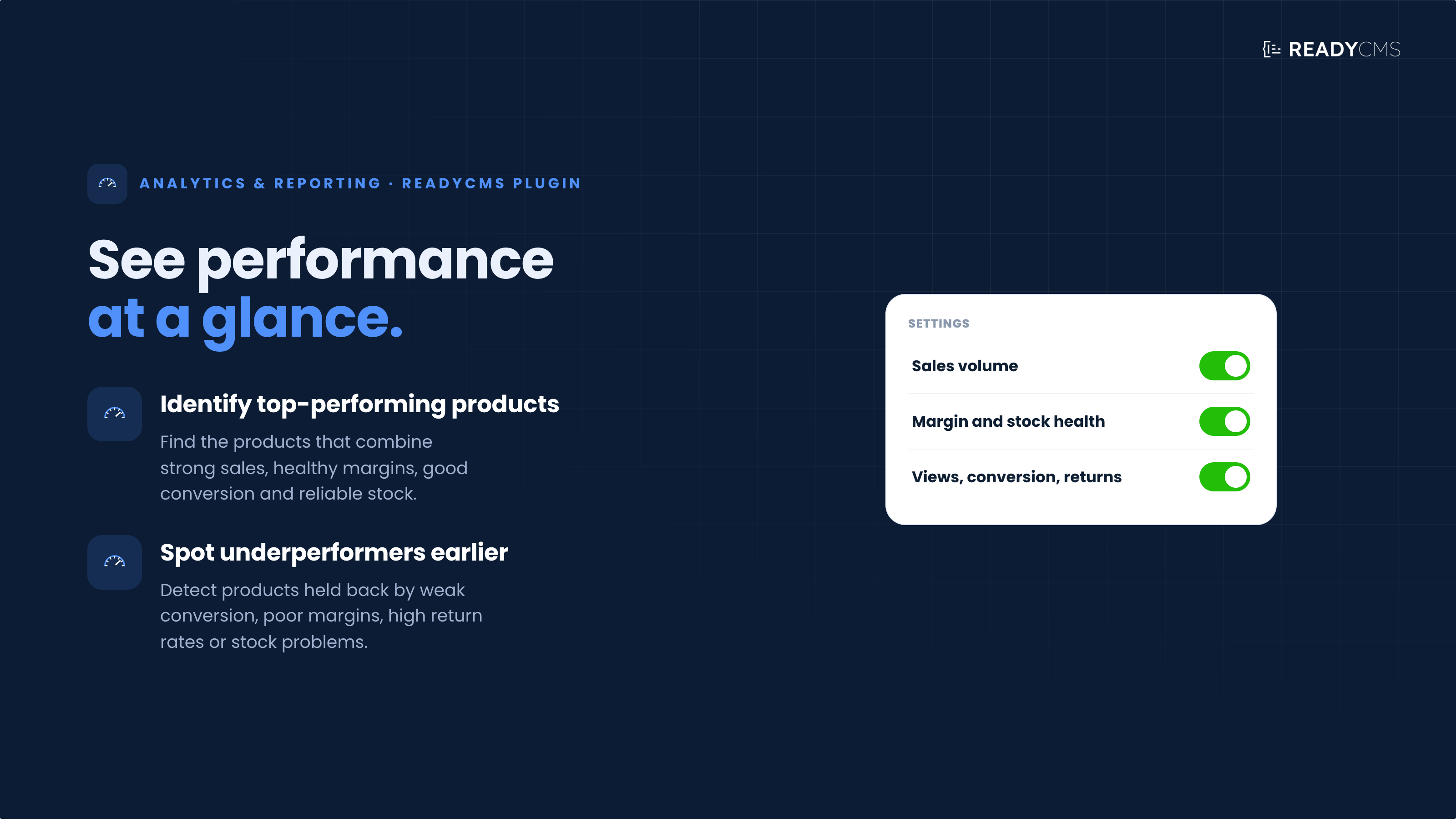
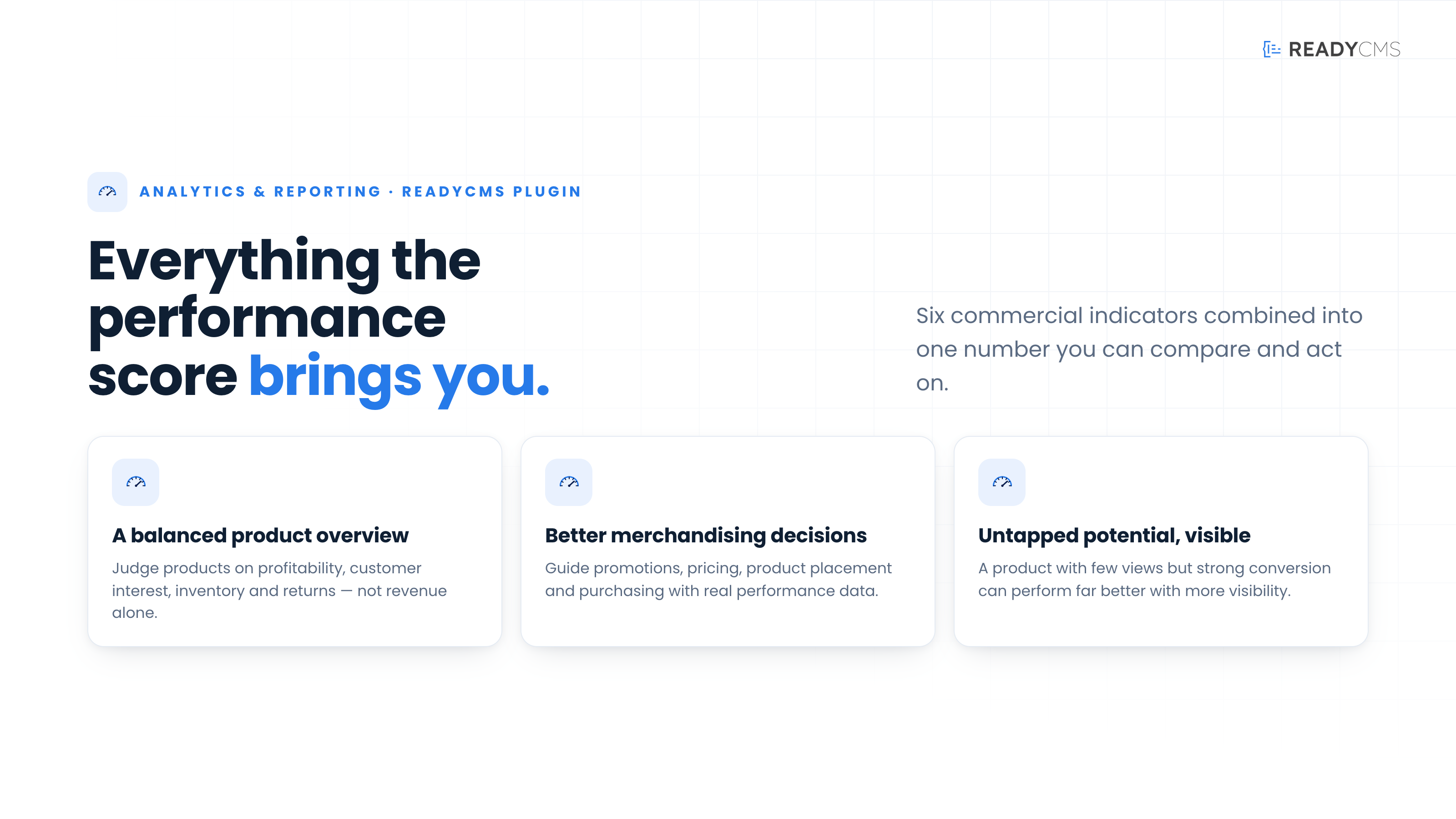
Product performance score plugin for ReadyCMS
Sales figures alone do not always show how well a product is truly performing. A product may generate strong revenue while having a low profit margin, poor stock availability, or other issues that affect its overall commercial value.
The Product performance score plugin combines key commercial indicators into one clear score, helping merchandising and e-commerce teams evaluate product performance without manually comparing multiple reports.
The plugin currently evaluates sales volume, gross margin, and stock health to provide a more balanced view of each product. Support for product views, conversion rates, and return rates is built into the plugin architecture and planned for a future release.
This makes it easier to identify bestsellers, uncover products with untapped potential, and find underperforming items that may require changes to their pricing, promotion, positioning, or inventory strategy.
Key benefits
- See performance at a glance: Review one unified score instead of checking several separate metrics.
- Identify top-performing products: Find products that combine strong sales, healthy profit margins, and reliable stock availability.
- Spot underperforming products earlier: Detect products affected by low sales, poor margins, or stock-related problems.
- Make better merchandising decisions: Use performance data to guide promotions, pricing, product placement, purchasing, and catalog optimization.
- Get a more balanced product overview: Evaluate products using sales, profitability, and inventory health rather than relying only on revenue or units sold.
How it works
The Product performance score plugin combines several important business indicators into a single product-level score:
- Sales volume: Shows how frequently the product is purchased.
- Gross margin: Reflects the value the product generates after accounting for its costs.
- Stock health: Indicates whether inventory levels support continued sales without creating unnecessary overstock.
Product views, conversion rate, and return rate are already prepared within the plugin architecture and are planned for a future release. The current score is calculated using sales volume, gross margin, and stock health only.
ReadyCMS processes the available product, order, cost, and inventory data to calculate a unified performance score.
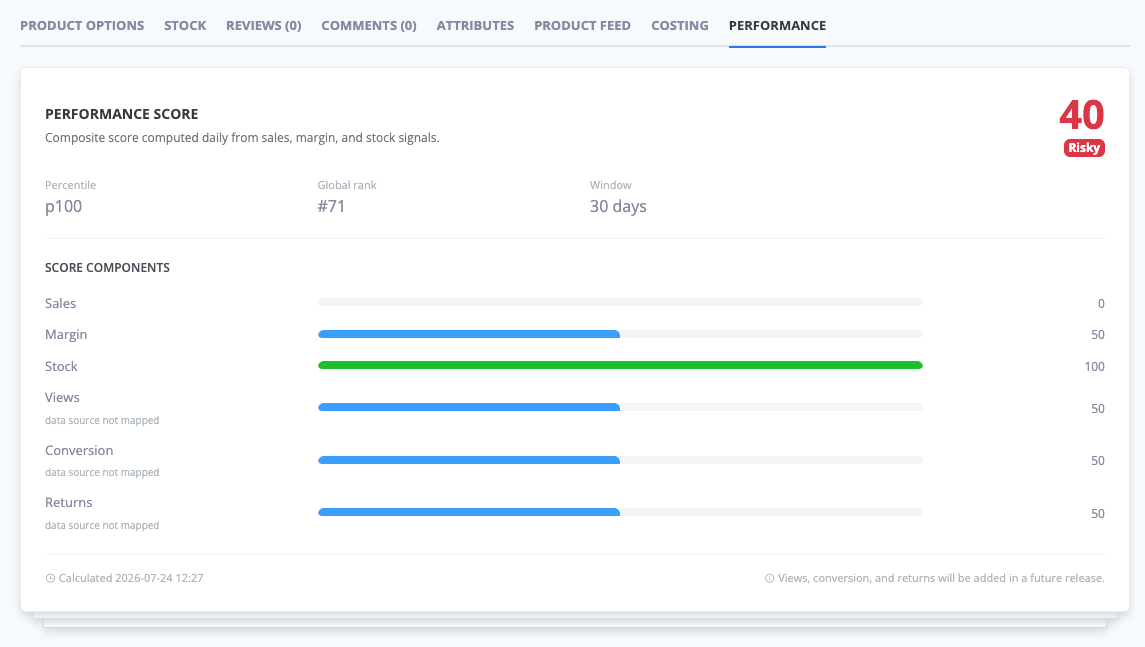
Products with stronger and more balanced results receive a higher score. Products with weaker results or issues affecting one or more indicators receive a lower score. Merchandising teams can use these scores to compare products and identify where further analysis or action may be needed.
Guide
- Activate the plugin
Open the Plugins page in your ReadyCMS Admin, find Product performance score, and activate the plugin. - Make sure the required data is available
The score is calculated using available product, order, cost, and inventory data. Products with more historical data will generally receive a more representative performance score. - Review product scores
Use the calculated scores to quickly distinguish strong performers from products that may require further investigation. - Examine the underlying indicators
Treat the score as a starting point for analysis. Review the individual indicators to understand why a product is performing well or poorly.
For example:
- Strong sales and low margin may suggest that pricing or discounting should be reviewed.
- Steady sales and poor stock health may reveal a replenishment opportunity or an overstock issue.
- Low sales with a healthy margin and stable stock may indicate that the product needs more visibility on category pages or in product recommendations.
- Take merchandising action
Use the results to support decisions such as:
- Promoting products with strong potential
- Improving product content and presentation
- Reviewing prices and discounts
- Adjusting inventory and purchasing plans
- Reconsidering products that consistently underperform
FAQ
1) What does the Product performance score measure?
The current score combines three indicators:
- Sales volume
- Gross margin
- Stock health
The plugin architecture supports product views, conversion rate, and return rate, and they are planned for a future release.
2) Is the score based only on sales?
No. Sales volume is only one part of the calculation. The plugin also considers gross margin and stock health to provide a more balanced view of product performance.
Product views, conversion rates, and return rates are planned for a future release.
3) Why can a bestselling product receive a lower score?
A product may sell well while generating a low margin or experiencing stock-related issues. The score evaluates overall performance rather than relying on sales volume alone.
4) Can a product with low sales still have potential?
Yes. A product with low sales but a strong margin and healthy stock levels may have untapped potential. Increasing its visibility through category placement, promotions, or product recommendations could help improve its performance.
5) What happens when some product data is unavailable?
The score is calculated using the information available in ReadyCMS. Products with limited activity, missing cost information, or insufficient sales and inventory data may produce less representative results than products with a longer and more complete history.
6) Does the plugin automatically change prices, stock, or product visibility?
No. The Product performance score plugin provides information to support merchandising decisions. It does not automatically change product prices, inventory levels, catalog data, or storefront presentation.
7) How should teams use the score?
Use the score to quickly identify products that may require further review. Before making important pricing, inventory, promotion, or catalog decisions, teams should also examine the individual indicators and consider the wider business context.
8) Who is this plugin useful for?
The plugin is designed for:
- Merchandisers
- e-commerce managers
- Purchasing teams
- Catalog managers
- Inventory managers
- Other team members responsible for product performance and assortment decisions
Build more with ReadyCMS
Explore the full plugin marketplace or book a demo to see them in action.