

Order status escalation matrix
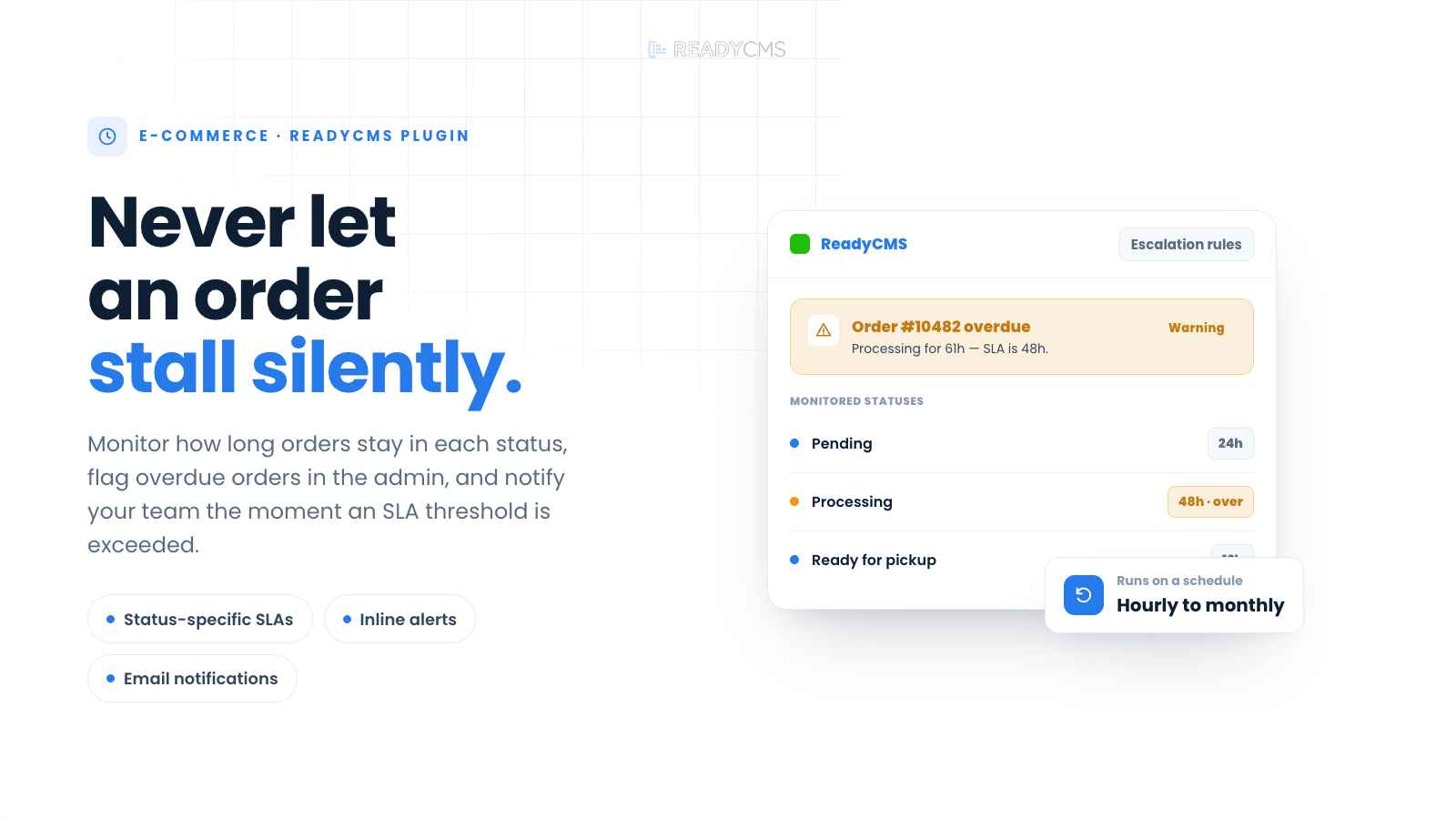
Monitor how long orders remain in each status, flag overdue orders inside the ReadyCMS admin, and notify your team when operational SLA thresholds are exceeded.
Order status escalation plugin for ReadyCMS
Orders should not get stuck. When a checkout remains in Pending, Processing, or another operational status for too long, it can lead to delayed shipments, support requests, and lost revenue.
Order status escalation matrix helps you enforce operational SLAs by monitoring how long orders remain in selected statuses and automatically flagging exceptions. It creates clear alerts inside the order view and can notify your team by email so delayed orders are handled before customers feel the impact.
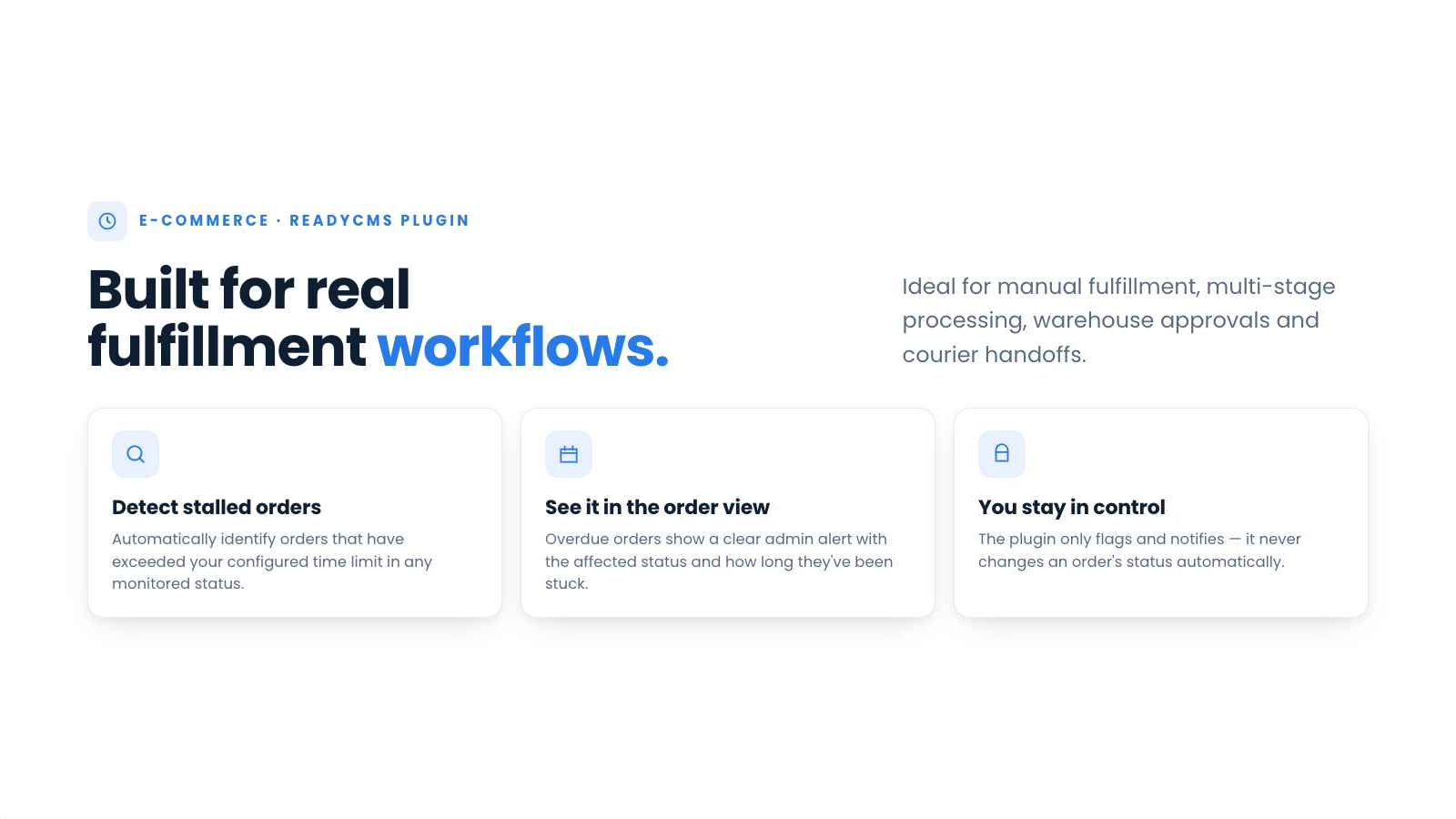
The plugin is ideal for stores with manual fulfillment steps, multi-stage processing, warehouse approvals, or courier handoffs—anywhere an order can stall between checkout and completion.
Key benefits
-
Detect stalled orders automatically
Monitor selected order statuses and identify orders that have exceeded your configured time limits.
-
Define status-specific SLA rules
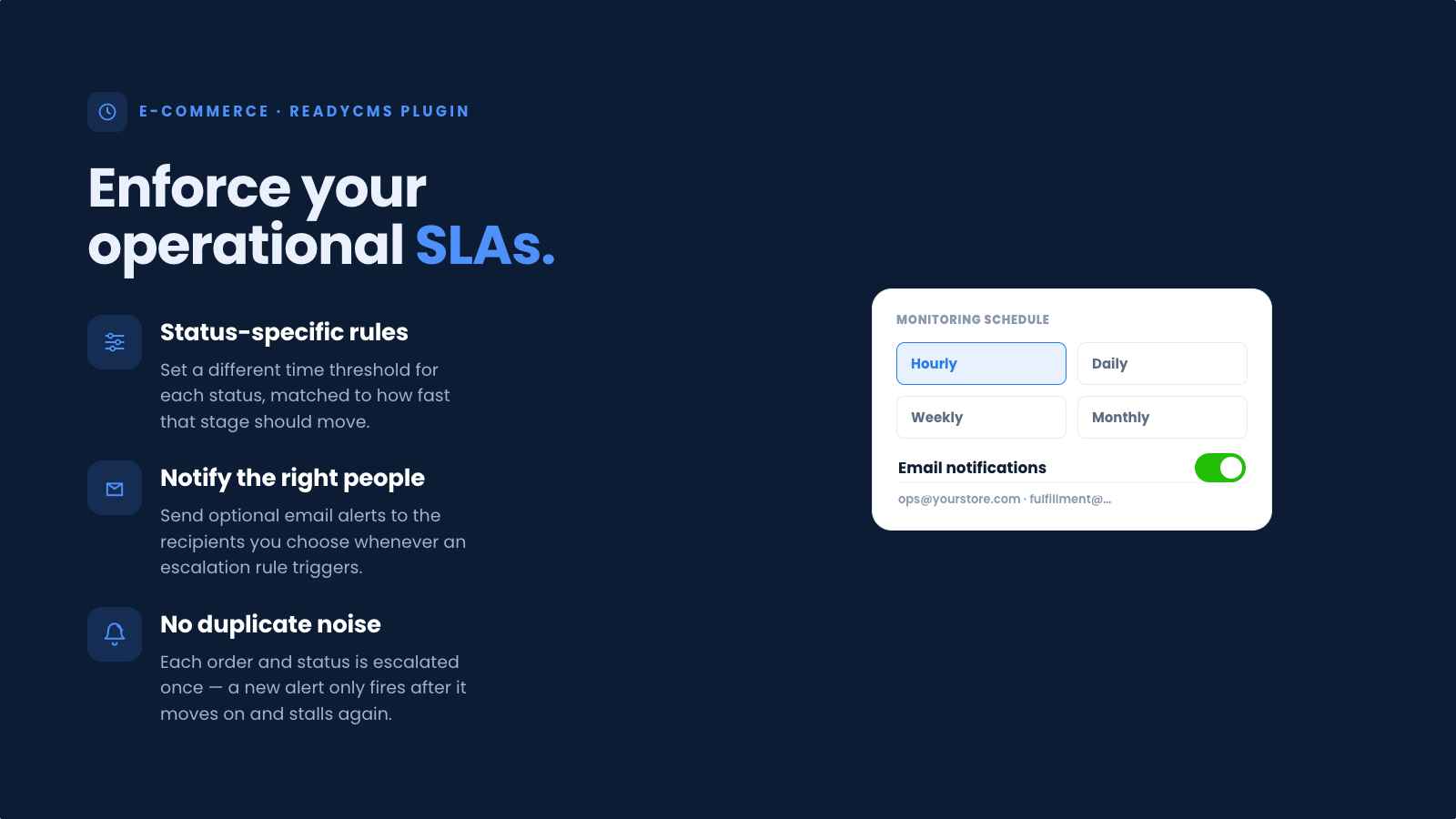
Set a different time threshold for each status, depending on how quickly that stage of your order workflow should be completed.
-
See alerts directly in the order view
Overdue orders display a clear admin alert showing the affected status and how long the order has been in that status.
-
Notify the right team members
Send optional email notifications to configured recipients when an escalation rule is triggered.
-
Prevent repeated notifications
The plugin avoids repeatedly notifying your team about the same order and status. A new escalation can occur after the order changes status and later exceeds another threshold.
-
Keep operational decisions under your control
Order Status Escalation identifies and reports delays without automatically changing order statuses or modifying the fulfillment workflow.
How it works
Order status escalation matrix continuously tracks how long active orders remain in the statuses you choose to monitor. When an order exceeds the configured time limit, the plugin flags it directly in the order view and can send an email notification to your team, helping them react before the delay affects fulfillment or the customer experience.
The following steps explain how to configure escalation rules, monitoring intervals, alert levels, and notification preferences.
Guide
-
Find the plugin
Open the Order status escalation matrix plugin page in your ReadyCMS admin.
-
Choose the monitoring schedule
Select how often the plugin should check active orders: hourly, daily, weekly, or monthly.
-
Create escalation rules
Add the order statuses you want to monitor, and set a time threshold in hours for each.
For example:
- Pending for more than 24 hours
- Processing for more than 48 hours
- Ready for pickup for more than 12 hours
-
Set the alert level
Configure the appropriate alert severity for each rule, depending on how urgently the overdue order should be reviewed.
-
Configure email notifications
Enable email alerts and add recipients to be notified when an order exceeds a configured threshold.
-
Save the settings
Once saved, the plugin will evaluate active orders according to the selected schedule.
-
Activate the plugin
Click the
Activatebutton once you have saved the settings. -
Review escalated orders
When a threshold is exceeded, an alert appears in the affected order view, showing the current status and how long the order has been at that status.
-
Resolve the delay
Review the order and take the necessary operational action. When the order changes status and no longer violates the rule, the alert is removed.
FAQ
1) What is an escalation rule?
An escalation rule defines an order status, a time threshold in hours, and the related alert settings. For example, a rule could flag an order when it remains in Processing for more than 48 hours.
2) Do I need to configure every order status?
No. You only need to create rules for the statuses you want to monitor. Orders in statuses without a configured rule will not be escalated.
3) Can different statuses have different time thresholds?
Yes. Each status can have its own threshold based on the expected duration of that stage in your fulfillment process.
4) How often are orders checked?
You can configure the plugin to run hourly, daily, weekly, or monthly.
5) What kinds of notifications can it send?
The plugin displays alerts directly in the ReadyCMS admin order view and can send email notifications to configured recipients.
6) Will it repeatedly send emails about the same order?
No. Once an order has been escalated to a particular status, the plugin will not repeatedly notify your team about that status. It can trigger a new escalation if the order changes status and later becomes overdue again.
7) Does the plugin change order statuses automatically?
No. It only flags overdue orders and notifies your team. All status changes and operational decisions remain under your control.
8) What happens when an order is no longer overdue?
When the order changes status or otherwise no longer violates the configured rule, the escalation alert is no longer displayed.
9) Can I use it for warehouse or courier SLAs?
Yes. It is well suited to internal fulfillment deadlines, warehouse processing targets, courier pickup windows, and other multi-stage order workflows.
10) Is it only useful for e-commerce stores?
It is designed for order workflows, but it can support any ReadyCMS process where records move through statuses and require time-based escalation.
Build more with ReadyCMS
Explore the full plugin marketplace or book a demo to see them in action.