

Google Sheets sync for ReadyCMS
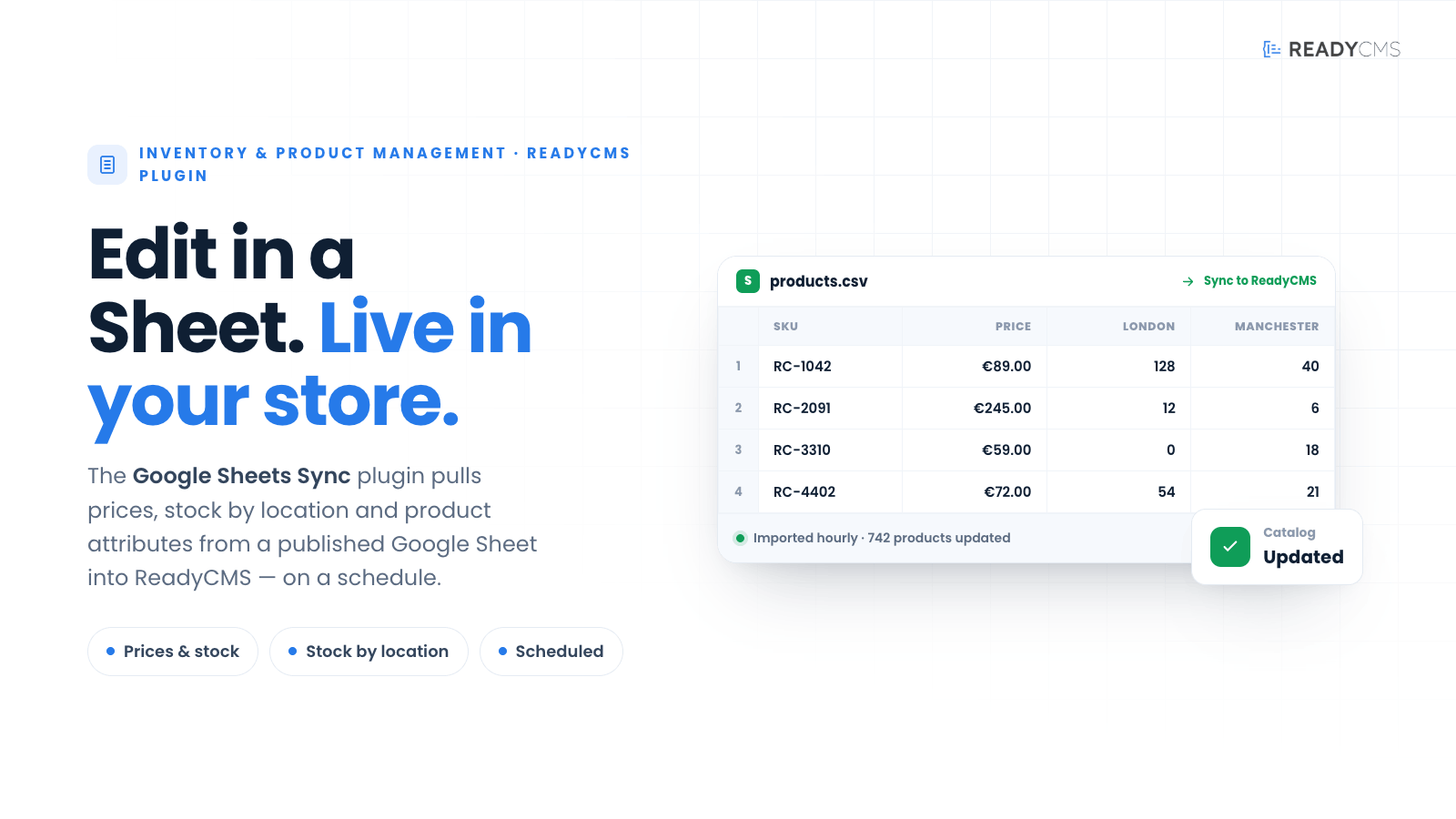
Synchronize product prices, stock by location, and selected product attributes from a published Google Sheets CSV into ReadyCMS on a scheduled basis.
Google Sheets sync for ReadyCMS
Google Sheets sync makes it easier to manage catalog data outside the admin by connecting ReadyCMS with a published Google Sheets CSV file.
Instead of updating every product manually, administrators can maintain key product information in a spreadsheet and let ReadyCMS synchronize it automatically on a configurable cron schedule. The plugin can update product prices, stock quantities by location, and selected product attributes, helping teams keep storefront data accurate while working in a familiar spreadsheet format.
This is especially useful for stores that already use spreadsheets for catalog planning, stock updates, supplier data, or internal product management.
Key benefits
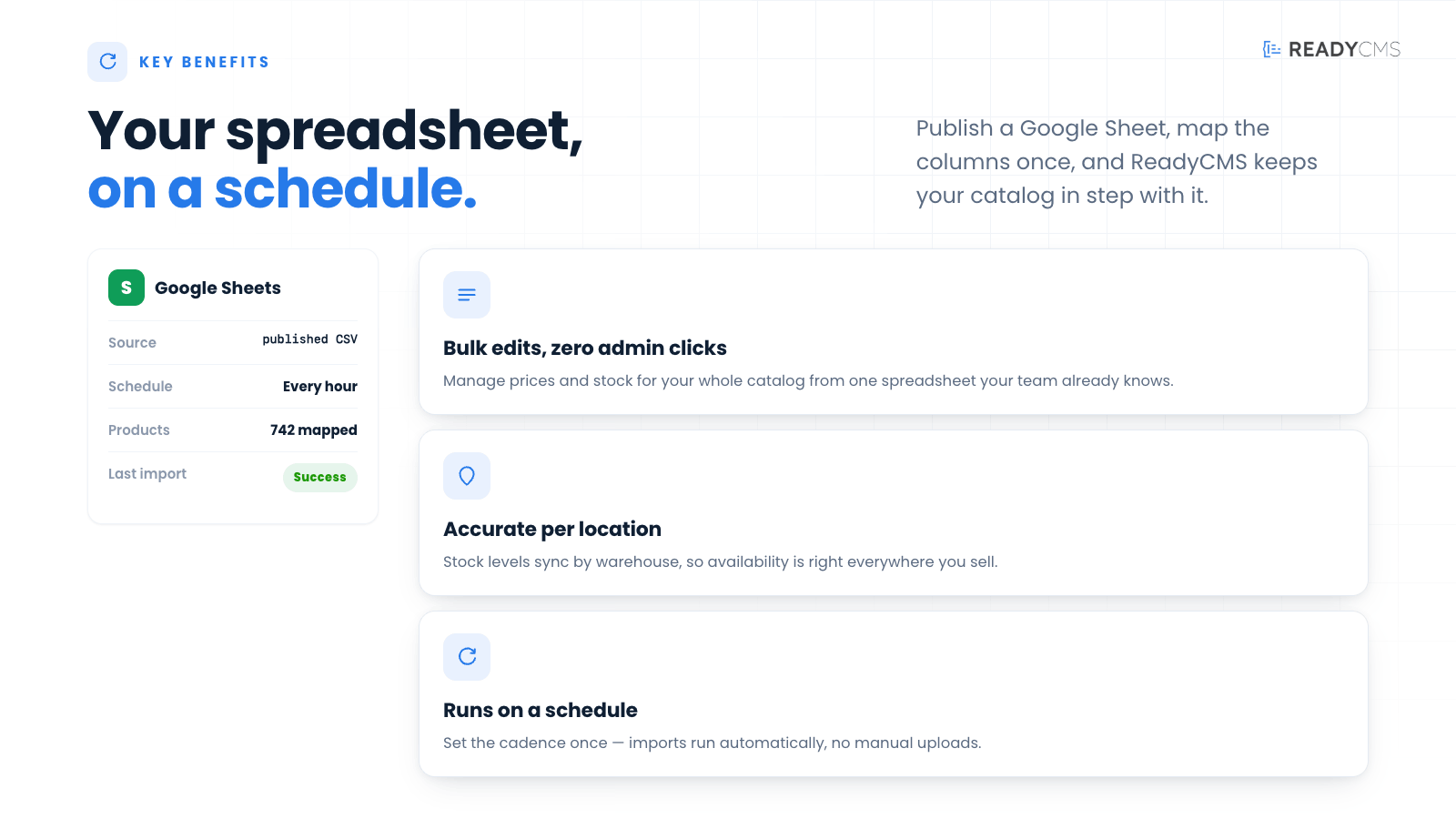
- Manage product data in Google Sheets
Use a familiar spreadsheet workflow for prices, stock, and selected attributes. - Keep ReadyCMS in sync automatically
The plugin runs on a configurable cron schedule, reducing the need for manual updates. - Update stock by location
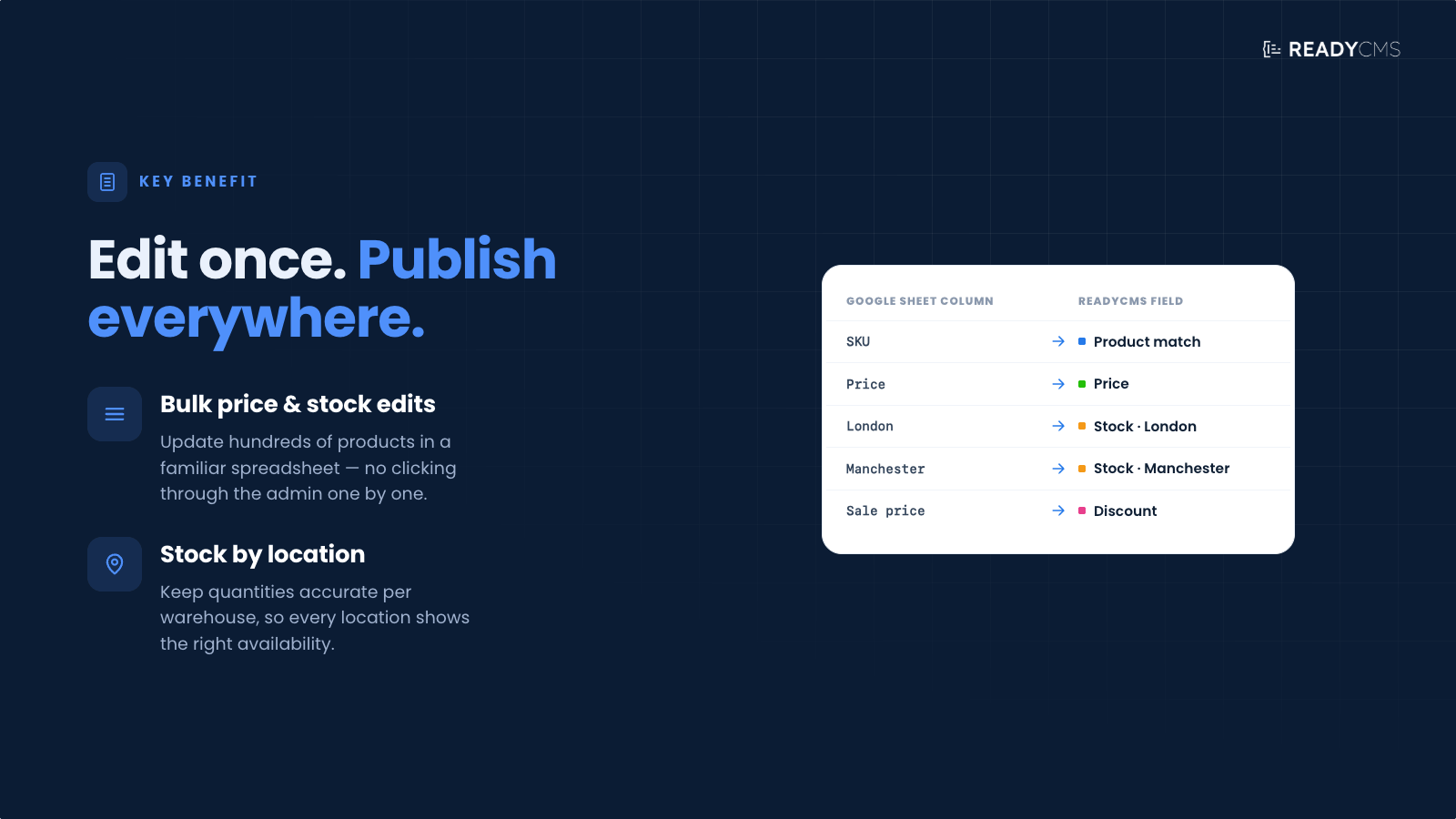
Sync stock quantities across different inventory locations when your spreadsheet contains location-based stock data. - Control which fields are updated
Synchronize only selected product attributes instead of overwriting everything. - Reduce manual admin work
Keep product information updated faster and with fewer repetitive changes. - Useful for supplier or internal catalog workflows
Ideal when product data is prepared, reviewed, or maintained in spreadsheets before being applied to the webshop.
How it works
Google Sheets Sync connects ReadyCMS to a published Google Sheets CSV file.
Once configured, the plugin reads the spreadsheet on a scheduled basis and updates matching products in ReadyCMS according to the selected sync settings.
Guide
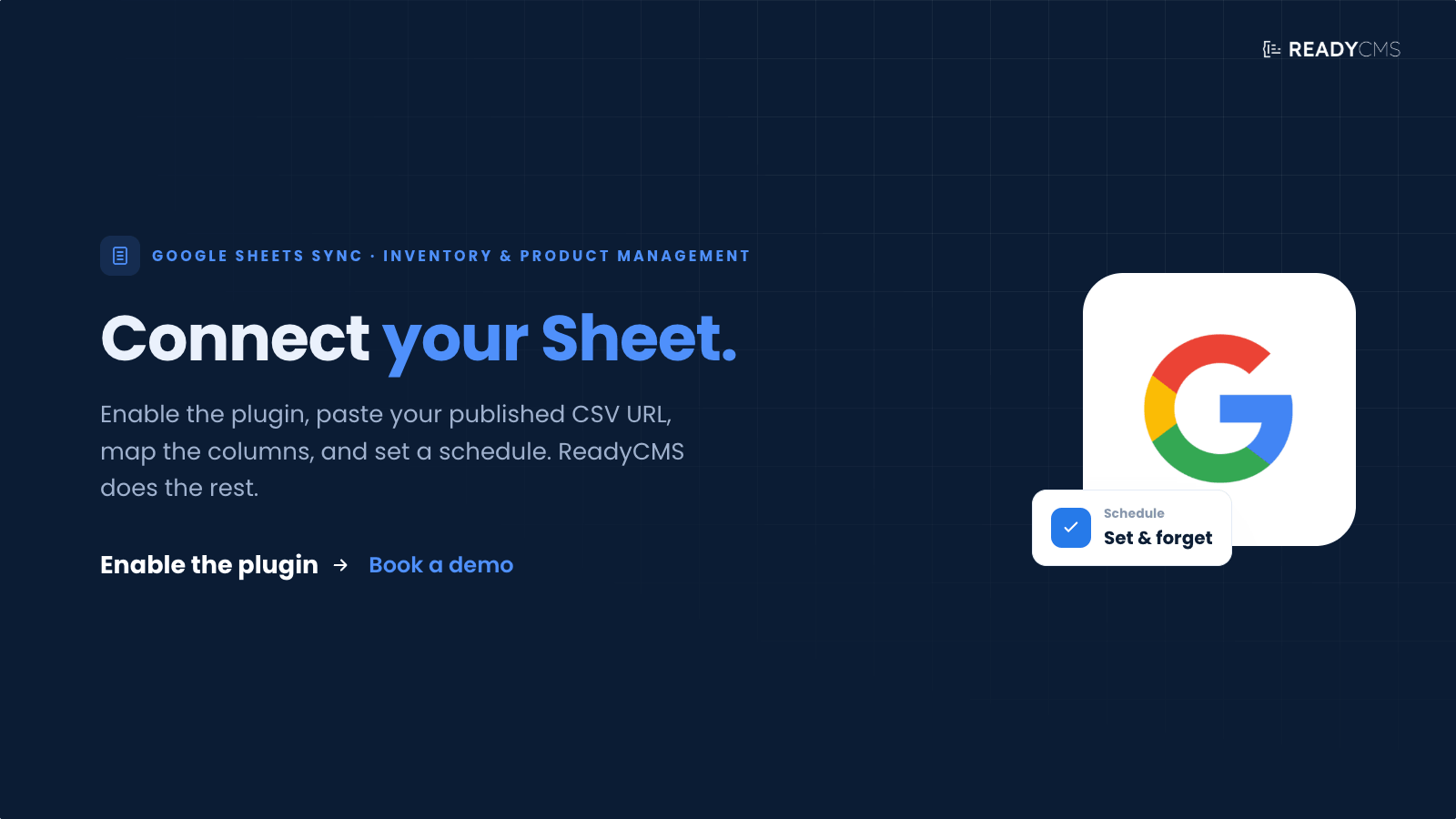
- Prepare your product data in Google Sheets.
- Publish the sheet as a CSV file.
- Add the published CSV URL to the plugin settings in ReadyCMS.
- Configure which data should be synchronized, such as:
- Product prices
- Stock by location
- Selected product attributes
- Set the cron schedule for automatic synchronization.
- Activate the plugin
- ReadyCMS checks the CSV on schedule and updates matching product records.
The plugin is designed to support spreadsheet-based catalog management while keeping ReadyCMS as the source that powers the webshop.
FAQ
Q1: What does Google Sheets Sync do?
A1: Google Sheets Sync synchronizes selected product data from a published Google Sheets CSV file into ReadyCMS. It can update product prices, stock by location, and selected product attributes.
Q2: Do I need to publish the Google Sheet?
A2: Yes. The plugin uses a published CSV version of the Google Sheet, so the sheet must be available through a CSV URL.
Q3: Can the sync run automatically?
A3: Yes. The plugin runs on a configurable cron schedule, so updates can happen automatically at the interval you choose.
Q4: Can I choose which product fields are updated?
A4: Yes. The plugin is designed to synchronize selected fields, so you can control which product attributes are updated from the spreadsheet.
Q5: Can it update stock for multiple locations?
A5: Yes, the plugin supports stock synchronization by location when the CSV contains the required location-based stock data.
Q6: Will this replace manual product editing?
A6: Not completely. You can still edit products manually in ReadyCMS, but Google Sheets Sync helps automate repetitive catalog updates, making them easier to manage in a spreadsheet.
Q7: What happens if the Google Sheet contains incorrect data?
A7: The plugin will sync data from the published CSV based on the configured settings. For best results, review the spreadsheet structure and values before enabling automatic synchronization.
Build more with ReadyCMS
Explore the full plugin marketplace or book a demo to see them in action.