

Customer notes for ReadyCMS
Add private, persistent customer notes that appear on every order from the same customer.
Customer notes plugin for ReadyCMS
Customer notes help your team keep important customer context visible where it matters most: inside the order view.
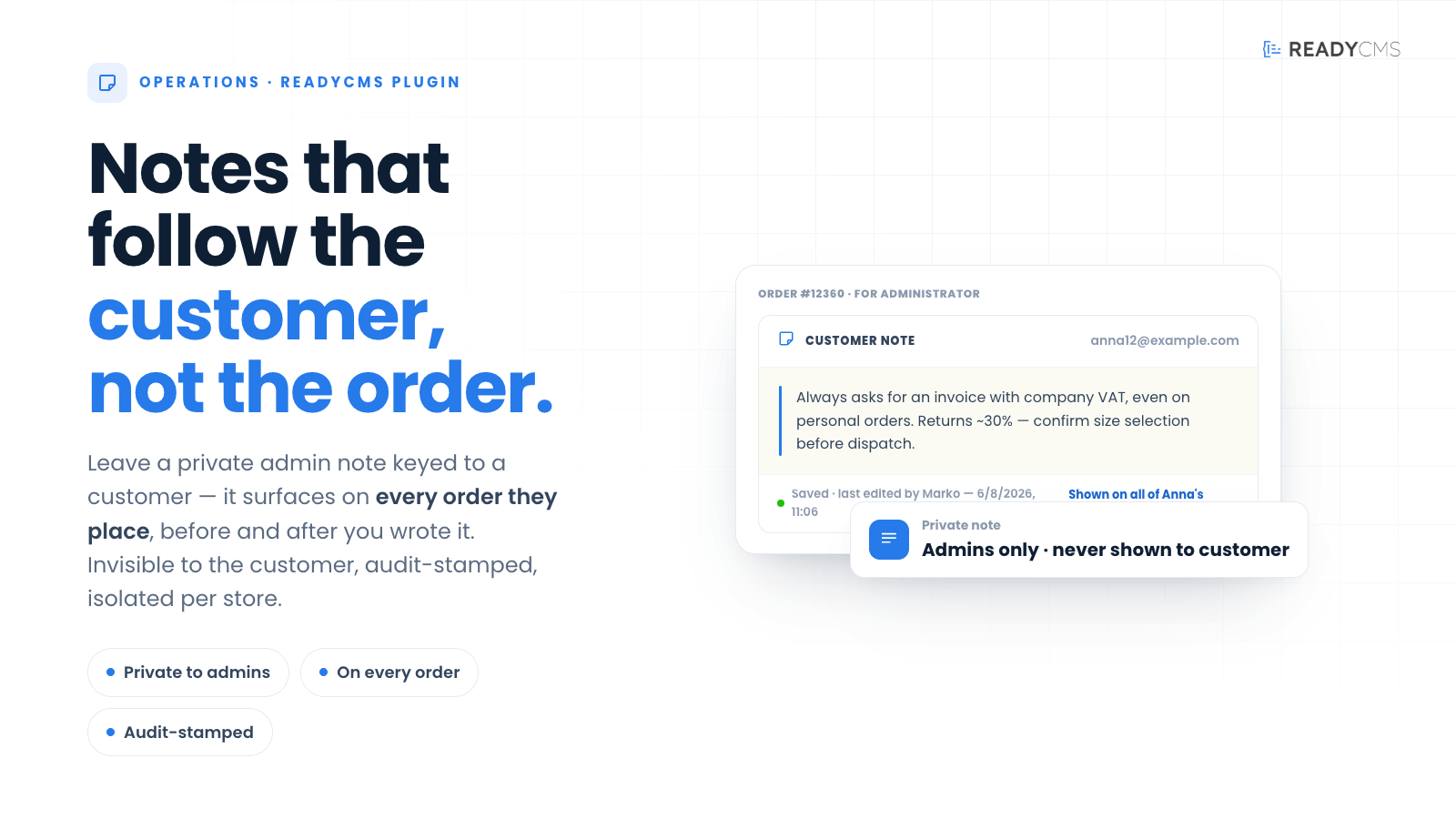
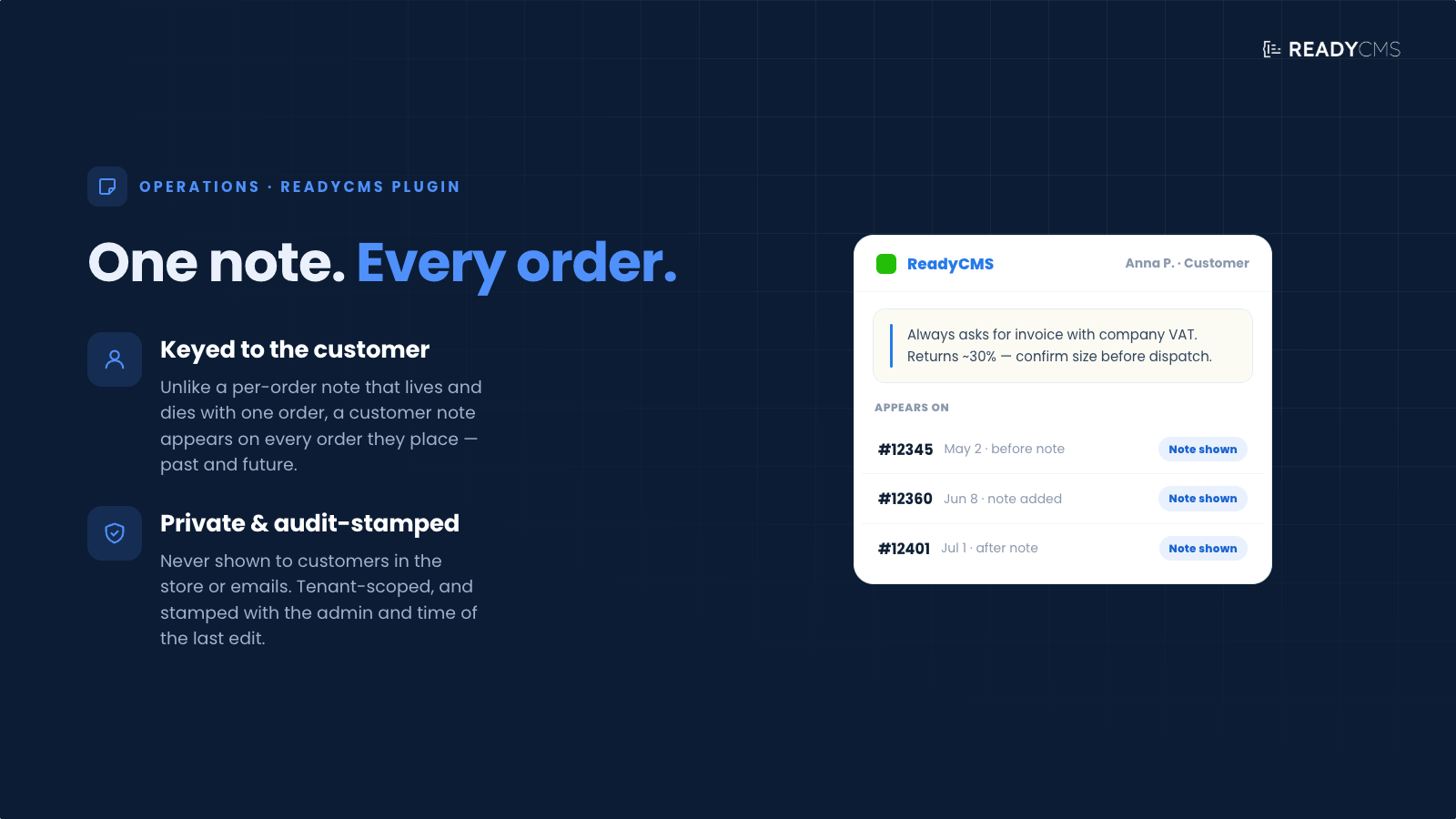
The plugin adds a private Customer note field to the For-Administrator section on the Order edit page. Unlike a regular administrator note that belongs only to one specific order, a customer note is connected to the customer and appears on every order placed with the same email address.
This makes it easier for admins, support teams, and order managers to retain useful context across the customer’s full order history without manually searching through past orders.
Key benefits
- Keep customer context in one place
Add notes about customer preferences, service history, special handling, or internal warnings. - Visible across every order
Notes appear on past and future orders from the same customer email address. - Private for administrators
Customer notes are only visible inside the admin area. Customers do not see them in the storefront, checkout, account area, or emails. - Useful for support and fulfillment teams
Help admins make better decisions before contacting the customer, preparing an order, or handling a complaint. - No setup required
Activate the plugin and the customer note field appears automatically.
How it works
When the plugin is active, ReadyCMS adds a Customer note field to the For-Administrator section on the Order edit page.
Admins can write a note about the customer, and that note is saved in the customer context rather than only in the current order.
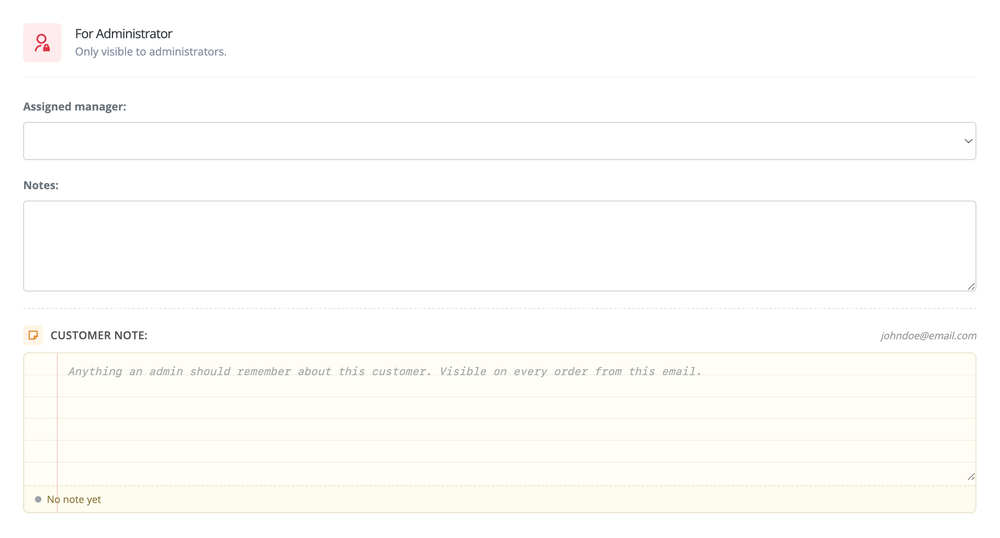
The same note will then appear on every order placed from that customer's email address, including both past and future orders.
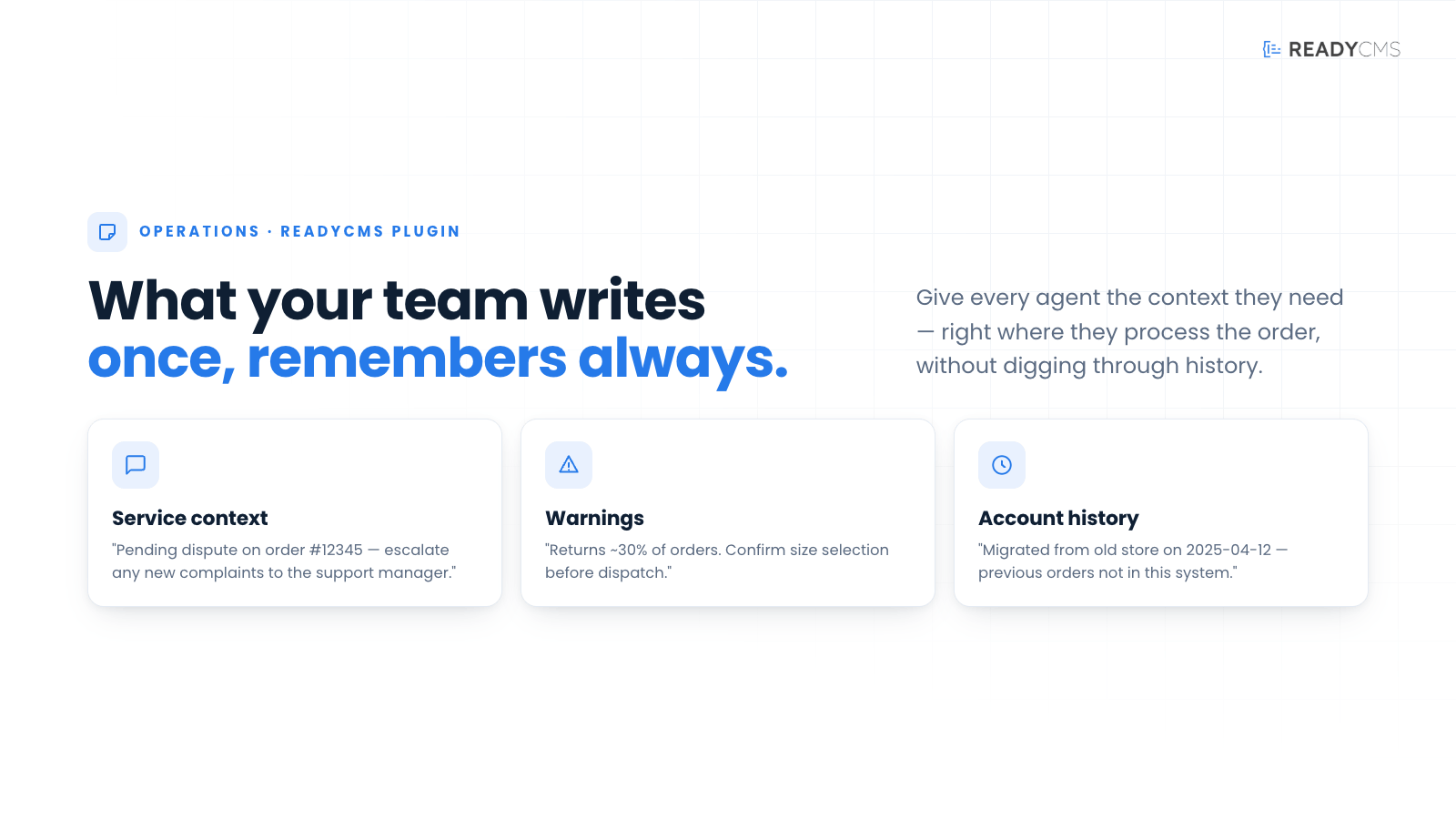
Customer notes can be used for things like:
- Service context, such as an unresolved issue or previous complaint.
- Customer preferences, such as invoice or delivery notes.
- Internal warnings, such as repeated returns or special review requirements.
- Account history, such as migration notes or previous store information.
Each note is private, tenant-scoped, and includes audit information such as the last update timestamp and the admin who last edited it.
Guide
- Activate the plugin
Enable the Customer Notes plugin from the ReadyCMS plugin area. No configuration is required. - Open an order
Go to an order in the admin panel and open the Administration tab. - Find the Customer note field
In the For-Administrator section, the plugin adds a Customer note area below the regular per-order note. - Add a note
Write anything your admin team should remember about this customer. - Save automatically
The note is saved when you leave the field. - View it on other orders
The same note will appear on every order associated with that customer's email address. - Deactivate if needed
If the plugin is deactivated, the section disappears from the admin view. Existing notes are not deleted and will return if the plugin is activated again.
FAQ
Q1: Are customer notes visible to customers?
No. Customer notes are private and visible only to administrators in ReadyCMS.
Q2: Is this the same as the regular administrator note on an order?
No. The regular administrator note belongs only to one order. Customer Notes stores notes at the customer level, so they appear across all orders for that customer.
Q3: How does ReadyCMS match the customer note to orders?
Customer notes are matched by customer email address.
Q4: Will the note appear on old orders too?
Yes. Once a customer note is added, it appears on past and future orders from the same customer email address.
Q5: Does the plugin require configuration?
No. After activation, the Customer note field is added automatically.
Q6: What happens if I deactivate the plugin?
The customer note section disappears from the order admin view, but the notes are not deleted. Reactivating the plugin restores them.
Q7: Can this be used for warnings or internal reminders?
Yes. It is useful for customer preferences, support context, special handling instructions, account history, and internal warnings.
Build more with ReadyCMS
Explore the full plugin marketplace or book a demo to see them in action.