

TikTok Shop feed for ReadyCMS
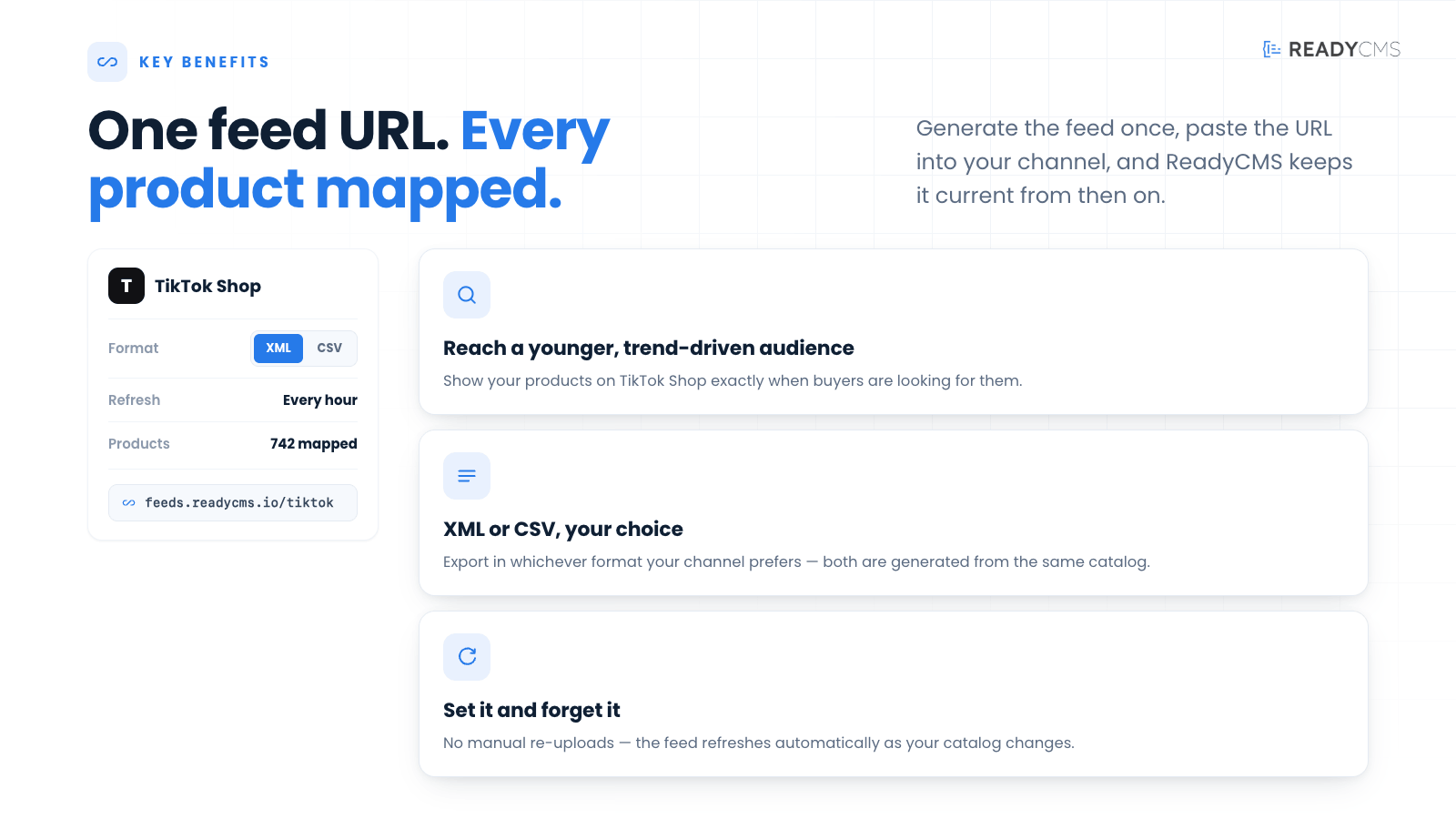
Tap into TikTok's massive user base by automatically generating a product feed in XML or CSV format from ReadyCMS. Then, showcase your products in the TikTok Shop, boost brand awareness, and engage a younger, trend-driven audience.
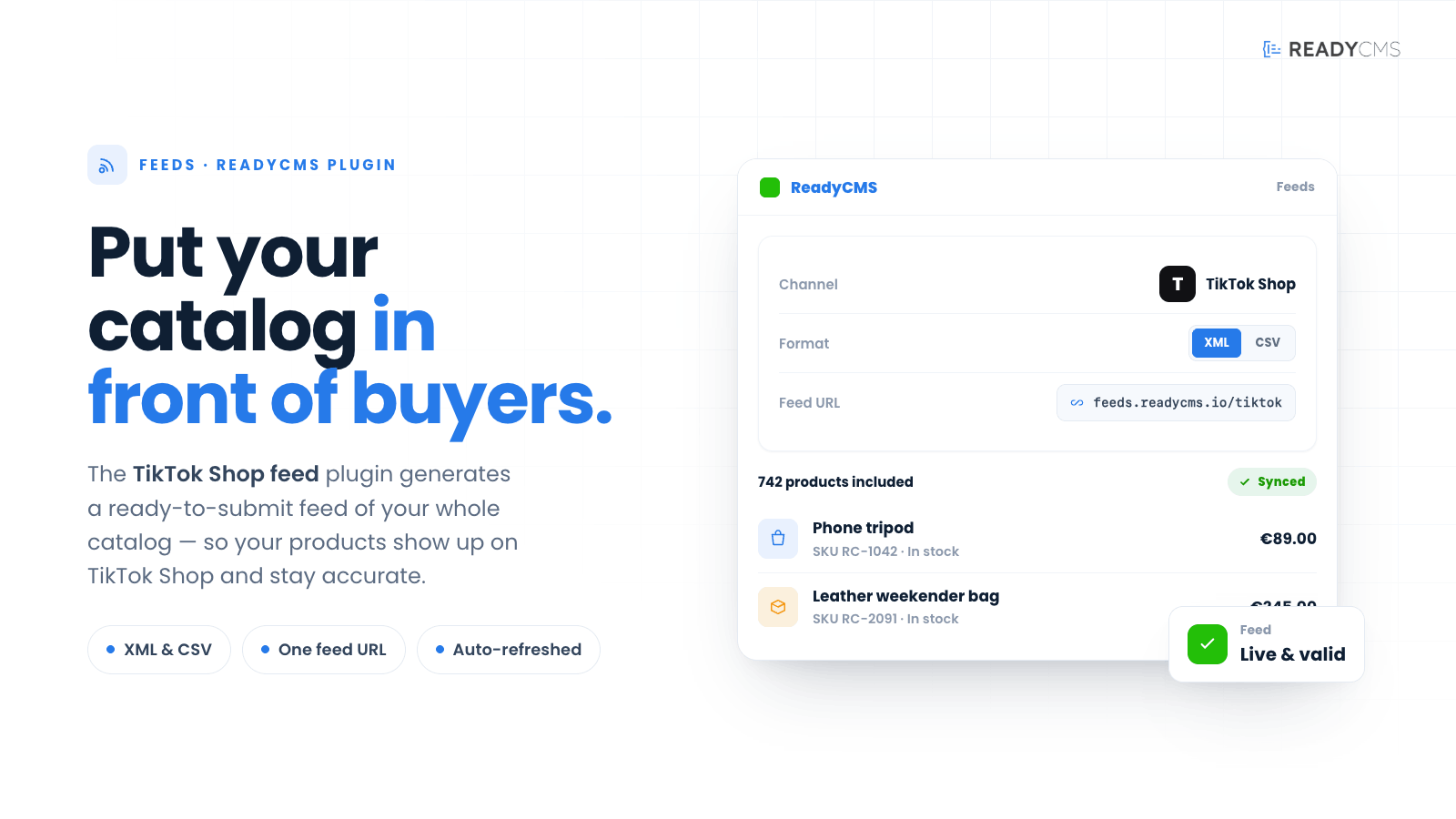

TikTok Shop feed (XML, CSV) integration for ReadyCMS
The TikTok Shop feed plugin for ReadyCMS makes it easy to list and manage your products on TikTok, one of the fastest-growing social media platforms. Creating a TikTok-compliant product feed (either XML or CSV) lets you connect with audiences who love discovering and shopping for new items directly within the TikTok app.
Key features
- Automated feed creation: Generate up-to-date, TikTok-compatible feeds in XML or CSV formats.
- Seamless integration: Quickly integrate with TikTok Shop's catalog feature, minimizing the need for manual uploads.
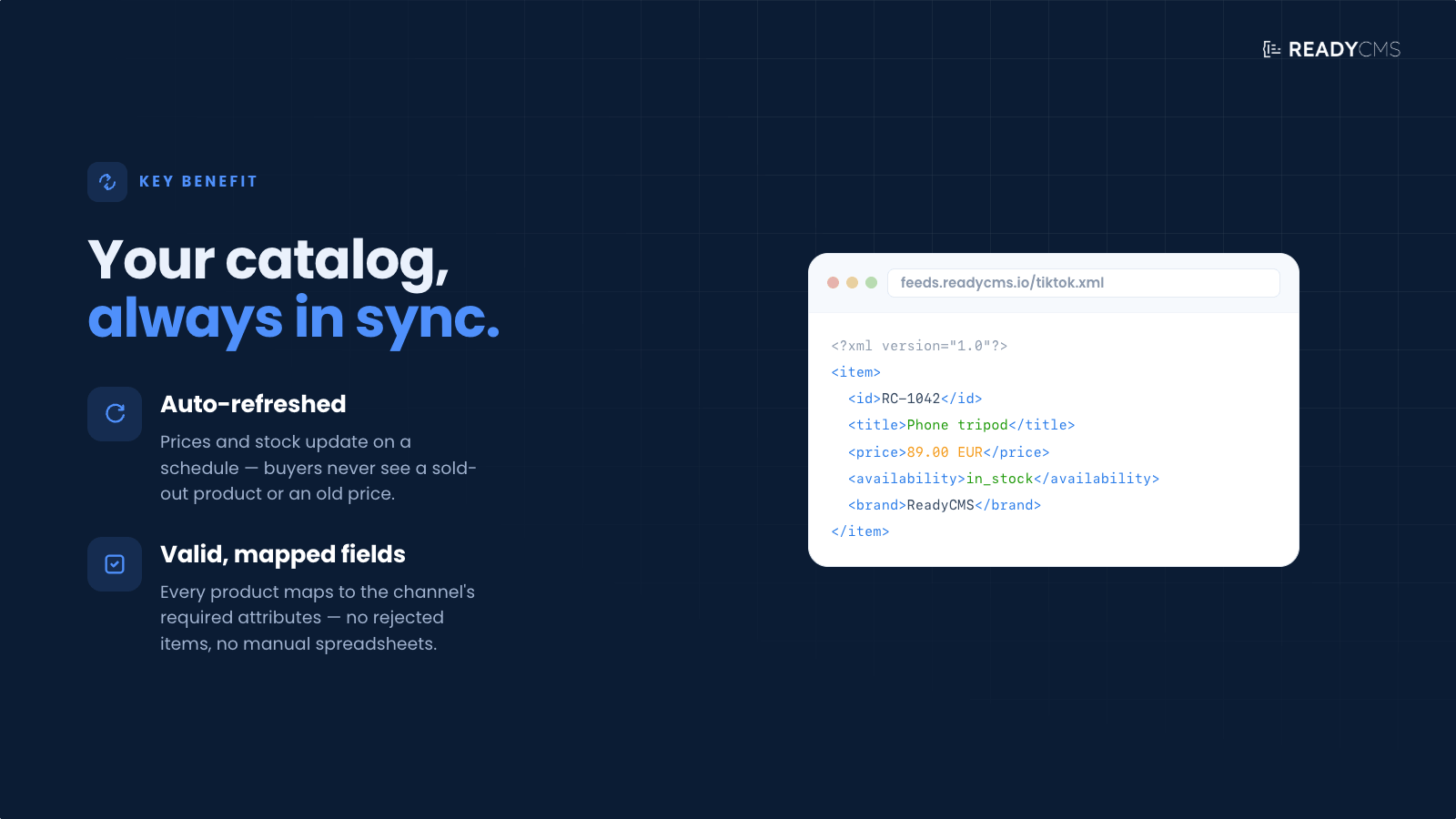
- Accurate product data: Keep product details—such as price, availability, and descriptions—in sync between ReadyCMS and TikTok.
- Customizable parameters: Filter which products to list based on criteria like categories, tags, or manufacturers.
Benefits
- Expanded audience reach: Leverage TikTok's rapidly growing global user base to find new customers.
- Social commerce integration: Enabling users to browse and buy products directly through TikTok will provide a seamless shopping experience.
- Efficient updates: Avoid stale listings and price discrepancies by using automated feed refreshes.
- Brand building: Engage a tech-savvy audience with short, creative video content linked to your product feed.
How it works
The TikTok Shopping Feed plugin automatically formats your ReadyCMS product data to meet TikTok Shopping's requirements. Provide TikTok with your feed URL, and your product catalog will appear in your TikTok account for use in product tagging, ads, and shoppable posts.
- XML Feed URL: https://feed.readycms.io/tiktok-shopping-feed-xml
- CSV Feed URL: https://feed.readycms.io/tiktok-shopping-feed-csv
Guide
- Always active
- The TikTok Shopping feed is already integrated and active, as with all the other feed plugins.
- Configure feed parameters (Optional)
- Adjust parameters such as
status=active,category[], orlimitto filter products. - Example:
?limit=50or?category[]=32&category[]=423.
- Adjust parameters such as
- Generate and verify the feed
- Please visit the feed URLs (XML or CSV) to confirm the correct product information (titles, prices, images, etc.).
- Upload/connect to TikTok
- Log in to your TikTok for Business account or TikTok Shopping dashboard.
- Provide the feed URL to set up your product catalog.
- Follow TikTok's guidelines for mapping product attributes and ensuring data quality.
- Schedule updates
- Determine how often TikTok should fetch daily, weekly, or more frequent updates.
- Keep your feed current to reflect changes in pricing, inventory, or new product additions.
Customizable feed parameters
ReadyCMS provides a variety of customizable parameters to help you filter and organize product data for precise and effective feed management.
Below is a comprehensive list of the parameters you can use:
| Parameter | Description | Usage example |
|---|---|---|
limit |
Limits the number of items in the feed. Defaults to a high number if limit=0. |
&limit=10 |
random |
Orders the items randomly. | &random=true |
featured |
Filters items to include only those marked as featured. | &featured=true |
manufacturer_id |
Filters items by a specific manufacturer ID. | &manufacturer_id=123 |
status |
Filters items based on their status. | &status=active |
on_sale |
Includes only items that are on sale. | &on_sale=true |
availability |
Includes items in stock (stock > 0 ) or the Allow out-of-stock option is enabled. | &availability=true |
in_stock |
Includes only items that are in stock (stock > 0). | &in_stock=true |
tag |
Filters items by tags. Can accept multiple tags as an array. | &tag[]=15&tag[]=542 |
category |
Filters items by category. Can accept multiple categories as an array. | &category[]=32&category[]=423 |
manufacturer |
Filters items by manufacturer. Accepts multiple manufacturers as an array. | &manufacturer[]=12&manufacturer[]=323 |
min_price, max_price |
Filters items by a price range. | &min_price=50&max_price=200 |
min_wholesale_price, max_wholesale_price |
Filters items by wholesale price range. | &min_wholesale_price=30&max_wholesale_price=100 |
min_weight, max_weight |
Filters items by weight range. | &min_weight=1&max_weight=10 |
sku |
Filters items by SKU for an exact match. | &sku=12345 |
sku_contains |
Filters items where the SKU contains a specific string. | &sku_contains=abc |
sku_starts_with |
Filters items where the SKU starts with a specific string. | &sku_starts_with=abc |
sku_ends_with |
Filters items where the SKU ends with a specific string. | &sku_ends_with=123 |
barcode |
Filters items by barcode for an exact match. | &barcode=987654321 |
barcode_contains |
Filters items where the barcode contains a specific string. | &barcode_contains=987 |
barcode_starts_with |
Filters items where the barcode starts with a specific string. | &barcode_starts_with=987 |
barcode_ends_with |
Filters items where the barcode ends with a specific string. | &barcode_ends_with=321 |
title_contains |
Filters items where the title contains a specific string. | &title_contains=example |
title_starts_with |
Filters items where the title starts with a specific string. | &title_starts_with=example |
title_ends_with |
Filters items where the title ends with a specific string. | ?title_ends_with=product |
slug |
Filters items by slug for an exact match. | &slug=example-slug |
slug_contains |
Filters items where the slug contains a specific string. | &slug_contains=example |
slug_starts_with |
Filters items where the slug starts with a specific string. | &slug_starts_with=example |
slug_ends_with |
Filters items where the slug ends with a specific string. | &slug_ends_with=slug |
permalink |
Filters items where the permalink contains a specific string. | &permalink=example-url |
custom_field |
Filters items where a custom field contains a specific string. | &custom_field=example-data |
product_feed |
Filters items where the product feed contains a specific string. | &product_feed=data |
created_after, created_before |
Filters items created within a specific date range. | &created_after=2024-01-01&created_before=2024-12-31 |
updated_after, updated_before |
Filters items updated within a specific date range. | &updated_after=2024-01-01&updated_before=2024-12-31 |
published_after, published_before |
Filters items published within a specific date range. | &published_after=2024-01-01&published_before=2024-12-31 |
g_id |
Filters items by a specific global ID. | &g_id=123 |
visibility |
Filters items by their visibility status. | &visibility=public |
lang |
Filters items by language. | &lang=en |
charge_vat |
Filters items by whether VAT is charged. | &charge_vat=1 |
required_shipping |
Filters items based on whether shipping is required. | &required_shipping=1 |
Note: These parameters can be appended to your feed URLs to customize the data output according to your specific requirements.
Best practices for creating a TikTok Shop feed
- Compelling product titles & descriptions: TikTok is a highly visual and fast-paced platform, so clear, concise, and engaging product information can help catch users' attention.
- High-quality images & videos: Use eye-catching visuals wherever possible. TikTok users are drawn to compelling, short-form video content, so align your visuals for maximum engagement.
- Stay on-trend: TikTok trends change rapidly. Consider making seasonal or trendy items the prominent feed.
- Frequent updates: To avoid user frustration, your catalog should quickly reflect price changes, stock adjustments, and new product launches.
- Comply with TikTok's guidelines: To avoid disapproval or removal, ensure your products and content comply with TikTok's policies for commerce and advertising.
FAQ
Q1: Do I need a specific TikTok account type to use this feed?
A1: Yes. You'll need access to TikTok for Business or the TikTok Shop feature. Check TikTok's official guidelines for setup and eligibility requirements.
Q2: How often should I update my TikTok feed?
A2: That depends on how dynamic your inventory and pricing are. Daily updates are typical for mid-to-high-volume stores, though you can refresh more frequently if needed.
Q3: Can I limit which products appear in the feed?
A3: Absolutely. Use parameters like status=active or category[] to only include the products you want in the feed.
Q4: What happens if my products are rejected by TikTok?
A4: TikTok usually provides error messages or notifications if products violate guidelines or lack required information. Adjust your ReadyCMS product data accordingly, then re-sync.
Q5: Can I track performance through ReadyCMS?
A5: Currently, performance analytics (views, clicks, conversions) are available in TikTok for Business. However, you can often set up additional tracking via UTMs or by linking other analytics tools.
Q6: Does the plugin support product variations (size, color, etc.)?
A6: Yes. As long as your ReadyCMS product data includes variation details, they'll appear in the generated feed for TikTok Shop.
Q7: Are there any fees associated with using the feed?
A7: Check your ReadyCMS plan details. TikTok doesn't typically charge for catalog uploads but may have fees for certain ad campaigns or promotional features.
Q8: Can I schedule the feed to update automatically?
A8: You can set an update schedule in TikTok Shop (e.g., daily or weekly) to automatically fetch the feed from ReadyCMS.
Build more with ReadyCMS
Explore the full plugin marketplace or book a demo to see them in action.