

Sidebar toggle for ReadyCMS
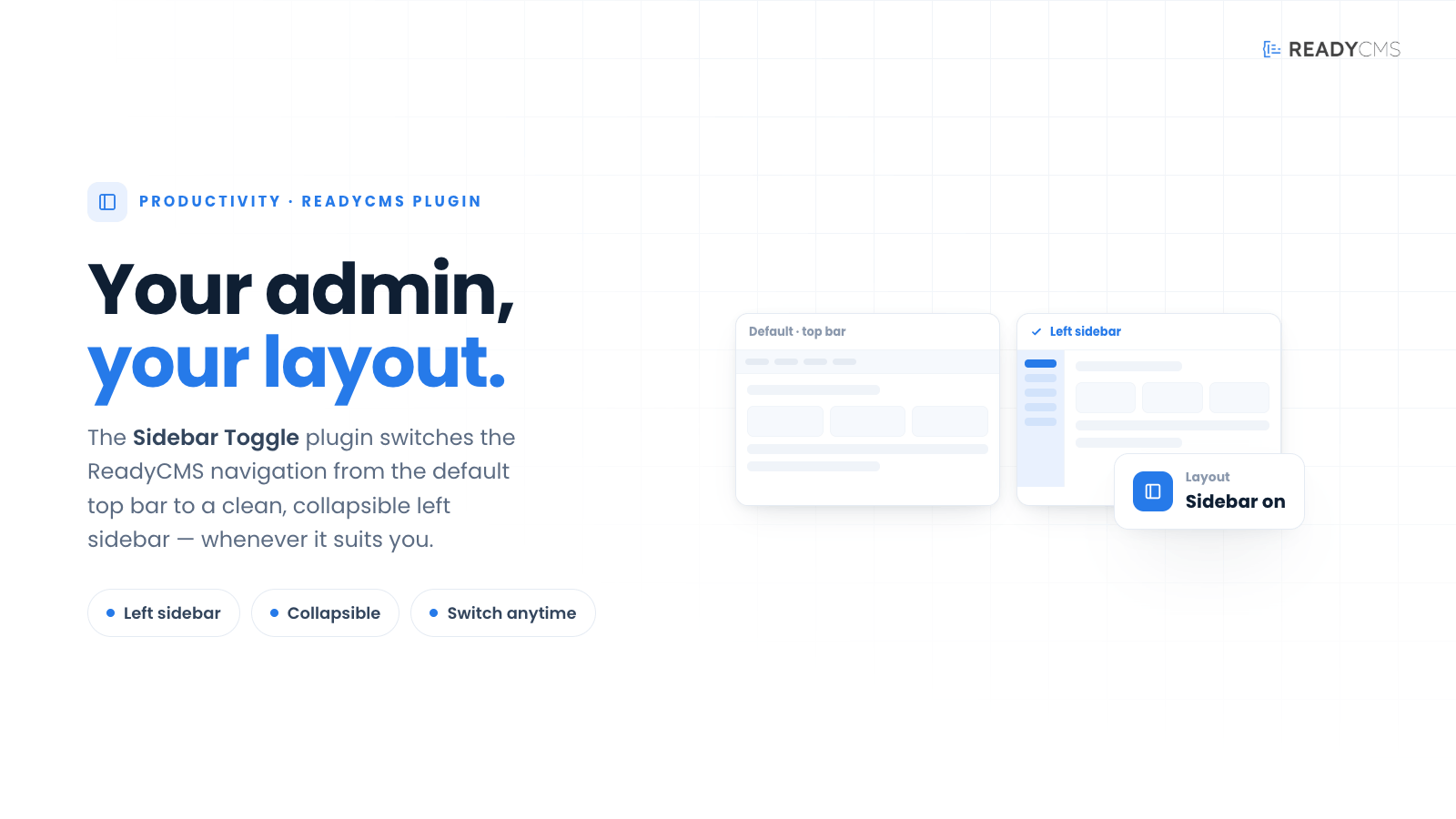
Sidebar toggle lets administrators switch the ReadyCMS admin navigation from the default horizontal layout to a clean, collapsible left sidebar for a more flexible workspace.
Sidebar toggle plugin for ReadyCMS
ReadyCMS is known for its horizontal admin structure, where the main navigation flows from left to right across the top of the workspace. The sidebar toggle gives administrators another way to work by switching the default navigation to a familiar vertical sidebar layout.
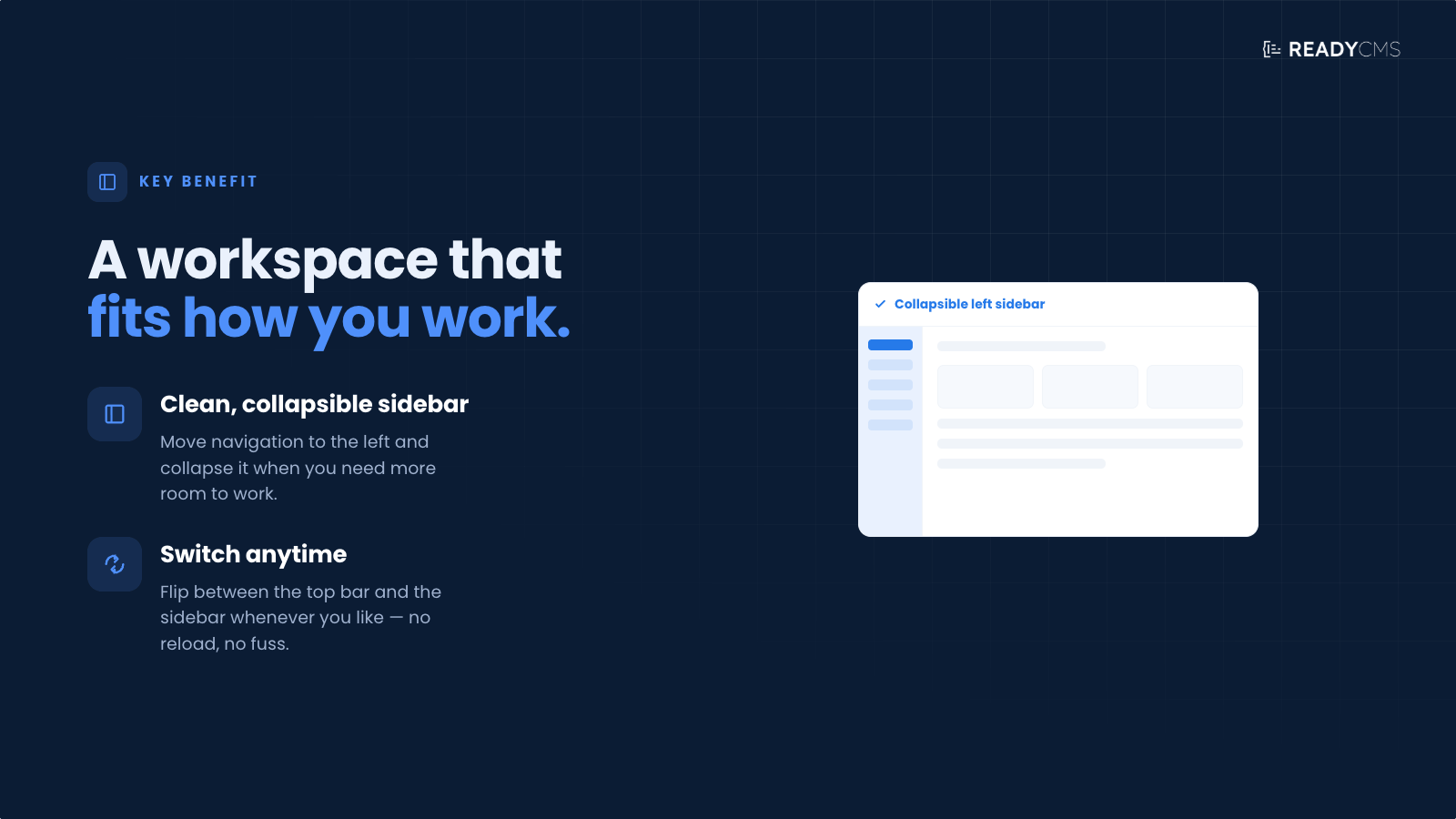
With the main content tabs moved to a left sidebar, the admin area becomes easier to scan, especially for users accustomed to traditional CMS dashboards. The sidebar can be expanded when navigation is needed and collapsed when users want more room to focus on content.
A clean workspace makes a big difference—especially when you spend hours a day in the admin.
Sidebar toggle is a lightweight usability enhancement that makes the ReadyCMS admin feel cleaner, more flexible, and easier to adapt to different working styles.
Key benefits and features
- Switch from horizontal navigation to a sidebar-based admin layout
- Place main content tabs in a clear vertical structure
- Collapse the sidebar to create more space for editing and managing content
- Expand the sidebar instantly when navigation is needed
- Improve usability on smaller screens and narrower workspaces
- Give administrators a more familiar dashboard experience
- Keep the change limited to the admin interface only
How it works
Once enabled, Sidebar Toggle changes the ReadyCMS admin navigation from the default horizontal layout into a sidebar-based layout. The main navigation tabs are displayed vertically on the left side of the admin area, giving users a more traditional CMS-style workspace.
Administrators can then use the toggle control to adjust the sidebar to suit how they work.
- Expand the sidebar when you need quick access to navigation
- Collapse it when you want more space for the main content area
- Move through admin sections using a clean vertical structure
- Keep pages fully usable as the layout adapts
This is a UI-only enhancement. It does not change your content, store setup, permissions, or website frontend. It simply gives administrators a cleaner and more flexible way to navigate ReadyCMS.
FAQ
Q1: Does this change my store or website frontend?
A1: No. Sidebar Toggle only affects the ReadyCMS admin interface. Your public website or webshop stays unchanged.
Q2: Is this useful on smaller screens?
A2: Yes. The sidebar layout can make navigation easier, while the collapse option helps free up space on smaller displays.
Q3: What does the plugin actually change?
A3: It changes the admin navigation layout from the default horizontal structure into a vertical sidebar layout, with the main content tabs displayed on the left.
Q4: Can the sidebar be collapsed and expanded?
A4: Yes. Administrators can collapse the sidebar for more content space and expand it when they need to navigate.
Q5: Does it affect permissions or admin access?
A5: No. Sidebar Toggle does not change user roles, permissions, or access rules. It only changes how the admin navigation is displayed.
Q6: Does it remember my preference?
A6: Depending on your admin setup, the preference can be remembered for a more consistent experience. If not, the sidebar can still be toggled instantly.
Q7: Does it affect performance?
A7: No meaningful impact is expected. The plugin is a lightweight UI enhancement.
Q8: Can I still access all menu items when the menu is collapsed?
A8: Yes. The toggle is designed to keep navigation accessible; expand when needed, and collapse when you want more space.
Build more with ReadyCMS
Explore the full plugin marketplace or book a demo to see them in action.