
QR generator for ReadyCMS
Create scannable QR codes for any product or page in one click. Perfect for print campaigns, product packaging, business cards, flyers, posters, and in-store displays. Download QR codes as PNG or SVG.
QR generator plugin for ReadyCMS
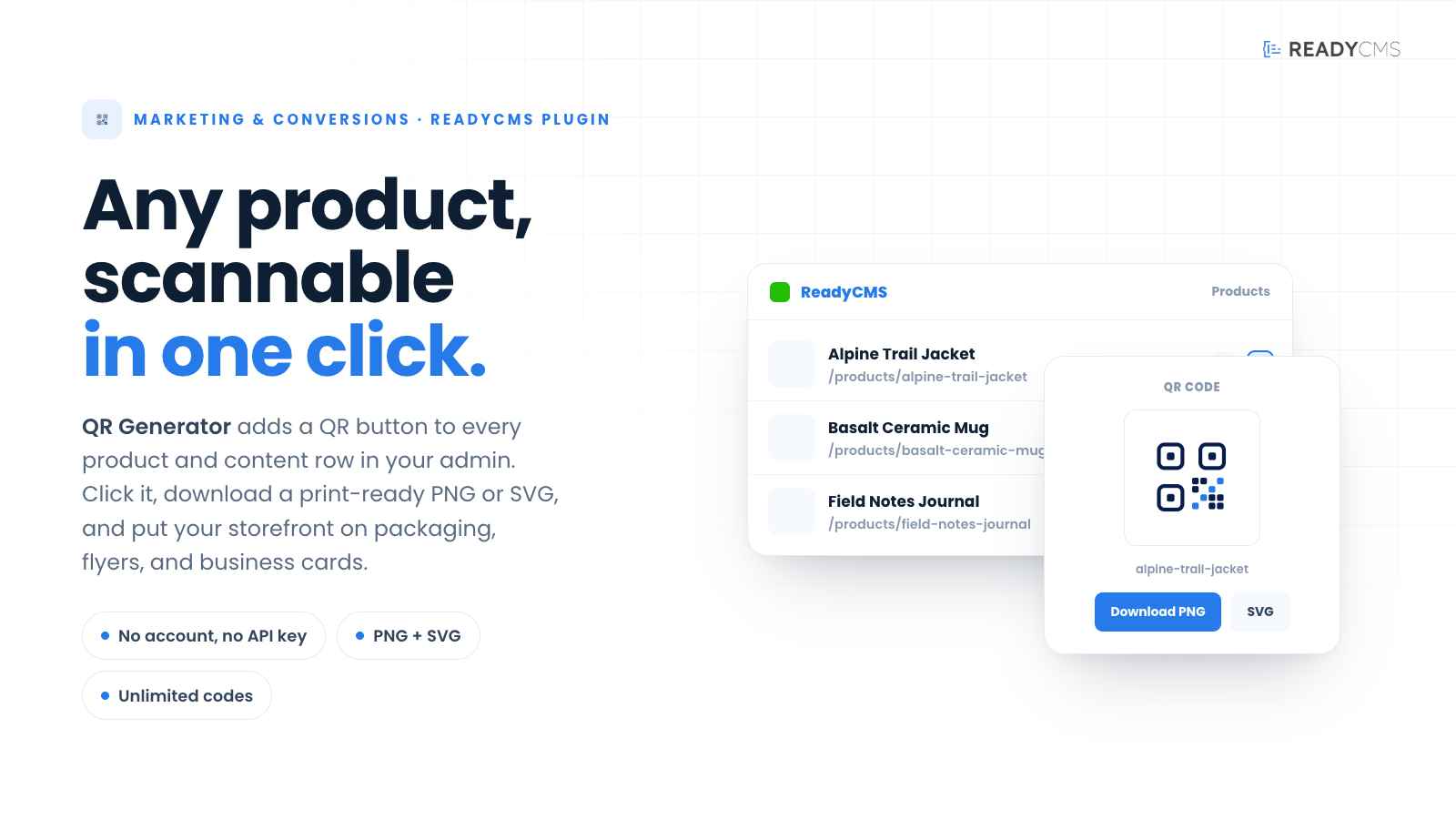
Turn any product or page into a scannable QR code instantly.
You can print QR codes on packaging, hand them out on business cards, place them in flyers, restaurant menus, event badges, or window displays.
One click from the products or content list. No separate page and no form to fill in.
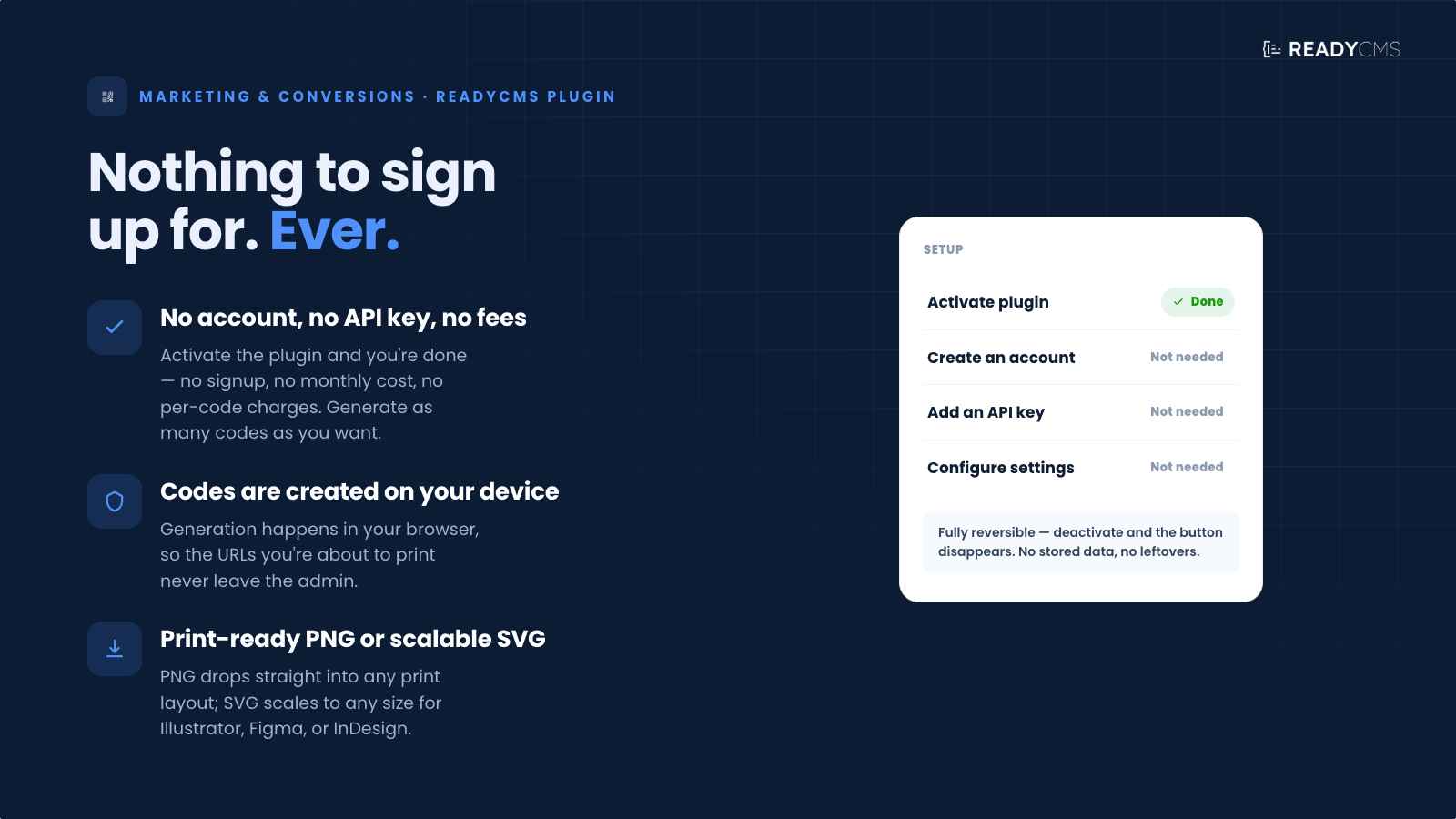
There is nothing to sign up for. No account, no API key, no monthly fees, and no per-code charges. You can generate as many codes as you want.
Codes are created on your own device, so the URLs you are printing never leave the admin.
You can download QR codes as a print-ready PNG image or a scalable SVG for use in design tools.
If a URL is missing on a product, the plugin tells you exactly where to fix it.
The plugin is fully reversible. If you deactivate it, the button disappears. There is no stored data and no leftovers.
Common use cases
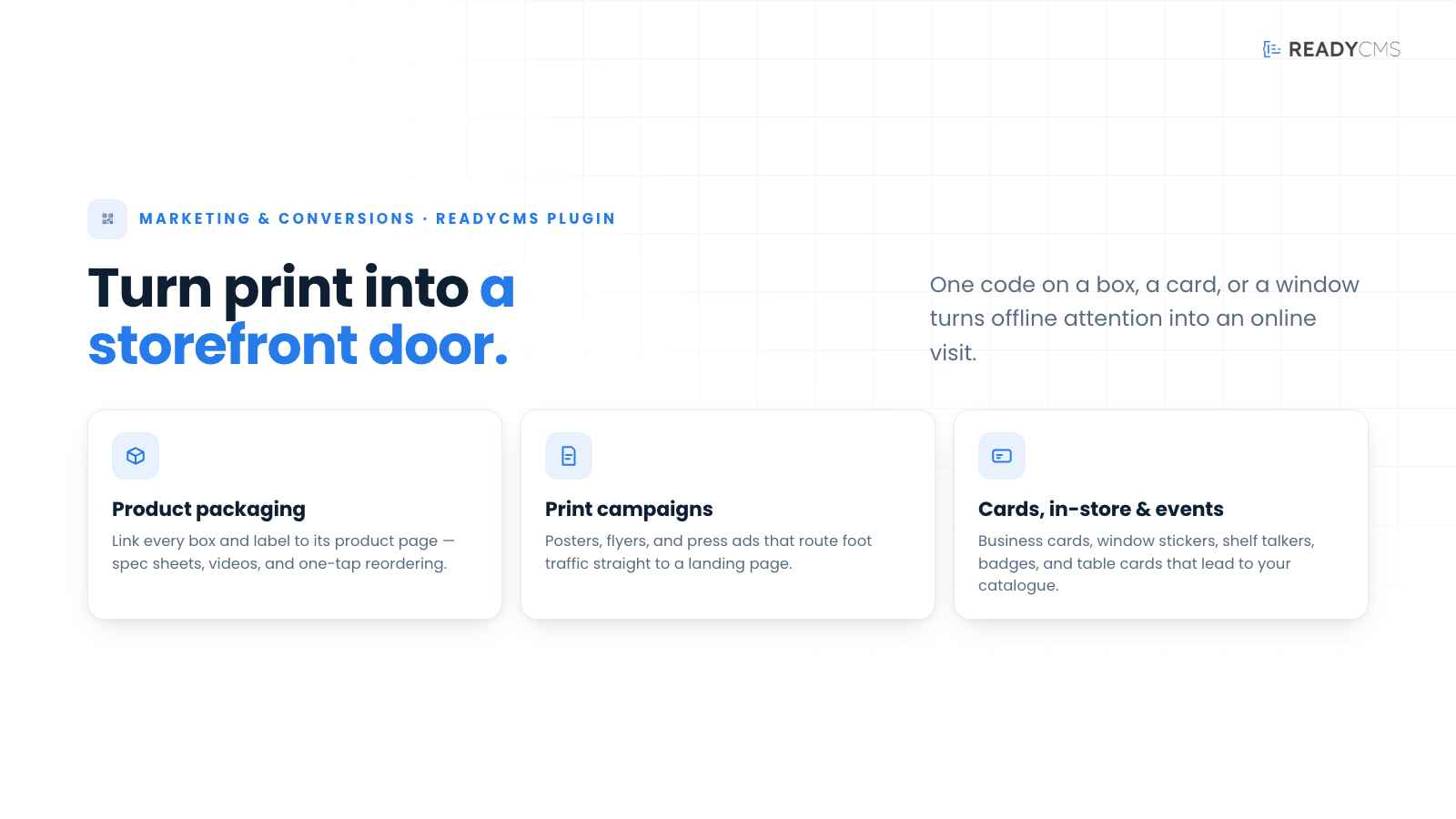
- Product packaging: Link every box or label to its product page so customers can find spec sheets, videos, and reorder in one tap.
- Print campaigns: Use posters, flyers, and press ads to route foot traffic straight to a landing page.
- Business cards: Use one code that opens your storefront, portfolio, or contact page.
- In-store: Use window stickers, price tags, and shelf talkers to bring shoppers to the online catalog.
- Events and venues: Use badges, signage, table cards, and swag to link to session pages, menus, or lead forms.
How it works
Once activated, a small QR icon appears in the actions column of every product row and every custom-type item row in the admin.
Clicking the icon opens a modal that generates the QR code from that item’s public URL, directly in your browser.
You can preview the code, then download it as PNG, which is ready for print, or SVG, which is ready for design tools.
If a product or item does not have a public URL yet, the modal shows a friendly hint pointing to the type’s permalink settings page.
It also reminds you about the Rebuild all slugs, permalinks and URLs button, which backfills missing URLs across every item in one pass.
Guide
- Activate the plugin. That is the entire setup. There is nothing to configure.
- Open your products list, or any custom-type list.
- A new QR icon appears in the actions column of every row.
- Click the QR icon on any row.
- The code appears in the modal and is ready to save.
- Click Download PNG for print or Download SVG to hand off to a designer.
FAQ
Q1: What does this plugin actually do?
It puts a QR generator inside every product and content list in your admin. One click on a row gives you a printable QR code that points to that item’s public URL.
Q2: Do I need an account or an API key?
No. Activate the plugin, and you are done. There is nothing to sign up for and nothing to configure.
Q3: Where do I find the QR button in the admin?
Open your products list, or any custom-type list, such as blog posts, landing pages, events, or any other custom types you have. A small QR icon appears in the actions column on the right, next to the other row buttons.
Q4: What if a product does not have a public URL?
The modal opens with a hint pointing to the type’s permalink settings. There, you can either set the URL for that one item or use Rebuild all slugs, permalinks and URLs to backfill missing URLs for every item at once.
Q5: Can I customize the QR appearance, such as colors, logo overlay, or size?
The plugin generates a standard black-on-white QR code with a quiet-zone margin, which is the format most scanners reliably read. If branded colors, a logo overlay, or a specific print size are needed, this can be considered as a future addition.
Q6: Which image formats can I download?
PNG and SVG.
PNG is ready to drop into any print layout at high resolution.
SVG scales to any size without losing sharpness, which makes it ideal for design work in Illustrator, Figma, or InDesign.
Q7: Are the QR codes stored anywhere?
No. Each code is generated when you click, and it is gone when you close the modal. Nothing is saved on the server.
Q8: Is the URL sent to any outside service?
No. The QR code is generated on your own device, in your browser, so the URLs you are printing never leave your admin.
Q9: Is this plugin free?
Yes. It is included with ReadyCMS at no additional cost, with no per-code fees.
Build more with ReadyCMS
Explore the full plugin marketplace or book a demo to see them in action.