

Mailchimp sync for ReadyCMS
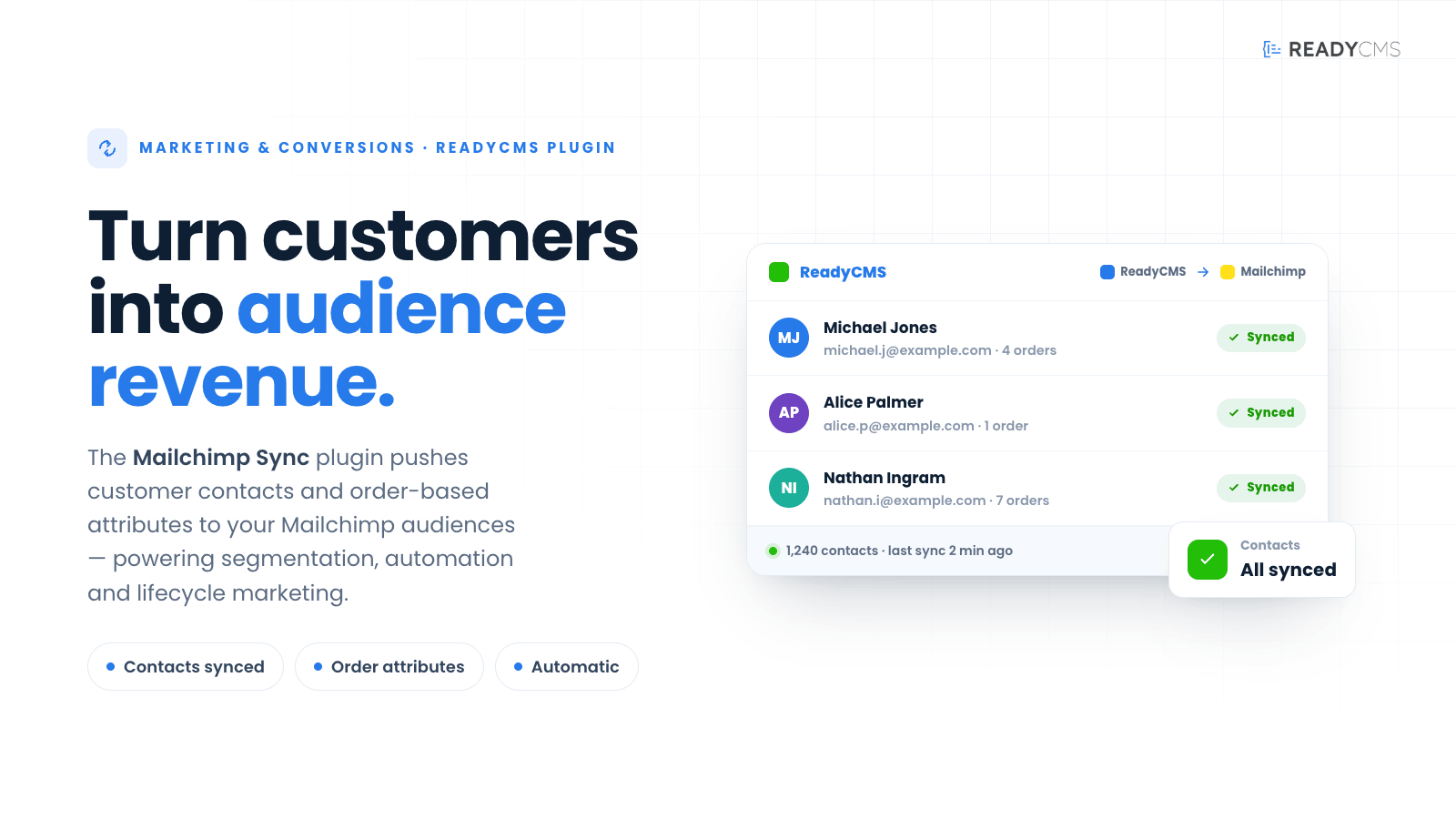
Sync ReadyCMS customer contacts and order-based attributes to Mailchimp audiences for segmentation, automation, and lifecycle marketing.
Mailchimp sync plugin for ReadyCMS — Sync customer and order data to Mailchimp audiences
Mailchimp sync connects ReadyCMS with Mailchimp, helping your customer and order data flow into the email marketing tools your team already uses.
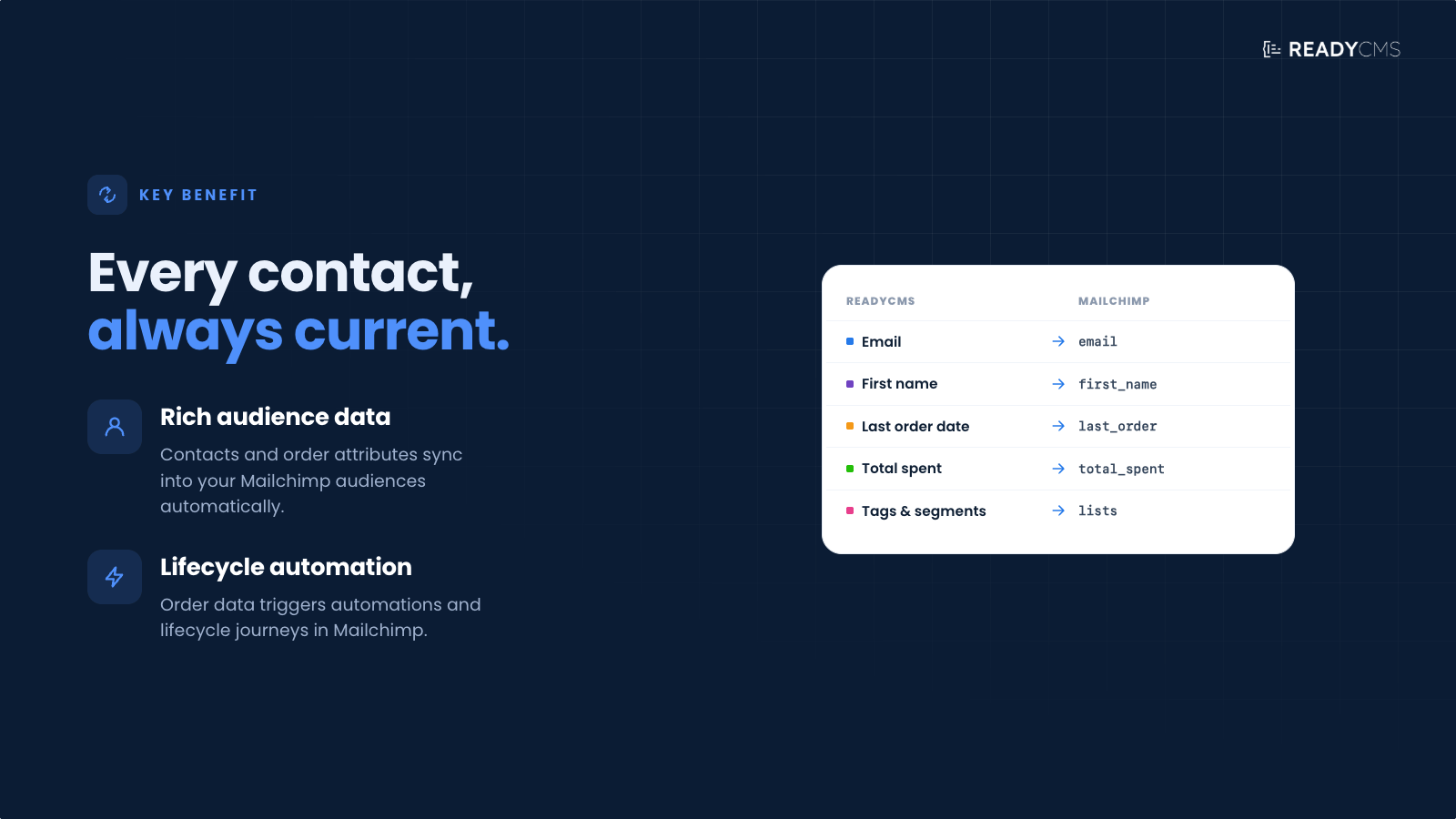
Once connected, ReadyCMS can sync customer contacts and order-based attributes to Mailchimp audiences, making it easier to create segments, personalize campaigns, and support lifecycle marketing workflows.
Instead of manually exporting customer lists or updating audience fields by hand, Mailchimp sync keeps important customer data available inside Mailchimp, where it can be used for newsletters, automations, win-back campaigns, customer grouping, and more targeted communication.
Key benefits
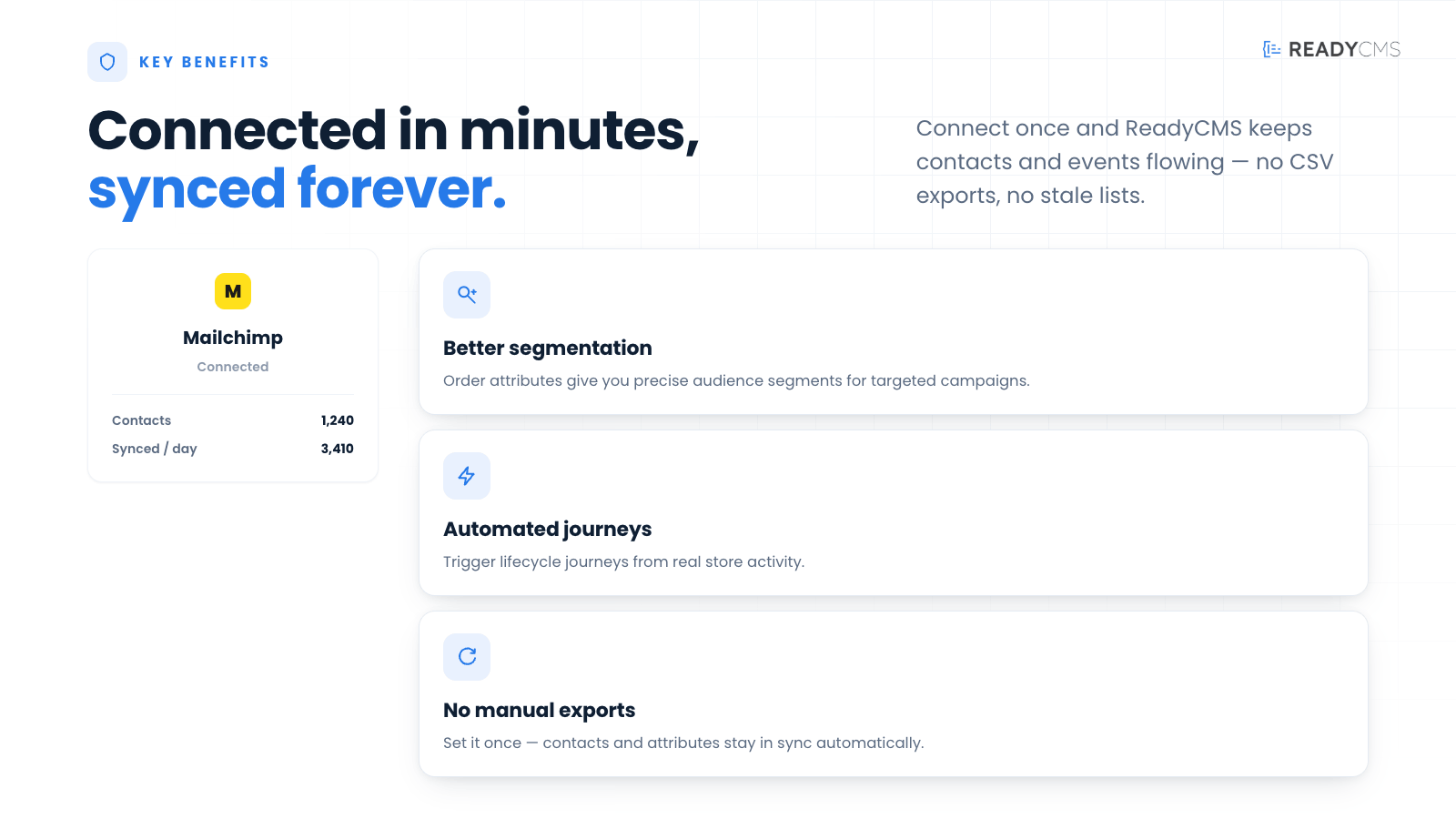
- Sync ReadyCMS customer contacts to Mailchimp audiences
- Send order-based attributes for better segmentation
- Reduce manual exports and audience updates
- Support lifecycle marketing and automated email workflows
- Create more relevant campaigns using customer and order data
- Keep marketing data better aligned with your ReadyCMS store
How it works
Mailchimp sync acts as a bridge between ReadyCMS and Mailchimp.
After the plugin is configured, ReadyCMS sends selected customer information and order-related attributes to the chosen Mailchimp audience, where they can be used for segmentation, personalization, and automation.
Guide
- Connect your Mailchimp account
Add the required Mailchimp API credentials inside the plugin settings. - Choose the Mailchimp audience
Select the Mailchimp audience where ReadyCMS customer contacts should be synced. - Configure synced data
Choose which customer fields and order-based attributes should be sent from ReadyCMS to Mailchimp. - Activate the plugin
Click theActivatebutton after you have finished configuring. - Sync customer contacts
ReadyCMS sends customer contact data such as email, name, phone number, country, language, and other available profile details depending on your setup. - Use order-based attributes
Order-related data can be synced as audience attributes, helping you create segments based on customer activity, purchase behavior, or lifecycle stage. - Build Mailchimp segments and automations
Use the synced data inside Mailchimp to create targeted campaigns, automated journeys, and more relevant customer communication.
FAQ
Q1: What does the Mailchimp Sync plugin do?
A1: Mailchimp Sync connects ReadyCMS with Mailchimp and syncs customer contacts and order-based attributes to Mailchimp audiences.
Q2: What can I use the synced data for?
A2: You can use synced data for audience segmentation, personalized campaigns, lifecycle marketing, customer grouping, and automated email workflows inside Mailchimp.
Q3: Does the plugin replace Mailchimp?
A3: No. Mailchimp remains your email marketing platform. The plugin only connects ReadyCMS data to Mailchimp, so your marketing audience stays better updated.
Q4: Can order data be used for segmentation?
A4: Yes. Order-based attributes can help you create more useful segments based on customer activity, purchase behavior, or order history.
Q5: Do I need to export customers manually?
A5: No. The goal of the plugin is to reduce manual exports and automatically keep customer data available in Mailchimp.
Q6: Can I choose which audience to sync with?
A6: Yes. The plugin is configured to send ReadyCMS customer data to a selected Mailchimp audience.
Q7: Is this plugin useful for lifecycle marketing?
A7: Yes. By syncing customer- and order-based data, the plugin supports lifecycle campaigns such as welcome flows, repeat-purchase campaigns, win-back emails, and customer segmentation.
Build more with ReadyCMS
Explore the full plugin marketplace or book a demo to see them in action.