

Klaviyo sync for ReadyCMS
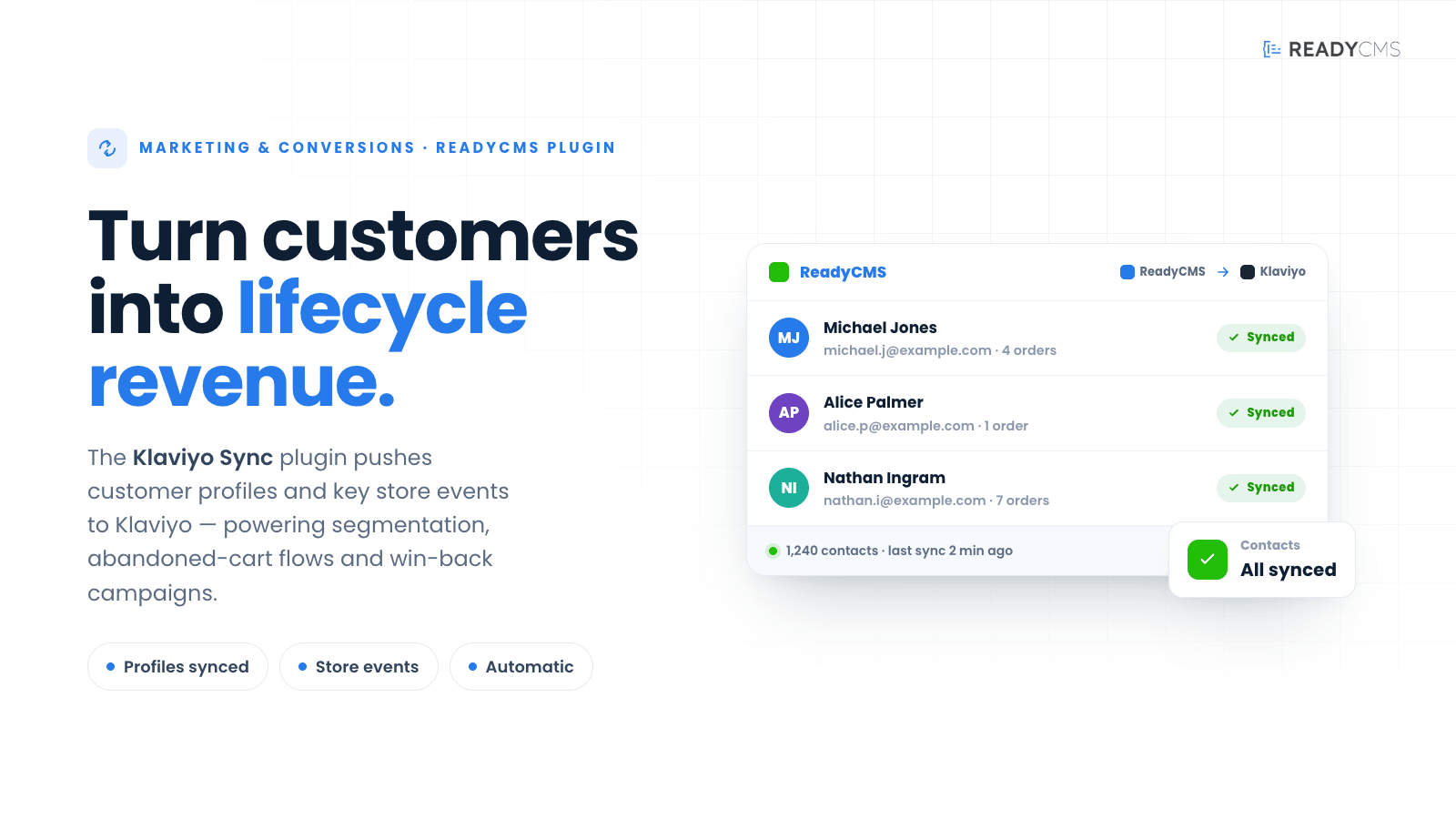
Sync customer profiles and key ecommerce events from ReadyCMS to Klaviyo for segmentation, automation, abandoned cart flows, win-back campaigns, and lifecycle marketing.
Klaviyo sync plugin for ReadyCMS: Customer profiles, ecommerce events, and marketing automation
Klaviyo sync connects ReadyCMS with Klaviyo, helping ecommerce teams turn customer and order activity into targeted marketing automation.
The plugin syncs customer profiles and key ecommerce events from ReadyCMS to Klaviyo, making it easier to build segments, trigger automated flows, recover abandoned carts, re-engage inactive customers, and personalize campaigns based on real shopping behavior.
Instead of manually exporting customer lists or working with disconnected data, Klaviyo Sync keeps important ecommerce signals available inside Klaviyo, so your marketing can respond at the right moment.
Key benefits
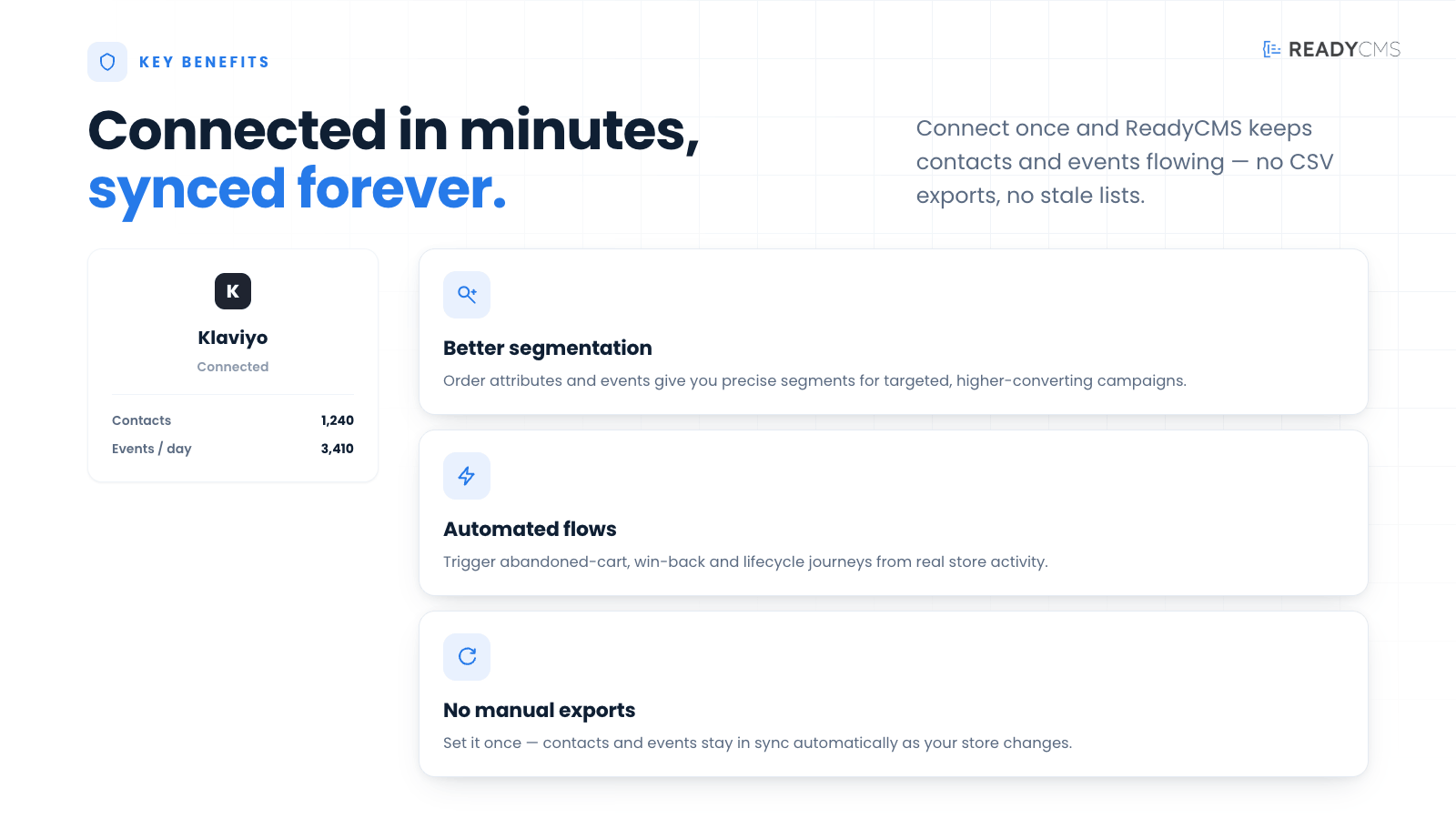
With ReadyCMS data flowing into Klaviyo, ecommerce teams can create more relevant campaigns, smarter segments, and automated flows based on real customer behavior.
- Sync customer profiles from ReadyCMS to Klaviyo
- Send key e-commerce events for automation and segmentation
- Support abandoned cart, win-back, post-purchase, and lifecycle flows
- Track post-fulfillment activity — A Fulfilled Order event is sent when shipments complete, enabling delivery-confirmation, review-request, and replenishment flows
- Trigger refund-recovery flows — A Refunded Order event is sent when an order is refunded, so you can power win-back discount offers, apology messages, or sentiment surveys
- Event-driven sync with cron reconciliation — Important updates are sent in real time, while a background cron job checks recent records and reconciles them with Klaviyo to catch missed events or API hiccups
- Build smarter customer segments based on ReadyCMS activity
- Reduce manual exports and disconnected marketing data
- Improve personalization across email and SMS campaigns
- Keep Klaviyo campaigns aligned with real store behavior
How it works
Klaviyo sync acts as a bridge between ReadyCMS and Klaviyo.
Once connected, ReadyCMS sends selected customer and e-commerce data to Klaviyo, where it can be used for segmentation, automated flows, and personalized marketing campaigns.
Guide
- Connect your Klaviyo account
Add the required Klaviyo API credentials inside the plugin settings. - Choose what to sync
Configure which customer profile fields and ecommerce events to send from ReadyCMS to Klaviyo. - Save and activate the plugin
Save the configuration and click theActivatebutton. - Sync customer profiles
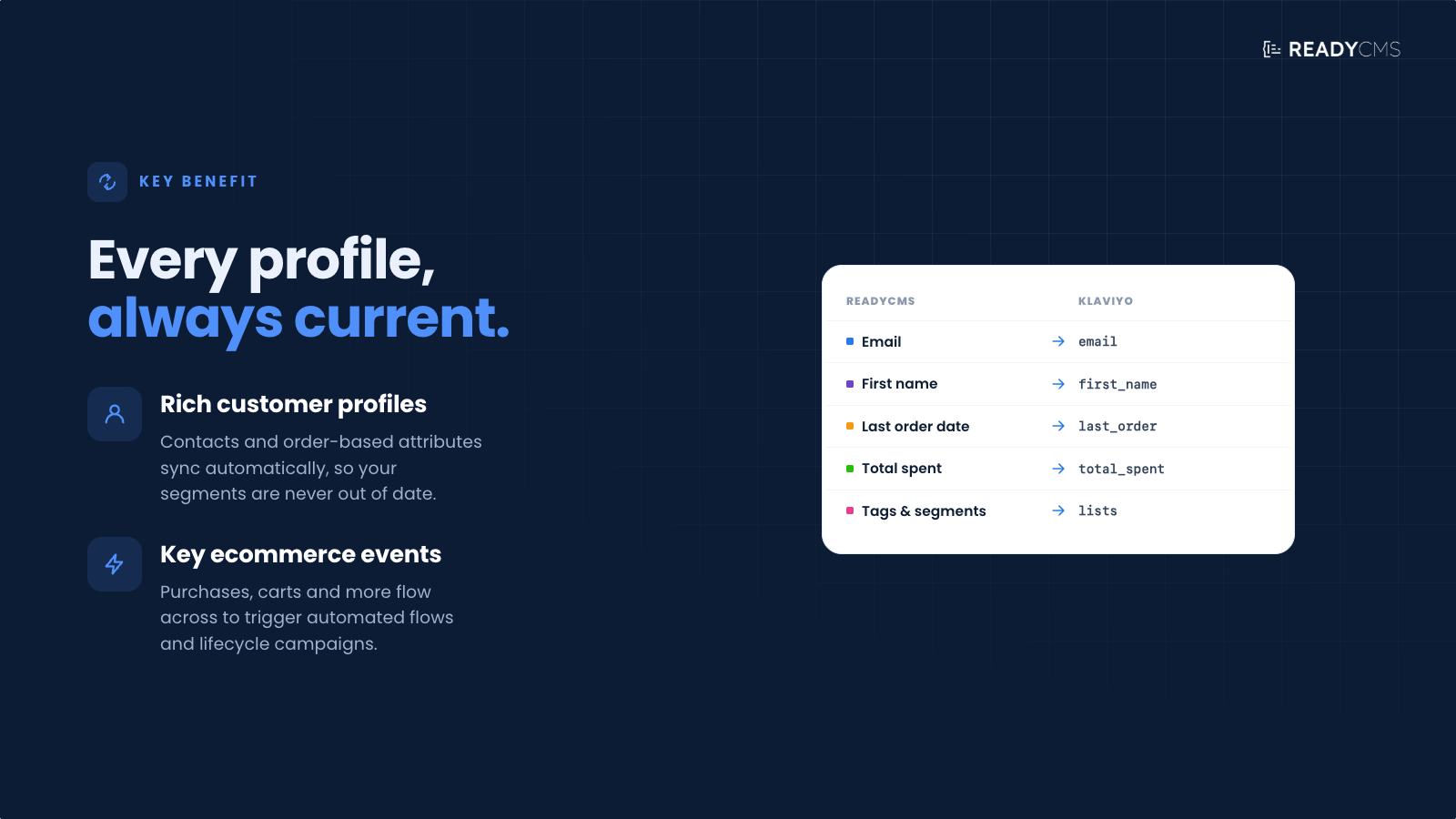
ReadyCMS sends customer data, including email, name, phone number, consent status, language, country, and other available profile details. - Track ecommerce events
Key store events can be sent to Klaviyo, such as viewed product, added to cart, started checkout, placed order, and abandoned cart activity. - Use the data in Klaviyo
Once synced, the data can be used to create segments, trigger flows, personalize messages, and improve lifecycle campaigns. - Keep marketing data up to date
New customer activity in ReadyCMS is continuously reflected in Klaviyo based on the plugin configuration.
How the sync works
Klaviyo Sync uses two sync layers:
- Event-driven sync: When a relevant customer or order event happens in ReadyCMS, the plugin sends the update to Klaviyo in real time.
- Cron reconciliation: A background cron job checks recent records and reconciles them with Klaviyo. This helps catch missed events, temporary API issues, or interrupted syncs.
Common use cases
With ReadyCMS data flowing into Klaviyo, marketing teams can create more relevant campaigns and automated flows, such as:
- Abandoned cart reminders
- Welcome flows for new customers
- Post-purchase follow-ups
- Delivery confirmation and review-request emails after fulfillment
- Refund-recovery and win-back flows triggered by refunds
- Product recommendation campaigns
- Win-back campaigns for inactive customers
- VIP customer segmentation
- Location-based or language-based campaigns
- Repeat purchase and reorder reminders
- Customer lifecycle automation
FAQ
Q1: What does the Klaviyo Sync plugin do?
A1: Klaviyo Sync sends customer profiles and selected ecommerce events from ReadyCMS to Klaviyo, enabling segmentation, automation, and personalized campaigns.
Q2: Do I need a Klaviyo account?
A2: Yes. You need an active Klaviyo account and the required API credentials to connect ReadyCMS with Klaviyo.
Q3: What kind of customer data can be synced?
A3: The plugin can sync customer profile information such as email, name, phone number, location, language, consent status, and other supported customer fields available in ReadyCMS.
Q4: Which e-commerce events can be sent to Klaviyo?
A4: Depending on configuration, ReadyCMS can send key ecommerce events such as added to cart, started checkout, placed order, abandoned cart, and other store activity useful for marketing automation.
Q5: Can I use this plugin for abandoned cart emails?
A5: Yes. One of the main use cases is sending cart and checkout activity to Klaviyo, where you can build abandoned cart flows.
Q6: Can I create customer segments in Klaviyo using ReadyCMS data?
A6: Yes. Synced profiles and events can be used inside Klaviyo to create segments based on customer behavior, purchase history, location, activity, and other available properties.
Q7: Does the plugin send marketing consent information?
A7: Where available, ReadyCMS can send consent-related information to Klaviyo so campaigns can respect customer communication preferences.
Q8: Is this a replacement for Klaviyo?
A8: No. Klaviyo Sync does not replace Klaviyo. It connects ReadyCMS with Klaviyo, so your store data can be used inside Klaviyo’s marketing automation tools.
Q9: Do I need a developer to use it?
A9: Basic setup can usually be handled through the plugin settings. More advanced event mapping or custom profile properties may require developer support, depending on the store setup.
Build more with ReadyCMS
Explore the full plugin marketplace or book a demo to see them in action.