

Google dynamic remarketing feed (CSV)
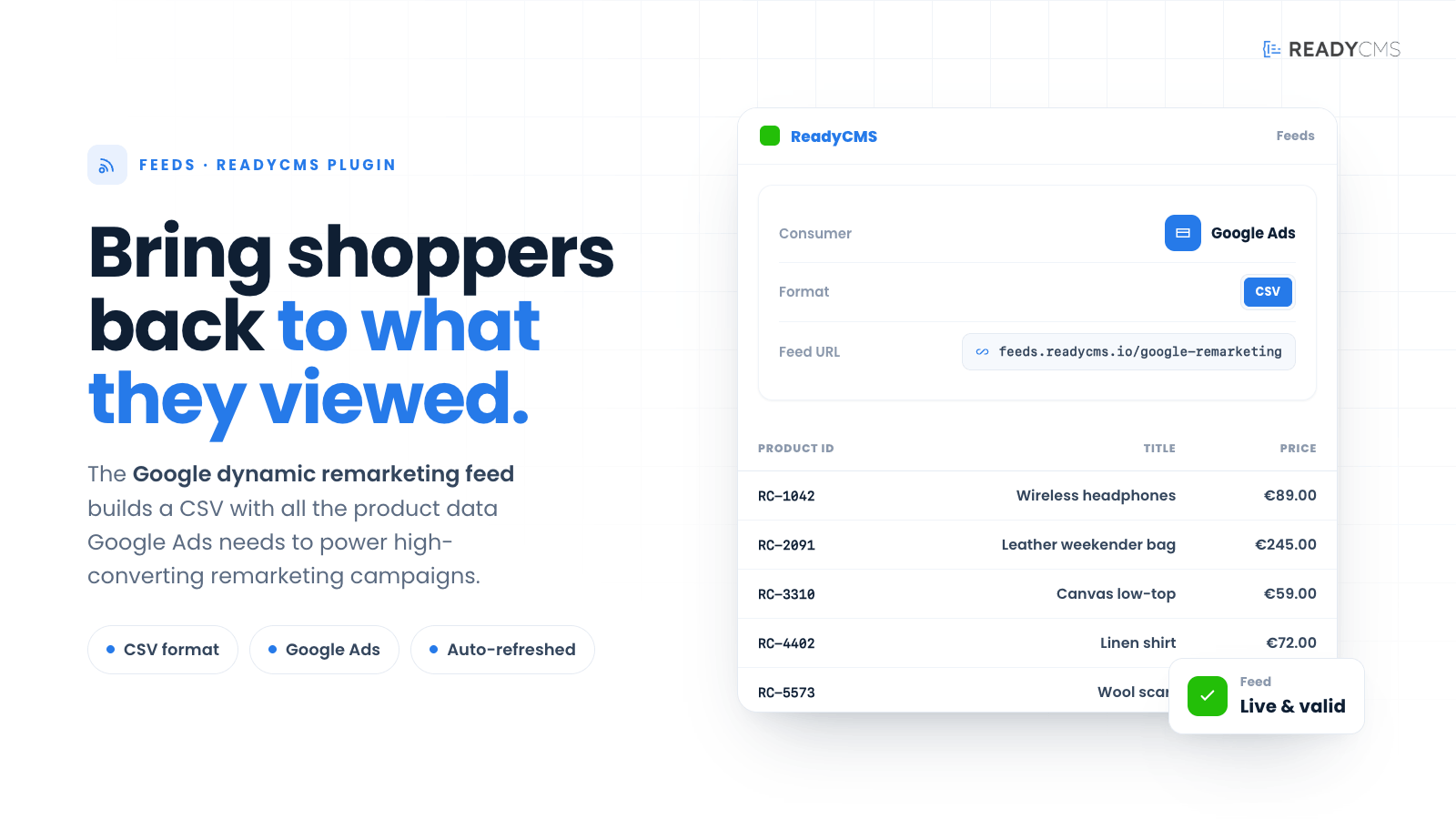
ReadyCMS provides a seamless solution for generating a dynamic remarketing feed compatible with Google Ads. This feature allows you to create a CSV feed containing all necessary product information to optimize your remarketing campaigns. The feed URL is: https://feed.readycms.io/google-dynamic-remarketing-feed-csv
Google Ads remarketing feed: Integration with ReadyCMS
The Google Ads remarketing feed provided by ReadyCMS is a dynamic tool designed to enhance your digital marketing efforts. By creating a CSV feed filled with detailed product information, this feature enables you to re-engage users who have shown interest in your products.
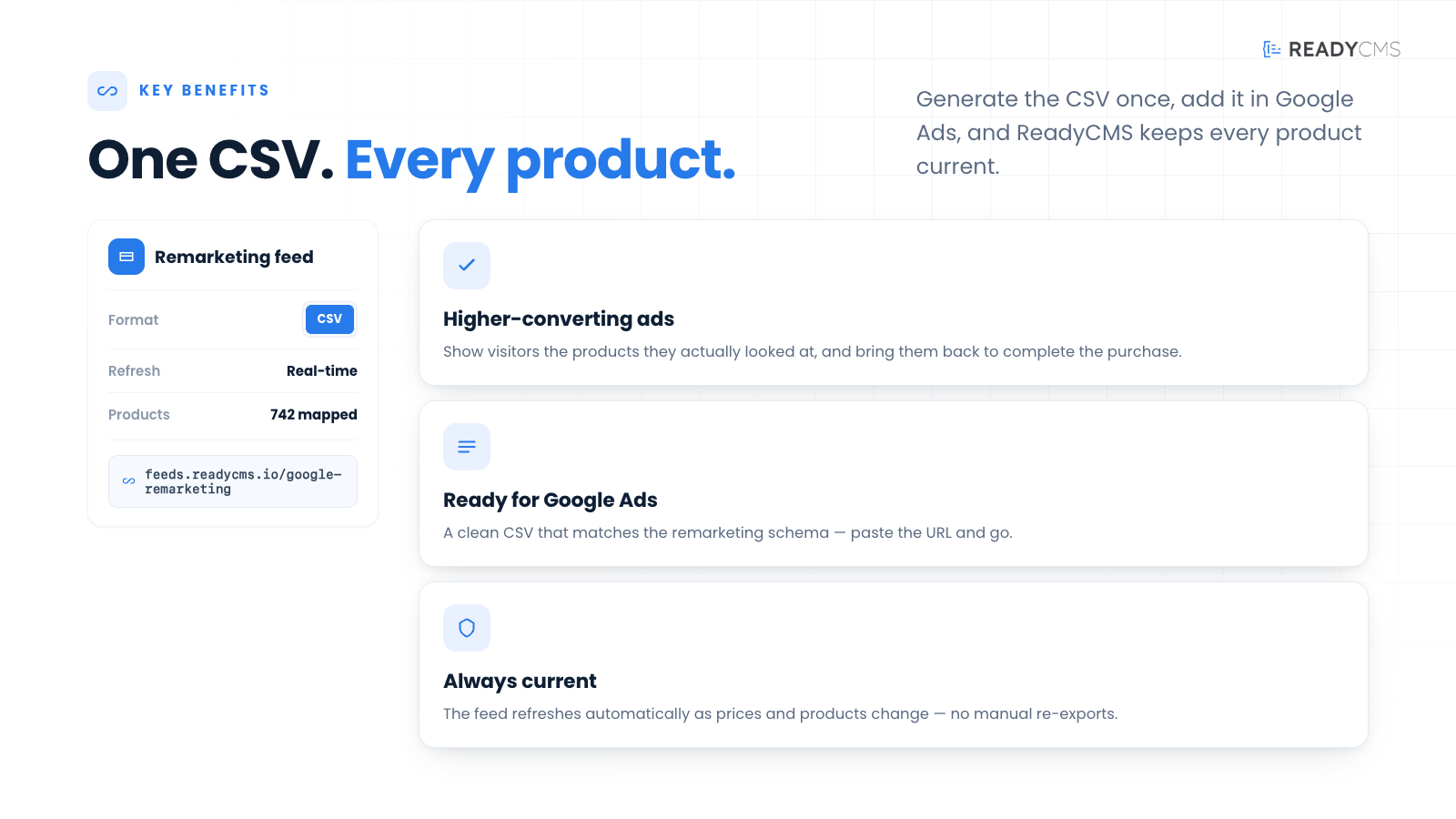
Seamlessly integrating with Google Ads, the remarketing feed ensures that your ads are displayed to a carefully targeted audience, increasing the likelihood of conversions and maximizing the efficiency of your ad spend.
The feed URL is:https://feed.readycms.io/google-dynamic-remarketing-feed-csv
Key benefits
- Enhanced targeting: Tailor your remarketing campaigns with precise product information, ensuring your ads reach the most relevant audience segments.
- Increased conversions: By showing dynamic ads to users who have previously interacted with your products, you can significantly boost conversion rates.
- Customizable feeds: Flexible parameters allow for a highly customizable feed, ensuring that the most relevant products are included based on specific criteria such as category, tags, or manufacturer.
- Improved ad performance: Dynamic remarketing ads that display real-time product information can lead to higher engagement and better ad performance.
- Automation and efficiency: Automated feed generation saves time and ensures that your product listings are always up-to-date with the latest information.
Features
- Dynamic feed URL: Securely access your product feed via a dynamic URL, using your app ID, app secret, and namespace for authentication.
- Extensive product information: The feed includes essential product details such as ID, title, description, final URL, image URL, category, price, sale price, and more.
- Customizable parameters: Use parameters like
limit,random,featured,manufacturer_id,status,on_sale,tag,category, andmanufacturerto tailor your feed. - Easy integration with Google Ads: The feed is designed to be compatible with Google Ads, making it easy to set up and manage your remarketing campaigns.
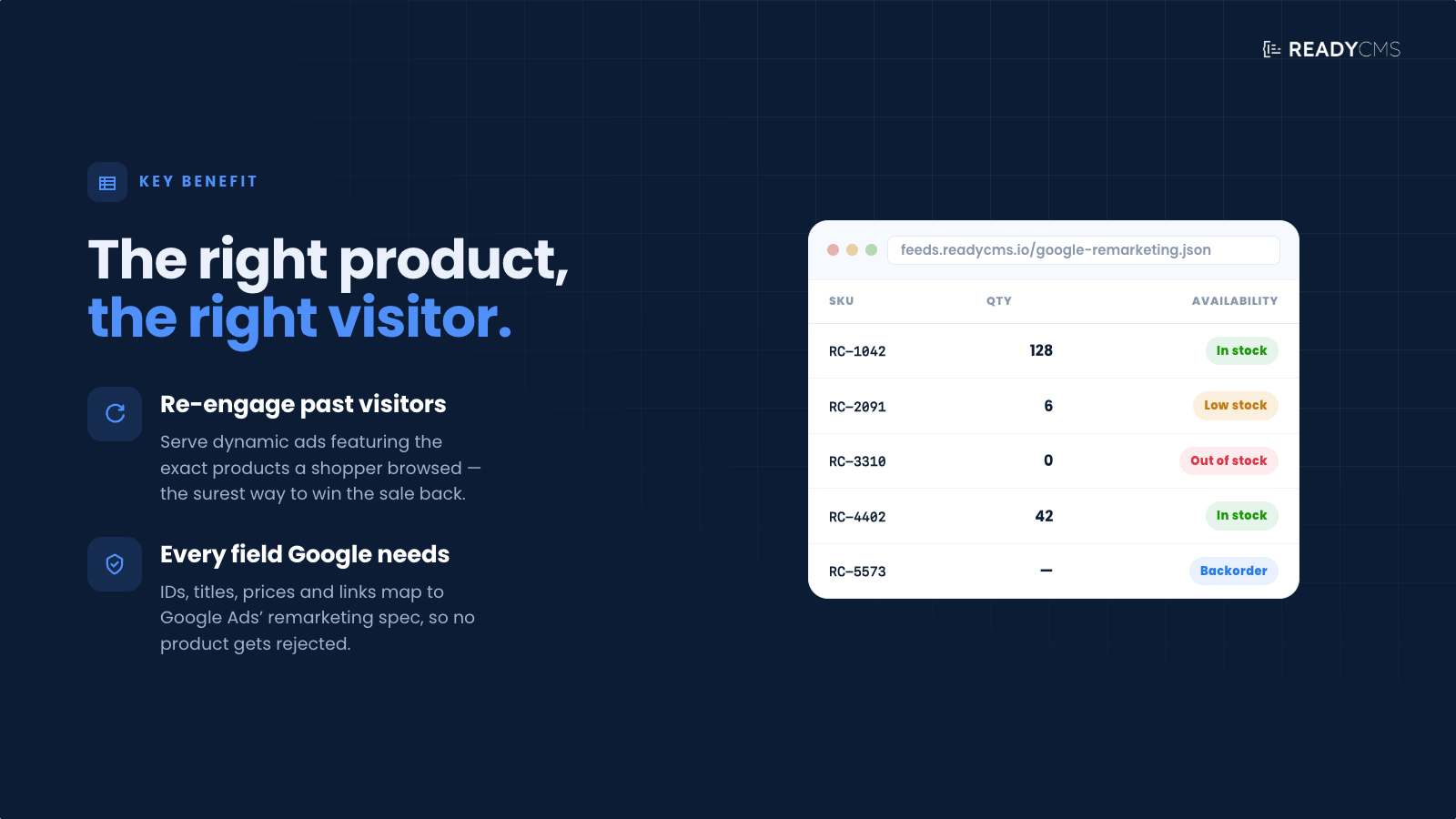
- Regular updates: Ensure your product listings are always current, reflecting the latest changes in price, availability, and other key attributes.
- High scalability: Capable of handling a large number of products, making it suitable for businesses of all sizes.
How it works
To begin using the Google Ads remarketing feed, you must ensure that all parameters and product details are accurately configured in ReadyCMS. Once your product catalog is set up, the feed can be generated and accessed via a secure URL, requiring your authentication credentials. This feed can then be integrated directly into your Google Ads account, where you can use it to set up dynamic remarketing campaigns. These campaigns will automatically display the most relevant products to users based on their previous interactions with your website, thereby enhancing the effectiveness of your ads.
The feed is secured and requires authentication using your app ID, app secret, and namespace from ReadyCMS.
To access the feed, you need to provide the following parameters:
app_id: Your application ID from ReadyCMS.app_secret: Your application secret from ReadyCMS.namespace: The namespace in which your app operates.
Example URL
https://feed.readycms.io/google-dynamic-remarketing-feed-csv?app_id={APP_ID}&app_secret={APP_SECRET}&namespace={NAMESPACE}
Replace {APP_ID}, {APP_SECRET}, and {NAMESPACE} with your actual values from your ReadyCMS instance.
Guide
- Prepare the parameters:
- Ensure you have your
app_id,app_secret, andnamespaceready.
- Ensure you have your
- URL feed:
- Construct the feed URL by replacing the placeholders in the example URL with your actual values.
- Download the feed:
- Access the URL to download the CSV feed.
- Remarket:
- Upload the CSV to your Google Ads account for remarketing purposes.
Customizable feed parameters
ReadyCMS allows you to customize your Google Ads remarketing feed to meet specific needs. These parameters help you filter and organize your product data, ensuring that your remarketing efforts are precise and effective.
Below is a detailed list of the parameters you can use:
| Parameter | Description | Usage example |
|---|---|---|
limit |
Limits the number of items in the feed. Defaults to a high number if limit=0. |
&limit=10 |
random |
Orders the items randomly. | &random=true |
featured |
Filters items to include only those marked as featured. | &featured=true |
manufacturer_id |
Filters items by a specific manufacturer ID. | &manufacturer_id=123 |
status |
Filters items based on their status. | &status=active |
on_sale |
Includes only items that are on sale. | &on_sale=true |
availability |
Includes items in stock (stock > 0 ) or the Allow out-of-stock option is enabled. | &availability=true |
in_stock |
Includes only items that are in stock (stock > 0). | &in_stock=true |
tag |
Filters items by tags. Can accept multiple tags as an array. | &tag[]=15&tag[]=542 |
category |
Filters items by category. Can accept multiple categories as an array. | &category[]=32&category[]=423 |
manufacturer |
Filters items by manufacturer. Accepts multiple manufacturers as an array. | &manufacturer[]=12&manufacturer[]=323 |
min_price, max_price |
Filters items by a price range. | &min_price=50&max_price=200 |
min_wholesale_price, max_wholesale_price |
Filters items by wholesale price range. | &min_wholesale_price=30&max_wholesale_price=100 |
min_weight, max_weight |
Filters items by weight range. | &min_weight=1&max_weight=10 |
sku |
Filters items by SKU for an exact match. | &sku=12345 |
sku_contains |
Filters items where the SKU contains a specific string. | &sku_contains=abc |
sku_starts_with |
Filters items where the SKU starts with a specific string. | &sku_starts_with=abc |
sku_ends_with |
Filters items where the SKU ends with a specific string. | &sku_ends_with=123 |
barcode |
Filters items by barcode for an exact match. | &barcode=987654321 |
barcode_contains |
Filters items where the barcode contains a specific string. | &barcode_contains=987 |
barcode_starts_with |
Filters items where the barcode starts with a specific string. | &barcode_starts_with=987 |
barcode_ends_with |
Filters items where the barcode ends with a specific string. | &barcode_ends_with=321 |
title_contains |
Filters items where the title contains a specific string. | &title_contains=example |
title_starts_with |
Filters items where the title starts with a specific string. | &title_starts_with=example |
title_ends_with |
Filters items where the title ends with a specific string. | ?title_ends_with=product |
slug |
Filters items by slug for an exact match. | &slug=example-slug |
slug_contains |
Filters items where the slug contains a specific string. | &slug_contains=example |
slug_starts_with |
Filters items where the slug starts with a specific string. | &slug_starts_with=example |
slug_ends_with |
Filters items where the slug ends with a specific string. | &slug_ends_with=slug |
permalink |
Filters items where the permalink contains a specific string. | &permalink=example-url |
custom_field |
Filters items where a custom field contains a specific string. | &custom_field=example-data |
product_feed |
Filters items where the product feed contains a specific string. | &product_feed=data |
created_after, created_before |
Filters items created within a specific date range. | &created_after=2024-01-01&created_before=2024-12-31 |
updated_after, updated_before |
Filters items updated within a specific date range. | &updated_after=2024-01-01&updated_before=2024-12-31 |
published_after, published_before |
Filters items published within a specific date range. | &published_after=2024-01-01&published_before=2024-12-31 |
g_id |
Filters items by a specific global ID. | &g_id=123 |
visibility |
Filters items by their visibility status. | &visibility=public |
lang |
Filters items by language. | &lang=en |
charge_vat |
Filters items by whether VAT is charged. | &charge_vat=1 |
required_shipping |
Filters items based on whether shipping is required. | &required_shipping=1 |
Note: These parameters can be appended to your feed URLs to customize the data output according to your specific requirements.
CSV Format
The CSV feed contains the following columns:
- ID: Unique identifier for the item.
- Item title: The title of the item.
- Item description: A description of the item.
- Final URL: The URL of the item's webpage.
- Image URL: The URL of the item's image.
- Item subtitle: A subtitle for the item (optional).
- Item category: The category of the item.
- Price: The item's price.
- Sale price: The sale price of the item (if applicable).
- Formatted price: The formatted price with currency symbols.
- Formatted sale price: The formatted sale price with currency symbols.
- Contextual keywords: Keywords relevant to the item for contextual targeting.
- Item address: The address associated with the item (if applicable).
- Tracking template: Template URL for tracking parameters.
- Custom parameter: Custom parameters for the item (if any).
- Destination URL: The destination URL for the item.
- Final mobile URL: The mobile-friendly URL for the item.
Download the example CSV file.
For further details, refer to the Google Ads Dynamic Remarketing Support Page.
FAQ
Q1: How often does the remarketing feed update?
A1: The remarketing feed updates regularly to reflect the latest information on your products, including price changes, availability, and new additions. This ensures that your remarketing ads are always accurate and up-to-date.
Q2: Can I use the remarketing feed for multiple Google Ads accounts?
A2: Yes, the remarketing feed can be used across multiple Google Ads accounts. You will need to configure the feed separately for each account by using the appropriate app_id, app_secret, and namespace.
Q3: What happens if there is an error in the feed?
A3: If errors occur, the feed may not function correctly, potentially leading to outdated or incorrect ad displays. It is essential to monitor the feed regularly and check for any error messages or alerts in your Google Ads and ReadyCMS dashboards.
Q4: How secure is my data when using the Google Ads Remarketing feed?
A4: Your data is secured with ReadyCMS's robust security measures, including authentication requirements (app_id, app_secret, namespace) to access the feed. All data transmitted is encrypted to ensure privacy and security.
Build more with ReadyCMS
Explore the full plugin marketplace or book a demo to see them in action.