

Google page feed (CSV)
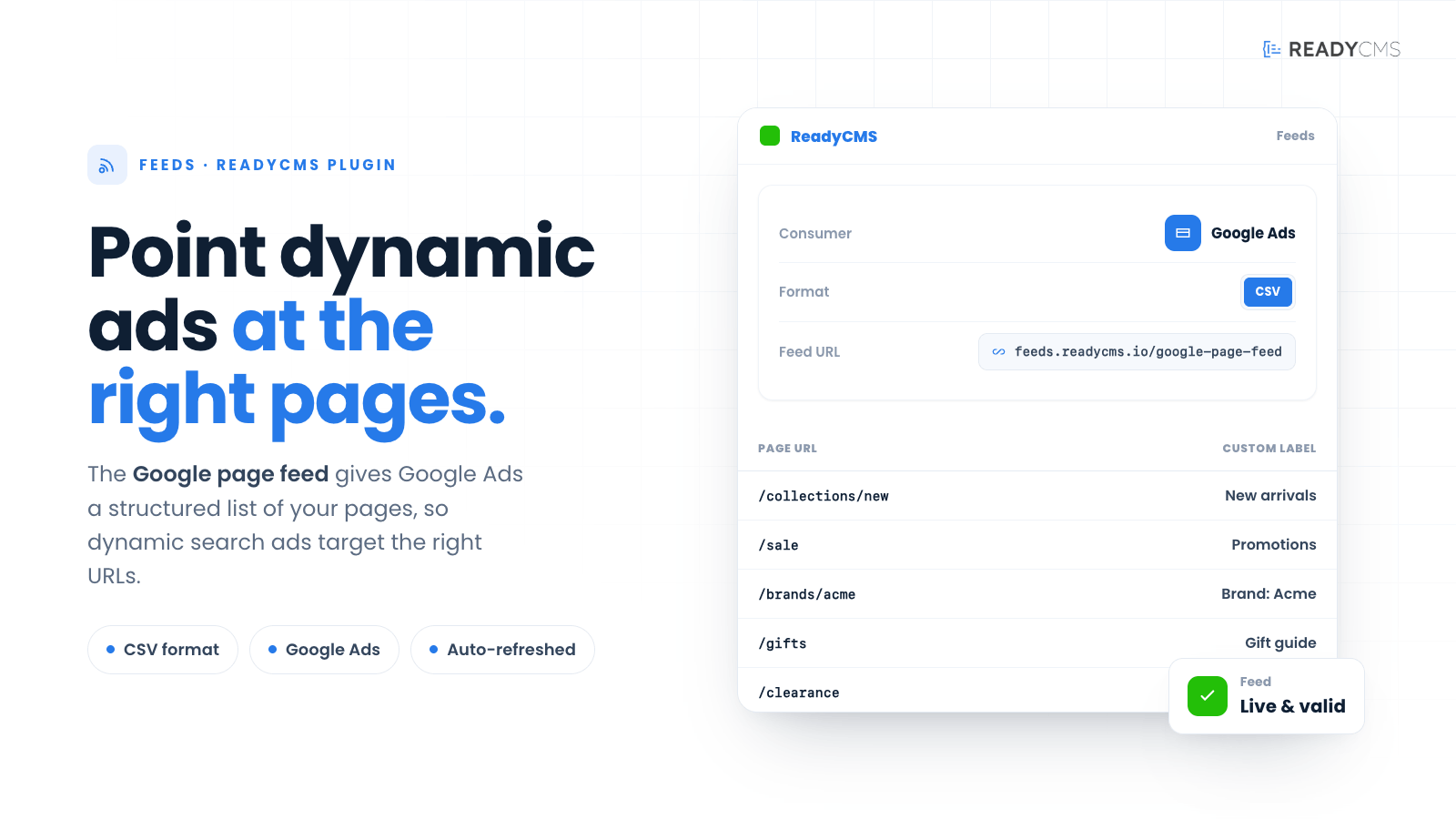
Easily generate a Google page feed in CSV format with ReadyCMS to enhance your dynamic search advertising. This integration provides a structured list of your web pages to Google Ads, optimizing ad targeting and campaign efficiency.
Google page feed (CSV) integration for ReadyCMS
Easily generate a Google page feed in CSV format with ReadyCMS. This integration lets you provide Google Ads with a list of your web pages, helping you manage your dynamic search ads more efficiently.
The feed URL is:https://feed.readycms.io/google-page-feed-csv
Key benefits and features
Benefits:
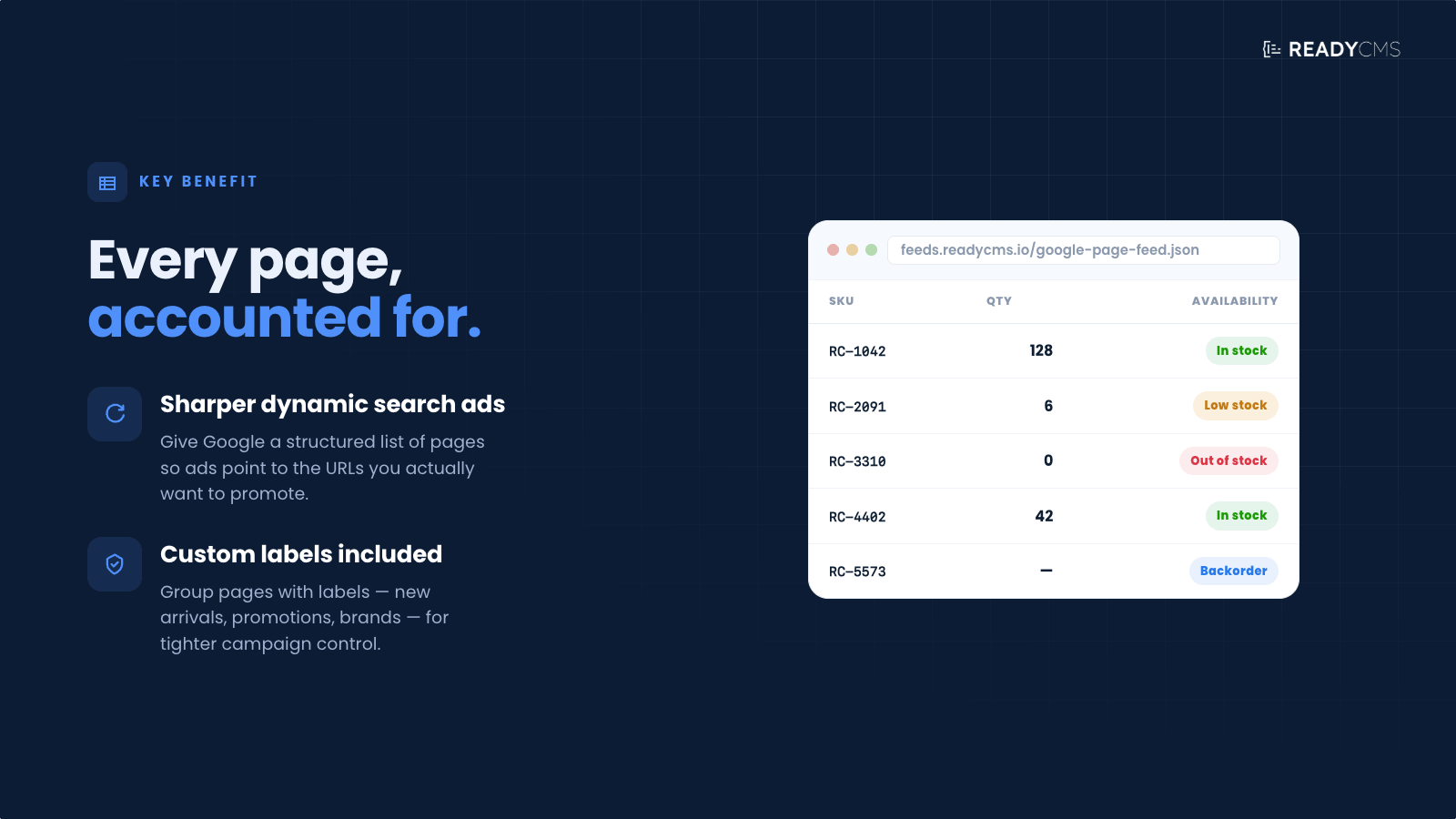
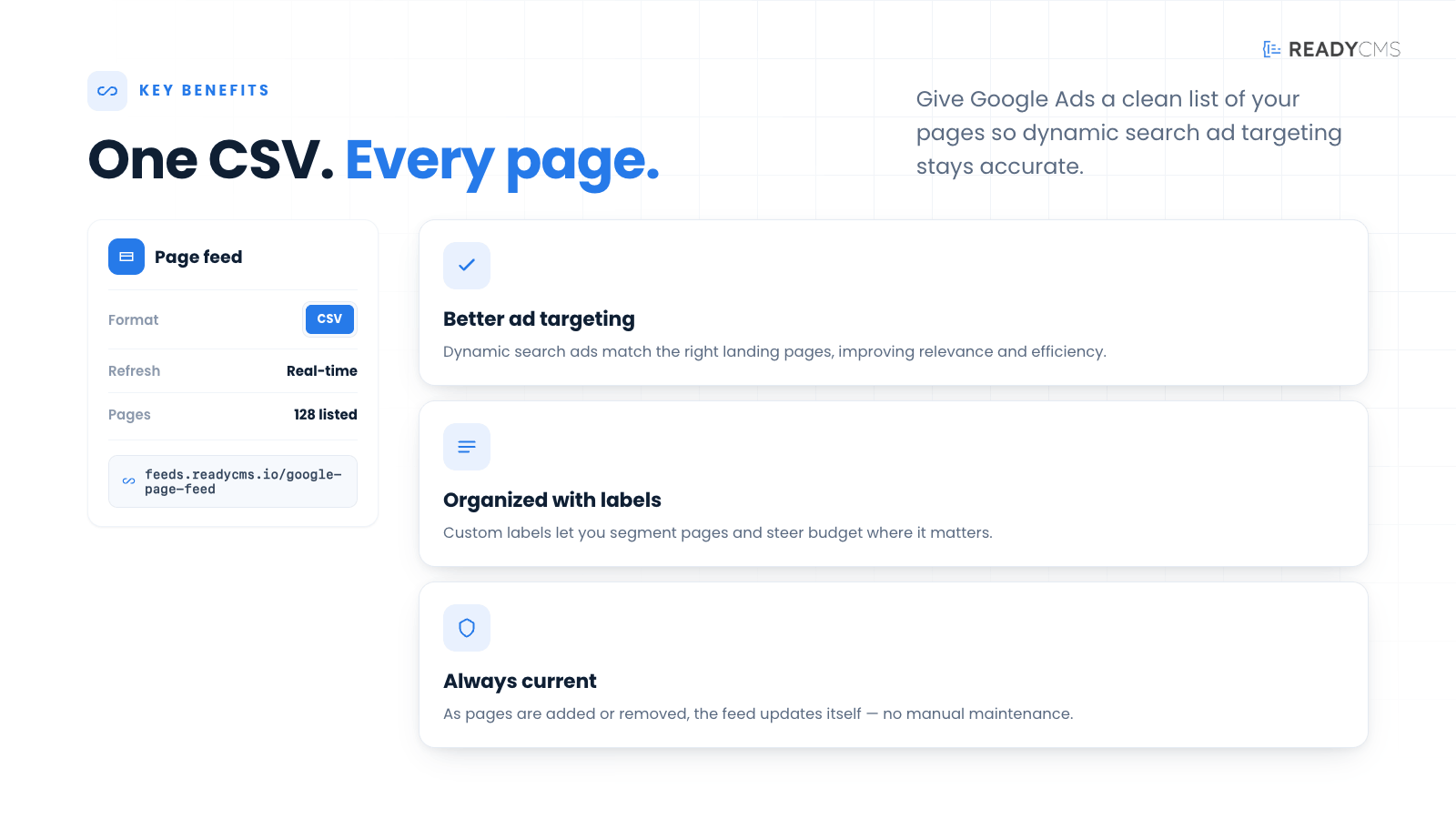
- Enhanced ad targeting: Provide Google Ads with a comprehensive list of your pages, improving the targeting and relevance of your dynamic search ads.
- Improved campaign management: Streamline your campaign management by automating the feed generation process.
- Customizable feeds: Use various parameters to customize the feed according to your business needs.
- Time-saving automation: Save time with automated feed updates, ensuring your ad content is always current.
Features:
- Dynamic feed URL: You can securely access your page feed via a dynamic URL, using your app ID, app secret, and namespace for authentication.
- Comprehensive page data: The feed includes essential webpage details such as Page URL and custom labels.
- Customizable parameters: Use parameters to filter and organize your page data.
- Easy integration with Google Ads: The feed is designed to be compatible with Google Ads, making it easy to set up and manage your dynamic search ads.
- Regular updates: Ensure your page listings are always current, reflecting the latest changes in your content.
How it works
The Google page feed plugin for ReadyCMS enables efficient management of Dynamic Search Ads through Google Ads by allowing users to create and manage a page feed in CSV format. This feed is essential for targeting specific web pages within your advertising campaigns, enhancing both reach and relevance.
To access the feed, you need to provide the following parameters:
app_id: Your application ID from ReadyCMS.app_secret: Your application secret from ReadyCMS.namespace: The namespace in which your app operates.
Example URL:
https://feed.readycms.io/google-page-feed-csv?app_id={APP_ID}&app_secret={APP_SECRET}&namespace={NAMESPACE}
Replace {APP_ID}, {APP_SECRET}, and {NAMESPACE} with your actual values.
Guide
- Prepare the parameters:
- Ensure you have your
app_id,app_secret, andnamespaceready.
- Ensure you have your
- URL feed:
- Construct the feed URL by replacing the placeholders in the example URL with your actual values.
- Download the feed:
- Access the URL to download the CSV feed.
- Set up targeting:
- Upload the CSV to your Google Ads account.
- Configure your Dynamic Search Ads to target URLs from the feed only, or combine them with Google's index of your website for broader reach.
Customizable feed parameters
ReadyCMS allows you to tailor your Google Ads page feed to meet specific needs through various customizable parameters. These parameters help you filter and organize your product data, ensuring that your remarketing efforts are precise and effective.
Below is a detailed list of the parameters you can use:
| Parameter | Description | Usage example |
|---|---|---|
limit |
Limits the number of items in the feed. Defaults to a high number if limit=0. |
&limit=10 |
random |
Orders the items randomly. | &random=true |
featured |
Filters items to include only those marked as featured. | &featured=true |
manufacturer_id |
Filters items by a specific manufacturer ID. | &manufacturer_id=123 |
status |
Filters items based on their status. | &status=active |
on_sale |
Includes only items that are on sale. | &on_sale=true |
availability |
Includes items in stock (stock > 0 ) or the Allow out-of-stock option is enabled. | &availability=true |
in_stock |
Includes only items that are in stock (stock > 0). | &in_stock=true |
tag |
Filters items by tags. Can accept multiple tags as an array. | &tag[]=15&tag[]=542 |
category |
Filters items by category. Can accept multiple categories as an array. | &category[]=32&category[]=423 |
manufacturer |
Filters items by manufacturer. Accepts multiple manufacturers as an array. | &manufacturer[]=12&manufacturer[]=323 |
min_price, max_price |
Filters items by a price range. | &min_price=50&max_price=200 |
min_wholesale_price, max_wholesale_price |
Filters items by wholesale price range. | &min_wholesale_price=30&max_wholesale_price=100 |
min_weight, max_weight |
Filters items by weight range. | &min_weight=1&max_weight=10 |
sku |
Filters items by SKU for an exact match. | &sku=12345 |
sku_contains |
Filters items where the SKU contains a specific string. | &sku_contains=abc |
sku_starts_with |
Filters items where the SKU starts with a specific string. | &sku_starts_with=abc |
sku_ends_with |
Filters items where the SKU ends with a specific string. | &sku_ends_with=123 |
barcode |
Filters items by barcode for an exact match. | &barcode=987654321 |
barcode_contains |
Filters items where the barcode contains a specific string. | &barcode_contains=987 |
barcode_starts_with |
Filters items where the barcode starts with a specific string. | &barcode_starts_with=987 |
barcode_ends_with |
Filters items where the barcode ends with a specific string. | &barcode_ends_with=321 |
title_contains |
Filters items where the title contains a specific string. | &title_contains=example |
title_starts_with |
Filters items where the title starts with a specific string. | &title_starts_with=example |
title_ends_with |
Filters items where the title ends with a specific string. | ?title_ends_with=product |
slug |
Filters items by slug for an exact match. | &slug=example-slug |
slug_contains |
Filters items where the slug contains a specific string. | &slug_contains=example |
slug_starts_with |
Filters items where the slug starts with a specific string. | &slug_starts_with=example |
slug_ends_with |
Filters items where the slug ends with a specific string. | &slug_ends_with=slug |
permalink |
Filters items where the permalink contains a specific string. | &permalink=example-url |
custom_field |
Filters items where a custom field contains a specific string. | &custom_field=example-data |
product_feed |
Filters items where product feed contains a specific string. | &product_feed=data |
created_after, created_before |
Filters items created within a specific date range. | &created_after=2024-01-01&created_before=2024-12-31 |
updated_after, updated_before |
Filters items updated within a specific date range. | &updated_after=2024-01-01&updated_before=2024-12-31 |
published_after, published_before |
Filters items published within a specific date range. | &published_after=2024-01-01&published_before=2024-12-31 |
g_id |
Filters items by a specific global ID. | &g_id=123 |
visibility |
Filters items by their visibility status. | &visibility=public |
lang |
Filters items by language. | &lang=en |
charge_vat |
Filters items by whether VAT is charged. | &charge_vat=1 |
required_shipping |
Filters items based on whether shipping is required. | &required_shipping=1 |
Note: These parameters can be appended to your feed URLs to customize the data output according to your specific requirements.
CSV format
The CSV feed contains the following columns:
- Page URL: The URL of the webpage.
- Custom label 1: A custom label for the page.
- Custom label 2: A second custom label for the page.
- Custom label 3: A third custom label for the page.
- Custom label 4: A fourth custom label for the page.
- Custom label 5: A fifth custom label for the page.
Sample CSV row:
Page URL,Custom label 1,Custom label 2,Custom label 3,Custom label 4,Custom label 5
https://example.com/page1,"Label 1","Label 2","Label 3","Label 4","Label 5"
Download the example file
Download an example CSV file to understand the structure and format: Example CSV.
By leveraging these features and benefits, you can optimize your dynamic search ads and ensure your campaigns are more effective and targeted.
For further details, refer to the Google Ads page feed.
FAQ
Q1: What is a Google page feed in ReadyCMS and how does it work?
A1: A Google page feed in ReadyCMS is a CSV file that lists your website's pages, which can be used to manage dynamic search ads more effectively in Google Ads. This feed helps Google Ads target specific pages on your site, enhancing the relevance and efficiency of your ads. You can generate and download the feed from this URL: https://feeds.readycms.io/google-page-feed-csv. The feed can be customized with various parameters to meet your specific advertising needs, ensuring that the right pages are targeted in your ad campaigns.
Q2: How do I customize the Google page feed in ReadyCMS?
A2: To customize the Google page feed, you can adjust various parameters such as which pages to include, how those pages are categorized, and specific attributes of the pages that might be relevant for your Google Ads campaigns. This customization ensures that the feed specifically targets the pages that are most likely to convert, based on your current marketing strategies.
Q3: What are the benefits of using a Google page feed from ReadyCMS for dynamic search ads?
A3: Using a Google page feed from ReadyCMS for dynamic search ads offers several benefits:
- Targeted advertising: Ensures that your ads are displayed on specific, relevant pages, increasing the likelihood of conversions.
- Efficiency: Saves time and reduces effort in managing ad placements by automating the targeting process.
- Improved ROI: By targeting specific pages, you can better allocate your advertising spend, potentially improving your return on investment by focusing on pages that perform well.
Build more with ReadyCMS
Explore the full plugin marketplace or book a demo to see them in action.