

Google Customer Match feed (CSV)
Seamlessly integrate Google Customer Match feed with ReadyCMS to enhance your ad campaigns. This feature lets you provide structured data about your business to Google Ads, enabling more precise targeting and personalized ad experiences. The feed URL is https://feeds.readycms.io/google-business-data-csv. Customize the feed with various parameters to meet your specific business needs.
Google Customer Match feed (CSV) integration for ReadyCMS
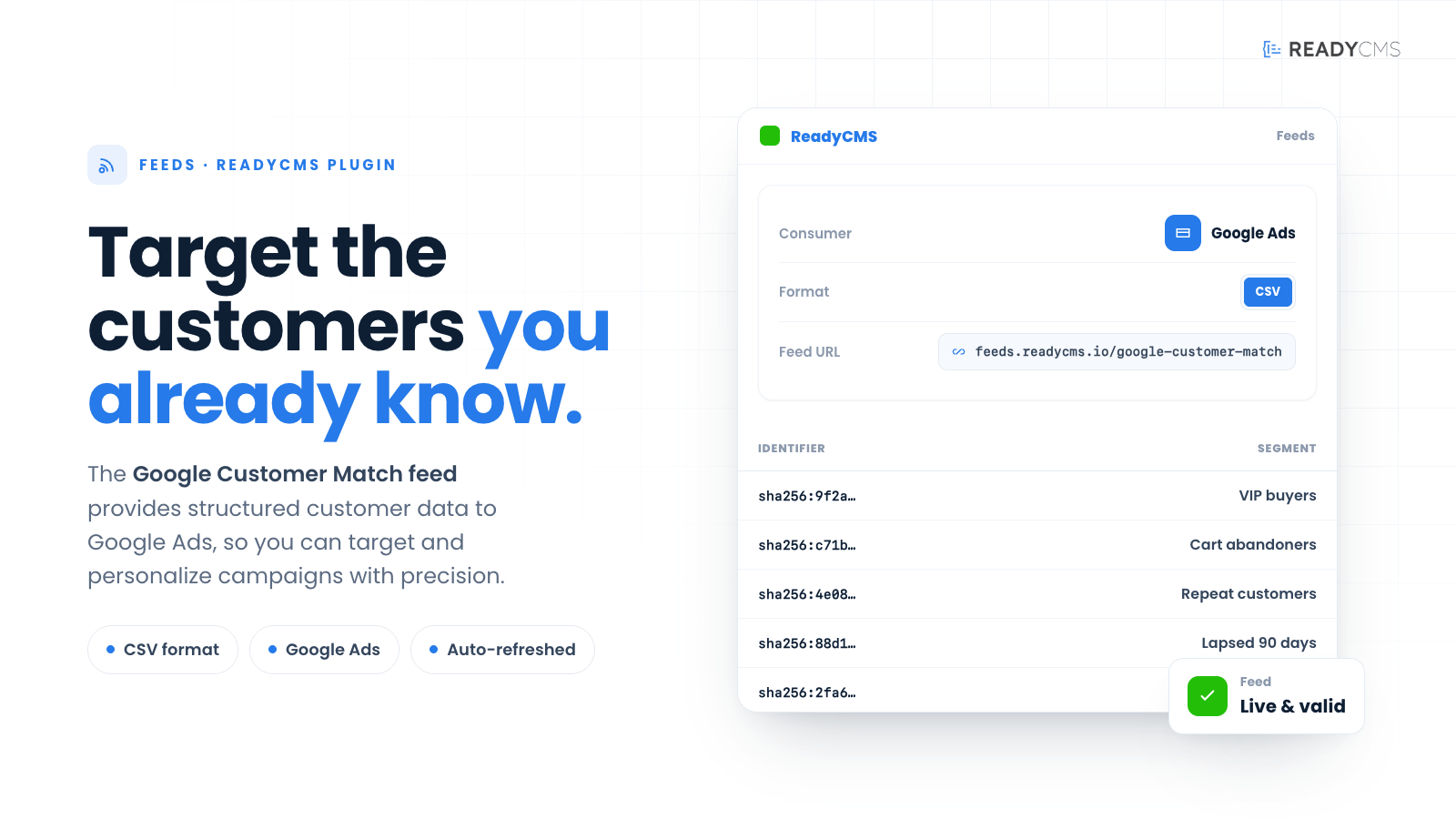
The Google Customer Match feed integration for ReadyCMS provides a streamlined method for exporting business-related data in CSV format directly into Google Ads. This integration helps businesses enhance their advertising strategies by leveraging accurate and detailed business information.
By automating the process of data feed generation, ReadyCMS makes it easier to manage ad campaigns and improve the targeting and personalization of ads, driving better campaign performance and efficiency.
The feed URL is:
https://feed.readycms.io/customer-list-feed-csv
Key benefits
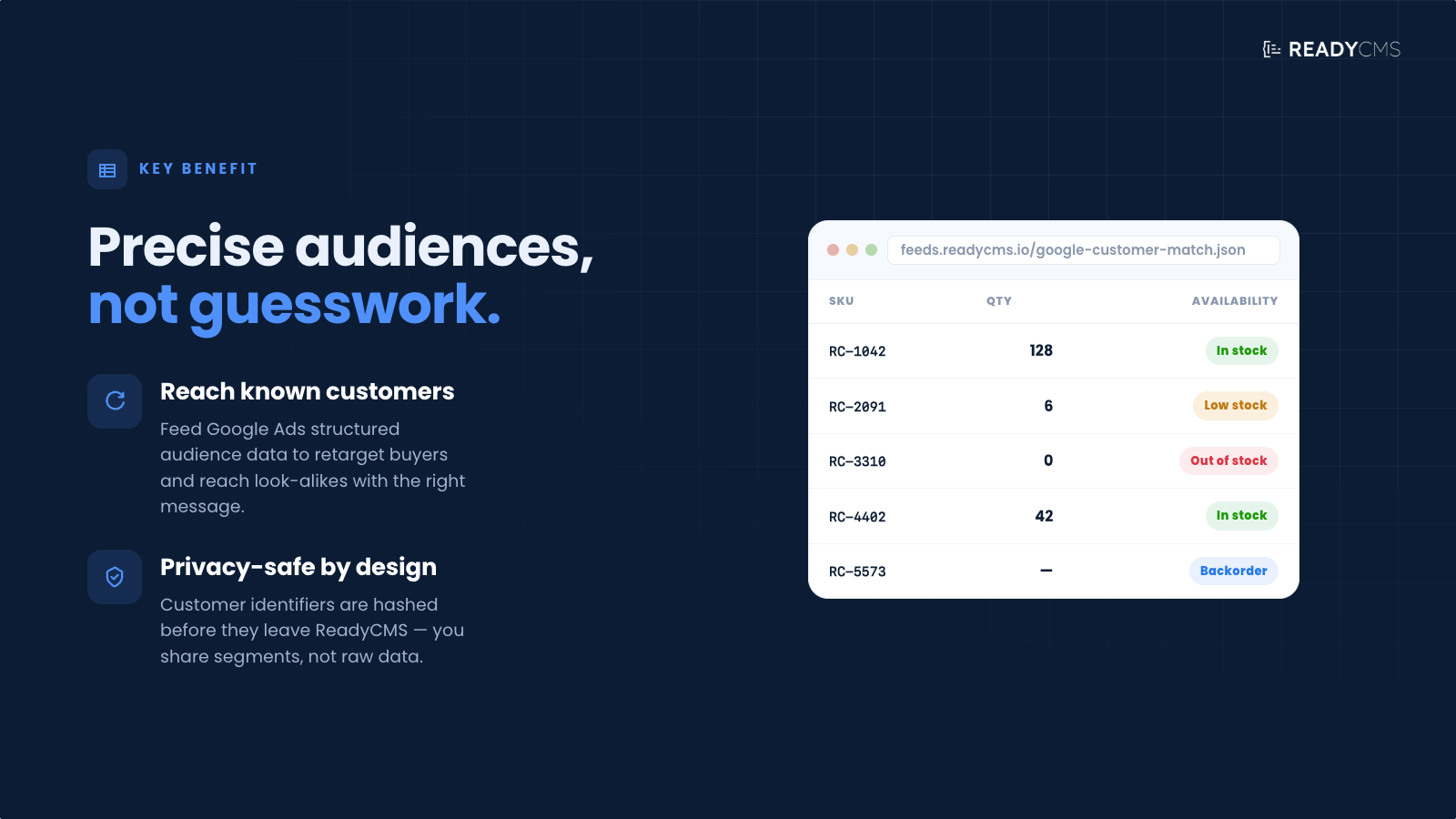
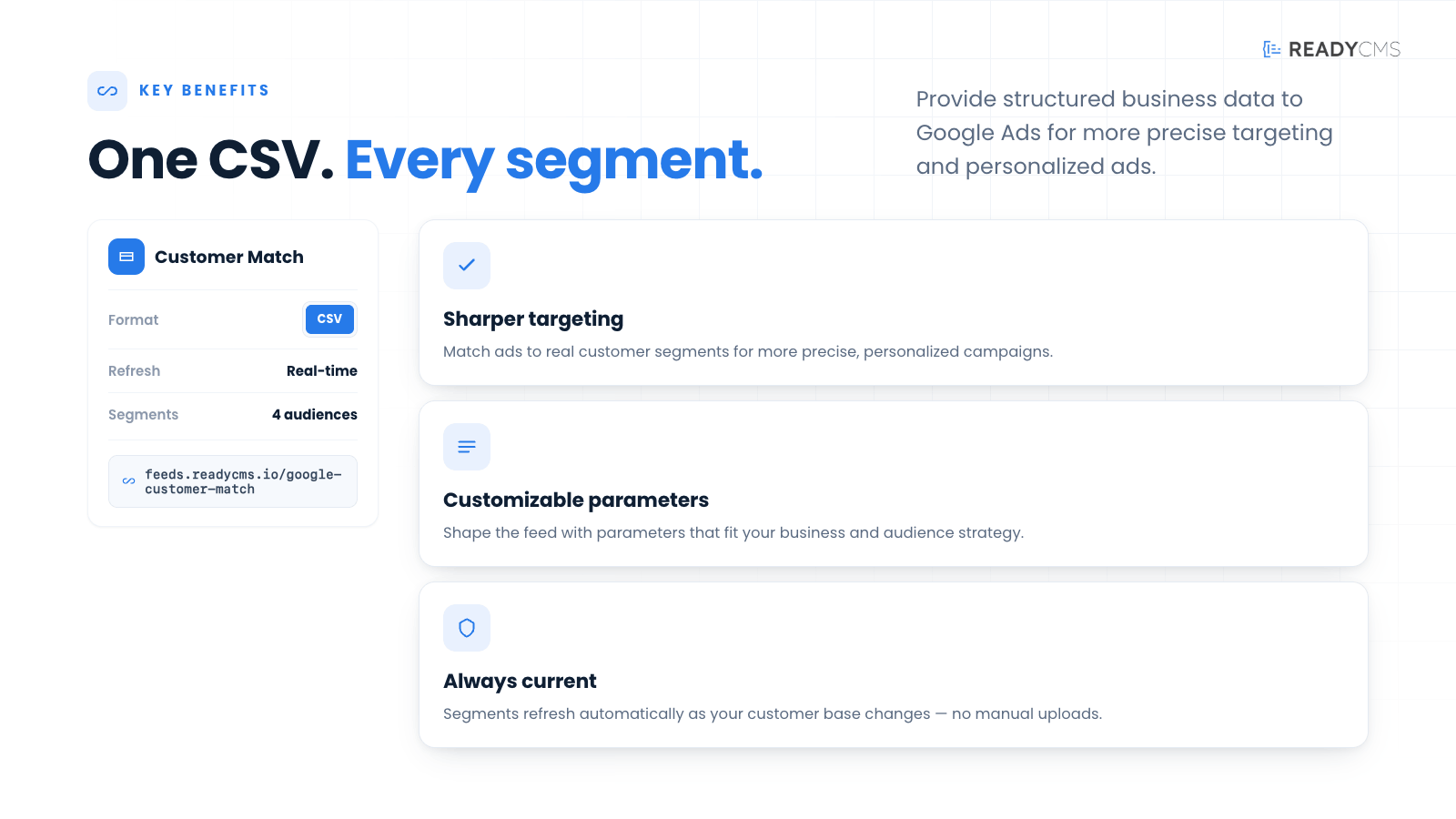
- Enhanced ad relevance: Improve the relevance of your ads by providing detailed business data to Google Ads.
- Efficient campaign management: Automate the feed generation process to streamline campaign management.
- Customizable feeds: Tailor the feed with various parameters to suit your specific requirements.
- Time-saving automation: Save time with automated updates, ensuring your business data is always up-to-date.
Features
- Dynamic feed URL: Securely access your business data feed via a dynamic URL, using your app ID, app secret, and namespace for authentication.
- Comprehensive business data: The feed includes essential details about your business such as custom attributes, business name, and more.
- Customizable parameters: Use parameters to filter and organize your business data.
- Easy integration with Google Ads: The feed is designed to be compatible with Google Ads, making it easy to set up and manage your campaigns.
- Regular updates: Ensure your business data is always current, reflecting the latest changes.
How it works
The integration process involves setting up your ReadyCMS to generate a Google Customer Match feed, which is then used to enhance the relevance and targeting of your Google Ads campaigns. The feed contains structured business data that Google Ads utilizes to create more personalized and effective advertising experiences.
The feed is secured and requires authentication using your app ID, app secret, and namespace from ReadyCMS.
To access the feed, you need to provide the following parameters:
app_id: Your application ID from ReadyCMS.app_secret: Your application secret from ReadyCMS.namespace: The namespace in which your app operates.
Example URL
https://feed.readycms.io/customer-list-feed-csv?app_id={APP_ID}&app_secret={APP_SECRET}&namespace={NAMESPACE}
Replace {APP_ID}, {APP_SECRET}, and {NAMESPACE} with your actual values from your ReadyCMS instance.
More information about Customer Match Audiences can be found here.
Guide
- Prepare your business data: Gather and organize the business data you want to include in the feed. This may involve collating details such as business name, location, contact info, and any custom attributes relevant to your ads.
- Configure feed parameters: In ReadyCMS, you can set up customizable parameters to define what data should be included in the feed. These parameters can filter data by various attributes, ensuring that only relevant data is exported.
- Generate the feed URL: Construct the URL for accessing the feed by incorporating your authentication details (
app_id,app_secret,namespace). This URL will be used to fetch the business data. - Download and review the feed: Access the feed via the generated URL to download the CSV file. Review the data to ensure accuracy and completeness.
- Upload to Google Ads: Import the CSV file into your Google Ads account, which will be used to refine your ad targeting and personalization.
- Monitor and update as needed: Regularly check the performance of your ads and update the feed as your business information changes or as you fine-tune your advertising strategy.
By following these steps, you can effectively integrate the Google Customer Match feed with ReadyCMS to enhance the precision and effectiveness of your Google Ads advertising campaigns.
Customizable feed parameters
To fully leverage the Google Customer Match feed with ReadyCMS, you can use the following parameters to tailor the feed according to your business needs. These parameters help ensure your Google Ads campaigns are fed with precise and relevant business information, enhancing targeting and ad personalization.
| Parameter | Description | Usage example |
|---|---|---|
limit |
Limits the number of items in the feed. Defaults to a high number if limit=0. |
&limit=10 |
random |
Orders the items randomly. | &random=true |
featured |
Filters items to include only those marked as featured. | &featured=true |
manufacturer_id |
Filters items by a specific manufacturer ID. | &manufacturer_id=123 |
status |
Filters items based on their status. | &status=active |
on_sale |
Includes only items that are on sale. | &on_sale=true |
availability |
Includes items in stock (stock > 0 ) or the Allow out-of-stock option is enabled. | &availability=true |
in_stock |
Includes only items that are in stock (stock > 0). | &in_stock=true |
tag |
Filters items by tags. Can accept multiple tags as an array. | &tag[]=15&tag[]=542 |
category |
Filters items by category. Can accept multiple categories as an array. | &category[]=32&category[]=423 |
manufacturer |
Filters items by manufacturer. Accepts multiple manufacturers as an array. | &manufacturer[]=12&manufacturer[]=323 |
min_price, max_price |
Filters items by a price range. | &min_price=50&max_price=200 |
min_wholesale_price, max_wholesale_price |
Filters items by wholesale price range. | &min_wholesale_price=30&max_wholesale_price=100 |
min_weight, max_weight |
Filters items by weight range. | &min_weight=1&max_weight=10 |
sku |
Filters items by SKU for an exact match. | &sku=12345 |
sku_contains |
Filters items where the SKU contains a specific string. | &sku_contains=abc |
sku_starts_with |
Filters items where the SKU starts with a specific string. | &sku_starts_with=abc |
sku_ends_with |
Filters items where the SKU ends with a specific string. | &sku_ends_with=123 |
barcode |
Filters items by barcode for an exact match. | &barcode=987654321 |
barcode_contains |
Filters items where the barcode contains a specific string. | &barcode_contains=987 |
barcode_starts_with |
Filters items where the barcode starts with a specific string. | &barcode_starts_with=987 |
barcode_ends_with |
Filters items where the barcode ends with a specific string. | &barcode_ends_with=321 |
title_contains |
Filters items where the title contains a specific string. | &title_contains=example |
title_starts_with |
Filters items where the title starts with a specific string. | &title_starts_with=example |
title_ends_with |
Filters items where the title ends with a specific string. | ?title_ends_with=product |
slug |
Filters items by slug for an exact match. | &slug=example-slug |
slug_contains |
Filters items where the slug contains a specific string. | &slug_contains=example |
slug_starts_with |
Filters items where the slug starts with a specific string. | &slug_starts_with=example |
slug_ends_with |
Filters items where the slug ends with a specific string. | &slug_ends_with=slug |
permalink |
Filters items where the permalink contains a specific string. | &permalink=example-url |
custom_field |
Filters items where a custom field contains a specific string. | &custom_field=example-data |
product_feed |
Filters items where the product feed contains a specific string. | &product_feed=data |
created_after, created_before |
Filters items created within a specific date range. | &created_after=2024-01-01&created_before=2024-12-31 |
updated_after, updated_before |
Filters items updated within a specific date range. | &updated_after=2024-01-01&updated_before=2024-12-31 |
published_after, published_before |
Filters items published within a specific date range. | &published_after=2024-01-01&published_before=2024-12-31 |
g_id |
Filters items by a specific global ID. | &g_id=123 |
visibility |
Filters items by their visibility status. | &visibility=public |
lang |
Filters items by language. | &lang=en |
charge_vat |
Filters items by whether VAT is charged. | &charge_vat=1 |
required_shipping |
Filters items based on whether shipping is required. | &required_shipping=1 |
Note: These parameters can be appended to your feed URLs to customize the data output according to your specific requirements.
Implementing the parameters
When configuring your feed, you can include these parameters to ensure that the exported data is specifically tailored to enhance the effectiveness of your campaigns.
For example, you might want to target users in a specific city or users who have interacted with a particular department within your company.
These parameters allow you to customize the feed dynamically based on your ongoing campaign needs and audience segmentation strategies.
Example:
When setting up your feed URL, you can append these parameters to filter and structure the data as needed.
For instance, to generate a feed that includes only customers from a specific city and country, your URL might look like this:
https://feed.readycms.io/customer-list-feed-csv?city=NewYork&country=USA
This URL would configure the feed to include only the business data for customers located in New York, USA, optimizing your ad campaigns for that particular geographic location.
FAQ
Q1: What type of business data can I include in the feed?
A1: The feed can include a wide range of business data, such as business name, contact information, business category, services offered, and custom attributes tailored to your advertising needs.
Q2: How often should I update my Google Customer Match feed?
A2: It's recommended to update your Google Customer Match feed whenever there are significant changes to your business information or at least once a month to ensure that your ads reflect the most current information.
Q3: Is there a limit to the amount of data I can include in the feed?
A3: While there is no strict limit, it's important to ensure that the data is relevant and structured in a way that Google Ads can efficiently process. Keeping the feed concise and focused on essential business details is advisable.
Q4: How do I ensure my business data is secure when using this feed?
A4: ReadyCMS employs secure protocols and requires authentication (app ID, app secret, and namespace) to access the business data feed, ensuring that your information is protected against unauthorized access.
Build more with ReadyCMS
Explore the full plugin marketplace or book a demo to see them in action.