

Google Business Profile
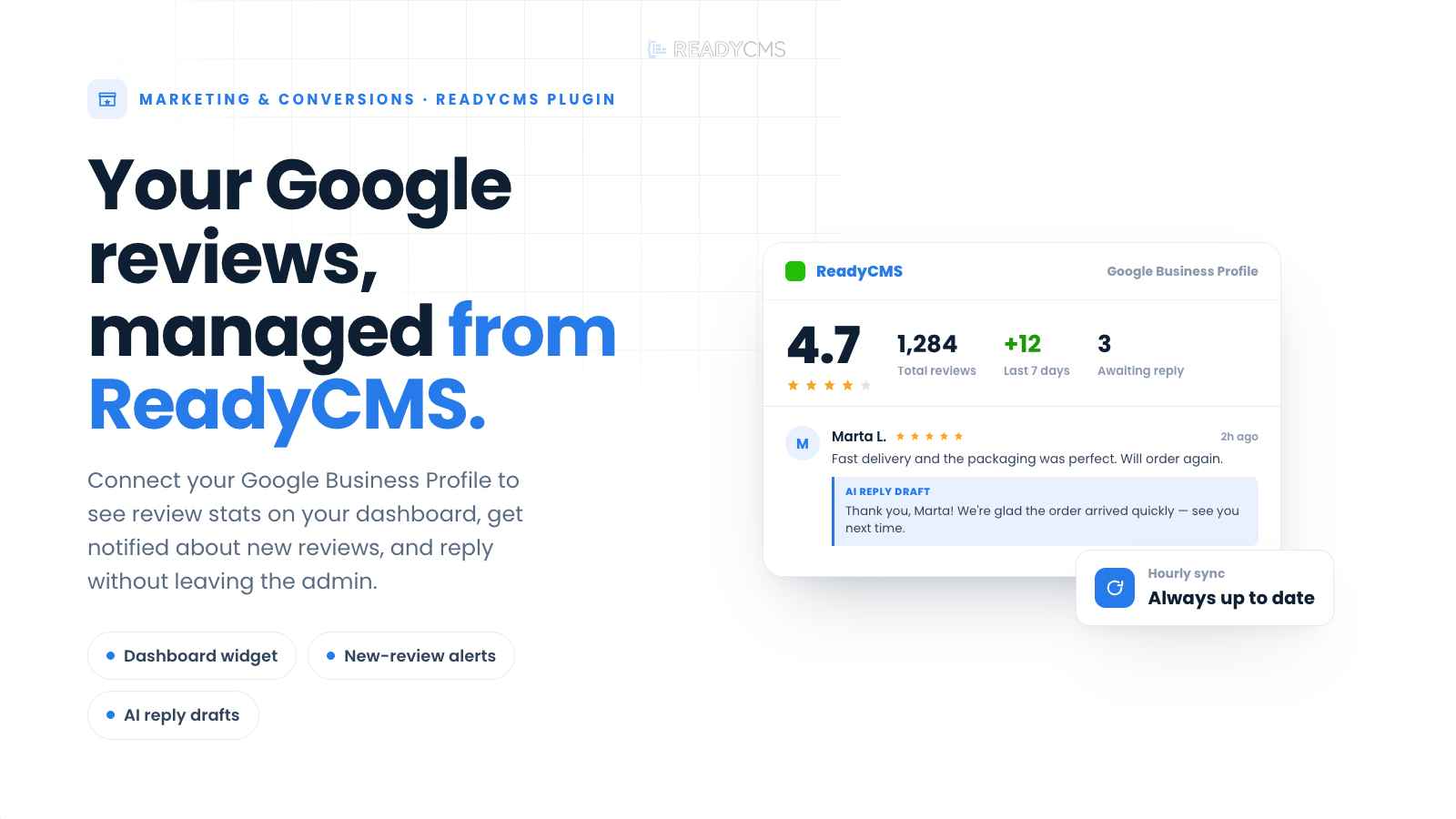
Connect Google Business Profile to ReadyCMS to monitor reviews, track rating stats, receive new review notifications, and generate AI-powered reply drafts directly from the admin.
Google Business Profile review management plugin for ReadyCMS
Before activating - API access requirement:
The Google Business Profile Reviews API is allowlist-only. You must apply through Google's Business Profile API access request form and wait for approval before this plugin can fetch reviews. Non-allowlisted Google Cloud projects receive HTTP 403 on every request regardless of correct OAuth setup.
Google reviews are one of the first things customers see before they decide to buy, visit, or contact a business. Google Business Profile helps ReadyCMS teams stay on top of reviews without constantly checking Google manually.
Once connected, the plugin syncs Google Business reviews into ReadyCMS, displays key review statistics on the admin dashboard, and notifies administrators when new reviews appear.
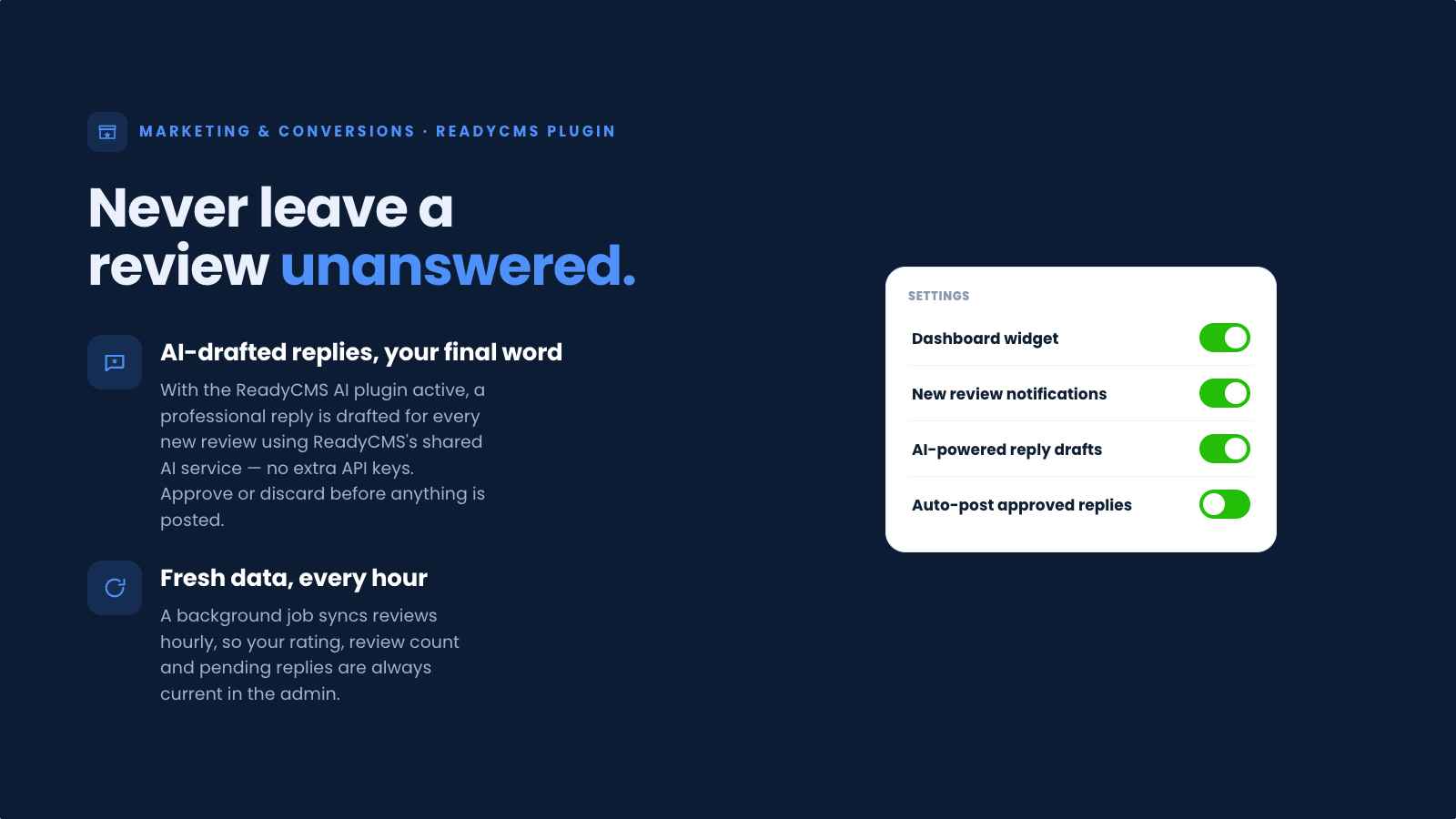
For teams whose tenants have the ReadyCMS AI plugin active, Google Business Profile can also generate professional reply drafts for every new review using ReadyCMS's shared AI service. No additional API keys are required on your side.
Replies can be reviewed and posted manually from the admin, or auto-posted for a more hands-free reputation management workflow.
Key benefits
- Monitor Google review activity directly inside ReadyCMS.
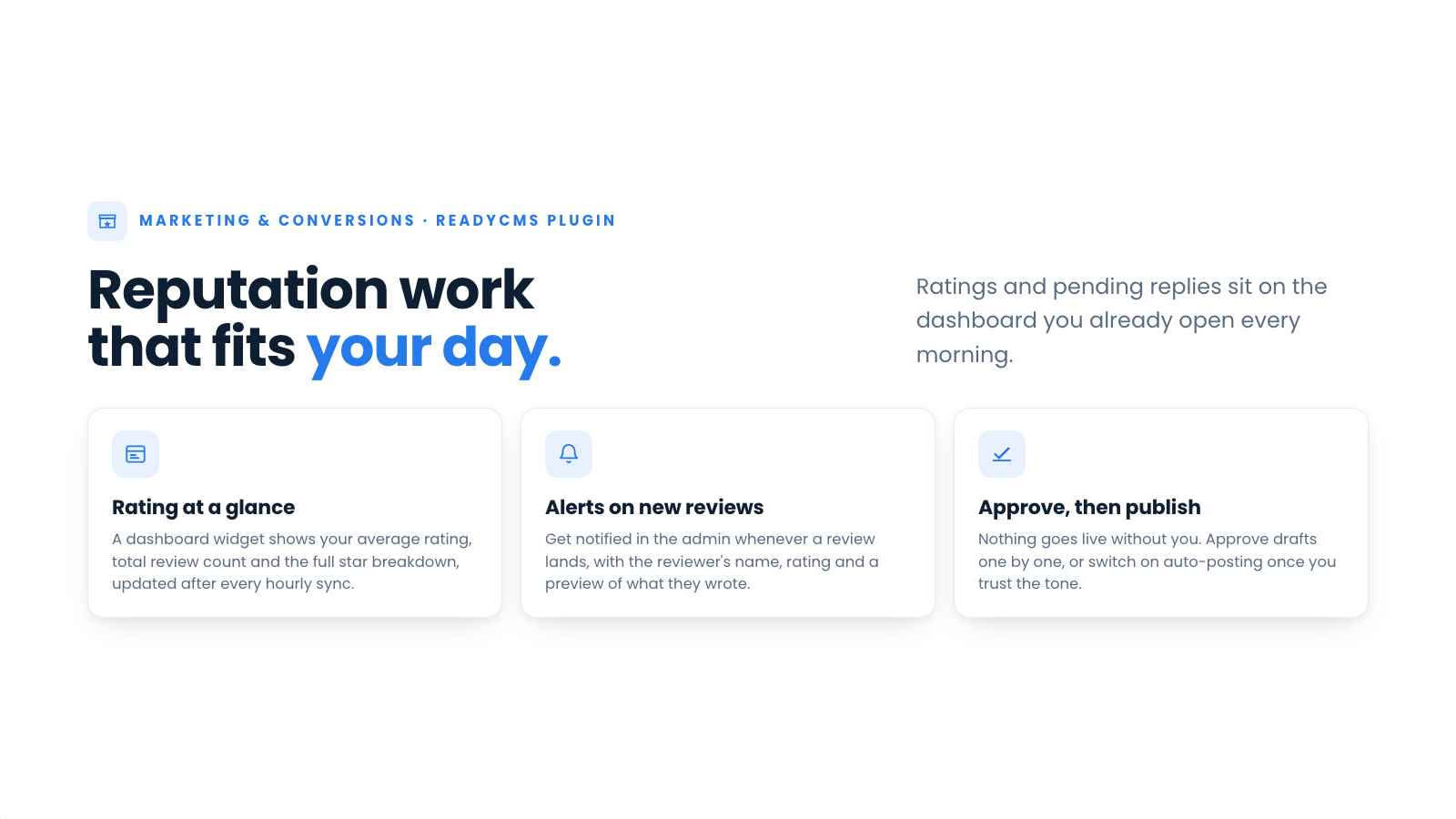
- Track average rating, total review count, and star breakdown from the admin dashboard.
- Get admin notifications when new reviews are found.
- Save time with AI-generated reply drafts for new customer reviews.
- Review and post replies from ReadyCMS, or enable automatic posting.
- Keep reputation management closer to your everyday admin workflow.
- Built-in Test connection button reports per-check pass/fail results so you can diagnose credential, allowlist, and AI-dependency issues without waiting for the hourly cron.
How it works
Google Business Profile connects ReadyCMS with your Google Business Profile through Google OAuth 2.0 credentials.
The plugin runs an hourly sync that imports Google Business reviews into ReadyCMS. After each sync, ReadyCMS updates the review statistics shown on the admin dashboard, including:
- average rating,
- total number of reviews,
- full-star rating breakdown.
ReadyCMS creates admin notifications for reviews that appeared since the plugin's last sync. First-time syncs after activation back-window 30 days so historical reviews aren't missed.
If the ReadyCMS AI plugin is active on your tenant, Google Business Profile automatically generates a professional reply draft for every new review using ReadyCMS's shared AI service. No additional API keys are required.
Your team can review the draft and post it to Google from the admin, or enable auto-posting to publish replies automatically.
Guide
-
Get Google Business Profile API access
Create a Google Cloud project and enable the Google Business Profile API (formerly the Google My Business API).
Then apply for Reviews API access through Google's request form.
The Reviews API is allowlist-only, and approval can take several days. The plugin cannot fetch reviews until approval is granted. -
Create OAuth credentials
In the same Google Cloud project, create an OAuth 2.0 client and note the following:
- Client ID
- Client Secret
-
Obtain a refresh token
Run a one-off OAuth consent flow. Google's OAuth 2.0 Playground can be used for this.
Use the following scope:https://www.googleapis.com/auth/business.manage
Copy the refresh token from the callback response.The plugin does not run the consent flow for you.
-
Fill in the plugin settings
Open the plugin in the ReadyCMS admin and enter:
- Client ID
- Client Secret
- Refresh Token
- Location resource path
The location resource path should use this format:
accounts//locations/
Save the settings. -
Verify with Test connection
Click the Test connection button.
The panel shows individual results for:- Credentials
- Location path format
- OAuth refresh
- Google API reachability
- ReadyCMS AI dependency state
Fix any failures before activating the plugin.
-
Activate the plugin
Once the connection test passes, activate the plugin.
Reviews will sync hourly, and admin notifications will be created for newly detected reviews. -
Enable AI reply drafts (optional)
If the ReadyCMS AI plugin is active on your tenant, enable AI-generated reply drafts.
ReadyCMS's shared AI service will create a suggested response for each new review.
You can either:- Review and post replies manually
- Enable auto-posting
FAQ
Q1: Does the plugin automatically sync Google reviews?
Yes. The plugin syncs Google Business reviews into ReadyCMS every hour.
Q2: Where can I see review statistics?
The admin dashboard shows the average rating, total review count, and star breakdown.
Q3: Will admins be notified about new reviews?
Yes. ReadyCMS can create admin notifications for new reviews detected in the last 24 hours.
Q4: Can ReadyCMS reply to Google reviews?
Yes. Replies can be posted to Google from the ReadyCMS admin.
Q5: Does the plugin write replies automatically?
If the ReadyCMS AI plugin is active on your tenant, Google Business Profile automatically generates reply drafts using ReadyCMS's shared AI service.
No additional API keys or endpoints need to be configured.
Draft generation depends on the ReadyCMS AI plugin being active. If it isn't active, the plugin logs a skip and continues without generating drafts.
Q6: Can replies be auto-posted?
Yes. You can choose to review drafts before posting, or enable auto-posting for a hands-free workflow.
Q7: Does this plugin require ReadyCMS AI?
No.
The following features work without ReadyCMS AI:
- Review synchronization
- Dashboard statistics
- Admin notifications
- Manual reply posting
ReadyCMS AI is only required if you want automatically generated reply drafts.
Q8: What do I need to connect Google Business Profile?
You need four things:
- A Google Cloud project with the Google Business Profile API enabled.
- OAuth 2.0 credentials, including Client ID and Client Secret, created in that project.
- A refresh token obtained through a one-off OAuth consent flow using the
business.managescope. The plugin does not run the consent flow itself. - Your location resource path in this format:
accounts/
Also note that the Google Business Profile Reviews API is allowlist-only. You must apply through Google's request form and wait for approval before reviews can sync.
Q9: Can I manage multiple Google Business locations?
The plugin fetches reviews for the single location resource path configured in the settings.
If you manage multiple locations, contact ReadyCMS support to discuss multi-location handling.
Q10: Why aren't any reviews syncing?
Use the Test connection button in the plugin settings.
It checks each connection layer individually:
- Credentials
- Location path format
- OAuth refresh
- Google API reachability
It then reports the exact failure mode.
The most common cause is missing Google API allowlist approval, which returns HTTP 403.
Other common causes include:
- Refresh token expired or revoked: HTTP 401
- Malformed location path: HTTP 404
- Wrong Google Cloud project being used
Build more with ReadyCMS
Explore the full plugin marketplace or book a demo to see them in action.