

WhatsApp notifier for ReadyCMS
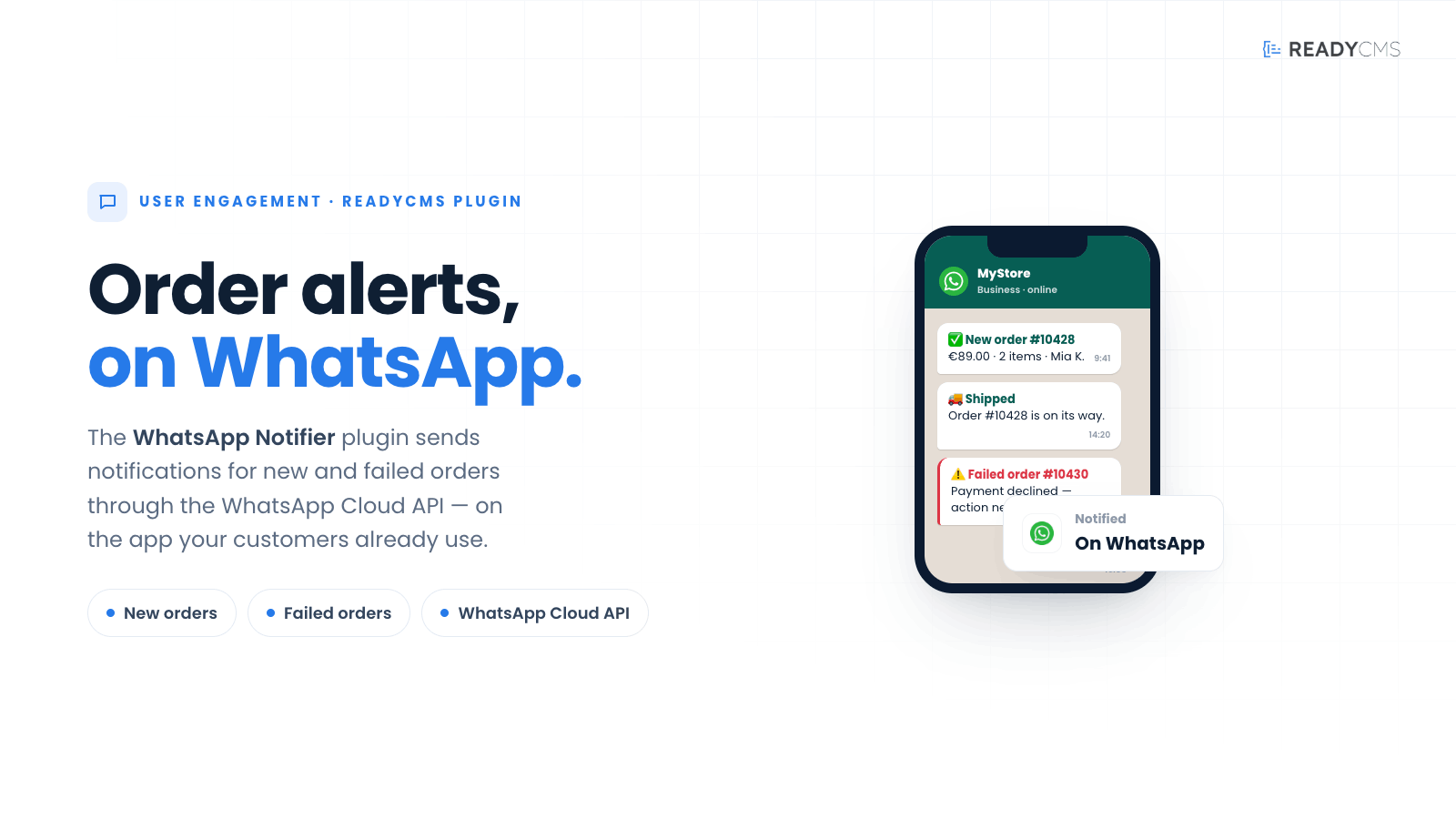
Send WhatsApp notifications from ReadyCMS for new and failed orders using the WhatsApp Cloud API.
WhatsApp notifier for ReadyCMS
WhatsApp notifier connects ReadyCMS to the WhatsApp Cloud API, enabling businesses to send important order notifications via one of the world’s most widely used communication channels.
Once connected, the plugin can automatically send WhatsApp notifications when a new order is created or when an order fails. This helps businesses keep customers informed through a channel they already use and regularly check.
WhatsApp notifier is especially useful in markets where WhatsApp is the preferred method of communication between businesses and customers.
Key benefits
-
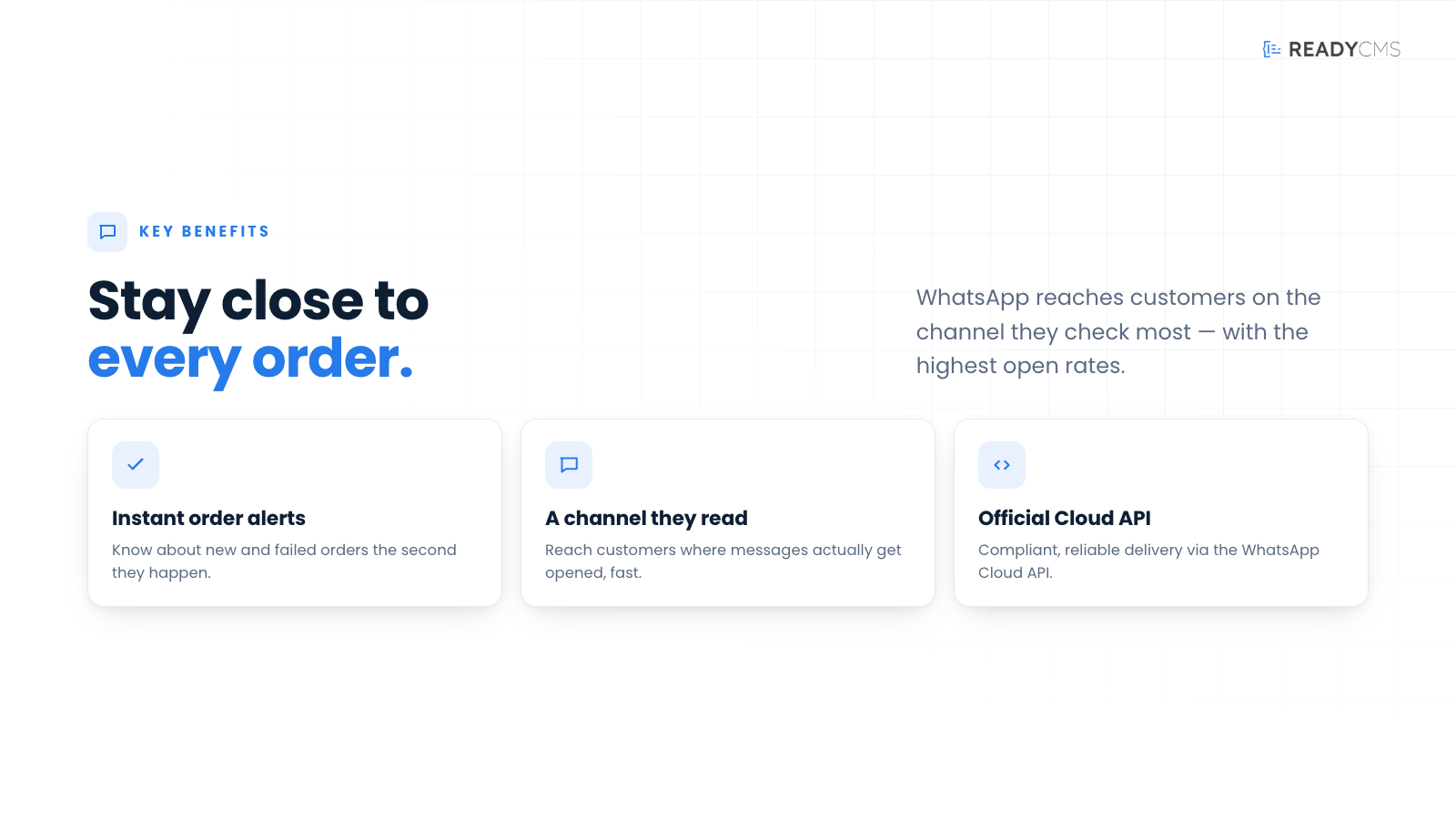
Communicate through a familiar channel
Deliver important order information directly through WhatsApp.
-
Automate order notifications
Send notifications automatically when new or failed orders are recorded in ReadyCMS.
-
Improve customer communication
Keep customers informed without relying exclusively on email or SMS.
-
Respond faster to failed orders
Notify customers when an order is unsuccessful so they can take the necessary next step.
-
Connect through the official WhatsApp Cloud API
Integrate ReadyCMS with WhatsApp using Meta’s official cloud-based API.
How it works
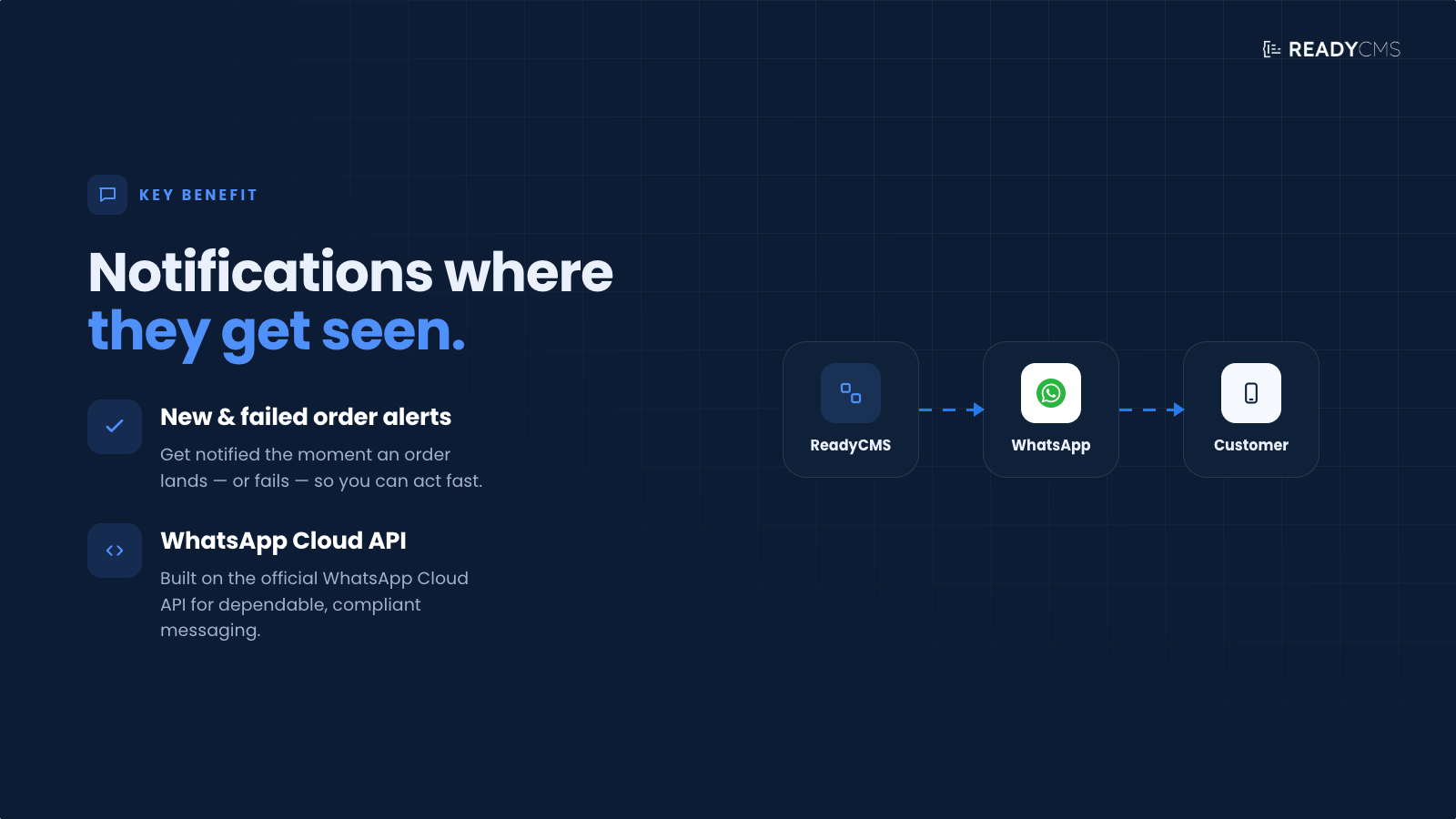
WhatsApp notifier acts as a connection between ReadyCMS and the WhatsApp Cloud API. After the integration is configured, ReadyCMS can automatically send notifications for supported order events.
Guide
-
Set up WhatsApp Cloud API access
Prepare the required WhatsApp Cloud API account and connection details.
-
Open the plugin settings
Go to the WhatsApp Notifier plugin inside your ReadyCMS Admin.
-
Connect the integration
Enter the required WhatsApp Cloud API credentials in the plugin settings.
-
Configure new order notifications
Enable notifications that should be sent when a new order is created.
-
Configure failed order notifications
Enable notifications for orders that were not completed successfully.
-
Save the configuration
Save the plugin settings.
Activate the plugin
Click the
Activatebutton after saving.-
Send notifications automatically
When a supported order event occurs and a valid recipient phone number is available, ReadyCMS sends the corresponding notification through WhatsApp.
FAQ
Q1: What does the WhatsApp Notifier plugin do?
A1: WhatsApp Notifier sends WhatsApp notifications from ReadyCMS when a new order is created or when an order fails.
Q2: Which WhatsApp integration does the plugin use?
A2: The plugin connects ReadyCMS with the WhatsApp Cloud API.
Q3: Which order events are supported?
A3: The plugin supports notifications for new orders and failed orders.
Q4: Is WhatsApp Notifier intended for customer communication?
A4: Yes. The plugin is designed for direct order-related communication with customers through WhatsApp.
Q5: Does the plugin replace email notifications?
A5: Not necessarily. WhatsApp Notifier can be used alongside email, SMS, and other communication channels available in your ReadyCMS setup.
Q6: What information is required to send a notification?
A6: The integration must be correctly connected to the WhatsApp Cloud API, and the order must contain a valid phone number that can receive WhatsApp messages.
Q7: Who is this plugin best suited for?
A7: It is particularly useful for businesses operating in regions where customers prefer WhatsApp over email or other communication channels.
Build more with ReadyCMS
Explore the full plugin marketplace or book a demo to see them in action.