

Comments for ReadyCMS
Activate the built-in Comments feature in ReadyCMS to manage user interactions effectively across your site. Control, moderate, and engage with user comments on custom content and e-commerce pages seamlessly.
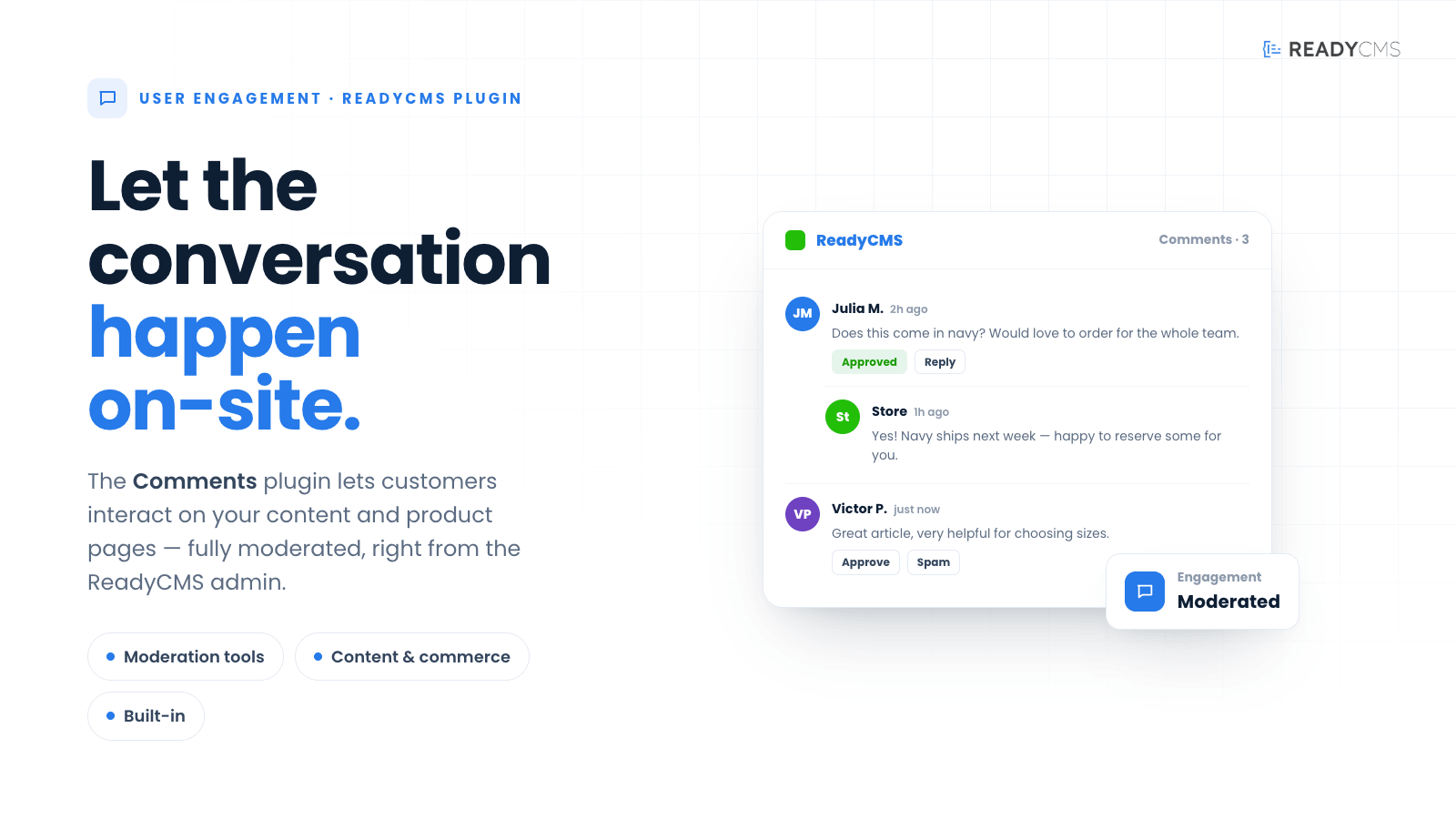
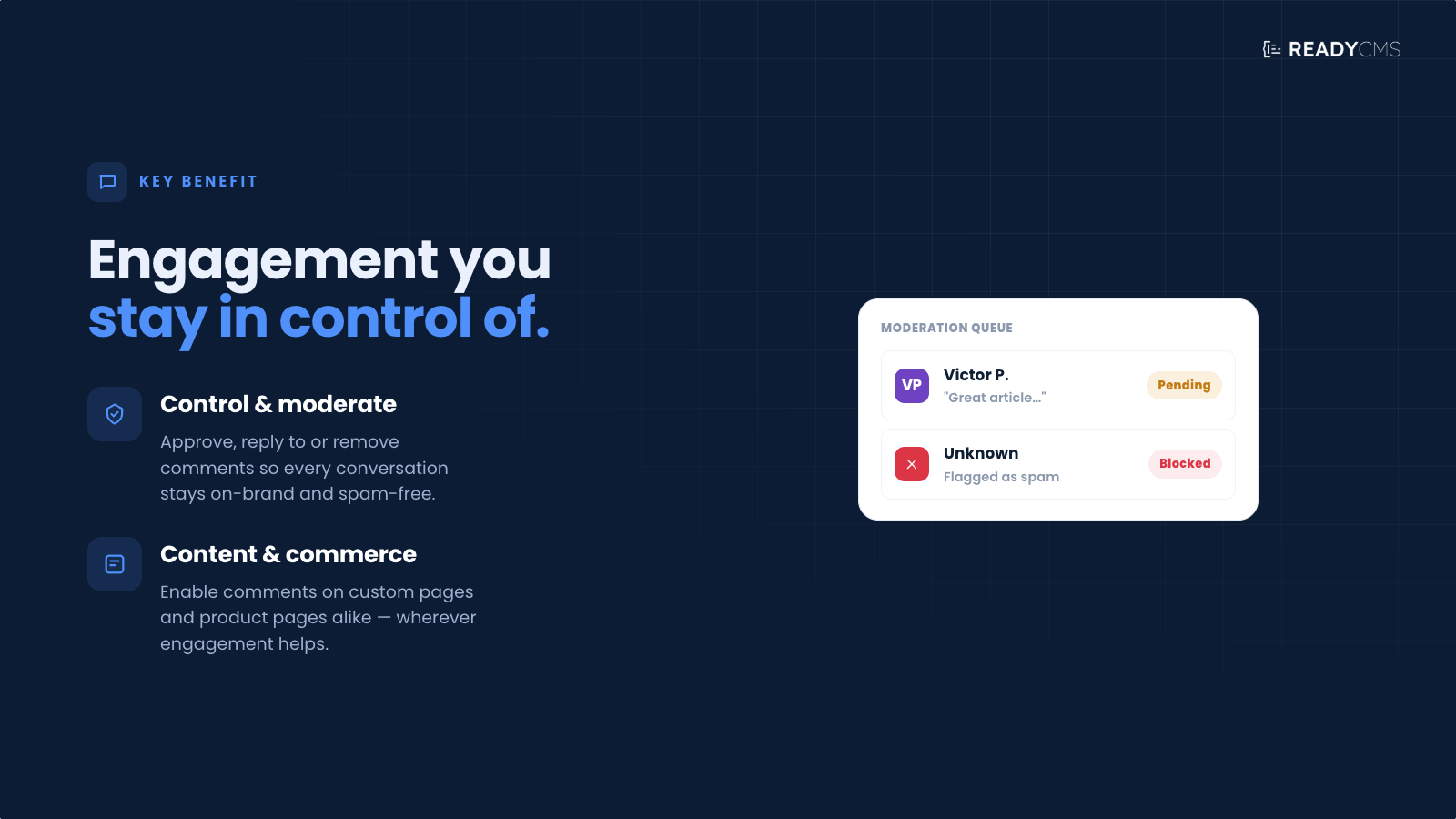
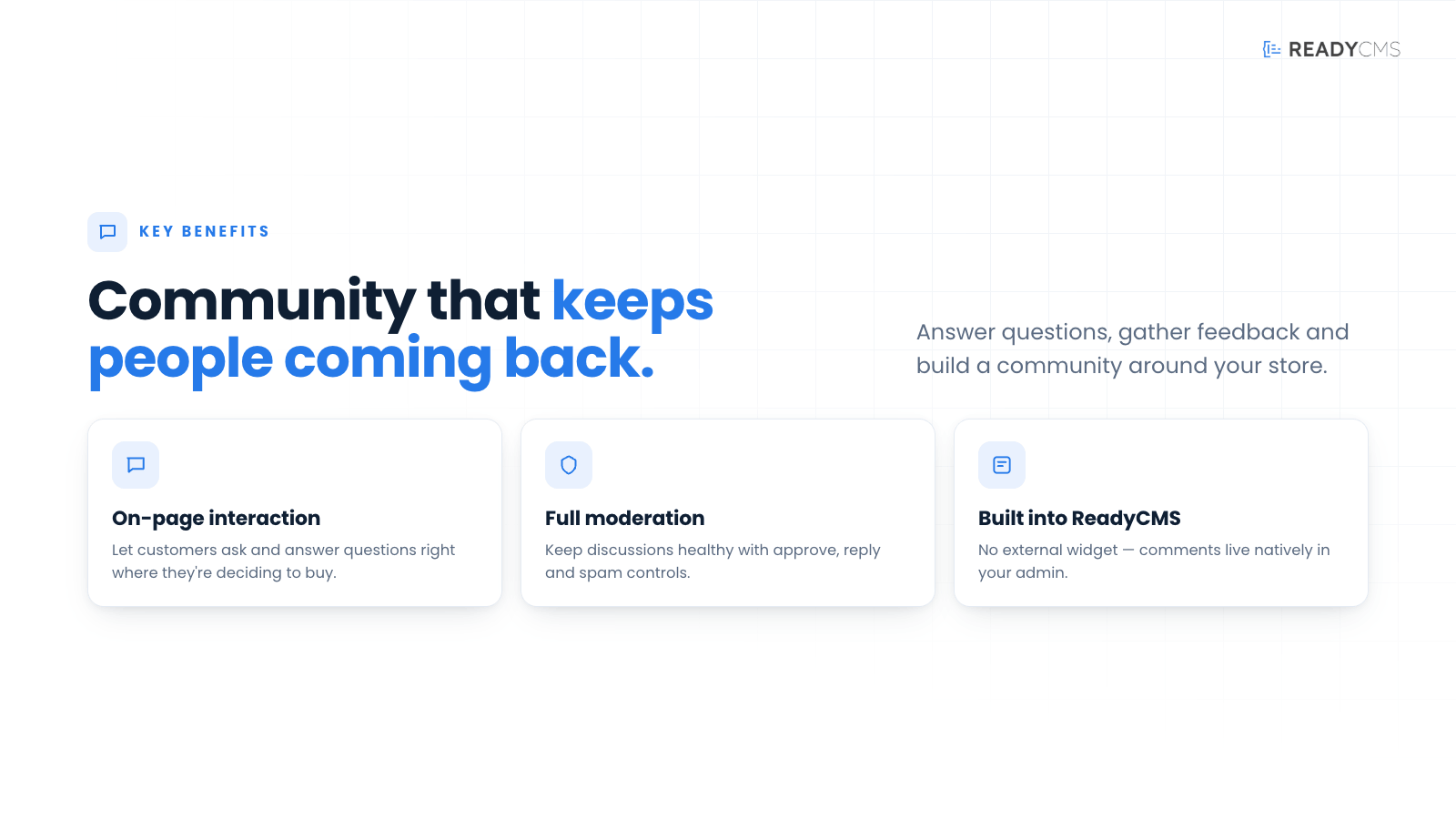

ReadyCMS comments management: Streamline user discussions on your website
ReadyCMS has a built-in Comments feature that allows developers and website administrators to manage user interactions directly on various types of content. This feature is essential for engaging with visitors and is automatically included with ReadyCMS, although some additional setup is required (the comments form on your site needs to be connected to ReadyCMS functionality).
Key benefits and features
- Built-in feature: Comments are a core part of ReadyCMS, but they require activation in the content settings.
- Flexible comment management: You can enable or disable comments for any custom content type and e-commerce content type, such as products and manufacturers.
- Admin and API management: You can manage comments directly through the admin interface or via API, which provides flexibility in handling user interactions.
- Comprehensive comment options: Includes standard comment management features such as pending, approved/non-approved comments, and spam filtering.
- Email notifications: Receive email notifications whenever someone leaves a comment, ensuring you stay informed about user engagement.
How it works
The Comments feature is a built-in functionality of ReadyCMS, essential for platform developers. It offers flexible and comprehensive comment management for various content types.
It is designed to be an integral yet flexible part of ReadyCMS, supporting interactive and dynamic content management while providing the tools necessary to maintain control and order in user communications.
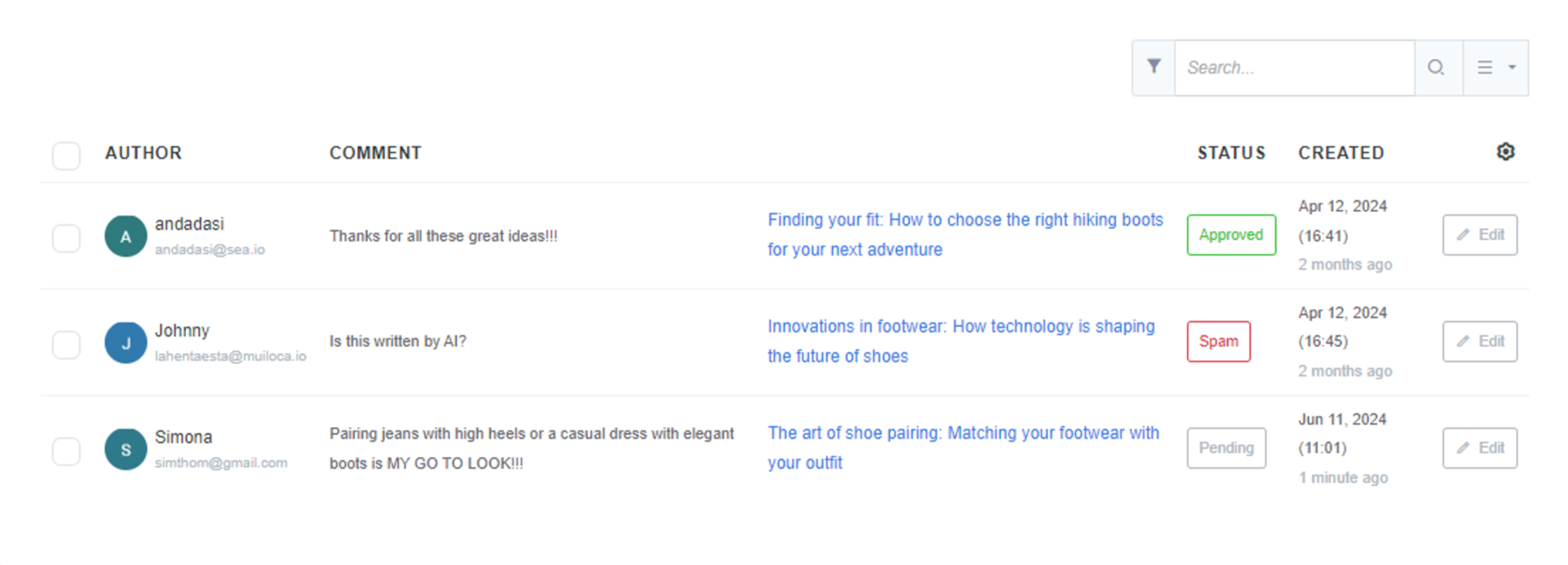
The system includes typical moderation tools, such as the ability to mark comments as pending, approved, or not approved, and to filter out spam. This helps maintain the quality and relevance of discussions on your site.
Guide
- Activation: Comments are built-in (always active on the plugin page) and can be enabled or disabled for specific content types.
- Integrate review forms: Ensure that the comment form on your site is connected to the ReadyCMS functionality to capture and manage comments effectively.
- Management options: Manage comments via the admin interface or through the API.
- Standard features: Utilize standard comment management features such as pending, approved/non-approved comments, and spam filtering.
- Notifications: Receive email notifications for new comments, keeping you updated on user interactions.
You can turn comments on or off for any specific type of content, whether it's a standard page or e-commerce-related items like products and manufacturers. This allows for tailored engagement based on the nature of the content.
Managing comments
Comments can be managed through the ReadyCMS admin interface or programmatically via an API. This dual accessibility ensures that administrators can moderate comments effectively, regardless of their preferred management method.
-
Admin interface management: This allows site administrators to handle comments directly within the ReadyCMS dashboard. It's user-friendly and designed for those who prefer a graphical interface to interact with the CMS functionalities. Administrators can approve, reject, or mark comments as spam through a straightforward, clickable interface.
-
API management: API (Application Programming Interface) access provides a more programmable way to manage comments, ideal for developers or administrators who prefer to integrate comment management into custom workflows or external systems. One can automate tasks like approving comments, filtering spam, or syncing comment data with other tools or databases through API calls.
By leveraging the Comments feature, you can ensure effective engagement with your audience and maintain a dynamic, interactive website.
Help
For more information about the Media feature and its functionalities, consult our official documentation.
FAQ
Q1: What is the Comments feature in ReadyCMS?
A1: The Comments feature is built-in functionality that allows you to manage user comments on various content types, including custom pages and e-commerce items like products and manufacturers.
Q2: How can I enable or disable comments?
A2: You can enable or disable comments for any custom content type and e-commerce content types directly within ReadyCMS settings.
Q3: How can I manage comments?
A3: Comments can be managed both via the admin interface of your ReadyCMS instance and through the API, providing flexibility in how you handle user interactions.
Q4: What comment management options are available?
A4: ReadyCMS offers standard comment management options, including pending, approved/non-approved comments, and spam filtering.
Q5: Will I be notified of new comments?
A5: Yes, you will receive email notifications whenever someone leaves a comment, ensuring you stay informed about user engagement.
Build more with ReadyCMS
Explore the full plugin marketplace or book a demo to see them in action.