

Slack notifier for ReadyCMS
Send important ReadyCMS operational alerts directly to your team’s Slack workspace through an Incoming Webhook.
Slack notifier for ReadyCMS
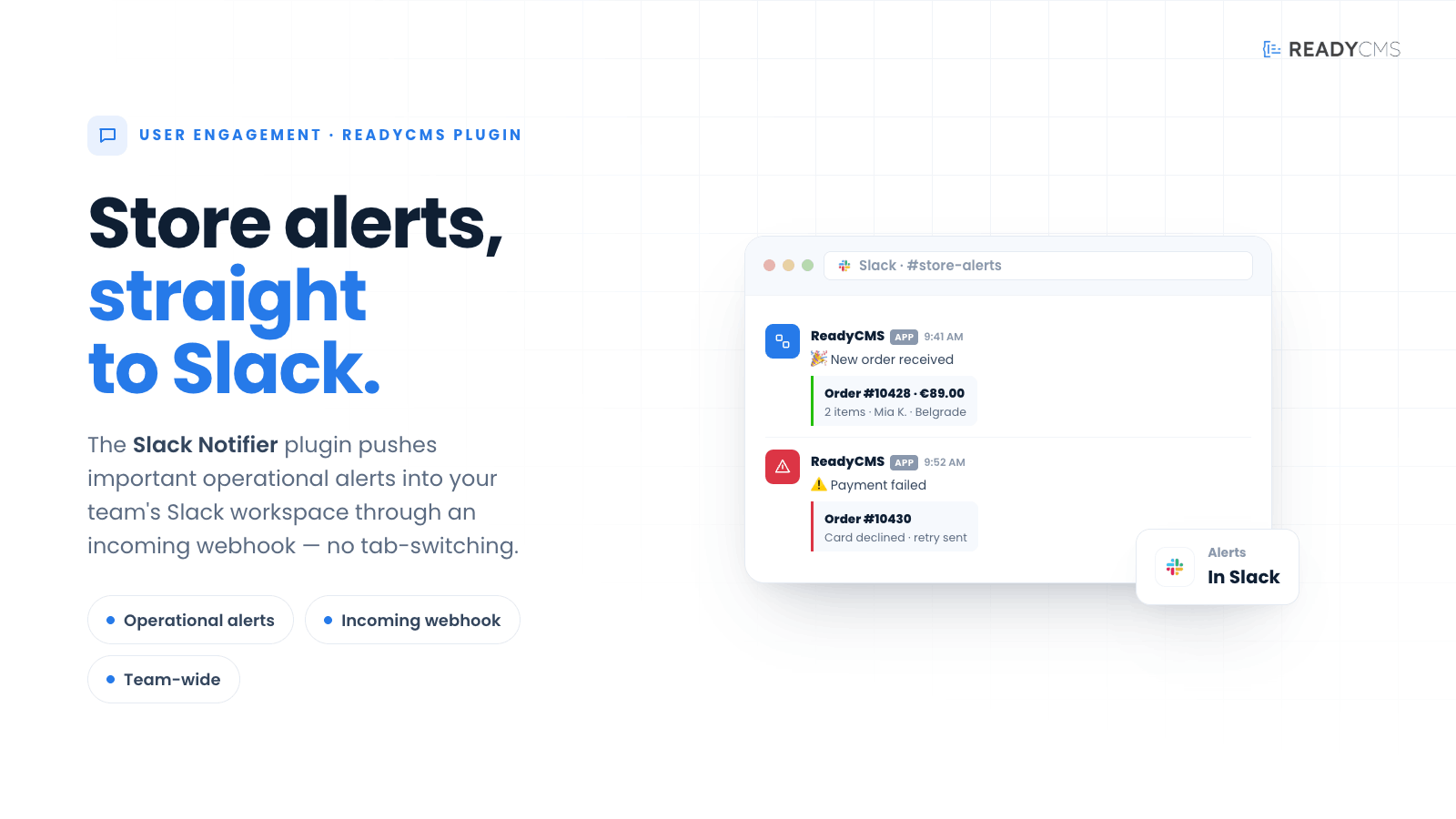
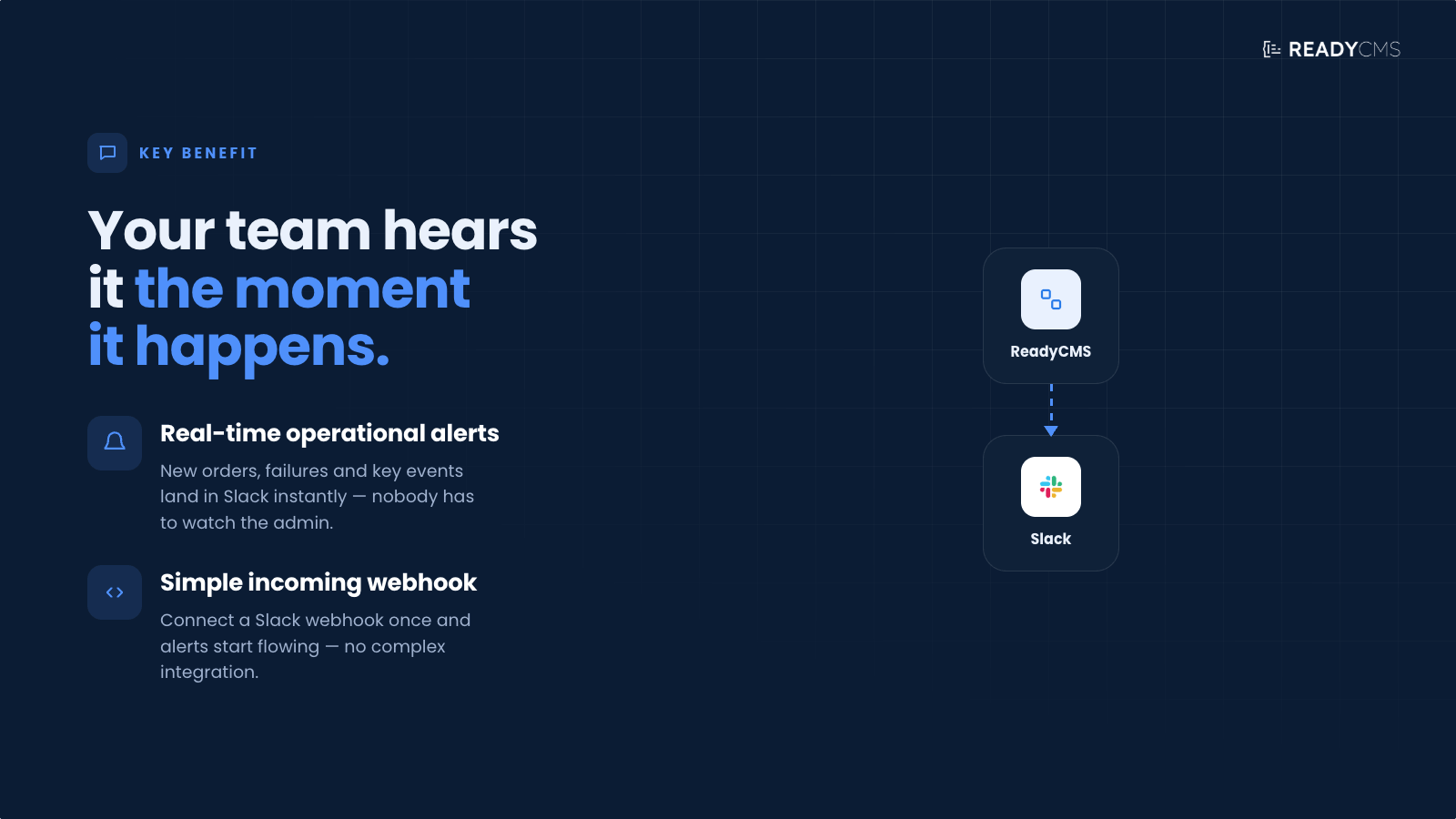
Slack notifier connects ReadyCMS with your team’s Slack workspace and sends operational notifications through a Slack Incoming Webhook.
Once configured, the plugin can notify your team when a new order is placed, a payment fails, product stock runs low, or an import encounters an error. This makes it easier for sales, support, warehouse, and technical teams to stay informed about important store activity in real time.
All enabled notifications are sent through the same webhook. The destination channel is therefore normally determined by the Slack Incoming Webhook configuration.
Notification messages use predefined formats created by the plugin, keeping alerts consistent and easy to understand.
Key benefits
-
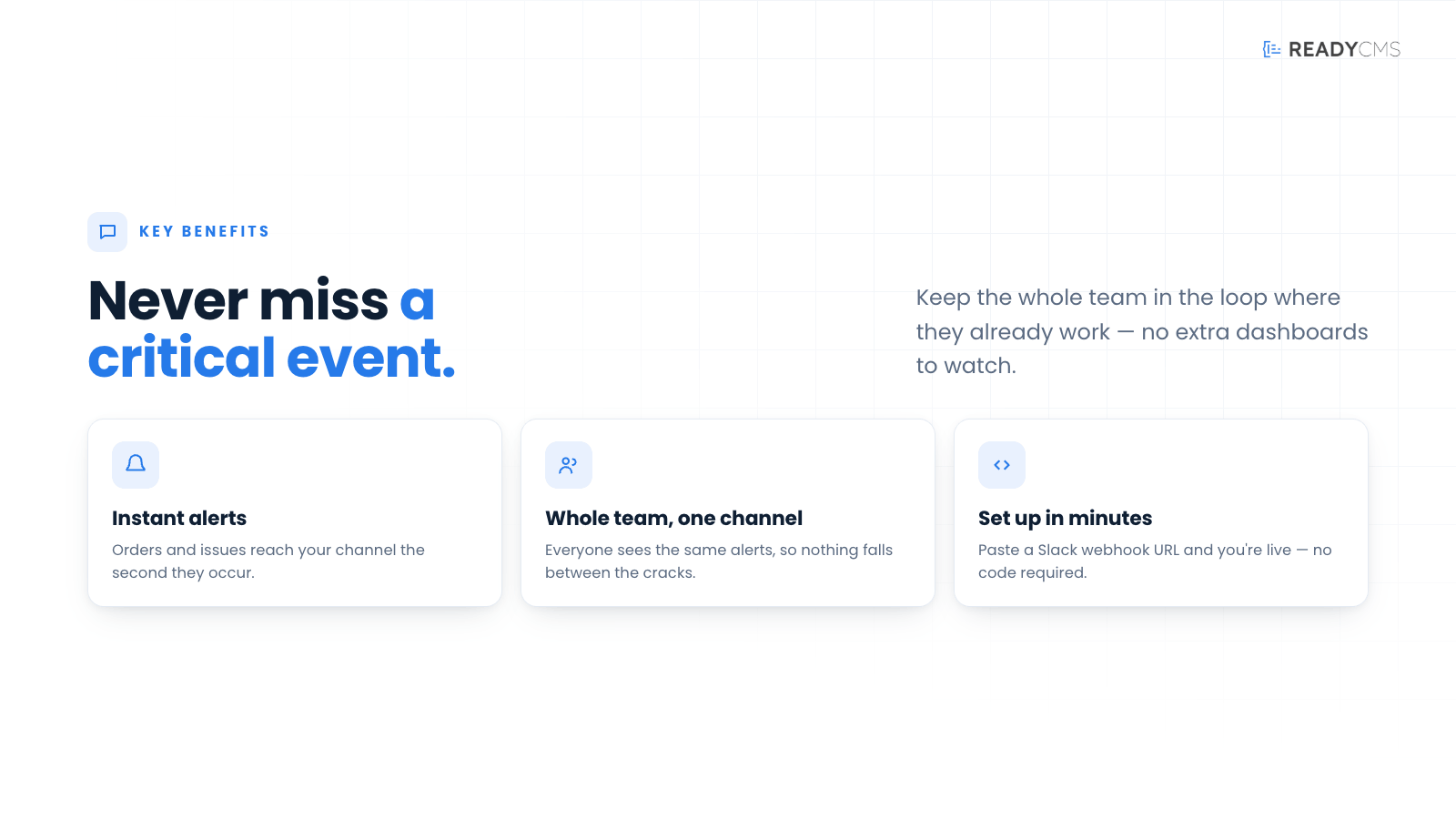
Keep operational updates visible
Important ReadyCMS events appear directly in Slack, where your team is already communicating and managing daily work.
-
Respond faster to new orders
Notify the relevant team when a new order is created, helping sales, fulfillment, and customer support act without unnecessary delays.
-
Identify payment problems early
Failed payment alerts help teams notice checkout or payment issues sooner and investigate them before they affect more customers.
-
Stay ahead of low stock
Low-stock notifications give warehouse and catalog teams more time to restock products or adjust availability.
-
Catch import errors quickly
Receive alerts when an import process encounters an error, making it easier to investigate data issues and restore normal operations.
-
Control which alerts are active
Each supported notification type can be enabled or disabled independently, allowing teams to focus on the events that matter to their workflow.
-
Simple Slack connection
The plugin connects through a Slack Incoming Webhook URL, without requiring users to build a custom Slack integration.
How it works
Slack Notifier uses a Slack Incoming Webhook to deliver ReadyCMS notifications to a Slack workspace.
Guide
-
Create a Slack Incoming Webhook
Open your Slack workspace settings and create an Incoming Webhook for the workspace and channel where you want ReadyCMS notifications to appear.
The selected Slack channel is normally associated with the webhook itself.
-
Copy the webhook URL
After creating the Incoming Webhook, Slack will provide a unique webhook URL.
Copy this URL and keep it private. Anyone with access to the URL can send messages to the connected Slack channel.
-
Open the plugin settings
In the ReadyCMS Admin, open the Plugins section and select Slack Notifier.
-
Add the webhook URL
Paste the Slack Incoming Webhook URL into the appropriate field in the plugin settings.
All enabled notifications will be sent via this webhook to its associated Slack channel.
-
Choose which notifications to enable
Enable the event types your team wants to receive:
- New orders
- Failed payments
Notification types can be managed independently, so you can enable only the alerts relevant to your team.
-
Save the settings
Save the plugin configuration.
-
Activate the plugin
Click the Activate button after you saved the config.
-
Verify the integration
Trigger a supported ReadyCMS event and confirm that the notification appears in the connected Slack channel.
If the message does not appear, confirm that the webhook URL is correct, the webhook is still active, and the relevant notification type is enabled.
FAQ
-
What is Slack Notifier?
Slack Notifier is a ReadyCMS plugin that sends selected operational notifications to a Slack workspace via an Incoming Webhook.
-
Which ReadyCMS events can trigger Slack notifications?
The plugin supports notifications for new orders, failed payments, low stock, and import errors.
-
How does ReadyCMS connect to Slack?
The plugin connects using a Slack Incoming Webhook URL created inside your Slack workspace.
-
Can I choose the Slack channel from the ReadyCMS settings?
The channel is normally determined when the Incoming Webhook is created in Slack. The current ReadyCMS settings do not provide a separate channel selection field.
-
Can different notifications be sent to different Slack channels?
No. All enabled notifications are currently sent through the same Incoming Webhook and therefore use the same global Slack channel.
Separate routing for different event types is not currently supported.
-
Can I customize the Slack notification messages?
No. Notification messages currently use predefined templates included in the plugin code.
-
Can I enable or disable each notification type?
The plugin is designed to support individual controls for new orders, failed payments, low stock alerts, and import errors.
-
Do I need to create a Slack app?
You need access to a Slack workspace where you can create an Incoming Webhook. Depending on the workspace configuration, Slack may require you to create or configure a Slack app to generate the webhook URL.
-
Why am I not receiving notifications?
Check that:
- The Incoming Webhook URL is correct.
- The webhook has not been removed or disabled in Slack.
- The relevant notification type is enabled.
- The Slack app or webhook still has access to the selected channel.
- The corresponding event was successfully triggered in ReadyCMS.
-
Can multiple ReadyCMS websites send notifications to the same Slack channel?
Yes. Multiple ReadyCMS installations can use the same webhook URL that points to the same Slack channel. However, the notification messages should be reviewed carefully so the team can identify which website or store generated each alert.
-
Is the Slack webhook URL sensitive?
Yes. The webhook URL should be treated as a private credential because it can be used to send messages to the connected Slack workspace.
Build more with ReadyCMS
Explore the full plugin marketplace or book a demo to see them in action.