
QuickLinks for ReadyCMS
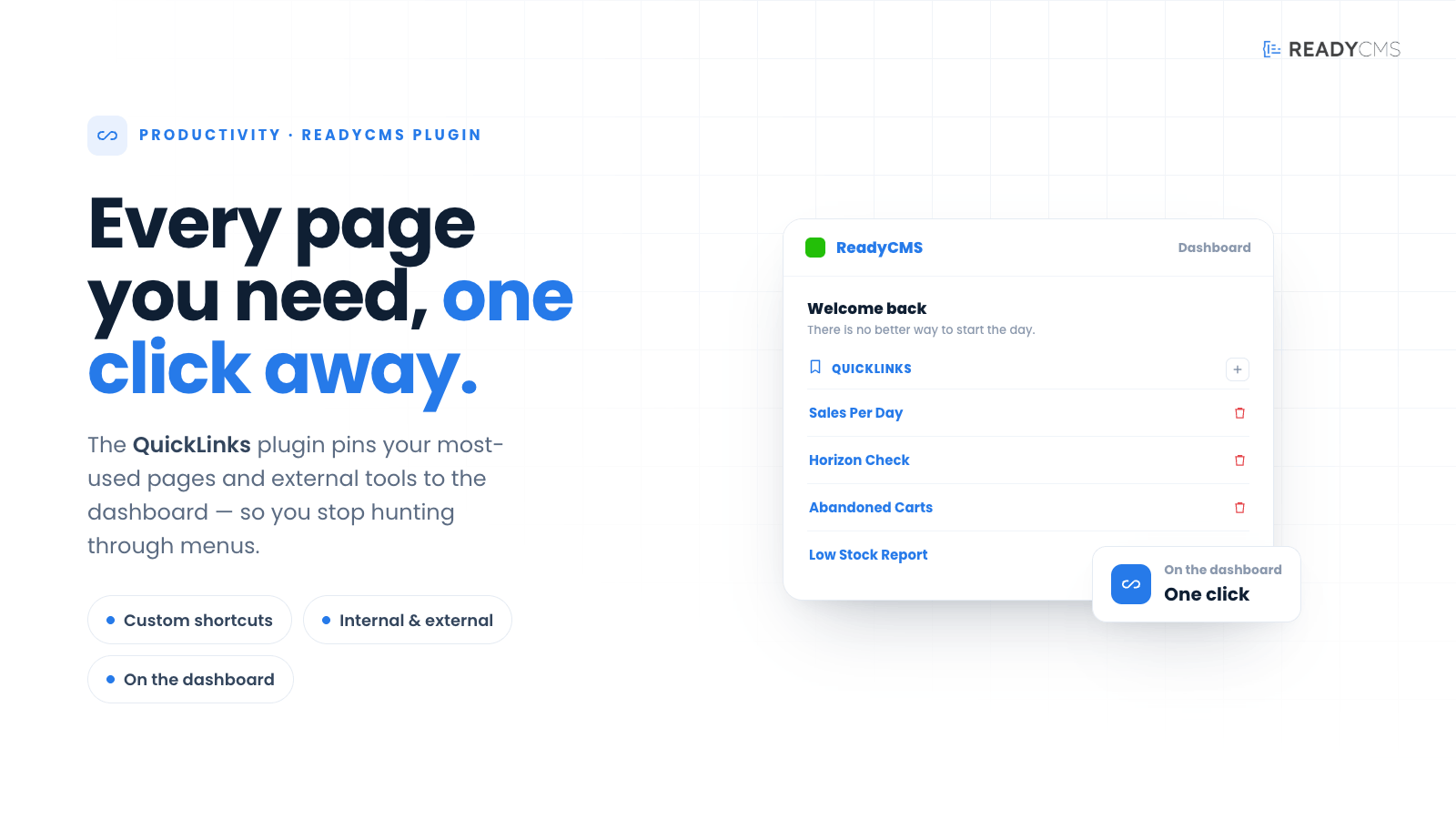
QuickLinks plugin for ReadyCMS enables you to easily bookmark and save shortcuts to frequently visited pages and external URLs, all accessible from your main dashboard. Streamline navigation and boost productivity with personalized shortcuts.
QuickLinks plugin for ReadyCMS: Easy bookmarking and customizable shortcuts to your most visited pages and external URLs
The QuickLinks helps administrators navigate and access their preferred content within ReadyCMS. With this plugin, you can effortlessly bookmark and save shortcuts to the pages you frequently visit, all conveniently visible on your main dashboard.
The QuickLinks plugin provides administrators with a powerful tool to create personalized shortcuts to their favorite content. These bookmarks streamline workflow and enhance productivity within ReadyCMS by providing quick access to important pages.
Key benefits and features
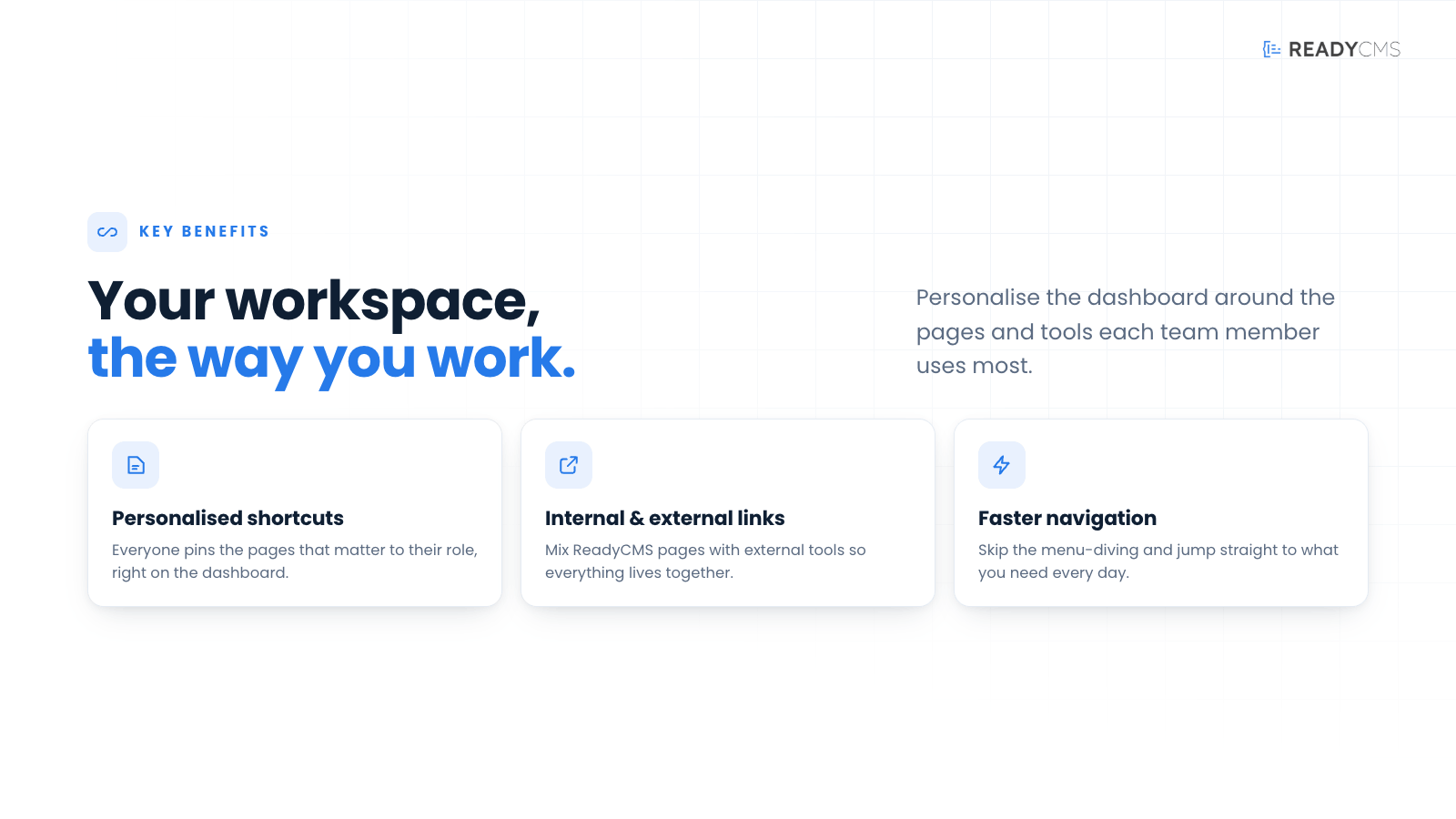
- Bookmark feature: Easily bookmark frequently visited pages within ReadyCMS.
- Customizable workflow: Personalize shortcuts to suit your specific needs and preferences.
- External links: Add shortcuts to external URLs for easy access from your dashboard.
How it works
By utilizing the QuickLinks plugin, administrators can effortlessly create a personalized navigation experience, ensuring their most frequently visited pages are just a click away. No more cumbersome navigation through menus and submenus – your important content is now at your fingertips.
Enhance your workflow by quickly accessing important content without navigating through menus and submenus.
Increase your productivity by saving time by having your most frequently visited pages just a click away.
Customize navigation by creating a personalized navigation experience tailored to your needs.
Guide
- Access the ReadyCMS:
- The QuickLinks plugin is the built-in feature of the ReadyCMS and is always enabled.
- On-page bookmark button:
- You'll find a bookmark button in the top-right corner of every page within the ReadyCMS admin interface.
- Click this button to add the current page as a bookmark, making it easy to revisit later.
- Main dashboard QuickLinks section:
- Your saved links can be found on the main dashboard's Quicklinks section
- External URL shortcut:
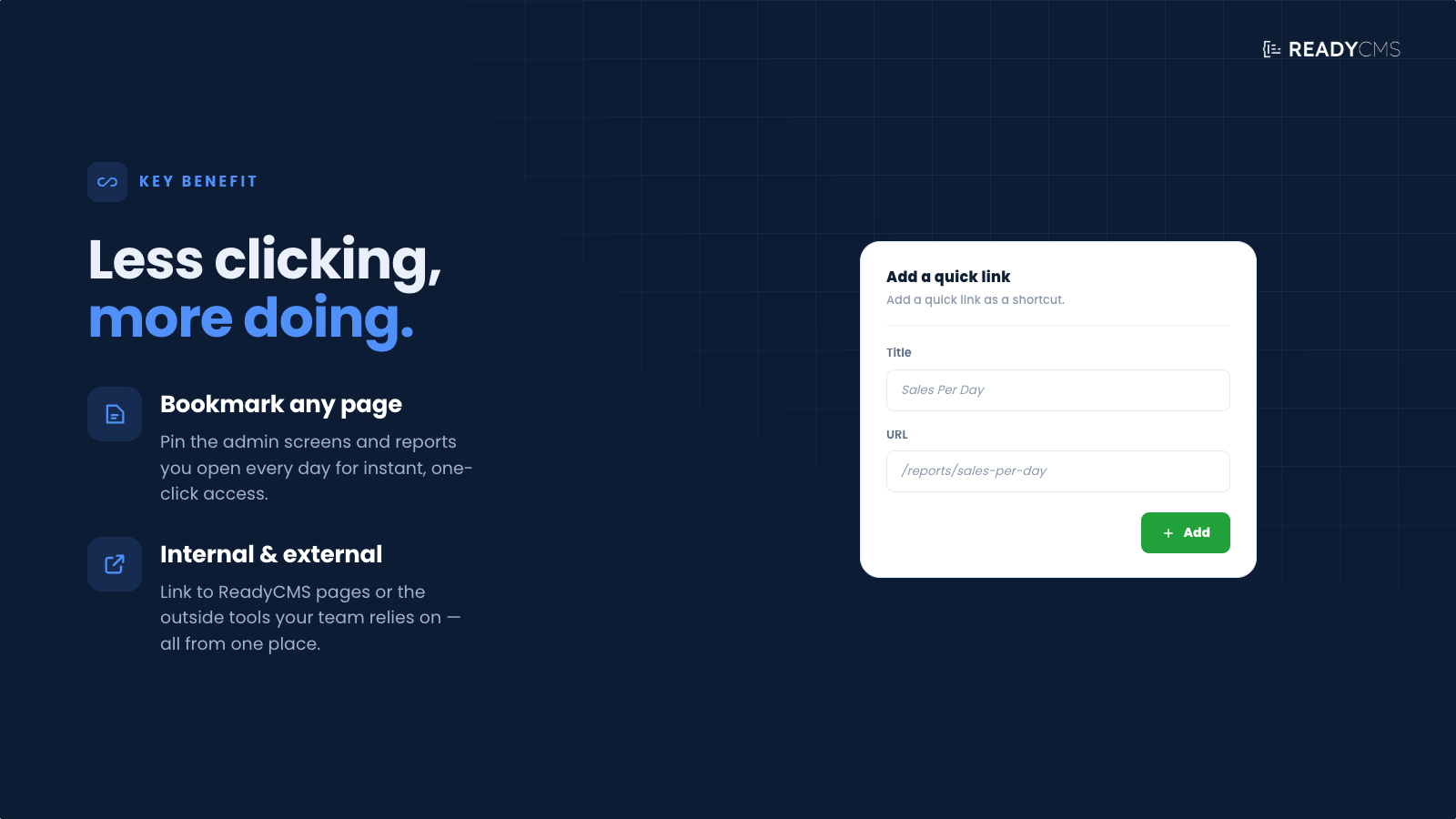
- You can also add shortcuts to external URLs directly from your main dashboard.
- Enter the desired external URL in the required fields, and it will be saved for easy access.
Help
For detailed guidance, refer to the official documentation.
FAQ
Q1: What is the QuickLinks plugin?
A1: The QuickLinks plugin for ReadyCMS allows administrators to create personalized bookmarks and shortcuts to frequently visited pages, streamlining navigation and enhancing productivity.
Q2: How does the plugin work?
A2: The plugin provides a bookmark button on every page in ReadyCMS and allows adding shortcuts to external URLs. These bookmarks and shortcuts are accessible from the main dashboard.
Q3: Can I add shortcuts to external URLs?
A3: Yes, you can add shortcuts to external URLs directly from your main dashboard in ReadyCMS.
Q4: How do I add a bookmark to a page?
A4: Click the bookmark button located in the top-right corner of any page within the ReadyCMS admin interface to add the current page as a bookmark.
Q5: What are the benefits of using the QuickLinks feature?
A5: This feature enhances workflow efficiency by providing quick access to important pages, increasing productivity, and allowing for a customizable navigation experience.
Build more with ReadyCMS
Explore the full plugin marketplace or book a demo to see them in action.