

Multilanguage for ReadyCMS
Create, customize, and manage content in multiple languages seamlessly with the Multilanguage feature. Enjoy efficient translation management, unlimited language support, and tailored content for diverse audiences.
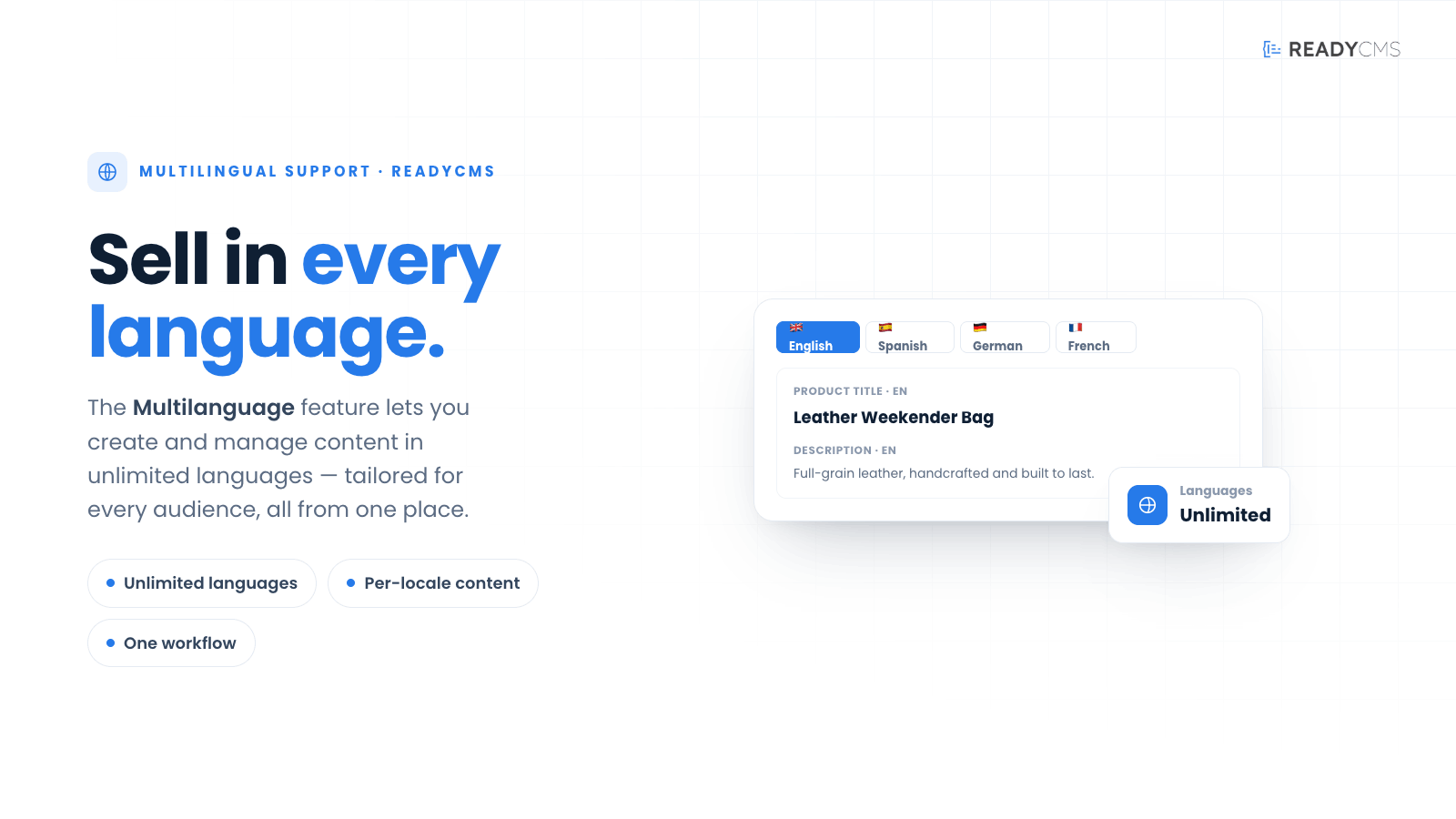
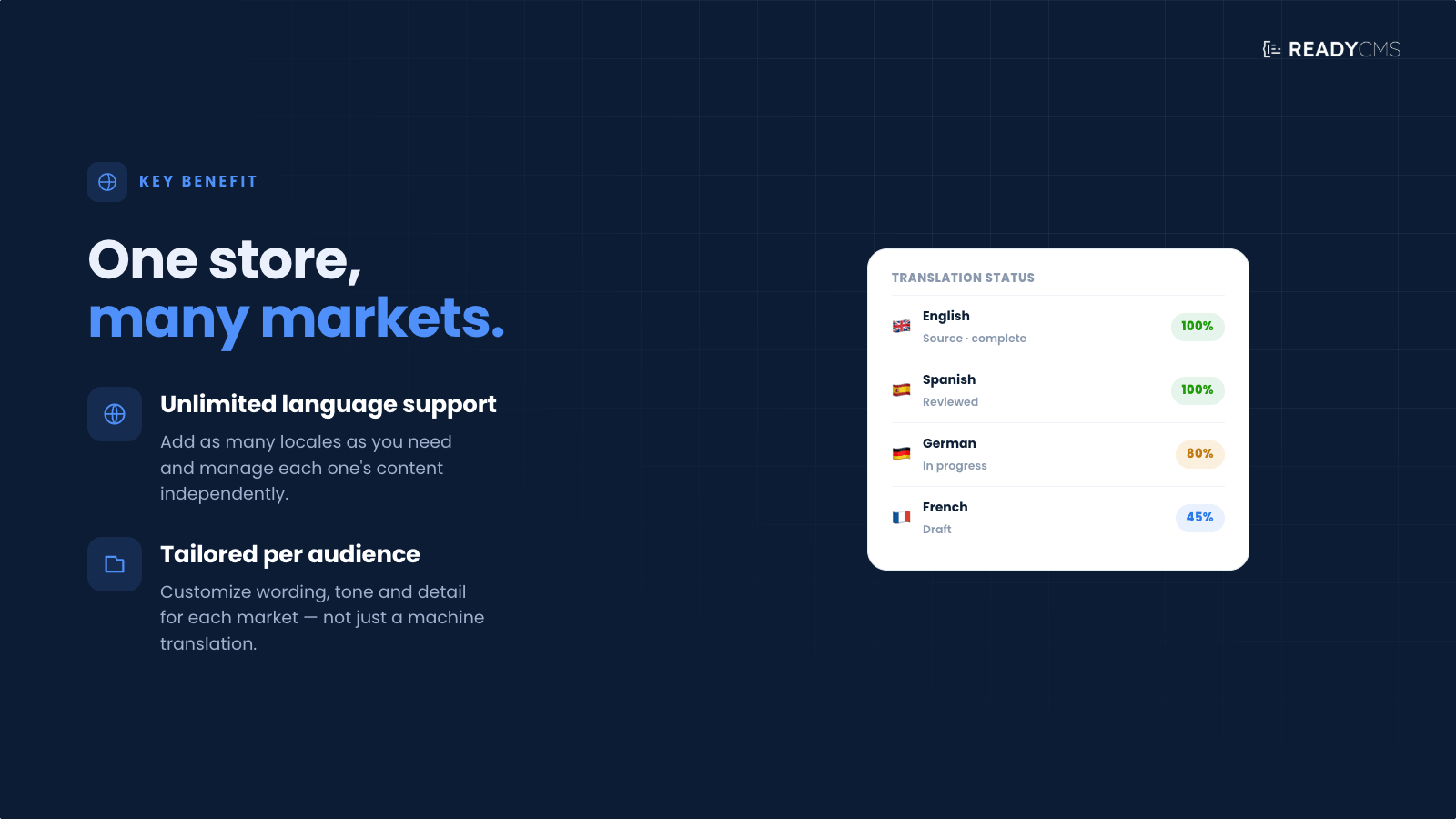
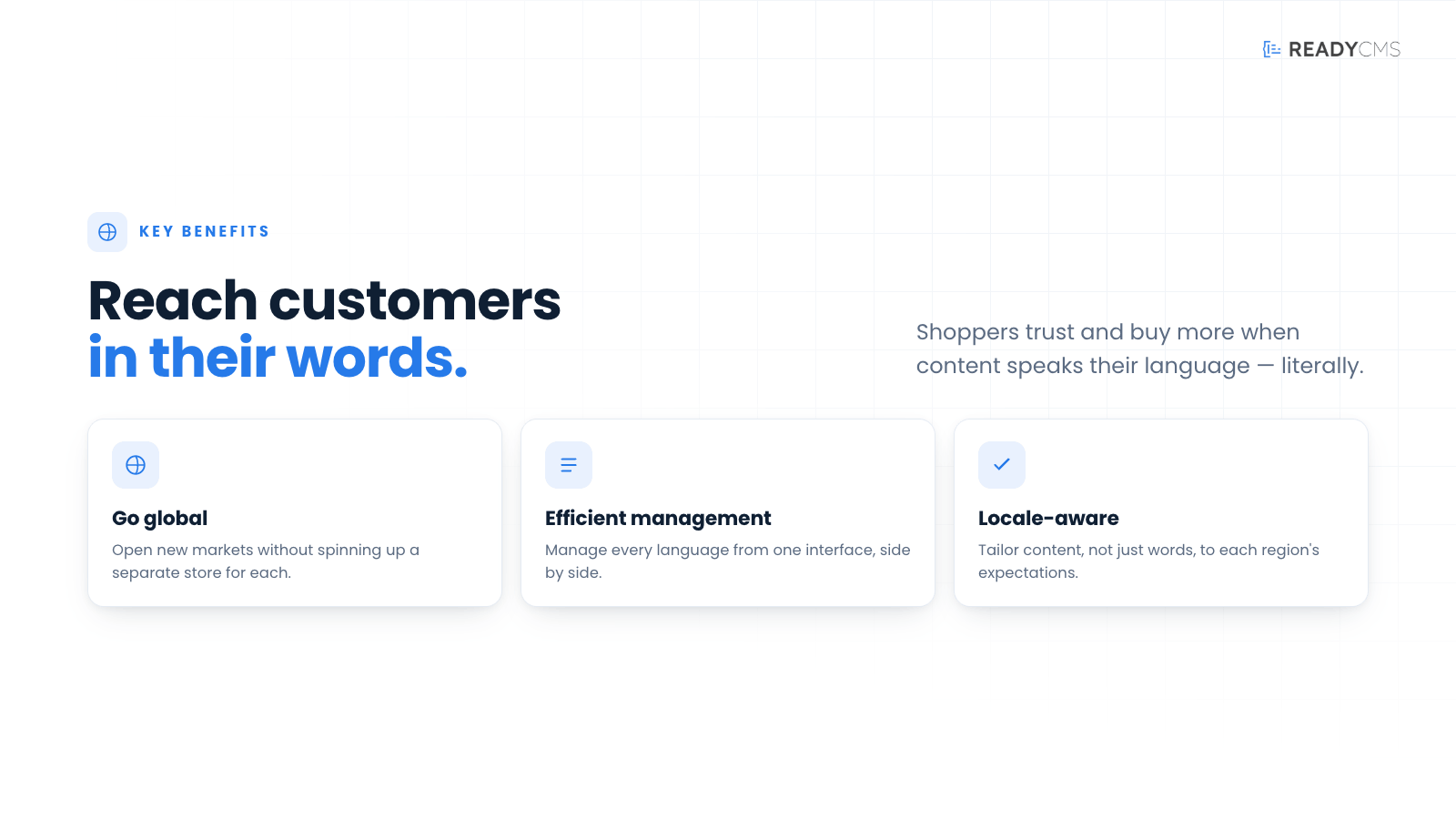
ReadyCMS multilanguage feature: Tailor content for multiple languages
The Multilanguage plugin empowers administrators to create and customize content for different languages, streamlining the translation process within ReadyCMS. This built-in multilanguage functionality provides a comprehensive solution for managing multilingual content.
Key benefits and features
- Language-specific content: Create and customize content for specific languages directly within ReadyCMS.
- Efficient management: Assign content to specific languages, making it easy to manage and organize translations.
- Unlimited languages: Supports an unlimited number of languages, as mentioned in the Pricing section on the site.
How it works
The Multilanguage plugin simplifies the process of sorting content within ReadyCMS. Administrators can create language-specific versions of pages, posts, or other content types directly within the platform. You can effectively manage and organize translations by assigning content to specific languages.
⚠️ Important!
While the Multilanguage plugin doesn't automate the translation process, it provides a streamlined approach for administrators to create and manage content for different languages. Offering control and flexibility allows you to ensure high-quality translations that resonate with your multilingual audience.
Guide
- Access ReadyCMS instance:
- Multilingual functionality is built-in and always active in ReadyCMS.
- Add languages:
-
Go to Settings > Languages and add as many languages as you need.
For example, beside default English, you can add French, German, Swedish, and more if you operate in these countries.
-
- Create language-specific content:
- After adding your preferred languages, anytime you create content, you can choose the language for that content. This will separate the content into different language versions of your site.
Efficiently manage multilingual content within ReadyCMS with our built-in feature and enhance user experience for diverse language groups.
Note
While the number of supported languages is unlimited, administrators must create content separately for each language to maintain accuracy and relevance. Future updates will improve product translation capabilities and allow for different products in different languages.
FAQ
Q1: What is the Multilanguage plugin?
A1: This multilingual feature allows administrators to create and manage content for specific languages within ReadyCMS, ensuring accurate and culturally relevant translations.
Q2: How do I create language-specific content with the Multilanguage plugin?
A2: ReadyCMS includes built-in multilingual functionality. To create language-specific content, go to the Language settings and add the languages you need. When creating new content, simply select the appropriate language for each piece of content to ensure it is correctly categorized and displayed.
Q3: Does the Multilanguage plugin automate the translation process?
A3: No, the plugin does not automate translations. Content must be manually created and customized for each language.
Q4: How does the Multilanguage plugin help with translation management?
A4: It allows administrators to assign content to specific languages, making it easy to organize and manage translations within ReadyCMS.
Q5: Can I use the Multilanguage plugin for any type of content in ReadyCMS?
A5: Yes, the plugin supports creating and managing language-specific versions of pages, posts, and other content types.
Q6: How do I get started with the Multilanguage plugin?
A6: Simply access the plugin settings in ReadyCMS, select the languages you want to support, and begin creating language-specific content.
Q8: Do I have to create content twice if my website supports two languages?
A8: Yes, content must be created separately for each language to ensure accuracy and relevance. However, you have the option to select "All languages" when creating content, which will create multiple content pages with different languages selected. Please note that while this duplicates the pages, the content itself will not be translated and will need to be manually customized for each language.
Q9: Are there any limitations for products and e-commerce?
A9: Currently, payment options cannot be separated by language, but we are working on improving this functionality. Future updates will allow easier product translations and the ability to add different products for different languages.
Build more with ReadyCMS
Explore the full plugin marketplace or book a demo to see them in action.