

Easy Translate Content
Translate ReadyCMS content fields directly from the Admin, with preview, formatting support, and optional custom instructions.
Easy translate content plugin for ReadyCMS
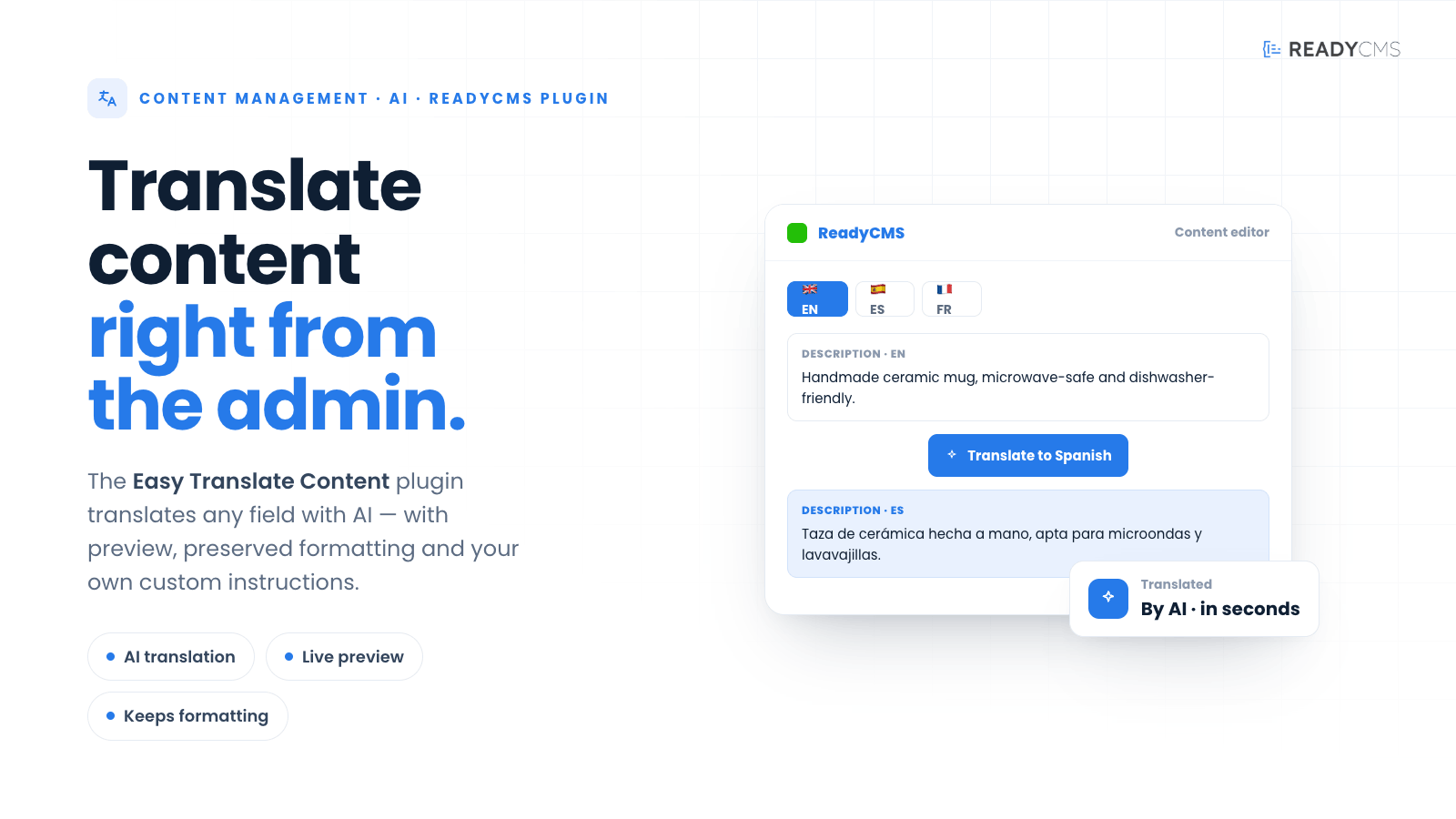
Easy translate content helps ReadyCMS editors translate content faster, directly from the field they are working on.
Instead of copying text into external translation tools, editors can choose a target language, preview the translated version, and apply it when ready. The plugin applies to key content areas, including custom content, products, manufacturers, tags, and categories.
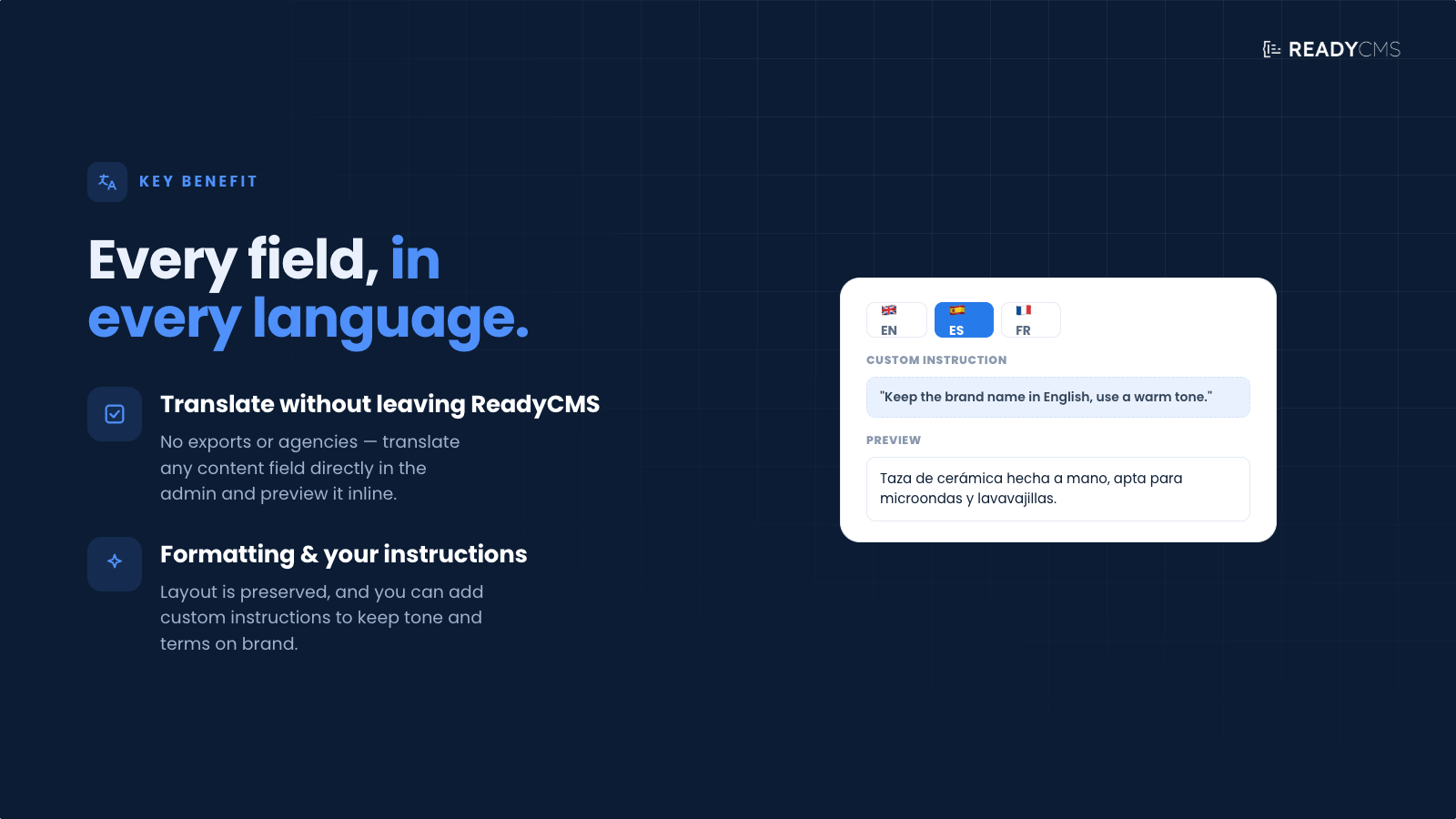
It also supports WYSIWYG fields, helping preserve HTML formatting while translating the actual content. For more controlled results, editors can add custom instructions, such as preferred tone, terminology, brand wording, or localization rules.
This plugin requires the ReadyCMS AI plugin to be active.
Key benefits
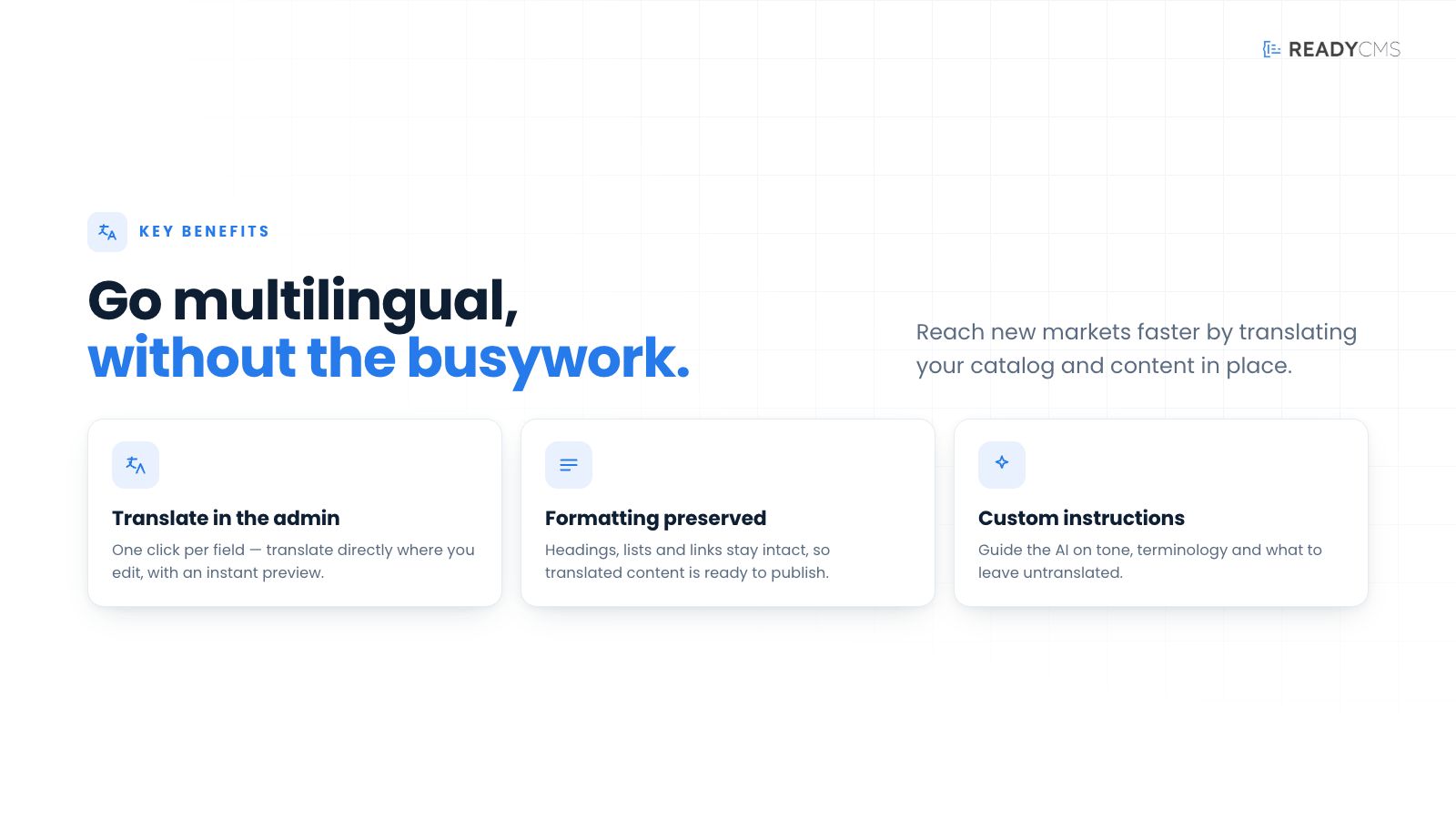
- Translate directly inside ReadyCMS
Editors can translate content without leaving the Admin panel, making daily localization work faster and easier. - Preview before applying
Translations can be reviewed before replacing the original field value, helping teams keep control over quality and accuracy. - Works across key content areas
Easy Translate Content is available for Custom content, Products, Manufacturers, and their related Tags and Categories. - Preserves WYSIWYG formatting
The plugin supports HTML/WYSIWYG fields and helps preserve existing formatting during translation. - Add custom translation instructions
Editors can guide the AI with specific tone, terminology, brand language, or localization preferences. - Built for editorial workflows
The plugin is designed for field-level work, making it useful for multilingual content updates, product catalog translation, and localized marketing content.
How it works
The Easy translate content plugin is an AI-powered field-level translation for editors.
Guide
- Make sure ReadyCMS AI is active
Easy translate content requires the ReadyCMS AI plugin to be enabled before translation features can be used. - Activate Easy translate content
Find the plugin on the plugin page and activate it. - Open a supported content area
Go to Custom content, Products, Manufacturers, Tags, or Categories. - Find the field you want to translate
The plugin adds a Translate helper directly on supported fields. - Choose the target language
Select the language you want to translate the field into. - Add custom instructions, if needed
You can provide additional instructions, such as tone of voice, terminology, formal or informal language, or words that should remain unchanged. - Preview the translation
Review the translated result before making any changes to the field. - Apply the translation
Once the preview looks good, apply it to replace the original field content. - Save the content
After applying the translation, save the page, product, manufacturer, tag, or category as usual.
FAQ
Q1: Does Easy Translate Content require ReadyCMS AI?
A1: Yes. Easy Translate Content requires the ReadyCMS AI plugin to be active.
Q2: Where can I use the Translate helper?
A2: The Translate helper is available on supported fields inside Custom content, Products, Manufacturers, and their Tags and Categories.
Q3: Does it automatically translate the whole page?
A3: No. Easy Translate Content works at the field level. This gives editors more control because they can choose exactly which field to translate, preview the result, and apply it manually.
Q4: Can I preview the translation before saving?
A4: Yes. The plugin lets you preview the translated version before applying it to the field.
Q5: Does it preserve formatting in rich text fields?
A5: Yes. The plugin supports WYSIWYG fields and helps preserve HTML formatting while translating the content.
Q6: Can I control the tone of the translation?
A6: Yes. You can add custom instructions, such as preferred tone, brand terminology, formal or informal style, or localization rules.
Q7: Will the translation replace the original content?
A7: Yes. When you apply the translation, it replaces the original value in that field. You should review the preview before applying.
Q8: Is this useful for product translation?
A8: Yes. It is especially useful for product names, descriptions, category text, manufacturer content, and other catalog-related fields.
Build more with ReadyCMS
Explore the full plugin marketplace or book a demo to see them in action.