

Custom fields for ReadyCMS
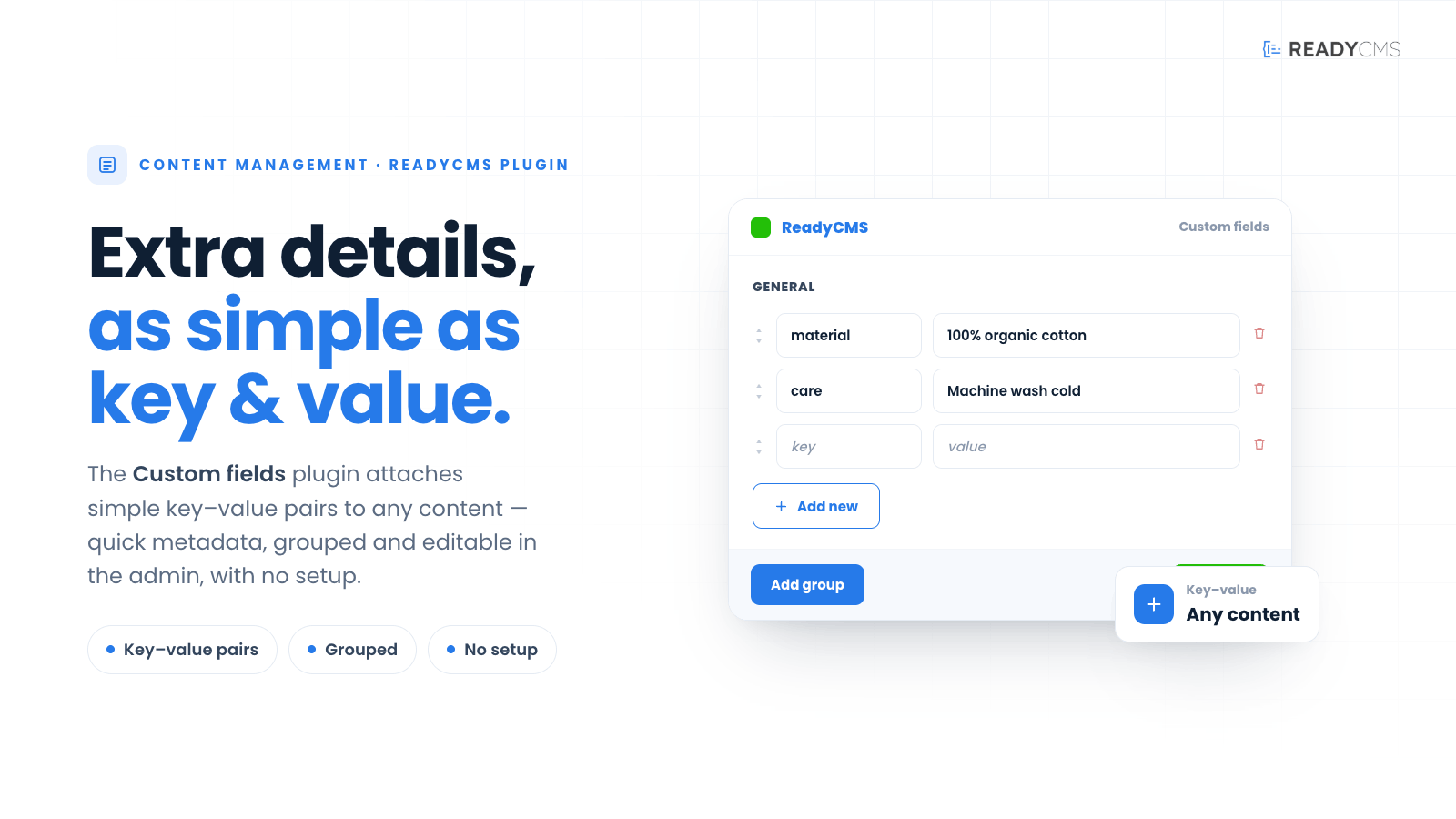
Enhance your content management with Custom Fields, enabling you to create additional fields and field groups for tailored content control in ReadyCMS and over API.
Custom fields in ReadyCMS: Tailored content control with easy field group creation
With Custom fields, you can go beyond the default fields of your CMS, offering the flexibility to create custom fields and field groups that cater to your specific needs. This powerful plugin ensures complete control over additional content elements, allowing you to capture and display information in a way that best suits your requirements.
Key benefits and features
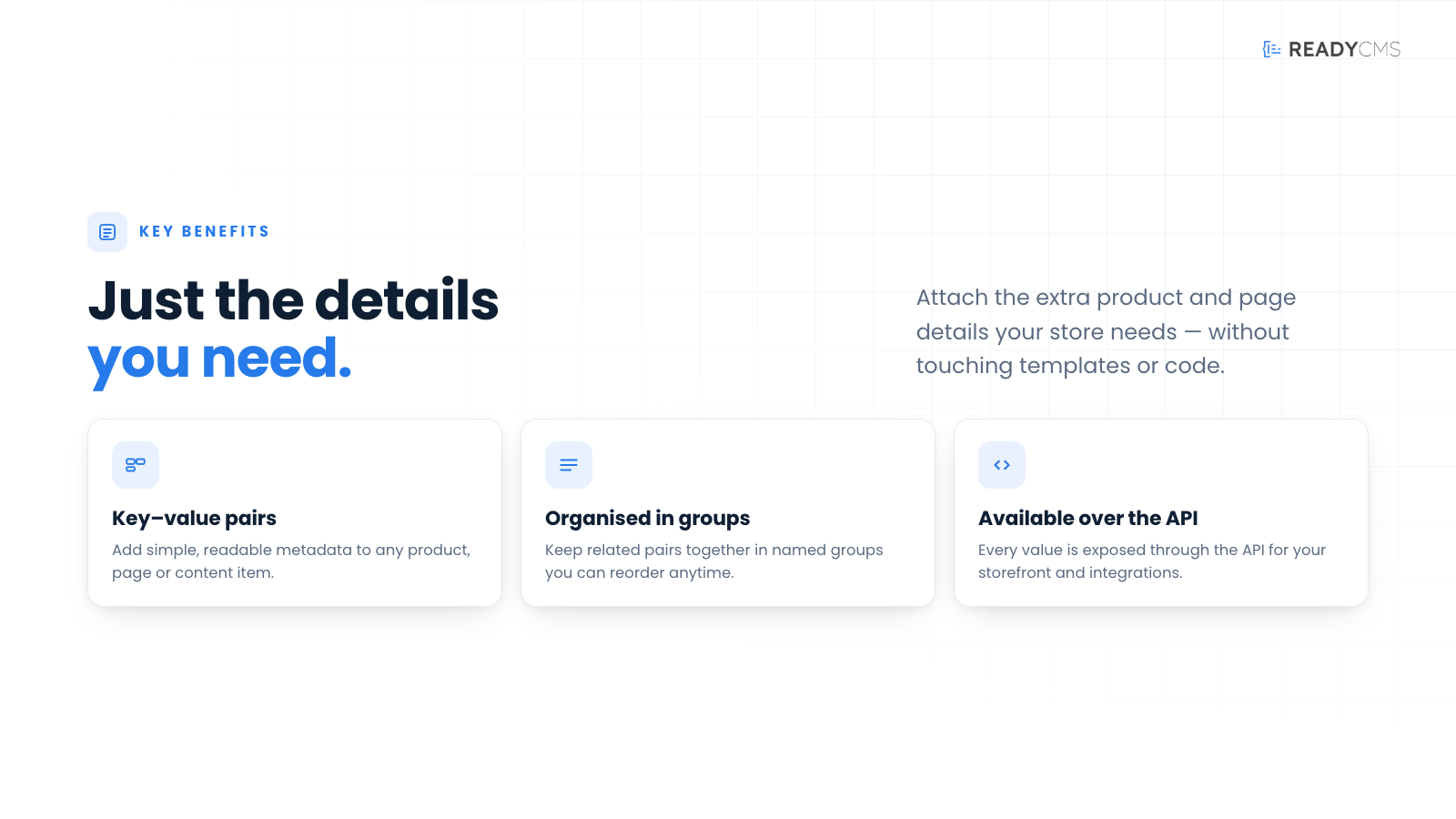
- Enhanced flexibility: Create custom fields and field groups to capture specific data tailored to your project needs.
- User-friendly interface: Easily define and manage new fields directly within your CMS interface.
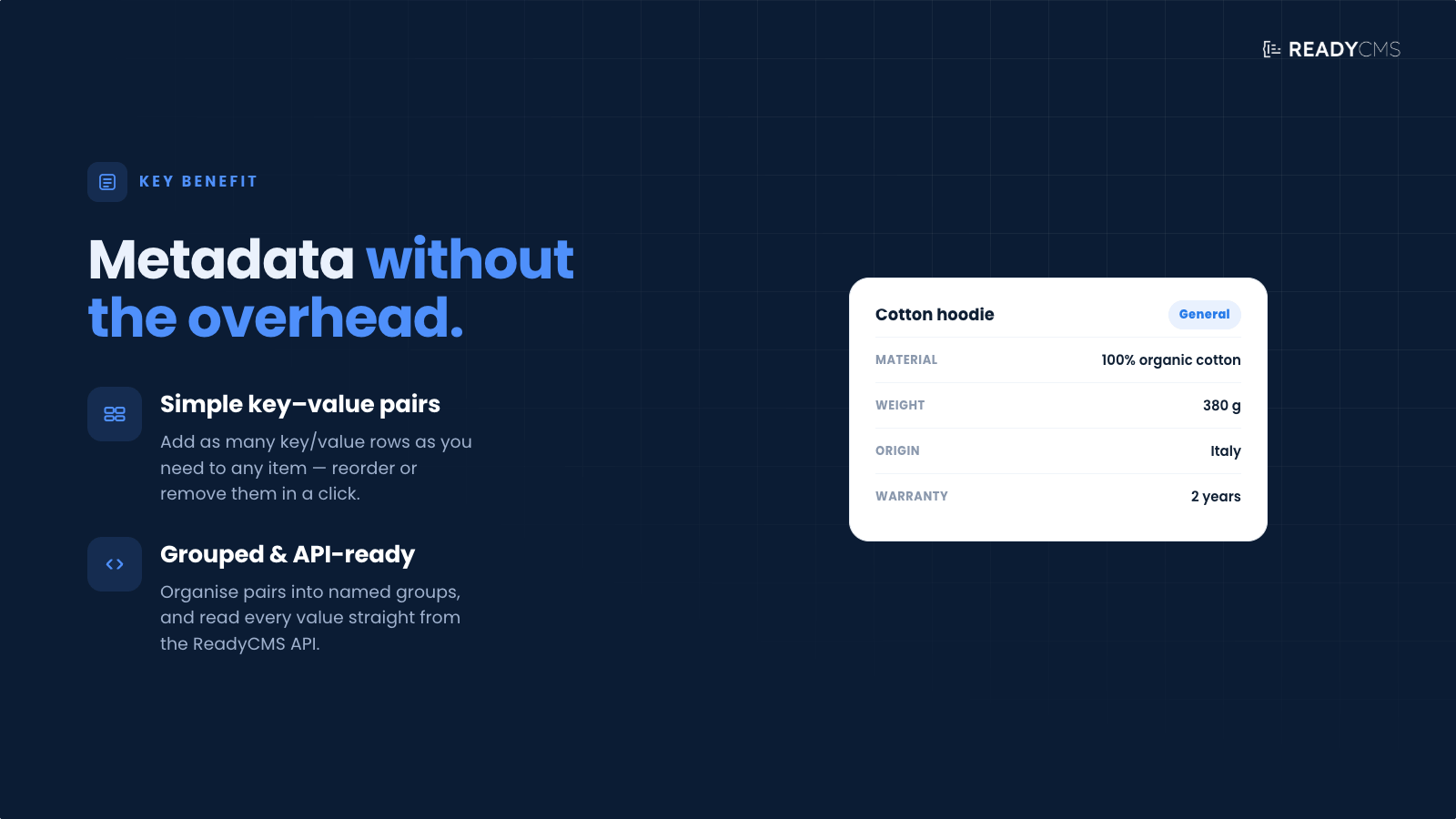
- Structured data storage: Use key-value pairs to store and retrieve data based on your custom-defined structure.
- Extended CMS functionality: Tailor your CMS to meet unique demands, capturing extra metadata and defining unique data structures.
- Improved content management: Streamline the content creation process with additional fields for better organization and control.
How it works
Using the Custom fields, you can ensure your content management system is tailored to your specific needs, providing enhanced control and flexibility over your content.
Benefits of Custom fields:
-
Tailored content management: Create fields that capture specific data relevant to your project, improving organization and retrieval of information.
Custom fields allow you to tailor your CMS to your project's unique needs. By creating fields that capture specific data, you can improve the organization and retrieval of information, ensuring your content is managed efficiently and effectively.
-
Enhanced data structure: Define unique data structures that go beyond the standard CMS fields, providing more detailed and organized content.
With custom fields, you can define unique data structures that enhance the standard CMS capabilities. This allows for more detailed and organized content, making it easier to manage and utilize your data.
Guide
- Access your ReadyCMS instance:
- The Custom fields plugin is pre-installed and activated in your ReadyCMS.
- Define new fields:
-
Navigate to the custom fields section of your project's custom content.
-
Define new fields and field groups according to your project needs.
You can create fields such as "color," "size," or any other specific data points relevant to your content.
-
- Assign values:
-
Assign values to your custom fields as you create or edit content.
For example, you might create a field named "color" and assign the value "Blue" to it.
-
- Manage fields:
-
Use the CMS interface to manage and organize your custom fields.
You can easily modify, remove, or reassign fields as your project requirements change.
-
- Leverage custom fields:
- Utilize the custom fields to enhance your content management, improve SEO, and provide more detailed information to your audience.
Help
For detailed guidance, refer to our official documentation.
FAQ
Q1: What is the Custom fields plugin?
A1: The Custom fields functionality for ReadyCMS allows you to create and manage additional fields and field groups, providing greater control over your content management.
Q2: How does the plugin work?
A2: Custom fields is a built-in feature in ReadyCMS. You can define new fields and field groups within the CMS interface. These fields are used as key-value pairs to store and retrieve data according to your custom-defined structure.
Q3: Why do I need custom fields?
A3: Custom fields allow you to capture and display specific information that goes beyond the standard CMS fields. They are essential for projects requiring unique data structures and enhanced content management.
Q4: Is it difficult to set up custom fields?
A4: No, the plugin is user-friendly. You can easily define and manage new fields directly within your CMS interface without needing technical expertise.
You can find the Custom fields feature within every content page on the Custom fields tab.
Q5: Can I remove or modify custom fields later?
A5: You can easily remove or modify custom fields and field groups within the CMS interface, allowing you to adapt to changing project requirements.
Build more with ReadyCMS
Explore the full plugin marketplace or book a demo to see them in action.