
Bulk image compression
We need more space, right? We need better loading speed, right? About 75% of all website visitors are usually mobile users and for those reason only ReadyCMS is not equipped with the bulk image compression feature.
This feature is only available for ReadyCMS Cloud Media. Don't worry, we are working on the FTP Media version as well.
How to use bulk image compression?
Under the Media menu, if you are using Cloud Media storage, you can find new link called Compress Images.
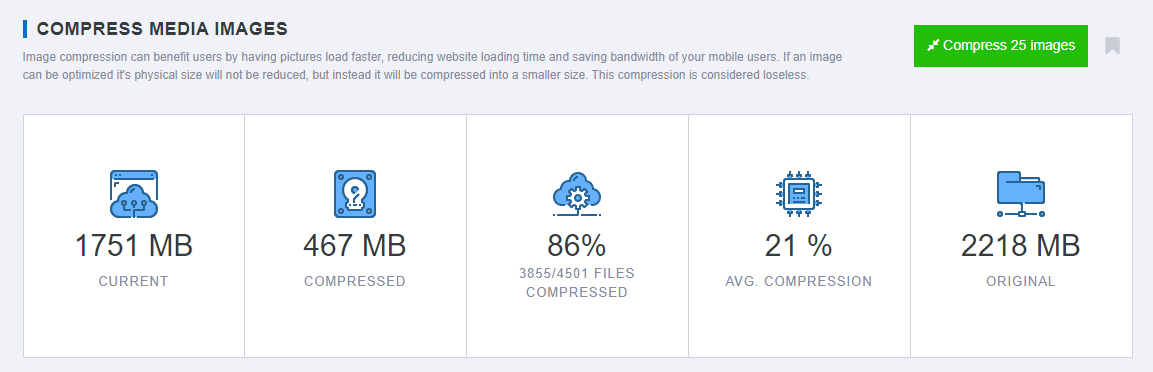
On that page, you can find the stats regarding your storage like: number of files, compression rate and number of uncompressed files.
Simply clicking on the "Compress 25 images" button, bulk compression job will start. You will be able to track the progress down and start the action again after it's finished.
If your file names turned green, the compression was successful. If they turn red, compression was not possible.
Both successfully compressed and unsuccessful compression files will not appear on the list again.
Also note that the files will be ordered from bigger to smallest sizes, to achieve better compression faster.