
If you've ever sold out of a product and forgot to mark it as unavailable (or worse, sold twice), you know how fast inventory chaos can spiral. One small mistake can lead to a frustrated customer, a broken process, and hours of cleanup.
Inventory management problems are particularly common when your store is expanding or when you're managing multiple sales channels and physical locations.
That's exactly why we built an upgraded stock management system into ReadyCMS.
Common causes of inventory chaos
Let's break down why things go wrong in the first place:
-
Manual stock updates
Relying on spreadsheets or memory to update stock levels is a recipe for mistakes. -
No visibility across locations
If you manage multiple warehouses or stores, it's hard to get a clear picture of what's in stock and where. -
Lack of alerts or thresholds
The stock can run out without automatic notifications before you even realize it. -
No change history
When something goes wrong, you often don't know who changed what, when, or why.
How readyCMS fixes it
We designed our stock management plugin to solve these pain points exactly.
1. Real-time stock updates
Whenever an order is placed, ReadyCMS automatically adjusts the stock, eliminating the need for manual updates.
2. Multi-location support
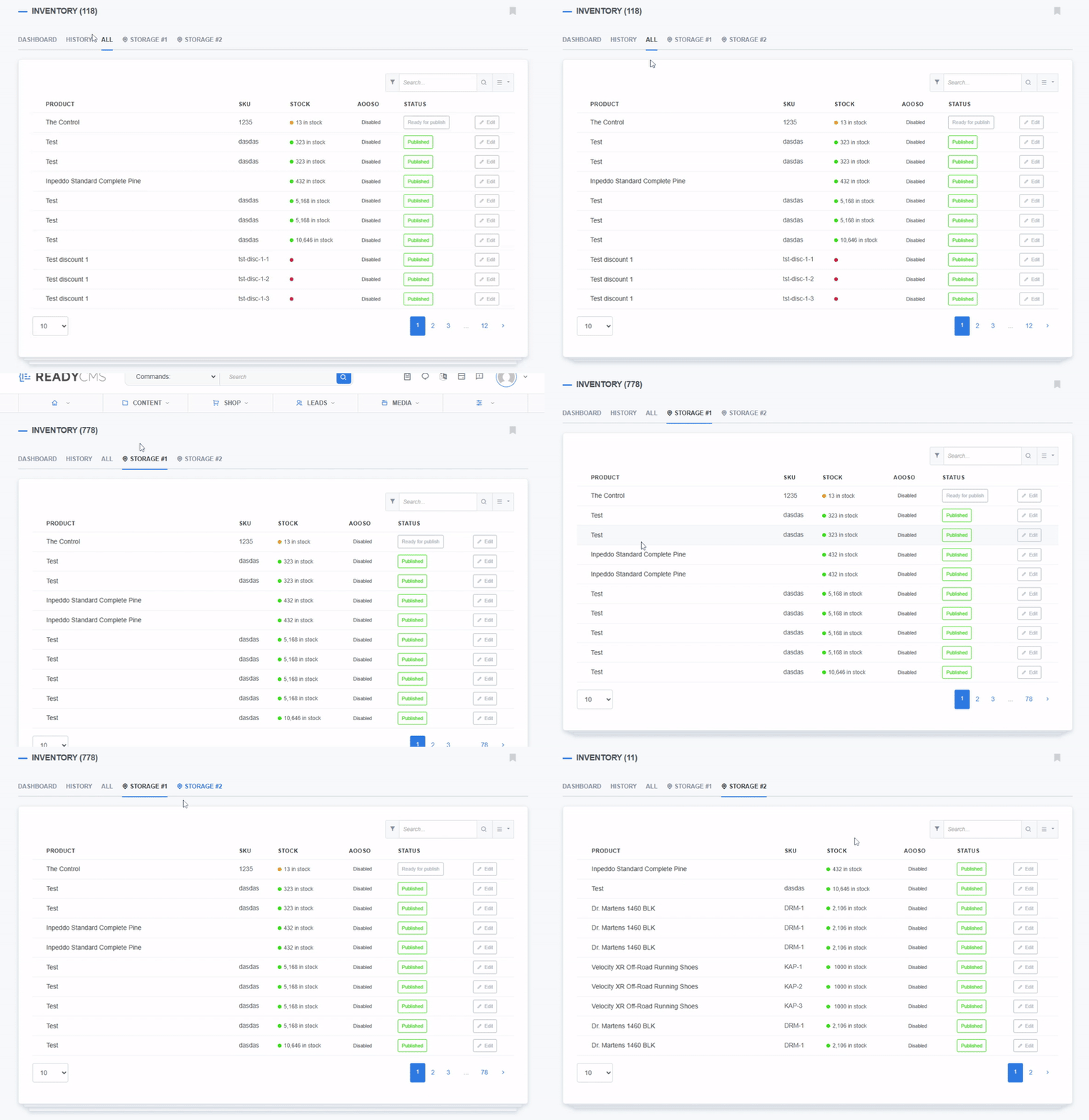
You can define multiple store locations and manage stock separately for each location. Each location has its own tab, as well as a global view that allows you to see everything at once.
3. Low-stock alerts and granular rules
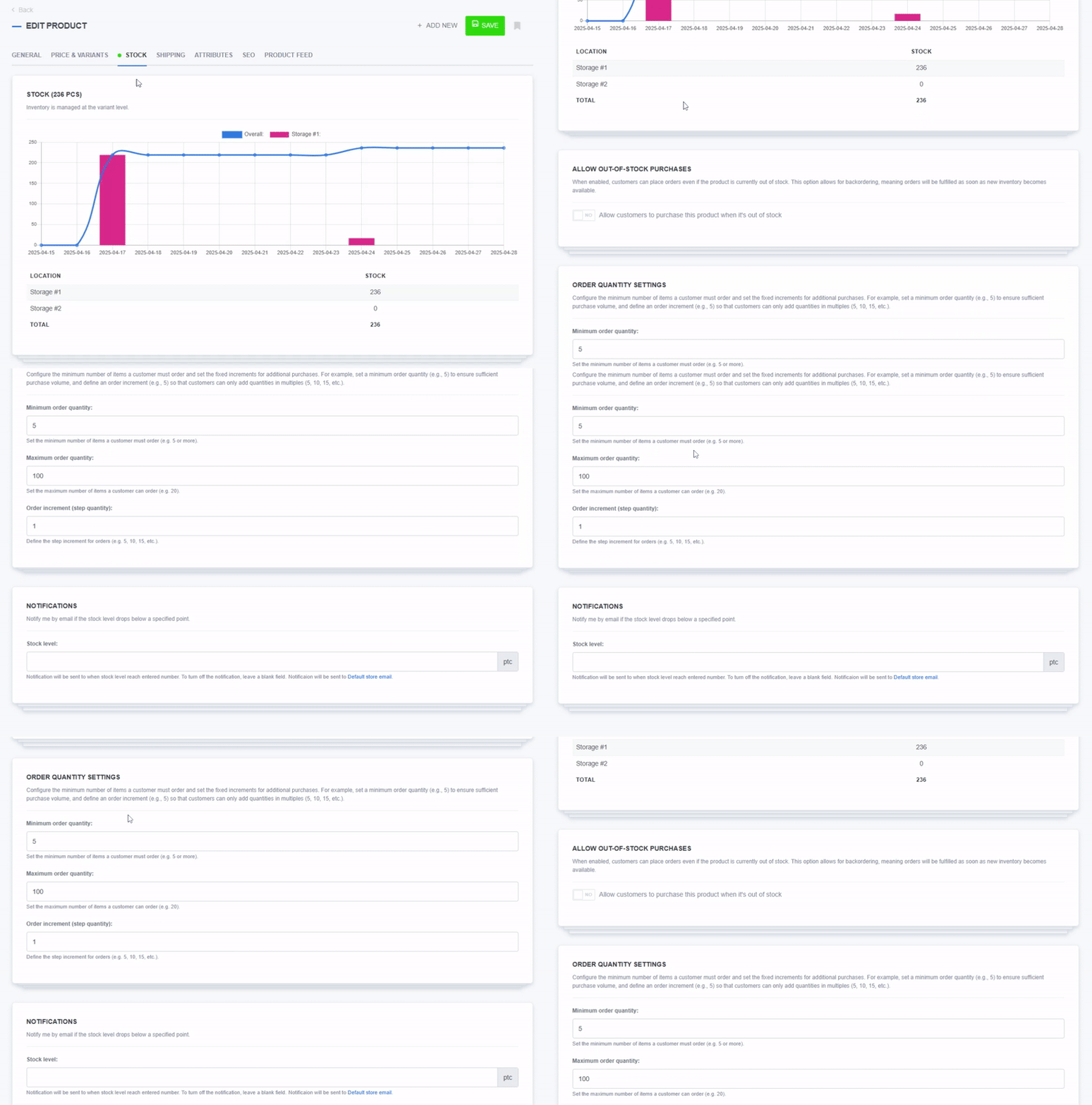
Set alerts, reorder points, and special rules per product, location, or variant. No more surprises.
4. Stock history logs
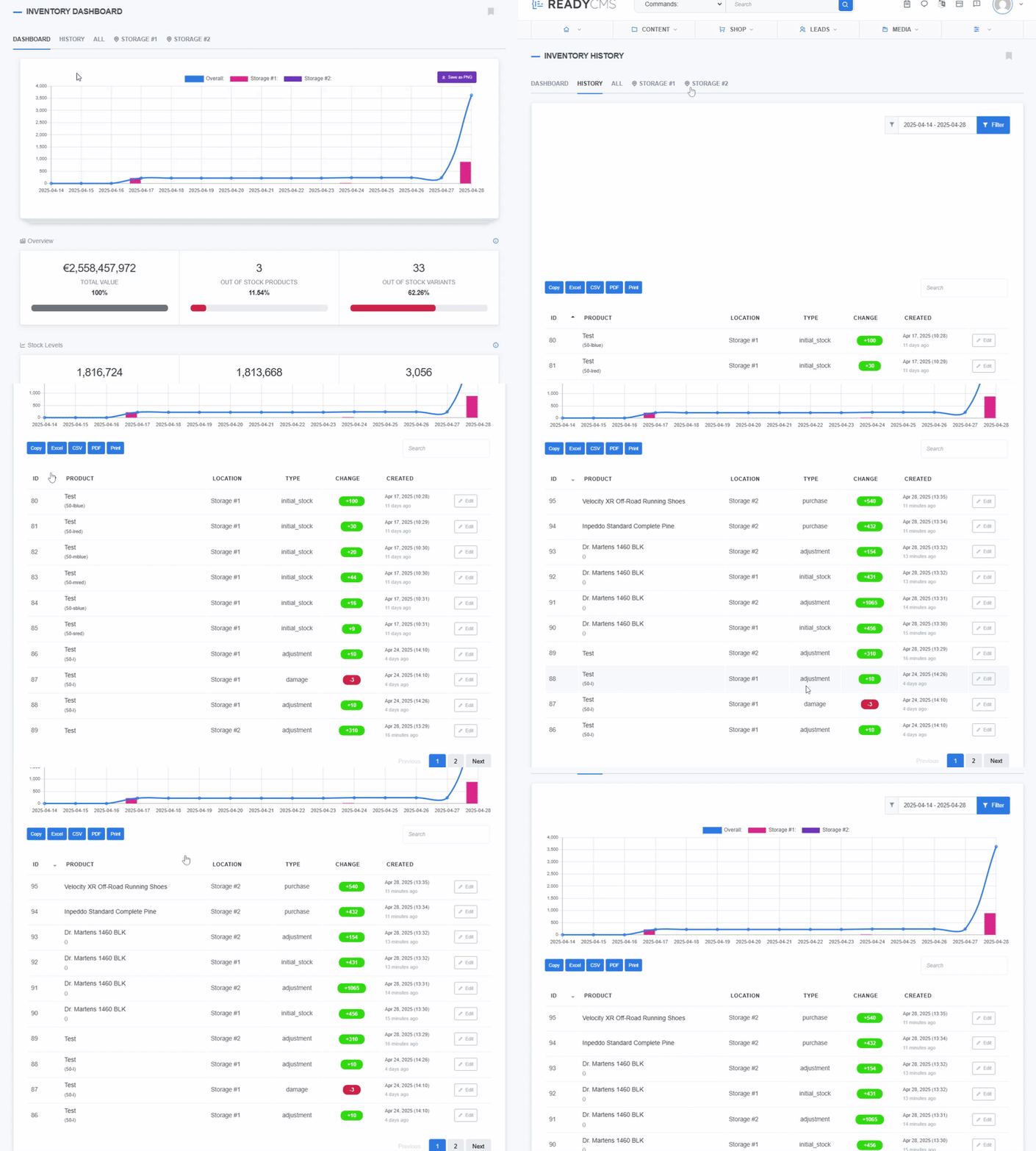
See a complete history of stock changes. If something doesn't look right, you can track down what happened and when.
Real-world example 📌
Imagine you have three physical stores and an online shop. Someone buys the last unit of a product from store #2, but your website doesn't know that, and someone else places an online order. Now you're in trouble.
With ReadyCMS, the system updates stock once the in-store sale is registered (via an integration or manual update). The online store immediately reflects the correct inventory, preventing the double sale.
Restocking control
Inventory chaos isn't inevitable. It's just a sign that the system needs to evolve.
ReadyCMS makes that evolution easy. Our stock management plugin provides a clear view, precise control, and peace of mind, regardless of the size of your operation.
Stay tuned for part 2 of this series, where we will explore how the feature actually works.
Play the audio version of this article: